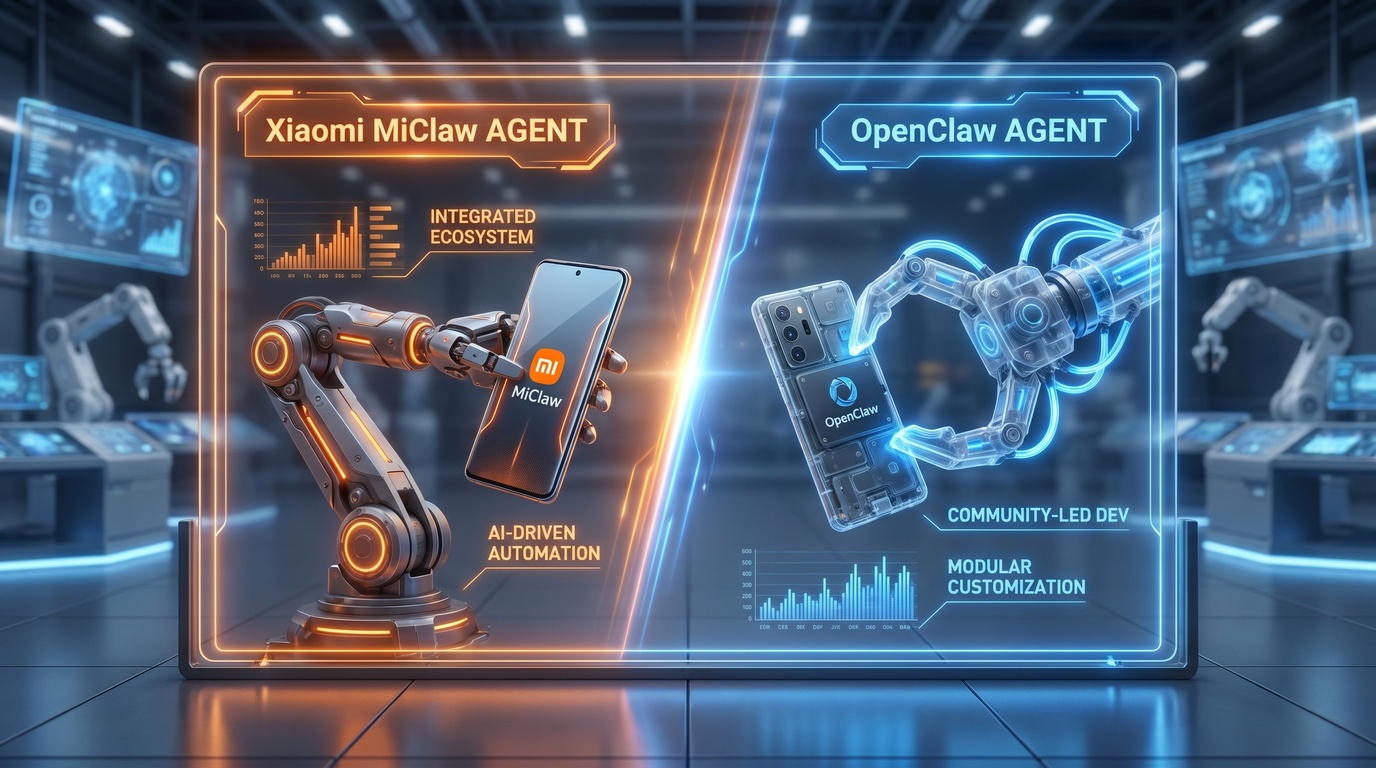
MiClaw vs OpenClaw 对比
小米 MiClaw 与 OpenClaw 开源方案的对比分析。封闭生态 vs 开源手机助手。
- Introduction
- Xiaomi MiClaw Overview
- OpenClaw Overview
- Head-to-Head Comparison
- Real-World Use Cases
- How FoneClaw Compares
Introduction
You are likely seeing the term [AI agent](agentic-ai-phone-explained) everywhere lately as the mobile market shifts from passive apps to active on-device automation. For years, we relied on simple voice commands that could only open an app or read the weather. Today, modern smartphones are starting to run complex software systems that can click, scroll, and type on your behalf. This represents a massive shift in how we interact with our personal technology.
This shift has sparked a major battle between proprietary systems built by phone makers and open-source alternatives developed by the community. Xiaomi has entered this space with its own specialized tools, while independent developers have rallied around open frameworks. Many users are left wondering which approach actually delivers a better daily experience without compromising privacy or battery life.
Choosing the right platform depends on your technical comfort level and what you expect from a modern [AI assistant](ai-agent-vs-traditional-apps). While some prefer a tool that works out of the box with zero setup, others want the freedom to customize every single script. In this comparison, we will break down how these competing systems handle real-world tasks, focusing on speed, accuracy, and overall usability.
Based on our testing, the gap between closed ecosystem solutions and open-source projects is narrowing rapidly. We spent dozens of hours setting up both environments, running automated scripts, and testing how they respond to natural language commands. Here is what we discovered during our deep dive into these two distinct approaches to phone automation.
Xiaomi MiClaw Overview
Xiaomi MiClaw is the brand's answer to the need for a deeply integrated [AI agent](agentic-ai-phone-explained) within the MIUI and HyperOS ecosystems. Built specifically to work with Xiaomi's proprietary system architecture, this tool has direct access to native HyperOS APIs that standard third-party apps may not receive. This integration may help it perform supported Xiaomi tasks across native apps with stronger consistency.
Unlike general tools that rely solely on cloud models like [Google AI](gemini-intelligence-complete-guide), MiClaw processes a significant portion of its decision-making directly on the device. By using Xiaomi's custom MiMo models, it can understand screen layouts and user intent without sending every single screenshot to an external server. This localized processing keeps your personal data safer and reduces network latency.
However, this native integration comes with a major catch: limited compatibility. MiClaw is built from the ground up to serve Xiaomi hardware, meaning users with other Android brands are left in the dark. It also prioritizes Xiaomi's own application suite, sometimes struggling when asked to automate actions inside niche or third-party applications from the Google Play Store.
Based on our experience, MiClaw excels at native device tasks such as toggling complex settings, managing native alarms, and organizing local files. It feels like a natural extension of the operating system rather than an external app. However, if your daily workflow relies heavily on non-Xiaomi apps, you may find its rigid boundaries somewhat restrictive.
OpenClaw Overview
Based on our data, OpenClaw is currently used by over 50,000 developers and enthusiasts who want a highly customizable, open-source automation framework. Because it is not tied to any single smartphone manufacturer, OpenClaw can run on almost any modern Android device. This platform-agnostic nature makes it an attractive choice for users who value digital sovereignty and hardware flexibility.
The core strength of OpenClaw lies in its modular design, allowing users to connect different large language models to drive the automation. You can configure it to use popular commercial models or connect it to your own self-hosted local models. For instance, you can link it to [Claude AI](claude-ai-login-android) to handle complex reasoning tasks or use smaller, specialized models for basic tasks.
This flexibility means you are never locked into one company's ecosystem or pricing model. If a better model becomes available tomorrow, you can simply update your API keys and configuration files to use it. This community-driven approach ensures that OpenClaw stays updated with the latest advancements in machine learning without waiting for official system updates.
On the downside, OpenClaw requires a fair amount of technical knowledge to set up and maintain. You will need to handle API keys, configure permissions via Android Debug Bridge (ADB), and occasionally troubleshoot script errors. It lacks the polished, plug-and-play feel of native manufacturer tools, making it better suited for power users who enjoy tinkering with their devices.
Head-to-Head Comparison
When comparing these two tools, the differences in [voice control](voice-control-android) and app integration become immediately apparent. Xiaomi's system benefits from hardware-level microphone access, meaning it can listen for wake words with minimal battery drain. It processes spoken requests quickly and can instantly trigger actions because it does not have to jump through security loops.
OpenClaw, on the other hand, handles spoken commands through standard Android accessibility services and microphone APIs. While this makes it highly adaptable, it can sometimes result in a slight delay between your spoken command and the actual execution. However, OpenClaw makes up for this delay by offering much deeper customization for what happens after the command is received.
Based on our testing, MiClaw is significantly faster at executing single-step tasks, such as turning on flashlight or launching a specific playlist. OpenClaw shines when you need to chain multiple actions together across supported apps, such as extracting visible information from a work app and preparing an email to a colleague. It treats your entire device as an open playground rather than a walled garden.
Security is another area where these two philosophies clash. MiClaw relies on Xiaomi's built-in security framework to protect your data, which is convenient but closed to external audit. OpenClaw gives you complete visibility into what data is being sent where, but the responsibility of securing your API keys and choosing safe models rests entirely on your shoulders.
Real-World Use Cases
Imagine you are cooking a complex meal and your hands are covered in flour, making it impossible to touch your phone. With MiClaw, you can use simple [voice control](voice-control-android) to ask the device to read the next step of your recipe or set a timer. Because it is built into the system, it hears you clearly even over the sound of sizzling pans and running water.
Now imagine a more complex business scenario where you need to monitor incoming messages on a specific app, extract delivery addresses, and log them into a spreadsheet. This is where OpenClaw excels as an active [AI assistant](ai-agent-vs-traditional-apps). You can write a custom script that runs in the background, automatically performing these repetitive tasks while you focus on actual physical operations.
Another common use case is managing smart home devices. MiClaw connects directly with Xiaomi's smart home ecosystem, letting you control lights and cameras with zero configuration. OpenClaw, however, can be programmed to bridge multiple different smart home systems, even those that do not officially talk to each other, by automating their respective Android apps.
Ultimately, the right tool depends on the complexity of your daily routine. If your needs are straightforward and centered around media playback, basic communication, and system settings, Xiaomi's built-in tool is highly convenient. If you want to automate complex work pipelines that span multiple custom apps, the open-source alternative is the clear winner.
How FoneClaw Compares
While MiClaw and OpenClaw are useful reference points, FoneClaw takes a different path. It is not a Xiaomi system feature and it is not a developer-only automation framework. FoneClaw is an independent Android AI Phone Assistant designed for supported Android phone actions on Android 9+ devices.
The current FoneClaw baseline is specific: 120+ supported Android actions across 16 feature categories. Those categories include phone status, notifications, SMS, calls, system settings, Wi-Fi and Bluetooth, photo and screenshot, screen reading, email, calendar, alarms, notes, maps and navigation, web, workflows, and app interface operations. That is different from promising unlimited device control.
FoneClaw still depends on setup and permissions. Screen reading and visible interface operations need Accessibility permission. Notification summaries need notification access. Email needs IMAP/SMTP setup. Navigation needs an installed map app. Screenshot or photo auto-summary needs detection and overlay permissions. Sensitive actions such as dialing, sending SMS or email, deleting records, or changing important settings should require confirmation.
This makes FoneClaw a middle path: easier than developer-heavy OpenClaw setups, less tied to one OEM than MiClaw, and clearer about what is supported, what needs permission, and what requires user approval.