
AI Agents on Phones in 2026: From Lab Workflows to Pocket Hardware and Daily Actions
A practical FoneClaw guide to how phone agents are moving from lab and desktop workflows into everyday Android actions, dedicated pocket hardware, permissions, confirmation, and recovery.
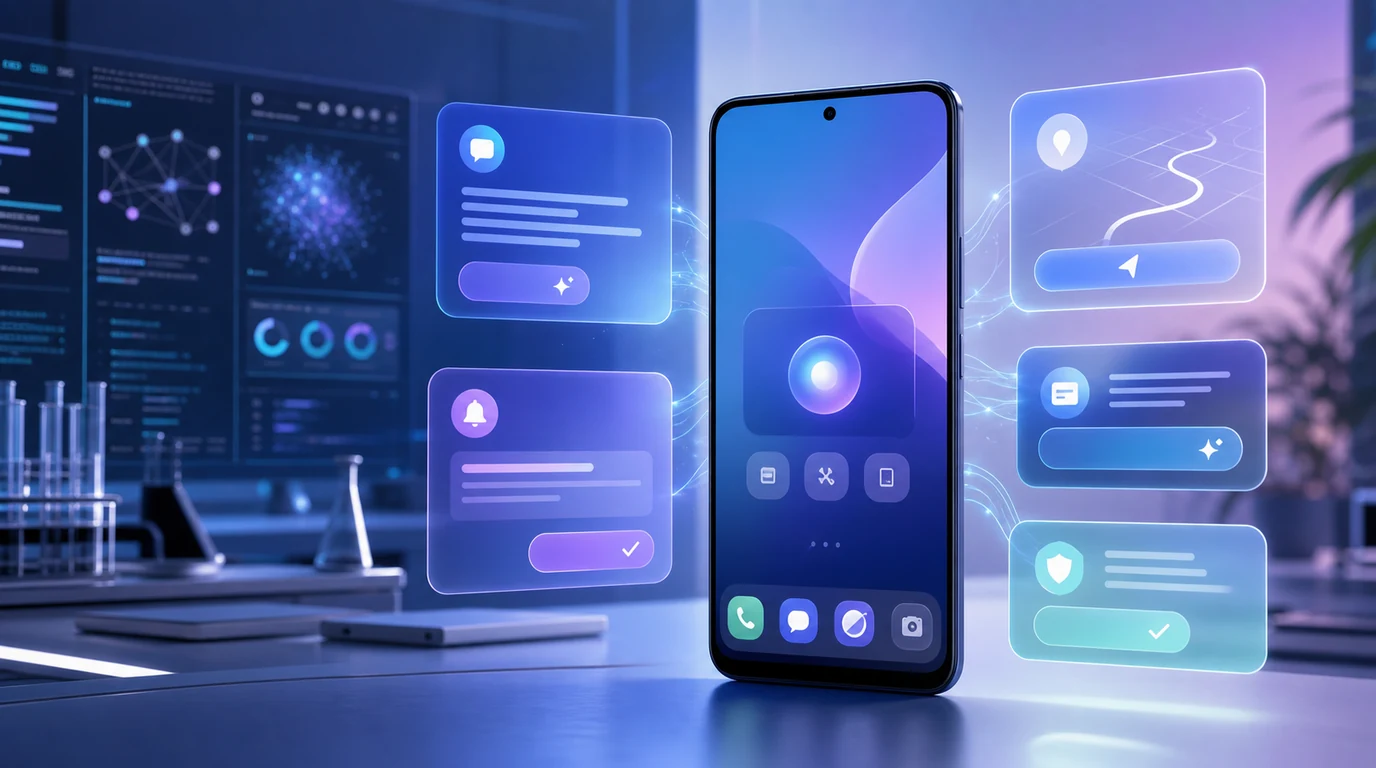
- AI agents on phones are moving from research and coding environments into daily Android workflows, where success depends on supported actions, runtime state, permissions, visible confirmation, and recovery.
- The first valuable phone-agent tasks are ordinary: communication, scheduling, notes, navigation, notifications, files, settings, and screen or camera context when the user deliberately provides it.
- Meydo C1 adds a current dedicated pocket-hardware route: Meydo C1 is Meydo hardware, DroiClaw is the main system, and FoneClaw is preinstalled as a system application.
- FoneClaw gives users a practical Android phone-agent path today with 100+ built-in tools for supported workflows, visible task progress, applicable approvals, stopping, and permission recovery.
What Moved Phone Agents Beyond Lab Demos
AI agents first looked useful in labs, research workflows, and developer desktops because those environments have structure. A coding agent can inspect files, propose changes, run tests, and leave a diff. A research agent can gather sources, summarize notes, draft an outline, and show the work for review. The user expects iteration, the artifacts are visible, and the cost of review fits the task.
Phones raise the bar. A phone agent lives beside private messages, photos, calls, calendars, location, app accounts, payment flows, notifications, and real-time interruptions. The task may be small, but the consequence can be immediate. A useful phone agent therefore needs more than model quality. It needs model planning, supported tools, runtime task state, permissions, applicable approvals, visible results, and recovery when the phone state differs from the plan.
That is the real lab-to-pocket shift in 2026. The question is no longer whether an agent can reason through a workflow in a controlled environment. The question is whether it can help with a supported phone action while the user stays in charge. If the user asks to draft a message, the agent should prepare the content and keep sending reviewable. If the user asks to create a reminder from visible context, the agent should preserve the task, show the target, and recover cleanly if permission is missing.
At FoneClaw, we build from this practical standard. FoneClaw is an Android phone agent, and our work focuses on turning intent into supported Android actions with visible state. For the broader definition of agentic phone behavior, Agentic AI Phone Meaning: Context, Actions, Controls, and FoneClaw explains the action loop behind this shift.
Daily Workflows That Reveal Real Value
The first daily phone-agent workflows are not dramatic. They are the small tasks that create constant friction: prepare a reply, summarize a message thread, turn a date into a reminder, save a note, open a route, check a setting, organize notifications, find a file, or carry a visible detail into the next supported action. These tasks matter because they happen often and because the phone already holds the context.
Communication is one early value area. A phone agent can help read the visible context, draft a reply, adjust tone, and leave the final send step for review. Scheduling is another. A message that mentions a time can become a calendar or reminder preview. Notes and memos are useful because many phone tasks begin as fleeting information: a number, a place, a to-do item, a meeting point, or a follow-up request.
Navigation and notification follow-up expose the same pattern. A delivery alert, missed call, calendar warning, bank notice, or visible address can become a next step only when the product knows the supported route and keeps sensitive decisions visible. Files and screenshots add another layer: the user may want to summarize, compare, copy, or save information, but the source, destination, and result still need to be inspectable.
FoneClaw's current Android path supports this kind of practical work through 100+ built-in tools across supported workflows. The value is not a large number by itself. The value is that supported actions have boundaries: device status, system controls, communication, calendar, memo, screen context, navigation, web, workflows, skills, and plugin-related paths each need the right permission, approval, and result handling. For readers who want a focused multi-step workflow guide, Automate Multi-Step Tasks on Android With Confirmation and Recovery explains how repeatable Android tasks should stay reviewable.
Dedicated Pocket Hardware as a Current Route
The lab-to-pocket story now includes dedicated pocket hardware, not only software running on existing smartphones. Meydo C1 is the current case to place carefully. Meydo C1 is Meydo hardware, DroiClaw is the main system, and FoneClaw is preinstalled as a system application. That architecture makes C1 a compact dedicated-phone route for trying agent workflows, while keeping hardware, main system, and FoneClaw's app role distinct.
This matters because hardware changes how often a user reaches for an agent. A compact body, dedicated AI key, small square display, and flip camera can make AI interaction feel closer to a quick daily object than a full-screen smartphone session. The device can be shaped around short voice requests, visual questions, small confirmations, and quick review. That does not make every workflow complete by default, but it changes the distribution surface: an agent can be present on hardware designed for frequent, pocketable use.
C1 should be understood as one route, not the whole market. Existing Android phones remain important because they already carry user accounts, apps, contacts, notifications, permissions, files, maps, and daily habits. Dedicated hardware can be attractive when a user wants a separate device identity, faster invocation, or a compact AI-first form factor. The app-on-existing-phone route is attractive when the user's daily context already lives on their smartphone.
For C1 details such as specifications, preorder status, shipping checks, accessories, and the exact software stack, use Meydo C1 AI Agent Phone: Hardware, DroiClaw, FoneClaw App, Specs, and Preorder Checks. This article uses C1 as a current example of phone-agent distribution moving from lab workflows into pocket hardware.
Interruption and Recovery as Product Features
Daily phone agents earn trust through recovery as much as completion. A successful demo often shows the happy path: the user asks clearly, permissions are ready, the app is in the expected state, and the result appears. Real phone use is messier. Screens change, accounts expire, network quality drops, permissions are missing, another notification interrupts, and users change their mind halfway through a task.
That is why interruption and recovery are product features. Long replies need readable status. Running tasks need stop controls. A blocked permission needs a clear recovery path. A failed tool call needs a useful result state rather than silence. A task that moves between entry points needs continuity so the user does not lose context. These details decide whether a phone agent feels dependable after the first few sessions.
From building FoneClaw, we have learned that many phone tasks fail at the edges rather than in the reasoning step. The model may understand the request, but the phone may lack permission, the screen may not match the plan, the selected app may need authentication, or the user may need a confirmation before the action can proceed. Treating those states as normal product states makes the experience more honest and more usable.
FoneClaw's current product work includes visible task progress, long-reply handling, permission recovery, clearer outcomes, Information Inbox, Memo management, UI improvements, and reliability work where they help everyday workflows. When a phone-agent task fails, the right next step is not to hide the failure. It is to show what happened and give the user a practical path forward. Phone Agent Debugging and Recovery: Fix Failed Android AI Assistant Tasks gives readers a deeper recovery framework for real Android tasks.
Context, Permissions, and Consequential Actions
Phone agents become useful because they can work with context, but context has to stay bounded. A spoken request, current screen, notification, calendar item, message thread, camera image, memo, location, or device state can all help the task. The product still needs to use only relevant context, request access when required, and make the important parts understandable to the user.
System-app deployment can reduce setup friction and make an agent easier to reach, but it still belongs inside permission and service boundaries. On Meydo C1, FoneClaw is preinstalled as a system application while DroiClaw remains the main system. That placement can help distribution and integration, while accounts, connectivity, configured models, supported services, permissions, and reviewable actions still shape the live workflow.
Configured online services may require network transfer, and model behavior can differ by setup. That is why the task path should separate context intake, model reasoning, tool execution, approval, and result storage. The user does not need every internal detail, but the product should make the meaningful boundaries clear: what context is being used, what action is supported, what will change, and where review happens.
Consequential actions deserve special treatment. Drafting is separate from sending. Previewing a reminder is separate from saving it. Opening a setting is separate from changing it. Preparing a route is separate from committing to every travel decision. FoneClaw's product direction keeps those states visible because daily trust comes from knowing when the agent is helping, waiting, acting, or handing control back. For the concrete execution model, AI Agent Phone Control on Android: Intent, Confirmation, Action explains how supported Android actions move from request to confirmation and result.
A Practical Adoption Checklist
The practical adoption path starts with one reversible workflow. Do not begin with sending, deleting, purchasing, account changes, or private sharing. Start with a task that can be inspected: summarize a visible screen, prepare a memo, draft a message without sending, check a setting state, create a reminder preview, or organize a small set of notifications. The goal is to test the agent loop without creating unnecessary risk.
Use the same checklist across an existing Android phone and dedicated pocket hardware. First, confirm the input route: voice, text, screen attachment, camera, notification, or selected content. Second, check whether the agent chooses a supported capability. Third, watch the permission request and confirm that it appears at the right moment. Fourth, inspect the preview before allowing a consequential action. Fifth, interrupt the task and see whether stopping and recovery are clear.
- Start narrow. Choose one daily workflow that matters, such as reminders, notes, messages, navigation, settings, or notification follow-up.
- Check context. Verify what the agent used and whether irrelevant personal data stayed out of the task.
- Separate preview from execution. Confirm that plans, drafts, approvals, and completed actions are distinct states.
- Test recovery. Deny a permission, change the screen, interrupt the task, and check whether the product explains the next step.
- Choose the deployment route. Use supported Android phones when your existing device context matters; evaluate dedicated pocket hardware when quick access and separate carry fit the job.
Users do not need to wait for future hardware to learn whether phone agents help them. FoneClaw can be evaluated today on supported Android phones, while Meydo C1 adds a current compact hardware route with FoneClaw preinstalled as a system application. The broader market will keep moving from lab workflows toward daily actions; the useful products will be the ones that make scope, permission, confirmation, and recovery feel normal.
Sources: This update uses the pinned current FoneClaw lab-to-pocket article, Meydo C1 official product information, Meydo's DroiClaw architecture article, and FoneClaw's current Features and Download pages.