
AI Agent Phone Control on Android: Intent, Confirmation, Action
Learn how an Android phone agent turns natural-language intent into inspected state, reviewable proposals, scoped confirmation, tool execution, verification, and recovery.
- AI agent phone control on Android works through a loop: natural-language intent, current-state inspection, reviewable proposal, scoped confirmation, supported tool execution, verification, and recovery.
- Before an AI changes a phone setting, the agent should resolve the target, inspect the current state, show the exact proposed change, and ask for approval when the action affects the user.
- Changing Do Not Disturb for a meeting is a useful example: inspect the current notification policy, propose Priority mode, confirm the change, execute through supported Android tools, and verify the final state.
- FoneClaw is built around supported Android phone actions with visible permissions, reviewable decisions, interruption, rollback paths, and clear recovery when the phone state changes.
The Complete Phone-Control Loop
AI agent phone control on Android is not a model reaching directly into every part of the phone. The useful control path is a governed loop: understand the natural-language intent, inspect the current phone state, create a reviewable proposal, ask for scoped confirmation when needed, execute through supported Android tools, verify the final state, and recover if the phone cannot complete the path cleanly.
That loop matters because phones are stateful. A request such as "get my phone ready for the meeting" may involve calendar context, Do Not Disturb, volume, notifications, reminders, and a later restore step. The safe next action depends on what the phone is already doing. If DND is already on, if the meeting starts tomorrow, or if notification policy access is missing, the agent should not behave as if every state is the same.
At FoneClaw, we build for supported Android phone workflows rather than hidden all-purpose control. The model helps interpret the request and plan the task. FoneClaw handles the supported phone action path: permissions, tool routing, visible state, approval, result reporting, and recovery. That separation is the difference between a confident answer and a phone action the user can trust.
A clean mental model is this: intent tells the agent what outcome the user wants; inspection tells the agent what is true right now; proposal tells the user what will change; confirmation gives scoped approval; execution performs the supported step; verification checks whether the intended result happened; recovery keeps the user in control when something blocks or changes. For deeper multi-step routine design, Automate Multi-Step Tasks on Android With Confirmation and Recovery expands the same model into reusable task templates.
Resolve Intent, Target, and Current Phone State
The first job of an Android phone agent is to resolve the outcome. Natural language is efficient, but it can be incomplete. "Turn on DND" might mean until the meeting ends, until tomorrow morning, or only while keeping family calls. "Reply to Jordan" depends on which Jordan, which app, and which message. "Open the route" depends on the destination and current travel context.
Target resolution comes next. A phone action needs a target: a setting, contact, app, thread, file, calendar event, location, or notification. If the target is ambiguous, the agent should ask. One clear follow-up question is better than acting on the wrong person, wrong setting, or wrong app. We learned this repeatedly while building FoneClaw: the fastest failed action is still a failure.
Current-state inspection changes the safe next step. Before changing Do Not Disturb, the agent should inspect whether DND is already enabled, which policy is active, whether alarms or priority contacts are allowed, and whether Android requires a permission or policy screen. Before drafting a message, the agent should identify the recipient and source context. Before changing volume, it should know which stream matters.
Constraints also belong in this phase. Time, duration, tone, allowed interruptions, app preference, SIM line, work profile, lock-screen state, and permission availability can all change the plan. If the user says "during my meeting," the agent needs the meeting window. If the user says "keep emergency calls," the proposal should preserve that constraint.
This is where voice input and phone control meet. Voice is a strong way to express intent, but setup still matters: microphone route, Android permissions, assistant entry point, and hands-free behavior shape what the agent can do. For that layer, Android Voice Control Guide: Setup, Hands-Free Tasks, Permissions, and FoneClaw Workflows covers the broader voice-control foundation.
Turn Intent Into a Reviewable Proposal
A reviewable proposal is the bridge between intent and action. It names what the agent plans to do before it does it. A vague prompt such as "Continue?" is weak because the user cannot tell what is being approved. A strong proposal names the exact action, scope, affected state, dependencies, expected result, and restoration path when one is needed.
For a meeting setting change, the proposal might be: "I can change Do Not Disturb to Priority mode for the next meeting, keep priority interruptions allowed, verify the DND state afterward, and remind you to restore normal notifications when the meeting ends." That is reviewable because the user sees the target setting, the mode, the boundary, and the follow-up.
Proposal quality matters for other phone actions too. For a text, the proposal should show the recipient and draft. For navigation, it should show the destination and route handoff. For calendar changes, it should show the event, time, and edit. For permission recovery, it should explain which Android permission is needed and why the workflow reached that boundary.
We design FoneClaw proposals to make the phone state legible. The user should know whether the agent is about to open a screen, prepare a draft, change a setting, create a reminder, or ask for direct handling. That clarity reduces anxiety because the user is not approving an unknown bundle of future actions.
A proposal can also say when the task should stop. If the agent cannot verify the target, if a permission is missing, or if the phone screen no longer matches the expected state, the proposal should keep the next step narrow. Useful phone control is not only about doing more. It is about naming the next supported action and giving the user a meaningful choice.
Match Confirmation to Action Impact
Confirmation should match the impact of the action. Read-only inspection usually needs transparency rather than repeated approvals. Checking the current DND state, reading battery level, inspecting available storage, or seeing whether a calendar event exists can be shown as context. The user should understand what was inspected, but not every read-only step needs to interrupt the flow.
Reversible settings deserve a clearer approval point. Do Not Disturb, ringer mode, brightness, screen timeout, rotation, Wi-Fi, Bluetooth, and notification behavior can affect daily use. The confirmation should name the exact change: "Change Do Not Disturb to Priority mode for this meeting" is far better than "OK?"
Communication, sharing, deletion, account changes, purchases, payments, sensitive permissions, and emergency-adjacent actions require stricter review. Drafting a message is not sending it. Opening a settings page is not changing the setting. Preparing a route is not sharing location. A reliable Android phone agent keeps these states separate so one approval does not become open-ended authority.
Scoped confirmation is central to our product design. The user approves the proposed action in front of them, not a broad category of future actions. If the workflow later reaches a different consequential step, the agent should explain the new step and ask again. That preserves trust while still reducing manual friction.
Good approval UX also explains confidence and recovery. If the agent is certain about the target and expected result, the confirmation can be concise. If the target is inferred from recent context, the proposal should say so. For deeper design around rationale and review language, AI Agent Approval UX on Phones: Confidence, Rationale, and Recovery covers the approval layer in more detail.
Execute Through Android Tools and Verify the Result
Execution is where an Android phone agent becomes more than a chat interface. The model does not directly manipulate every Android surface. The request is routed to supported tools and Android flows that can inspect or act on the phone. Those tools may open an app, read allowed state, prepare a draft, adjust a supported setting, create a reminder, or guide the user to a permission screen.
Android permission surfaces remain part of the workflow. If FoneClaw needs notification access, DND policy access, SMS permission, calendar access, or another user-granted capability for a supported task, the user should see that requirement. Permission is not hidden plumbing; it is part of how the phone protects the user.
After execution, verification checks the result against the intended outcome. Tool success alone is not enough. If the user asked for Do Not Disturb Priority mode for a meeting, the verified result is the phone’s active DND state and relevant policy. If the user asked for a reminder, the verified result is the saved reminder. If the user asked for a draft, the verified result is the visible recipient and message body.
Here is the DND meeting example as a compact loop:
- User intent: prepare the phone for the next meeting.
- Inspection: check meeting time and current DND state.
- Proposal: show the exact Priority mode change and restore plan.
- Confirmation: ask the user to approve that scoped setting change.
- Execution: apply the supported Android setting path when available.
- Verification: report the final DND state and any restore reminder.
This is the pattern we build toward across FoneClaw: natural-language intent connected to supported Android tools, with visible state before and after the action. The value is not that the user never sees the phone. The value is that the user sees the right decision point at the right time.
Recover, Undo, and Keep Control
Recovery is part of phone control, not an exception. Phones change while tasks are running. Notifications appear, apps update, permissions expire, settings screens differ by manufacturer, targets become ambiguous, and users cancel halfway through. A trustworthy Android phone agent reports the boundary instead of hiding it.
Partial results should stay visible. If FoneClaw inspected the meeting and proposed a DND change, but Android requires policy access before execution, the user should see that the task reached a permission boundary. If DND changed successfully but the restore reminder failed, the user should know that DND is active and restoration still needs attention. A failed final step does not always mean the phone remained unchanged.
Undo starts with knowing what changed. For reversible settings, the agent should help restore the prior state when that state is known or guide the user to the relevant setting when direct restoration needs user handling. For messages, undo may mean keeping a draft unsent or deleting a draft manually. For reminders or calendar edits, undo means opening the saved item and changing it deliberately.
Narrow retry is safer than repeating the same broad request. If the wrong target was inferred, name the target. If a permission blocked the task, repair that permission and retry only the blocked step. If the phone state changed, inspect again before acting. This keeps recovery measurable and prevents one failure from cascading into several hidden changes.
A good first test is reversible. Ask FoneClaw to inspect the current Do Not Disturb state and propose a temporary Priority mode change for a short meeting window. Approve only after the proposed change is visible. Verify the final state. Then restore the prior setting. That one test shows the full control model: intent, state, proposal, confirmation, execution, verification, and recovery.
From One Request to a Visible Android Result
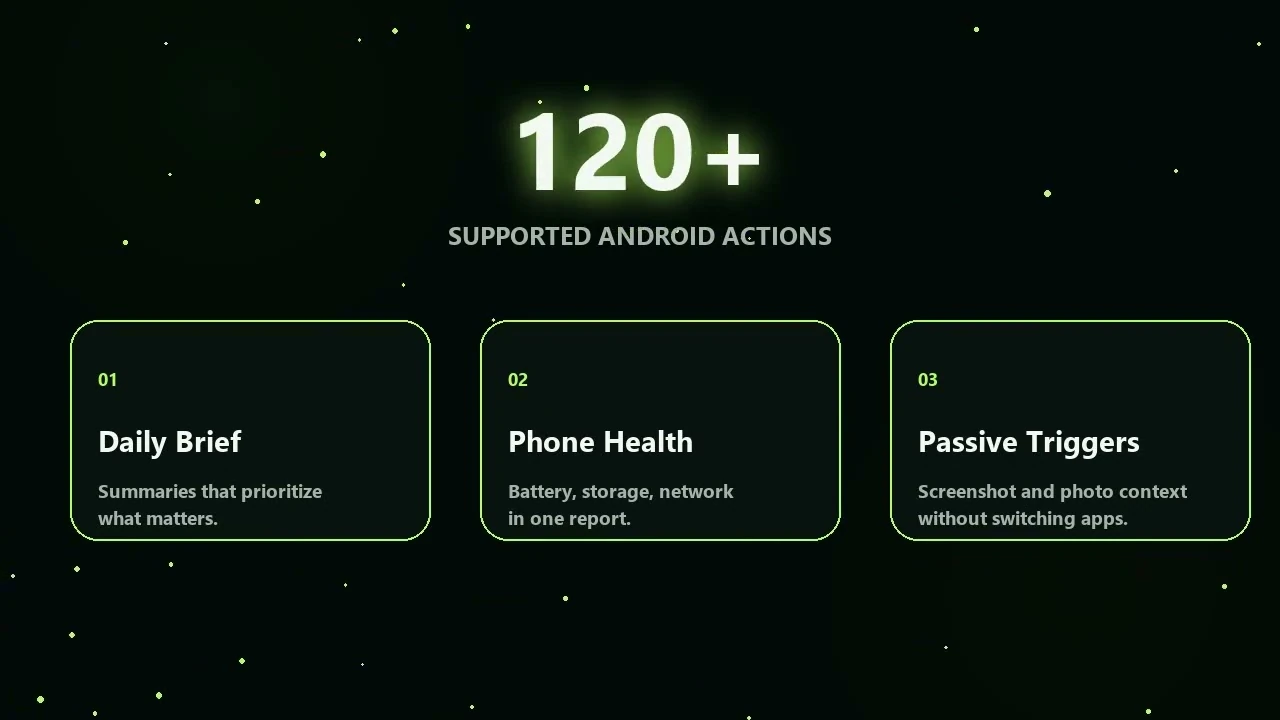
The latest control demonstration is best read as a governed execution loop: describe the outcome, let the configured model plan supported Android actions, review permission or approval prompts, and verify the visible result. The action count is not a promise that every app or device behaves identically; vendor settings, permissions and the selected tool policy still matter.