
AI Agents and App Stores: What Mobile Developers Should Build Next
AI agents will not kill app stores overnight, but they can change discovery, user intent, and how developers expose reliable phone actions.
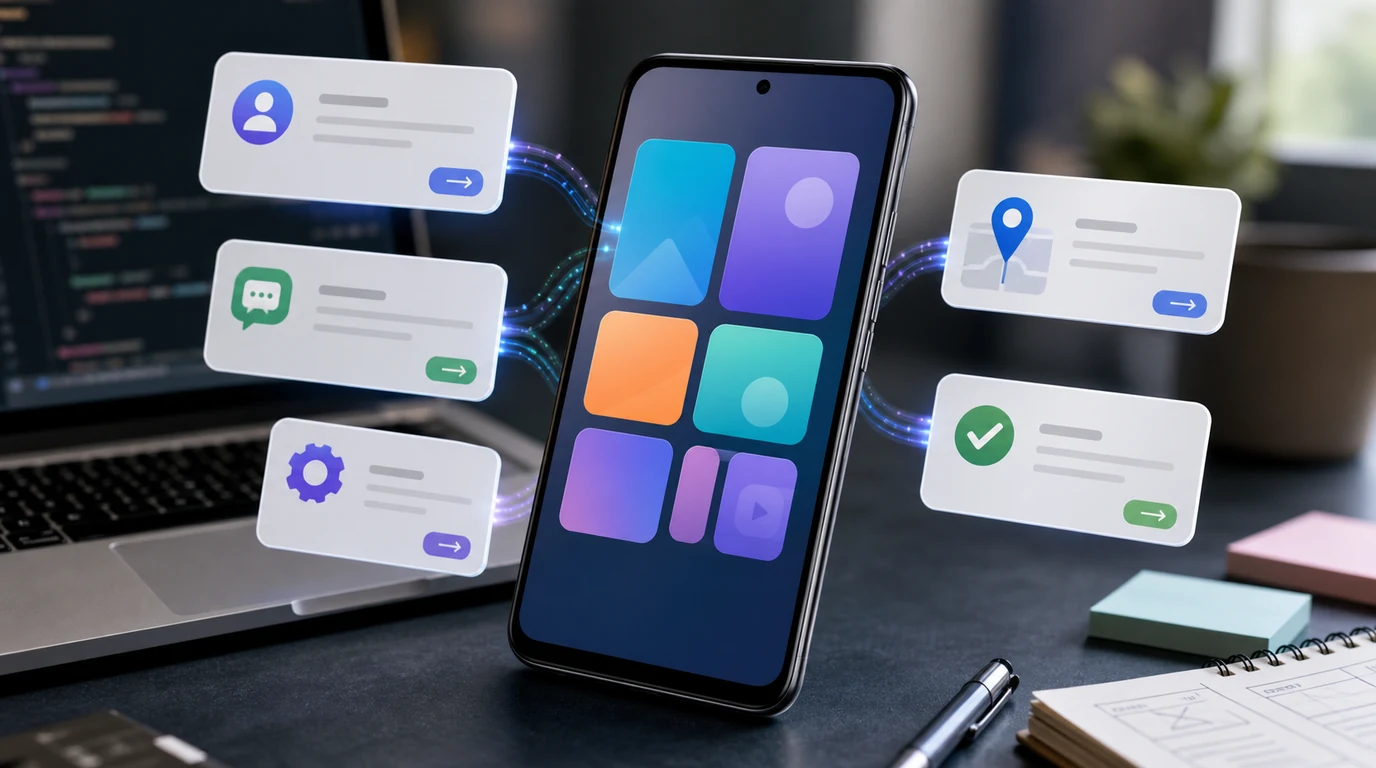
- AI agents and app stores are not a simple replacement story; the first change is that users may ask an agent to complete a task before opening a specific app.
- Apps remain important as trusted destinations for identity, billing, updates, content, and complex review, but mobile developers need clearer actions that agents can use safely.
- From FoneClaw’s product view, the winning apps will make supported actions easy to find, permission-aware, and easy for users to confirm.
- The developer strategy is to keep the app strong while making the service understandable to phone AI agents.
The App Icon Is No Longer Always the First Step
The old mobile habit was simple: unlock the phone, find the app, open it, search inside it, and finish the job. AI agents change the first step. A user may now say what they want before deciding which app should handle it. Book a ride home, summarize my missed messages, save this receipt, find the cheapest reorder option, or remind me to follow up tomorrow are task requests, not app-opening requests.
That does not automatically make app stores are dead. App stores still provide discovery, downloads, billing, trust signals, reviews, updates, and security review. Apps still hold accounts, user preferences, purchase history, private content, and the interface people trust for complex decisions. The app remains the place where the user can inspect details, recover from mistakes, and handle exceptions.
The vulnerable part is traffic allocation. If an agent becomes the first place a user states intent, the app may be called only when it is the best tool for that task. Developers should therefore stop assuming that every session begins with a home-screen tap. The question becomes: when a phone AI agent hears the user’s goal, can the app offer a clear, safe next step? That is why pages explaining what a phone AI agent can do matter for developers: agent capability changes where the user journey begins.
Where Developers Can Lose Discovery and Loyalty
The biggest risk for mobile app developers is not immediate deletion. It is quiet invisibility. If an agent can answer a question, compare options, and route the user to a result, the user may never browse the app’s home page. The app still matters, but the brand moment moves closer to the final action. That changes how developers think about onboarding, navigation, and retention.
Discovery becomes more fragile when an app depends only on store ranking, paid acquisition, or habit. A travel app that only works after the user opens it may lose ground to one that can expose flight status, check-in, itinerary search, or ride booking clearly. A shopping app that hides product availability, returns, and reorder actions behind complex screens may become harder for agents to use. A messaging feature that cannot distinguish draft, edit, and send may be skipped for safer options.
Loyalty also changes. The user may not care which app completes a small task if the agent can find a reliable result. That does not erase brand value; it raises the bar for it. Apps will earn loyalty by being trustworthy, fast to act, easy to recover from, and transparent about permissions. The developer risk is not that users hate apps. It is that users may stop starting with them.
Apps Need Actions an Agent Can Use Reliably
An app that wants to remain useful in an agent-led phone experience needs more than good screens. It needs reliable actions: search this item, draft this message, create this reminder, open this order, save this receipt, start this route, or show this account state. The action should have a clear input, a predictable result, and a status the user can understand afterward.
For developers, the practical unit is the completed task. Can an agent ask the app for the right action without guessing through a dozen screens? Can the app return a clear success, failure, or needs-review state? Can it separate preview from final action? Messaging is the easiest example. A safe app path should distinguish writing a draft from sending a message. That is also why voice control inside messaging workflows is a useful practical example: the value is not only voice input, but a safe path from intent to review.
Callable actions also need permission clarity. If an agent asks an app to share a file, edit a calendar, post content, or change account settings, the user must know what is happening. Developers should design for visible checkpoints: show the target, show the effect, and make cancellation easy. The app should not assume that an agent request is enough consent.
This is where automating multi-step phone tasks connects directly to developer strategy. If an app exposes dependable actions, a phone AI agent can help users complete a larger task without forcing them through every tap. If the app hides the action or makes the result ambiguous, the agent has less reason to choose it.
The New Strategy: Destination App Plus Callable Service
The best developer strategy is not to abandon the app. It is to make the app work in two modes. First, it remains a destination for deep use: browsing, account management, complex editing, customer support, and trust-heavy decisions. Second, it exposes dependable actions that an agent can present when the user wants a specific result. The app remains the home base, while the service becomes easier to call from outside the app.
This is a business model shift. App-store presence still matters for acquisition, reviews, billing, updates, and trust. But the app’s value must also travel into agent-led moments. A meal app should not only look good when opened; it should make reorder, status, delivery address, and cancellation understandable. A productivity app should not only show a dashboard; it should expose add task, search note, update deadline, and show next item clearly.
Developers also need to think about attribution and records. If an agent initiates a task, the user should still know which app provided the result. If an action fails, the app should provide an explanation that can be shown to the user. If a task is sensitive, the app should require confirmation in a way that is easy to recognize. Agent-led entry points do not remove product design. They make reliable product design more important.
Our FoneClaw View: Phone Actions Need Clear Limits
From our FoneClaw perspective, the app-store future is not about replacing developers. It is about making phone actions easier to request and safer to complete. We build FoneClaw as an Android phone AI agent for supported actions, which means we care about the path from user intent to a real phone result. FoneClaw focuses on supported Android phone actions with visible results, permission-aware flows, user confirmation, and practical fallback.
Our product stance is simple: the user can ask in natural language, but the phone still needs clear limits. If a supported action is low risk, the agent can help reduce tapping. If an action affects messages, money, accounts, privacy, settings, or public posting, the user should see what will happen and confirm it. That is not friction for its own sake. It is how phone AI agents become trustworthy enough for daily use.
We also do not see apps as enemies. Apps are where developers express brand, service quality, account trust, and deep functionality. FoneClaw is useful when it can help users reach supported app actions faster, not when it pretends the app ecosystem no longer matters. The better Android future is not a world with no apps. It is a world where apps expose clearer, safer things for agents to do.
A Developer Checklist for the Agent Era
Mobile app developers should prepare for AI agents and app stores to coexist. The store will still matter, but the first user action may shift. Start by mapping your most common user jobs. Which tasks are frequent, short, and easy to verify? Which ones require review? Which ones should never happen without explicit confirmation? That map tells you what an agent can safely help with.
Next, make the app’s actions legible. Use clear names, predictable results, and state messages that can be shown to the user. Separate draft from send, preview from purchase, open from change, and search from delete. A phone AI agent cannot safely use a feature that has hidden side effects or vague outcomes.
Third, protect trust. Keep permissions narrow. Show which app is responsible for the result. Make failures readable. Offer recovery paths when the wrong contact, item, date, or account is selected. If a user enters through an agent, they still need the confidence they would have inside the app.
- Keep the app strong as a destination for trust-heavy tasks.
- Expose clear actions for common jobs users ask agents to complete.
- Separate low-risk steps from sensitive actions that need confirmation.
- Return understandable success, failure, and needs-review states.
- Design for agent entry without hiding the app’s brand and accountability.
- Assume app stores stay important, but stop assuming every session starts there.
The developer opportunity is not to chase a slogan about apps being replaced. It is to build apps that remain useful when the user starts with a goal instead of an icon. That is where FoneClaw’s phone-agent view and developer strategy meet: supported actions, clear permissions, user confirmation, and apps that are easier for agents to use without becoming less trustworthy for people.