
Automate Multi-Step Tasks on Android With Confirmation and Recovery
Learn a reliable Android task workflow for AI automation: inspect state, propose changes, confirm settings, execute supported actions, verify results, and recover safely.
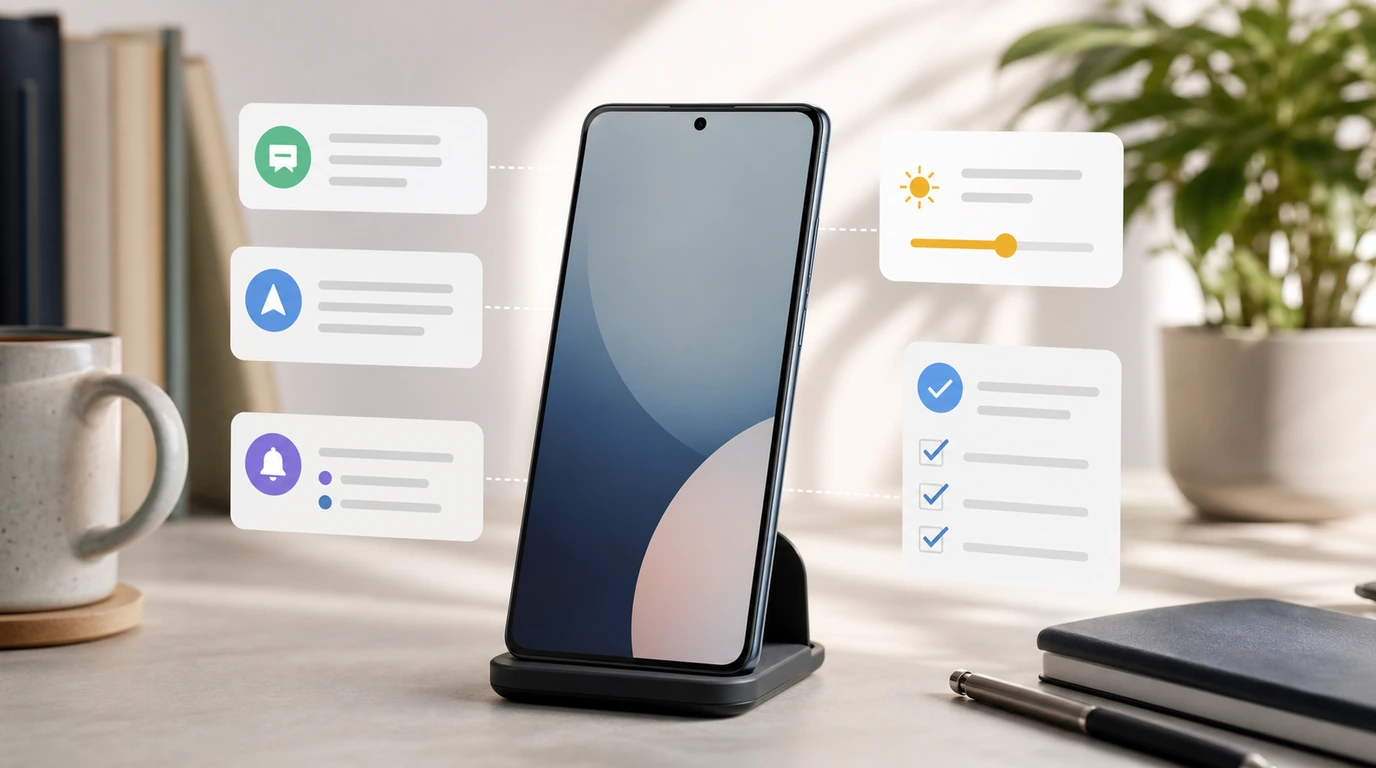
- Reliable Android automation is a governed workflow: understand intent, inspect current state, propose the next step, confirm sensitive changes, execute supported actions, verify the result, and recover if needed.
- A meeting-preparation task should inspect the current Do Not Disturb policy, show the proposed Priority mode change, get approval, apply the supported setting, and verify the final state.
- Reusable multi-step tasks need clear prerequisites, branch points, stop conditions, rollback paths, and confirmation wording that names the exact action being approved.
- FoneClaw focuses on supported Android workflows with visible state, on-demand permissions, scoped approval, interruption, retry, and recovery.
Define a Reliable Multi-Step Phone Task
To automate multi-step tasks on Android, start by treating the request as a workflow rather than one isolated command. A reliable phone task has seven parts: intent, inspection, proposal, confirmation, execution, verification, and recovery. That model keeps the user oriented when a task touches apps, notifications, settings, contacts, calendar entries, or Android permissions.
Intent is the outcome the user wants: get ready for a meeting, prepare a message, review missed alerts, open a route, save a reminder, or change a phone setting. Inspection checks the current state before acting. Proposal explains the next change in plain language. Confirmation belongs before sensitive or consequential steps. Execution performs the supported action. Verification checks the final state. Recovery tells the user what finished, what paused, and what can happen next.
At FoneClaw, this is how we think about AI Android automation. A task reaches completion when the phone arrives at a verified state the user can understand. If the current app state changes, if a permission is missing, or if a setting needs direct user handling, the workflow should pause with a clear path forward.
This matters because one spoken request can contain several dependent steps. "Get me ready for the meeting" may involve calendar context, notification policy, volume state, reminders, navigation, and a message draft. Some steps are read-only. Some are reversible settings. Some affect other people. A governed Android task workflow separates those steps so the user can delegate friction while keeping important choices visible.
For the broader control loop behind phone agents, AI Agent Phone Control: How Android Phone Agents Turn Intent Into Action explains how intent becomes supported phone execution. This guide focuses on designing the multi-step workflow itself.
Prepare for a Meeting With Priority Do Not Disturb
A meeting-preparation workflow is a useful example because the goal is familiar and the setting change matters. The user might say, "Prepare my phone for the next meeting. Keep priority interruptions only, and remind me to restore normal notifications afterward." A reliable workflow inspects, proposes, confirms, executes, verifies, and preserves the restore path.
First, FoneClaw should identify the meeting context the user intends to use. That may mean checking the next calendar event, its time, and whether the meeting is active, upcoming, or already over. If there is no clear event, the assistant should ask for the meeting duration or use a user-provided time window.
Second, inspect the current phone state. Is Do Not Disturb already enabled? Which interruption policy is active? Are alarms allowed? Are priority contacts allowed? Is the ringer mode already silent? A setting change should be based on current state, not on an assumption.
Third, show the proposed change before execution. A good proposal might say: "I can change Do Not Disturb to Priority mode for this meeting, allowing priority interruptions while muting ordinary notifications. I will check the result afterward and remind you to restore your previous notification state." That proposal names the exact setting and the intended boundary.
Fourth, ask for confirmation. The user should approve the Do Not Disturb meeting automation before the setting changes. After approval, FoneClaw can run the supported Android action, then verify the resulting DND status. If the phone requires policy access, an OEM-specific settings screen, or direct user handling, the workflow should guide the user there and preserve the task state.
Finally, build the restore path. Meeting preparation is finished when the meeting state and restoration plan are clear. The task should note the prior state where available, create a reminder or visible follow-up, and make restoration easy. Android versions and manufacturers expose Do Not Disturb controls differently, so the verified result matters more than a generic assumption that the setting changed.
Design Reusable Steps and Checkpoints
Reusable Android automation starts with prerequisites. Before a task runs, identify which app, permission, setting, account, contact, or device state the task depends on. A calendar-based meeting routine needs calendar context. A notification routine needs notification access. A settings routine may need Android permission or policy access. A messaging routine needs a clear recipient and draft review.
Next, order the dependent actions. Later steps can depend on earlier state. In the meeting example, checking calendar context comes before changing Do Not Disturb. Inspecting the current DND policy comes before proposing a Priority mode change. Confirming the proposed setting comes before execution. Verifying the final state comes after execution. The order protects the user from a workflow that acts on stale or missing context.
Branches make a workflow realistic. If the next calendar event starts in five minutes, prepare now. If it starts tomorrow, ask whether to schedule a reminder instead. If DND is already active, show the current policy and ask whether to keep it or change it. If priority contacts are unclear, use the existing Android policy instead of inventing a new one. Branches are how a phone task handles real state.
Stop conditions are just as important. Stop when the target is ambiguous, the permission is missing, the user has not confirmed a sensitive change, the app screen does not match the expected state, or the result cannot be verified. A reliable assistant should say what it found and what it needs next.
Retries should inspect state again. Repeating a failed action without checking the phone can create confusing partial results. We build FoneClaw workflows to keep state visible, support interruption, and recover from permission or screen-state changes. Readers comparing this approach with rule builders can use Best Tasker Alternatives for Android: Tasker, MacroDroid, Automate, Gemini, and FoneClaw to separate fixed automation from governed phone-agent workflows.
Choose Which Actions Need Confirmation
Confirmation should match the consequence of the action. Read-only inspection usually needs transparency, not a heavy approval step. Checking current volume, DND status, battery state, calendar time, or whether a route is available can be shown as context. The user should know what was inspected, but every read-only step does not need to become a separate interruption.
Reversible settings need a stronger checkpoint. Changing Do Not Disturb, ringer mode, brightness, rotation, Wi-Fi, Bluetooth, or notification behavior can affect the user’s day. The confirmation should name the exact intended change: "Change Do Not Disturb to Priority mode for the meeting" is better than "Continue?" Clear wording lets the user approve one scoped action instead of a vague bundle.
Communication and account-adjacent actions require even more care. Drafting a message is different from sending it. Opening a settings page is different from changing the setting. Preparing a calendar update is different from committing it. A reliable Android task workflow keeps those states separate so one approval does not authorize unrelated future steps.
At FoneClaw, confirmation is part of the product design. The assistant should propose the setting, message, route, reminder, or follow-up in visible form. The user can approve, edit, cancel, or ask for a narrower action. That pattern is especially important for settings changes because the phone may be used during a meeting, while driving, at night, or during a work shift.
Voice can make approval faster, while the visible state keeps the decision grounded. If the user relies on spoken interaction, the assistant still needs to identify the proposed action and final result clearly. For broader setup around voice entry points and Android permissions, Android Voice Control Guide: Setup, Hands-Free Tasks, Permissions, and FoneClaw Workflows covers the hands-free layer.
Verify Results and Recover From Partial Completion
Verification is the difference between attempted automation and reliable automation. After a supported Android action runs, the assistant should check what changed. For Do Not Disturb meeting automation, the verified result is the active DND state and policy. For a reminder, it is the saved reminder. For a navigation task, it is the route or app handoff. For a draft, it is the visible message text and recipient.
Partial completion should be reported clearly. A workflow may inspect the calendar successfully, show the proposed DND change, receive confirmation, then hit a missing policy access screen. That means the task reached a boundary. The user should see which steps completed, which step blocked, and which next action can resume or finish the task.
Recovery starts by identifying the failed boundary. Was the permission missing? Did the OEM settings screen differ? Did the meeting context change? Did the user cancel? Did Android block the action until a policy setting is granted? Each failure suggests a different recovery path: open the required settings page, ask for the meeting time again, preserve completed safe work, or roll back to the previous state.
Rollback matters when a change took effect but the workflow did not finish. If DND changed successfully but the restore reminder failed, the user needs to know that DND is active and restoration still needs handling. If a volume change completed but a later step failed, the phone should report the completed state instead of presenting the whole routine as untouched.
FoneClaw’s role is to make that state legible. We design supported workflows with visible progress, permission recovery, interruption, retry, and practical fallback. When the user can see the boundary, they can choose whether to resume, undo, accept the partial result, or finish manually. That is the behavior that turns AI Android automation into a trustworthy daily tool.
Reusable Multi-Step Task Templates
Use templates as starting points, then test them on your own Android phone. Available actions depend on supported tools, Android permissions, OEM settings, app state, and the user’s approval choices. A template should describe the intended outcome and checkpoints, not promise the same hidden path on every device.
| Routine | Workflow | Confirmation Point | Verification |
|---|---|---|---|
| Meeting prep | Inspect next calendar event, check current DND, propose Priority mode, apply after approval, create restore reminder | Changing Do Not Disturb to Priority mode | DND status and restore follow-up |
| Commute | Check calendar or saved destination, open navigation, review route, set a reminder if arrival matters | Sending ETA or changing a calendar item | Route opened or reminder saved |
| Bedtime | Check alarms, adjust volume or DND if supported, prepare morning reminder, summarize remaining tasks | Changing sound or notification settings | Alarm, DND, and reminder state |
| Focus block | Inspect current notifications, set a timer, propose notification limits, open work app or notes | Changing notification or DND settings | Timer, setting state, and opened workspace |
A strong first test is reversible. Ask FoneClaw to prepare your phone for a short meeting by inspecting the current Do Not Disturb state and proposing Priority mode. Approve only after the proposed setting is visible. Then verify the final DND state and restore the prior setting after the test. This gives you the full model in a low-risk routine: intent, inspect, propose, confirm, execute, verify, and recover.
As the routine earns trust, add one step at a time. Add a calendar reminder. Add a route check. Add a notification summary. Keep each new step visible until you know how your phone behaves. We build FoneClaw for that gradual path: supported Android actions, on-demand permissions, scoped approvals, visible results, and recovery when the phone state changes.
The practical promise is less manual friction for tasks that can be expressed clearly, inspected safely, confirmed when needed, and verified afterward.