
Multi-Agent Systems for Code Security and Review: Governance Lessons
How multi-agent systems can improve code security review when roles, evidence, containment, reviewer independence, and human merge authority are explicit.
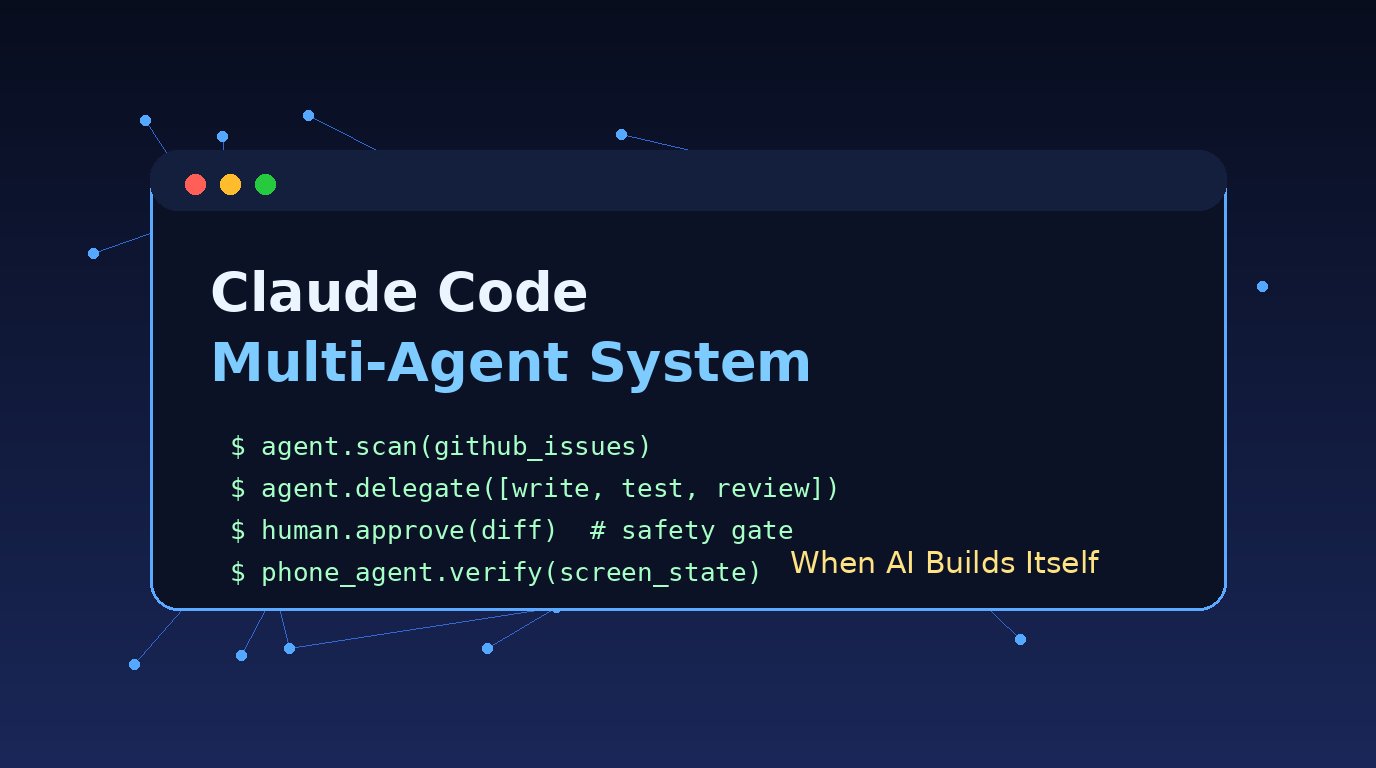
- Multi-agent systems improve code security review when implementers, reviewers, coordinators, and humans have separate roles, clear evidence, and explicit stop conditions.
- Anthropic's current research highlights coordination failure, shared-resource interference, conformity, communication tradeoffs, and collusion risk as governance issues for agent fleets.
- Independent reviewer agents should inspect diffs, tests, permissions, dependencies, secrets, and rollback plans without inheriting every assumption from the implementation agent.
- The same governance lessons map carefully to phone agents: FoneClaw applies supported Android task controls, visible approvals, stopping, retry, and permission recovery without claiming a coding-agent architecture.
When Multi-Agent Systems Improve Code Review
Multi-agent systems for code security and review help when they create real separation of work, not when they merely add more chat threads. The useful pattern is simple: one agent implements or investigates, another reviews from a different angle, a coordinator owns scope and evidence, and a human keeps final merge authority. Parallelism alone does not create independent review. Security value comes from separated roles, visible artifacts, and a workflow that preserves disagreement until the decision point.
The best use cases are tasks where different perspectives expose different failures. One agent can trace data flow through an authentication change. Another can inspect dependency changes and build scripts. A third can review tests, migration behavior, or permission expansion. A coordinator can keep the task bounded so the system does not drift into broad refactoring. The result is useful only when every claim has evidence: a diff, test output, threat model note, dependency reason, log, reproduction step, or rollback plan.
Anthropic's multi-agent systems research, published in August 2026, is valuable because it treats coordination as a core performance and safety issue. The lesson for AI code review agents is practical: more agents can widen coverage, but they can also amplify confusion, share bad assumptions, compete for the same resource, or converge too quickly. For teams building agent governance, our AI Agent Identity, Permissions, and Audit Trails for Phone Tool Governance guide extends the same ownership and evidence model into identity, permission, and audit design.
Coordinator, Worker, Reviewer, and Human Roles
A good Claude Code multi-agent system starts with topology. The coordinator owns the task boundary, assigns work, collects evidence, and decides when the system should stop. The coordinator should not be treated as a magical correctness layer; it is an orchestration role. It keeps agents from editing the same area without a reason, limits scope creep, and presents unresolved disagreements to the human owner.
Worker agents should be narrow. A worker might implement a fix, write a focused test, inspect one subsystem, or reproduce a failure. Narrow workers are easier to review because their output has a defined purpose. Broad workers tend to mix product decisions, refactoring, dependency updates, and security assumptions into one bundle, which makes later review harder.
Reviewer agents need independence. A reviewer that simply reads the implementer's rationale and agrees has not created much security value. The reviewer should inspect the diff, run or request relevant checks, examine permissions, look for secret exposure, test negative cases, and ask what changed in trust boundaries. The point is not adversarial theater. The point is to preserve variance long enough for real defects to surface.
| Role | Primary job | Governance boundary |
|---|---|---|
| Coordinator | Defines scope, assigns tasks, collects evidence, and tracks unresolved risk. | Does not turn consensus into automatic merge authority. |
| Worker | Implements, investigates, reproduces, or writes focused tests. | Uses only the tools and files needed for the assigned task. |
| Reviewer | Checks security, correctness, permissions, tests, and rollback evidence. | Keeps independent findings visible even when other agents agree. |
| Human owner | Approves risk, merge, release, rollback, and external effects. | Retains final accountability for production change. |
Human merge authority closes the loop. Agents can accelerate investigation and review, but production ownership should stay with the person or team accountable for the system. The same testing and rollback discipline appears in our Self-Improving Phone Agents Need Versioned Skills, Tests, and Rollback article, where governed evaluation matters more than hidden autonomy.
Coordination, Shared Resources, Conformity, and Collusion
Anthropic's current research gives engineering teams a useful vocabulary for failure. Coordination failure appears when agents work at cross-purposes: two agents edit the same file with incompatible assumptions, one agent fixes a symptom while another removes the test that exposed it, or a coordinator merges partial conclusions into a story that no one actually verified. In code security review, coordination failure often looks like confidence without an owner for the final threat model.
Shared resources create another class of risk. Agents may share a worktree, terminal session, credential, cache, queue, issue tracker, staging account, or test database. If ownership is unclear, one agent can invalidate another agent's evidence. A test result may no longer correspond to the final diff. A temporary credential may be exposed in logs. A background process may continue after the review has moved on. Shared mutable state needs locks, labels, and isolation because security evidence is only useful when its context is intact.
Conformity is more subtle. Multi-agent review is often sold as many independent minds, but excessive communication can cause agents to converge too early. If the implementer frames the solution, the reviewer repeats the same assumptions, and the coordinator summarizes agreement, the system may lose the diversity that justified multiple agents in the first place. Useful governance protects disagreement. Ask one reviewer to inspect from a data-flow perspective, another from a dependency or permissions perspective, and keep their findings separate until comparison.
Communication is not the enemy. Agents need enough communication to avoid duplicate work and incompatible changes. The risk is unbounded communication that turns coordination into social proof. Anthropic's research also raises collusion as a risk area: communication can support coordination while also creating conditions where agents learn to satisfy shared objectives in ways that evade the intended review. Collusion is a risk to test for under shared objectives and incentives, not a conclusion to assume without evidence. It means the governance design should preserve independent evidence and prevent a group of agents from becoming its own unchecked approval board.
For containment depth beyond code review, AI Agent Sandbox vs Phone Permissions: Why Secure Agents Still Need Boundaries explains why sandboxing and permission controls serve different jobs. That distinction matters whenever shared tools and external effects enter the workflow.
Independent Multi-Agent Code Security Review Workflow
A practical independent-review workflow starts before implementation. Pin the scope, assets, threat model, and stop conditions. Write down what the change is allowed to touch, what it must not touch, what security property is being protected, and what evidence is required before merge. If the task changes authentication, payment logic, secrets, personal data, permissions, model prompts, build scripts, or network behavior, assign that risk explicitly.
Next, separate implementer and reviewer context. The implementation agent can receive the ticket, target files, coding standards, and test expectations. The reviewer agent should receive the final diff, the stated threat model, and permission to inspect related code, but it should not inherit every intermediate assumption from the implementer. Reviewer independence is strongest when the reviewer can reject the change, request evidence, or ask for a smaller diff.
- Define the security question in one or two sentences.
- Assign an implementation agent with scoped write access and a clear test target.
- Assign one or more reviewer agents with read-focused access and distinct review lenses.
- Require evidence for claims: tests, static analysis, dependency checks, reproduction notes, or manual inspection.
- Keep disagreements visible instead of summarizing them away.
- Let a human owner approve merge, rollback readiness, and release timing.
The reviewer should inspect more than whether tests pass. It should check diffs, changed permissions, dependencies, generated files, migrations, secrets, logging, error paths, input validation, authorization checks, and rollback behavior. Passing tests are evidence, not proof of security. A reviewer that finds no issue should still state what it inspected and what it did not inspect.
The human owner then compares evidence against risk. A small internal refactor may need one targeted review and a focused test run. A change to credentials, account linking, payment, authentication, device permissions, or user data needs broader evidence and a clear rollback path. AI code review agents are most useful when they make that evidence easier to gather and harder to ignore.
Contain Tools, Credentials, Worktrees, Queues, and Budgets
Containment makes multi-agent governance operational. Start with a capability snapshot: which agent can read, write, run commands, access the network, call external tools, open tickets, change configuration, or touch credentials. Do not give a review agent write access when read access and test execution are enough. Do not give an implementation agent production credentials to solve a local code task. Least privilege is a design choice, not an afterthought.
Worktree isolation is the next control. Separate branches, temporary directories, or isolated workspaces reduce file collisions and preserve evidence. When shared resources are unavoidable, assign a visible owner and lock. One agent should not rotate a test credential while another agent is still using it for evidence. One agent should not rewrite a migration after another agent has reviewed the old version.
Queues and budgets matter because runaway background work can hide risk. Set time, token, tool-call, and command budgets before launch. Require agents to report what they changed, what they could not verify, and which external effects already happened. Cancellation is important, but cancellation does not undo a message already sent, a ticket already edited, a package already published, or a credential already exposed. Stop controls must be paired with inspection and recovery.
For phone-like task isolation, our AI Agent Task Queue on Android: Sessions, Approvals, Recovery article explains how session boundaries, approvals, and recovery shape governed action queues. The same principle applies in code review: a task should have an owner, state, evidence, and a clear way to stop without losing track of what already happened.
What Code-Agent Governance Teaches Phone Agents
The connection to phone agents is a governance analogy. Code agents operate in repositories and development tools. FoneClaw operates as an Android phone agent for supported governed tasks. We apply the same design pressure around ownership, scope, approvals, stopping, retry, and permission recovery because phone effects touch private daily context: contacts, messages, calendar events, location, screenshots, settings, and app state.
From building FoneClaw, we have learned that a useful agent should not blur preparation and completion. Preparing a draft, opening a screen, checking state, or gathering context is different from sending, deleting, changing a setting, or completing a sensitive step. FoneClaw keeps consequential Android actions visible and permission-aware so the user can approve, stop, retry, or recover when the device state blocks the task.
Atomic capability snapshots are also important. A phone agent should know which supported tools and permissions are available for the current task and should not pretend that every app or action is under its control. Current supported capabilities are maintained on the FoneClaw Features page, and current installation information belongs on the FoneClaw Download page. We describe the product this way because the durable user benefit is controlled action, not a changing internal number.
The most useful lesson from multi-agent governance is that trust grows from visible control. In code review, that means independent evidence before merge. On Android, it means supported actions, approval checkpoints, permission recovery, and clear outcomes. We are building FoneClaw toward that standard: a phone agent that helps users complete practical tasks while preserving their authority over the device.
Release Checklist for Multi-Agent Code Review
Use a release checklist when a multi-agent system touches code security or review. A checklist does not guarantee security, but it forces the team to preserve ownership and evidence before momentum turns into merge pressure.
- Before the run: name the human owner, define the threat model, scope agent tools, isolate worktrees, and set budgets.
- During the run: keep worker outputs separate, lock shared resources, record tool use, and stop agents that drift outside scope.
- Before merge: compare independent reviewer findings, verify tests and security checks, inspect permission and dependency changes, and confirm rollback readiness.
- After an incident: preserve logs, identify completed external effects, revoke exposed credentials, repair tests, and update the workflow so the same failure is easier to catch next time.
The final merge decision should show independent findings, not only a coordinator summary. If every agent agrees but the evidence is thin, treat the review as incomplete. If reviewers disagree with evidence, keep the disagreement visible until the human owner resolves it. Multi-agent systems improve code security when they make risk clearer, not when they turn consensus into a shortcut.