
FoneClaw vs Adobe Firefly: Phone AI Agent or Creative Image Tool?
FoneClaw vs Adobe Firefly is not a rivalry. Learn when to use Adobe Firefly for visual creation and when FoneClaw fits supported Android phone actions.
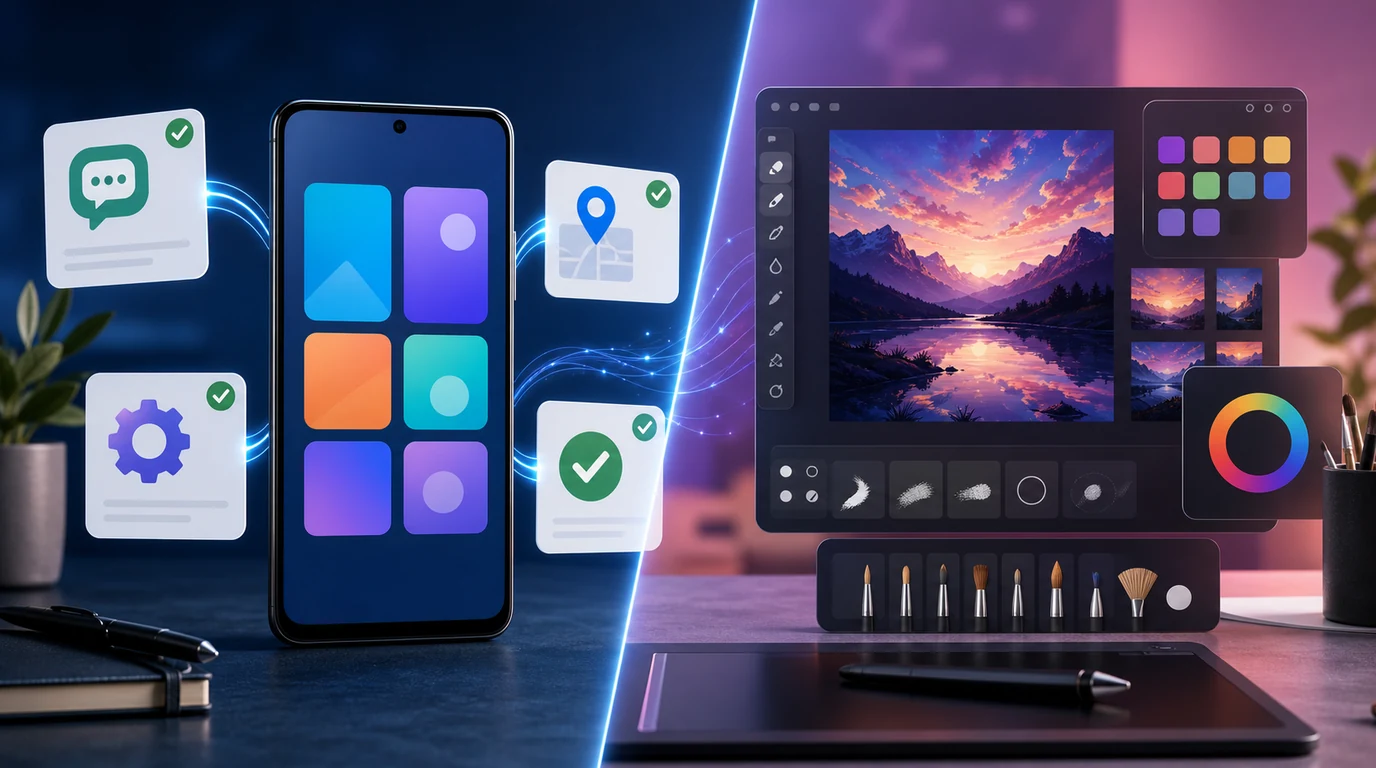
- FoneClaw vs Adobe Firefly is a category comparison: Firefly helps create and edit visual content, while FoneClaw helps operate supported Android phone actions.
- Adobe Firefly is useful when the job is image generation, design exploration, creative editing, or marketing assets.
- FoneClaw is our Android phone AI agent for supported actions, so we focus on messages, app steps, settings, confirmations, and device-side tasks.
- The right choice depends on the job: make or edit a visual asset with Firefly; ask the phone to complete a supported Android task with FoneClaw.
They Solve Different Jobs
The useful answer to FoneClaw vs Adobe Firefly is not who wins. The two products sit in different categories. Adobe Firefly is Adobe’s creative generative AI family for visual content tasks such as making images, exploring styles, editing assets, and supporting design work. FoneClaw is our Android phone AI agent for supported phone actions. One helps create visual content. The other helps operate the phone.
That category difference matters because people often use the phrase AI tool too broadly. A creator asking for a product mockup, a campaign visual, or a background variation needs a creative AI tool. An Android user asking the phone to prepare a message, open a relevant app, adjust a supported setting, or reduce repeated taps needs a phone AI agent. Those are not interchangeable jobs.
FoneClaw focuses on supported Android phone actions with visible results, permission-aware flows, user confirmation, and practical fallback. We also do not claim Firefly operates Android phone tasks. The comparison is still worth making because it helps readers choose by outcome. If the desired output is a visual asset, Firefly is the natural category. If the desired result is a supported phone action, FoneClaw is the category to understand. For the broader concept, we explain what a phone AI agent can actually do as distinct from image generation or chat-only assistance.
Where Adobe Firefly Is the Better Fit
Adobe Firefly is strongest when the user’s goal is visual. A marketer may need a social post background. A designer may want concept variations. A small business owner may need a product image direction before briefing a designer. A creator may want to explore lighting, color, texture, or composition. These are creative jobs where the primary output is an asset the user can inspect, revise, and use in a design process.
Firefly’s value comes from being close to creative production. The user describes a visual direction, reviews the result, adjusts the prompt, and decides whether the output fits the brand or campaign. That is very different from asking a phone to open a settings page or prepare a reply. In Firefly, the central question is whether the generated image or edit matches the creative intent. In phone task automation, the central question is whether the right action happened safely.
There are also clear boundaries. FoneClaw focuses on supported Android phone actions with visible results, permission-aware flows, user confirmation, and practical fallback. We also do not need to diminish Firefly to explain FoneClaw. Firefly solves visual creation problems. FoneClaw solves supported Android task problems. A reader can need both in the same day: Firefly for a campaign image, FoneClaw for phone-side follow-up such as opening an app, checking a message, or preparing a reminder.
Where FoneClaw Fits on Android
Our focus with FoneClaw is not asset creation. We build for phone actions. If an Android user wants to reduce repeated tapping, speak a task, open the right app, prepare a message, or move through a supported phone step with clear confirmation, that is the territory where FoneClaw belongs. We design around supported actions, permissions, and user control because phones hold personal information and real-world consequences.
A phone AI agent has to respect context. Sending a message, opening a navigation route, reviewing a notification, or changing a setting is not the same as generating an image. The phone task may involve contacts, apps, accounts, notifications, location, or device controls. That is why our product stance is conservative: we help with supported Android actions and keep sensitive steps visible. FoneClaw focuses on supported Android phone actions with visible results, permission-aware flows, user confirmation, and practical fallback.
The best FoneClaw examples are outcome-based. Instead of asking the user to open several apps manually, we want the user to say what they are trying to do: prepare a short reply, open the relevant setting, check the latest alert, or start a supported phone task. The article on automating Android tasks with one command shows why that matters: the phone should help complete everyday tasks without hiding the user’s final approval.
Choose by the Job, Not the Brand
A fair comparison starts with the job. If the output is an image, graphic, style direction, background, or design asset, choose the creative tool category. If the output is a phone action, app step, message draft, or device task, choose the phone-agent category. The brand name matters less than the type of work.
| User goal | Better fit | Why |
|---|---|---|
| Create a campaign visual | Adobe Firefly | The main output is visual content. |
| Edit or explore image styles | Adobe Firefly | The task is creative review and iteration. |
| Prepare a message on Android | FoneClaw | The task needs phone context and confirmation. |
| Open a supported app or setting | FoneClaw | The task happens on the phone. |
| Generate a visual asset, then organize follow-up on the phone | Both categories | Use the creative tool for the asset and the phone agent for supported phone steps. |
The boundary is important. Firefly is not a phone control product. FoneClaw is not a professional image-generation suite. A useful decision matrix prevents fake rivalry and helps users combine tools sensibly. The more precise the job, the easier the choice becomes.
Real Examples: Making an Image vs Finishing a Phone Task
Imagine a small business owner preparing a weekend promotion. The creative task is to make a new visual for a social post. Adobe Firefly is the natural fit because the user needs image generation, design direction, and visual review. The phone task begins after that: message a teammate, save a reminder, open a posting app, or check customer replies. That is where a phone AI agent becomes useful.
Now imagine a commuter who needs to reply to a message while walking to the train. The user does not need a visual asset. They need a supported Android task: open the relevant conversation, draft a short reply, and wait before sending. FoneClaw’s job is to make that phone step easier without pretending the user has given blanket permission for every future action.
There are hybrid days too. A marketer may brainstorm visuals with Firefly in the morning, compare FoneClaw with other assistants in the afternoon, and then use Android phone help for follow-ups. If the question is about cloud assistants rather than creative tools, readers can compare FoneClaw with Gemini to see a different category boundary. Firefly is best understood as creative AI. Gemini-style tools are closer to assistant and reasoning use cases. FoneClaw is about supported Android phone actions.
The repeated lesson is not that one tool replaces the other. The lesson is that output type should guide the choice. Visual asset, choose the visual tool. Phone task, choose the phone agent. Mixed project, use each where it fits.
Our Position: Phone Agents Complement Creative Tools
Our product view is straightforward: FoneClaw complements creative tools; it does not compete with them for image creation. We are building an Android phone AI agent for supported phone actions because phones are where many daily tasks happen. A user may create the image somewhere else, but still need help managing messages, reminders, navigation, settings, or app steps on Android.
That is why we focus on permission-aware phone help. If an action involves a message, app, setting, or personal context, the user should see what is happening and stay in control. We want FoneClaw to reduce manual phone work, not remove judgment. FoneClaw focuses on supported Android phone actions with visible results, permission-aware flows, user confirmation, and practical fallback.
For readers comparing FoneClaw vs Adobe Firefly, the practical answer is simple. Use Adobe Firefly when you need to generate or edit visual content. Use FoneClaw when you need help with supported Android phone actions. If your day includes both creative production and phone follow-up, the tools can sit side by side. The healthiest AI tool stack is not one winner for every job; it is the right tool in the right category.