
FoneClaw vs Nebula AI: Workspace Computers or Android Phone Actions?
Compare FoneClaw and Nebula AI by where work runs: Nebula channels, cloud or local computers, connected apps, jobs, and FoneClaw supported Android actions.
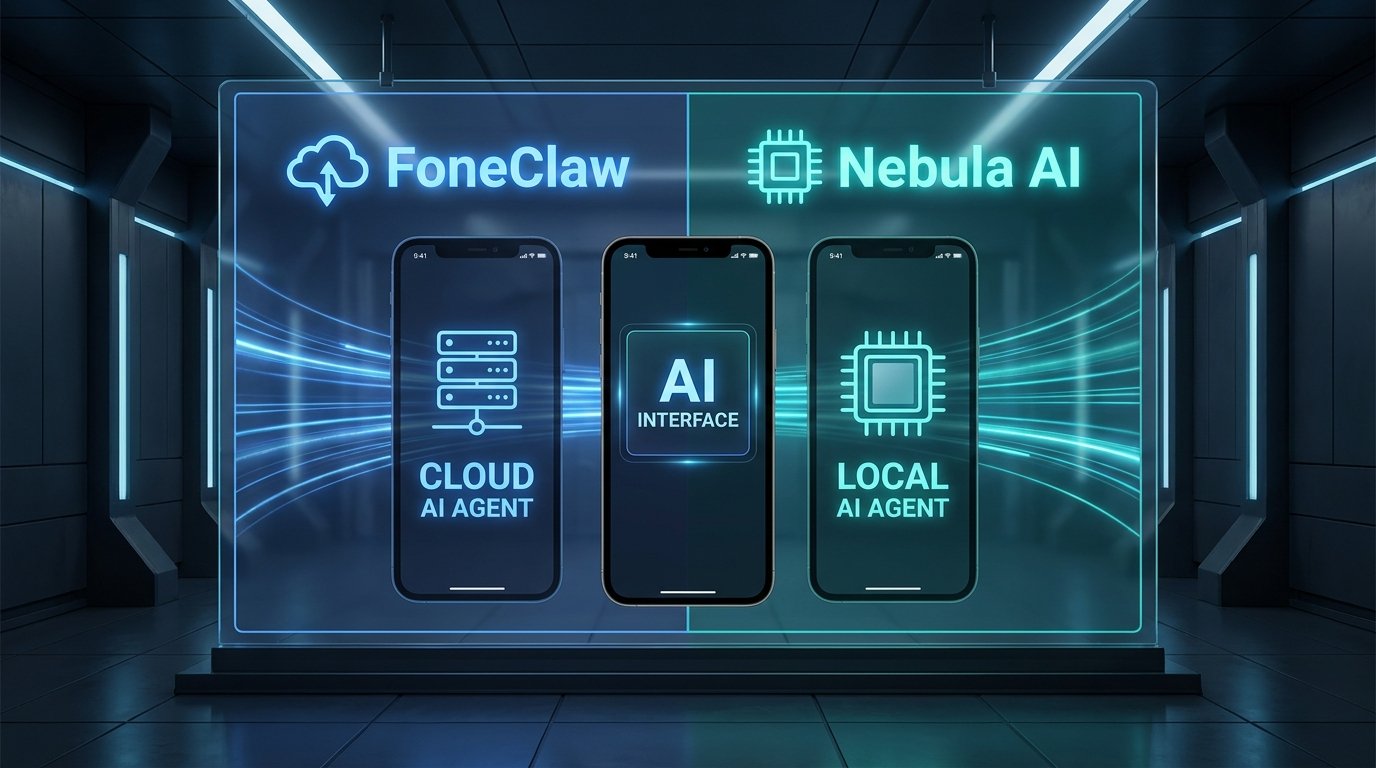
- Nebula at nebula.gg is a channel-based workspace where agents can use connected apps, browser work, code, tasks, and computers assigned to the channel.
- Nebula work can run on workspace cloud computers or a connected user computer; that is different from controlling arbitrary Android app UI.
- FoneClaw is the better fit when the task belongs on the Android phone itself, such as opening apps, reading supported visible UI, scrolling, selecting a visible target, or filling one editable field without submitting.
- Choose by the delivered result: a Nebula thread result, file, app update, or scheduled run versus a visible FoneClaw Android phone result that depends on permissions and current screen state.
Choose Where the Work Should Run
The practical FoneClaw vs Nebula AI decision starts with the machine that should do the work. Nebula at nebula.gg is not just a planning assistant. The Nebula getting started documentation describes a team chat workspace organized around channel goals, where an orchestrator can coordinate specialist agents, tasks, calls, apps, and devices.
Use Nebula when the job belongs in a workspace channel: browser research, code or command work, connected-app activity, recurring tasks, or a file/report returned to a thread. Use FoneClaw when the task belongs on the Android phone itself: opening an app, reading supported accessible UI, scrolling a visible screen, selecting a visible target, or replacing text in one current editable field.
That distinction matters because a connected app action or workspace computer is not the same thing as Android UI control. For phone-side workflows, AI Agent Phone Control on Android: Intent, Confirmation, Action explains why visible state, confirmation, and current device permissions matter.
Understand Nebula Devices and Connections
Nebula's device model is workspace-oriented. The Nebula devices documentation says a channel can use a workspace cloud computer or the user's own computer, with a channel default device. Existing specialists can keep their own device assignments. When a user adds “This computer,” agents can run commands inside the chosen working folder, and the helper must be connected for that route to work.
Cloud devices can be private or workspace-visible, and they consume Nebula Credits while working. A local computer can begin private unless added to a shared channel. Device access can also involve approval choices when an action reaches outside allowed folders. Those are real execution paths, but they are computer and workspace paths, not proof that Nebula controls arbitrary Android app screens.
Connections are separate from devices. The Nebula connections documentation describes personal connections that follow the requesting user, plus workspace-scoped shared provider keys and variables. Agents can act through authorized app toolkits when those connections are in place. FoneClaw's route is different: our current Android capabilities are described on the FoneClaw Features page, and they focus on supported phone-side actions with observable Android results.
Compare Tasks and Delivered Results
Compare the products by the output you need, not by a broad assistant label. Nebula is strong when the task belongs in a channel, a browser, a connected app, a command environment, or a recurring job. FoneClaw is the right fit when the action must happen on the user's Android phone and the current screen can be inspected.
| Task | Nebula route | FoneClaw route | Result to verify |
|---|---|---|---|
| Research report or file | Ask in a channel and receive results, files, or task output in the thread. | Use only if the report must be opened, moved, or used through a supported Android app path. | Returned file, thread result, or visible phone destination. |
| Code or command work | Run on a workspace cloud computer or connected user computer with the right folder and device access. | Not the primary route unless the task is about Android app state or supported phone files. | Command output, generated file, and where it was saved. |
| Connected app action | Use an authorized app toolkit through personal or workspace connections. | Relevant when the app must be operated through Android UI and the visible route is supported. | Correct account, target app, and completed service result. |
| Android visible draft | Can prepare wording in a channel for manual transfer. | Can replace text in one current visible editable field; text input does not submit or tap Send. | Exact inserted text and separate final action. |
| Phone navigation | Not implied by cloud or local computer access. | Can open supported apps, read supported visible UI, scroll, and select visible targets when the current Android screen allows it. | Correct app, current screen, and visible outcome. |
There is no native product-to-product handoff assumed here. If you use both, treat the transfer as a manual workflow unless you have a current supported route for the specific file, account, or app.
Check Recurring Jobs and Completion
Nebula has a real task and scheduling model. The Nebula tasks and scheduled tasks documentation lists task states such as queued, running, paused, needs attention, completed, failed, and cancelled. Results appear in the originating thread, and files can appear on the task card. Scheduled tasks repeat until paused or deleted, and “Run now” does not change their schedule.
For Nebula, a run count is not enough. Check whether the run completed, whether it needs attention, which account or connection it used, and what output was actually attached or posted. App events and webhooks also depend on the relevant app connection and are configured through the Nebula DM or inside a task.
FoneClaw scheduled automation is phone-centered. It combines local execution and cloud recovery for supported Android tasks, but cloud recovery does not grant phone permissions that are missing on the device. For details on phone-side scheduling and missed runs, Android AI Scheduled Automations: Local Execution, Cloud Recovery, and Missed Runs explains why notification, result, and recovery behavior depend on the actual task.
Check Accounts, Permissions, and Cost
Nebula access depends on channel membership, device assignment, personal connections, shared provider keys, and Credits for cloud device work. A personal OAuth connection follows the requesting user, while shared provider keys and variables have workspace scope. If a channel uses your computer, confirm the working folder and device access prompts before allowing broader operations.
FoneClaw access depends on Android permissions, the current app screen, and the action being requested. Some actions can inspect supported visible UI, while actions such as opening certain apps or replacing text can have different approval behavior under global and per-tool policy. If you configure an online model route in FoneClaw, supplied screen context may be processed through that selected model route.
Cost categories also differ. Nebula cloud computer work can consume Nebula Credits. FoneClaw has a default model route and compatible configured model routes, and current billing depends on the app, model provider, and account setup. For the broader cloud versus phone-side decision, Cloud vs Local AI Agent in 2026: Which Route Is Better for Your Phone? gives a wider view of where execution and model processing can happen.
Try a Small Task in the Right Environment
Before granting broad access, run one low-risk task where you expect the real work to happen. This is a practical check, not a completed benchmark. In Nebula, ask for a small non-sensitive report, a simple command output, or a connected-app action you can inspect in the thread. Confirm the account, device, task state, and final file or app result.
In FoneClaw, choose a reversible Android task: open a non-sensitive app, inspect the visible screen, prepare an unsent draft, or scroll a supported screen and verify what changed. Check the exact text and screen before any separate final action.
- Decide whether the task belongs in a Nebula channel, a cloud or local computer, a connected app, or the Android phone.
- Confirm the account, connection, device, folder, or Android permission before starting.
- Run a small task and inspect the actual output.
- Stop if the destination, account, visible target, or text is unclear.
- Use manual transfer when moving results between Nebula and FoneClaw.
Choose Nebula for channel-based workspace work, code, browser tasks, connected apps, and recurring jobs. Choose FoneClaw for supported Android phone actions where the result must appear on the user's device and the current screen state can be reviewed.