
Gemini 3 Android Phone Agent: What It Changes and What Still Needs an Execution Layer
Gemini 3 can make Android AI agents better at understanding, planning, and tool use, but phone control still depends on permissions, app interfaces, and confirmed execution.
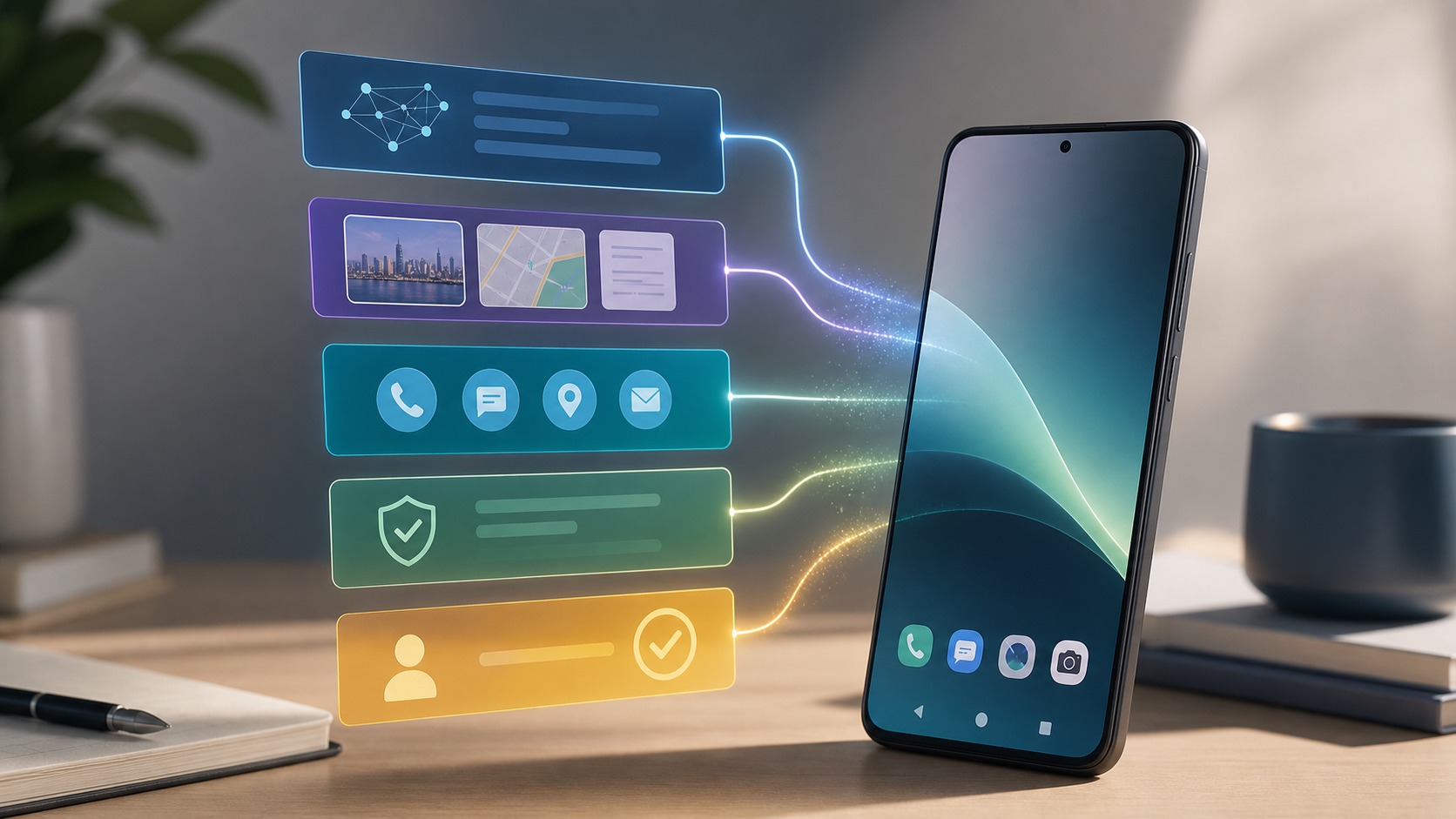
- Gemini 3 raises the ceiling for mobile AI reasoning, multimodal understanding, long-context work, coding, and tool orchestration.
- A stronger model does not automatically become a full Gemini 3 Android phone agent with permissioned control over every Android app.
- Reliable phone AI agent behavior still needs an execution layer that understands screen state, app actions, confirmations, and rollback paths.
- FoneClaw fits as an independent Android phone AI agent layer for supported, user-confirmed actions rather than a replacement for Gemini 3.
Quick answer: Gemini 3 improves the model, not the phone execution layer
A Gemini 3 Android phone agent is best understood as two separate parts: a more capable model and the phone system that can actually perform actions. Google describes Gemini 3 as its most intelligent model, with stronger reasoning, multimodal understanding, tool use, coding ability, and a very large context window. Those upgrades matter, but they do not by themselves give an AI assistant permission to open every Android app, press every button, send messages, change settings, or complete transactions.
Think about a normal phone task: you take a screenshot of a travel confirmation, ask the assistant to find the hotel address, draft a reply to a friend, and add the check-in time to a calendar. Gemini 3 may be better at reading the screenshot, understanding the itinerary, and planning the steps. The boundary appears when the phone has to write to an app, access contacts, create a calendar event, or send the reply. At that point, Android permissions, app support, and user confirmation decide what can happen.
That distinction is where a phone AI agent such as FoneClaw becomes relevant. FoneClaw focuses on supported Android phone actions with visible results, permission-aware flows, user confirmation, and practical fallback. Its role is not to make unsupported actions magically available; it is to provide an Android execution layer for supported workflows where the user can see, authorize, and confirm meaningful phone actions.
What Gemini 3 actually changes for mobile AI
Gemini 3 changes the quality of the thinking layer. For phone users, that means better handling of messy instructions, mixed inputs, and longer context. A user may ask for a summary of several messages, a plan based on a PDF, an answer grounded in a screenshot, or a small automation idea that involves more than one app. Stronger reasoning and multimodal understanding can reduce the gap between what the user meant and what the assistant understood.
Google also highlights Gemini 3 availability through products and developer surfaces such as the Gemini app, AI Mode in Search, AI Studio, Vertex AI, Gemini CLI, and Antigravity. For mobile AI, that matters because models can meet users in different places: consumer chat, developer tooling, cloud APIs, and workflow builders. If you are comparing broader Gemini 3 phone control possibilities, the practical question is still which surface is allowed to read context and which surface is allowed to execute.
The improvement is real, but it is not the same as universal phone control. A model can decide that a message should be drafted, a reminder should be created, or a setting may need adjustment. The phone still needs a trusted path to do it. Without that path, the model remains an excellent planner and explainer, not a reliable Android AI agent that can finish the job on the device.
Model intelligence vs phone agent execution
Model intelligence is the ability to understand the request, infer missing context, choose a plan, and call tools when tools are available. Phone agent execution is the separate ability to carry out the plan inside Android. Execution has to account for permission prompts, screen state, app versions, account state, disabled buttons, network failures, and actions that should be reversible or reviewed before they are committed.
For example, a user might say, "Text Maya that I will be ten minutes late and start navigation to the restaurant." A model can infer the message, understand the destination, and produce a sensible sequence. An Android AI agent must then decide whether the right contact is selected, whether navigation is opening the intended place, and whether the outgoing message should wait for a tap. The hard part is often not the sentence; it is the last inch of safe execution.
This is why stronger Gemini 3 reasoning can improve a phone agent without replacing the agent layer. The model may make fewer planning mistakes and handle more context, but execution still needs contracts with apps, checks before sensitive steps, and a way to stop when the phone state does not match the plan.
Where Gemini 3 could help Android workflows
Gemini 3 could be especially useful before execution, where Android workflows require interpretation rather than simple tapping. It can help extract actions from screenshots, summarize notification clusters, compare information from a message and a webpage, draft replies in the right tone, and turn a vague request into a short list of phone tasks. These are places where the model's reasoning and multimodal strengths can make the phone feel less fragmented.
A practical workflow might start with a photo of a handwritten shopping list and a message from a roommate. Gemini 3 could identify the groceries, notice that two items are already mentioned in the message, and prepare a checklist. If the user then wants items added to a shopping app, the workflow crosses into phone control. That is where app access, supported actions, and confirmation matter more than model fluency. Voice-first versions of Gemini 3 phone control face the same split between understanding a command and safely carrying it out.
For FoneClaw, the useful framing is execution after understanding. A phone AI agent can take a clearer plan from a strong model and try to turn it into supported Android actions, but it should still expose what it is doing. The best experience is not an invisible assistant making assumptions; it is a system that understands intent, shows the next step, and lets the user stay in control.
Why app actions and machine-callable interfaces still matter
Reliable agents need more than screen reading. Machine-callable app capabilities, structured actions, and stable interfaces reduce the need to guess what a button means on a changing screen. When an app exposes clear actions, an agent can call the intended capability directly instead of relying on brittle visual automation. That makes phone workflows easier to test, explain, and recover when something fails.
Consider booking a ride, creating a task, or moving a file. If the agent only sees pixels, it may misread a promotion banner, tap the wrong account, or fail when the app redesigns a menu. If the app exposes a structured action such as creating a task with a title and due date, the agent has a safer path. This is the same reason builders are watching machine-callable apps: they let AI systems operate through defined capabilities rather than guesswork.
Gemini 3 can be better at selecting the right tool, passing the right parameters, and reasoning about failures. But the tools must exist, and the user still needs clear boundaries around what the agent can do. For Android builders, the lesson is straightforward: make app actions explicit, keep permissions narrow, and design confirmation points for anything that changes user data, spends money, shares information, or affects accounts.
| Task type | Model-only Gemini 3 | Phone agent layer | User checkpoint |
|---|---|---|---|
| Understand a screenshot | Strong fit for visual and text reasoning | Usually not required | Review the interpretation |
| Draft a reply | Strong fit for wording and tone | Needed only to place it in an app | Confirm before sending |
| Create a reminder | Can plan the reminder details | Needed to write to the phone or app | Confirm date, app, and account |
| Change settings or pay | Can explain the steps and risks | Only if explicitly supported | Manual or high-friction confirmation |
Privacy, permissions, and confirmation boundaries
Phone agents touch unusually sensitive surfaces. Messages, calls, contacts, location, files, photos, accounts, settings, and payments all carry privacy or safety implications. A stronger model does not lower that bar. If anything, a more capable model makes clear controls more important, because users may ask it to combine information from many places and then act quickly.
Local processing and cloud processing also create different tradeoffs. Some tasks benefit from staying on device, especially when they involve private notifications or personal files. Other tasks may need cloud-scale reasoning, larger context, or developer tools. A useful comparison of local vs cloud phone agents should focus less on slogans and more on what data is sent, what is retained, what permissions are granted, and when the user must approve the final action.
FoneClaw should follow the Android permission model rather than work around it. It can ask for access when a supported action requires it, explain why the access is needed, and require confirmation for sensitive outcomes. It should not promise silent message sending, hidden account changes, permission bypass, or universal control. Trust comes from visible limits as much as from impressive automation.
Where FoneClaw fits after Gemini 3
FoneClaw fits as an Android phone AI agent layer that can turn understood intent into supported, confirmed phone actions. In that role, Gemini 3 is relevant because better model reasoning can improve interpretation and planning. FoneClaw remains the execution layer, not a Google product and not a replacement for Google's model. The relationship is complementary: stronger models can make better plans, and a phone agent can help carry out the parts it supports.
A user might ask, "Clean up my morning: summarize overnight messages, pull out anything urgent, draft two replies, and remind me about the invoice after lunch." Gemini 3-style reasoning can help decide what is urgent and draft the replies. FoneClaw-style execution can help place supported reminders or prepare actions for review. Sending a message, changing an account, or touching a payment-related app should still require confirmation.
This positioning is important because it avoids two bad expectations. The first is that Gemini 3 alone makes every Android app controllable. The second is that a phone agent can ignore app limits because the model is smart. A useful phone AI agent is narrower and more dependable: it handles supported actions, stops when the state is unclear, and keeps the user involved at meaningful moments.
Decision guide for Android users and builders
The right choice depends on the job. If the task is understanding, summarizing, coding, comparing information, or drafting text, Gemini 3 may be enough by itself. If the task needs something changed on the phone, such as adding an event, preparing a message inside an app, organizing files, or coordinating several steps, a phone agent execution layer becomes more relevant. If the task is sensitive, unsupported, or high consequence, manual control is still the safer default.
Users can apply a simple test: does the request end with information, a draft, or an action? Information can usually stay inside the model. A draft can be prepared by the model but should be reviewed before it leaves the phone. An action needs device permissions, app support, and a visible confirmation path. Builders can use the same test when designing Android AI agent workflows, because it separates helpful assistance from risky automation.
Gemini 3 raises expectations for what mobile AI can understand. It does not remove the need for execution design. The best Gemini 3 Android phone agent experience will combine strong reasoning, structured app capabilities, careful permissions, and user-confirmed phone actions. That is the practical space where FoneClaw can fit: not as a claim of affiliation or universal control, but as a focused Android agent layer for supported workflows.
Sources used: Google Gemini 3 announcement at https://blog.google/products-and-platforms/products/gemini/gemini-3/ and Google Gemini 3 collection at https://blog.google/products-and-platforms/products/gemini/gemini-3-collection/.