
Gemini Productivity on Android: What It Helps With and Where Phone Agents Still Matter
A practical guide to Gemini productivity on Android, including daily workflows, connected app checks, privacy boundaries, and where FoneClaw fits as an independent phone AI agent.
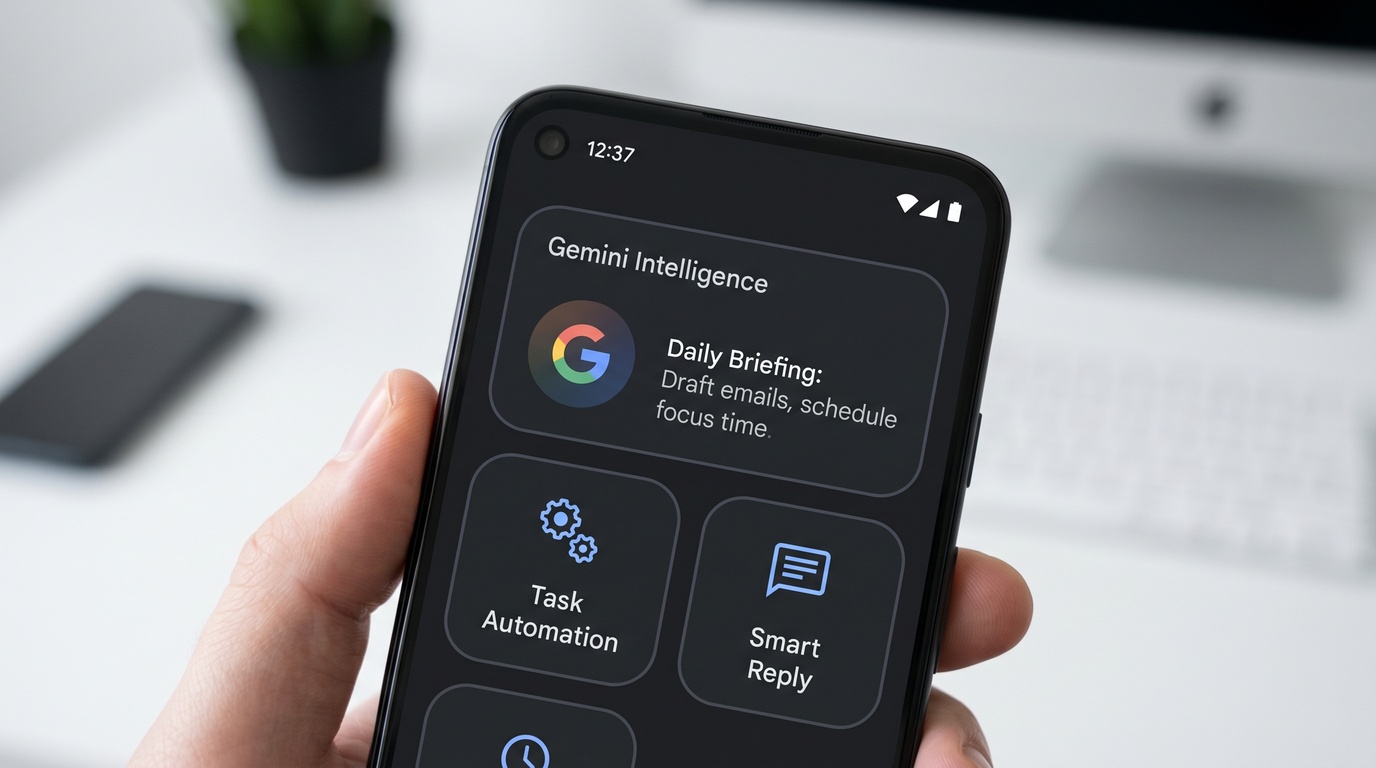
- Gemini productivity on Android is most useful when it helps you understand, draft, plan, summarize, or prepare work before you act on the phone.
- The important boundary is execution: Gemini features can vary by account, device, region, language, app version, plan, and rollout, so every connected app or automation flow needs a real availability check.
- FoneClaw is independent from Google and Gemini, and it fits best when you need supported Android phone actions handled with visible permissions, confirmations, and user review.
Quick answer: Gemini productivity on Android
Gemini productivity on Android is best understood as help around the work you are already trying to do on your phone: summarize a long thread, draft a reply, prepare for a meeting, turn a messy note into a plan, research a question in the browser, or decide what should happen next. That is different from assuming an AI assistant can reliably operate every app and finish every workflow without review. The practical question is whether the feature available on your phone can safely handle the exact step in front of you.
Google positions Gemini as an AI product surface, and Gemini Apps support pages describe settings, connected apps, mobile behavior, and availability boundaries. Those boundaries matter because Gemini features can vary by account, device, region, app version, language, plan, and rollout. Treat Gemini Intelligence productivity as a set of capabilities to verify, not a single universal mode that every Android device receives at once.
The right mental model is layered. Gemini can help with thinking, drafting, summarizing, and some connected-app assistance. It may reduce the number of taps before you make a decision. It does not automatically make every phone action reliable, reversible, or appropriate for work data. FoneClaw is independent from Google and Gemini, and its role is narrower: supporting specific Android phone actions with visible permissions and confirmations where that action layer is the real need.
Daily workflows where Gemini can reduce phone friction
The clearest wins for Gemini productivity on Android usually start with information overload. If you open your phone between meetings and face unread email, a calendar conflict, a copied address, and a message that needs a careful reply, AI can help you sort the situation before you start tapping through apps. A useful assistant can summarize what matters, suggest a response, turn a loose instruction into a checklist, or help you decide whether a task belongs in calendar, notes, reminders, or a shared document.
For example, you might ask Gemini to help prepare for a client call by turning notes into talking points, rewriting a rough message in a calmer tone, or outlining the next steps after a meeting. That is real AI productivity on Android because it happens at the moment the phone would otherwise slow you down. It is also a place where review is natural: inspect the draft, compare it with the source material, and decide whether to send, edit, or discard it.
Widgets and home-screen entry points can make this kind of help easier to reach, but they should not be confused with guaranteed end-to-end automation. If your productivity question is about faster entry points, glanceable prompts, or what Android Gemini widgets can actually do, the next useful check is Gemini Intelligence Widgets on Android: What They Can Do and Where They Stop. The goal is to shorten the path into a task, not to remove judgment from the task.
Workspace, apps, and browser tasks need availability checks
Connected-app productivity is where expectations can become too broad. A user may hear that Gemini works with Google services and assume it can see every file, summarize every message, manage every calendar detail, or move freely between browser and app tasks. In practice, connected behavior depends on settings, account type, app support, language, location, device state, and the current rollout. Before building a work routine around Gemini task automation, confirm what your actual account can access.
A practical test is to pick one workflow, not an entire day. Ask whether Gemini can help with a specific calendar prep step, a Gmail summary, a document outline, a search task, or a reminder. Then check the output against the source. If the assistant can produce a reliable brief but cannot complete the final phone action, you have still gained value; you know where the human handoff belongs. If the feature is missing, inconsistent, or blocked by account policy, the workflow should not depend on it.
Device compatibility deserves the same discipline. Android models, app versions, regional releases, and account settings can change what appears on the phone, so availability is not something to infer from a headline. For a more focused device and support check, use Gemini Intelligence Supported Devices: Phone Compatibility Guide before assuming that a specific Gemini Intelligence productivity workflow will be present on a particular handset.
Productivity automation is not the same as reliable phone action
There is a useful difference between automation that prepares work and action that changes something on the phone. Drafting a message is preparation. Sending the message is action. Summarizing a route, a confirmation email, or a meeting note is preparation. Booking, deleting, purchasing, sharing, or submitting is action. AI productivity Android workflows become safer when you keep that split visible instead of treating every step as the same kind of automation.
Industry reporting around Gemini Intelligence for Android has described concepts aimed at helping phones do more work for users, but reporting about concepts or rollouts sets a narrower boundary than a promise that every app action is supported today. The responsible reading is narrower: mobile AI is moving toward more context, shortcuts, and connected help, while real-world execution still depends on feature availability, app permissions, system rules, and confirmation design.
This is especially important for multi-step tasks. An assistant might help prepare a restaurant message, find a time, summarize prior conversation, and suggest wording. That does not automatically make it should submit the final booking, share contact information, or alter a work calendar without review. Reliable phone AI agent productivity needs a clear handoff point: what the AI can infer, what it can prepare, what it can actually do, and where the user must confirm.
Privacy, permissions, and review before letting AI handle work data
Productivity is not only speed. On a phone, it also includes the discipline of protecting work data, personal messages, account permissions, and private context. Before using Gemini or any mobile AI assistant for a work task, ask what information the assistant needs, whether the data is appropriate to share, and whether your employer or client has AI rules. A summary is only helpful if the source content is safe to process in that environment.
The same review habit applies to permissions. Connected apps, browser help, schedules, and mobile features often require settings that expose more context to the assistant. That may be acceptable for rewriting a public announcement or organizing a personal list. It may be inappropriate for legal notes, unreleased product plans, health information, customer records, or confidential negotiations. The more sensitive the data, the more you should narrow the task or keep the content out of the assistant entirely.
Review is also quality control. AI can miss nuance, invent a connection, flatten a priority, or choose a tone that does not match the relationship. For serious work, use AI to create a first pass, then verify names, dates, numbers, obligations, and implied commitments before anything leaves the phone. Mobile AI productivity should reduce friction without making you less accountable for the final action.
Where FoneClaw fits as an Android phone AI agent
FoneClaw fits into the Android productivity discussion when the problem is not just drafting or summarizing, but carrying out supported phone actions in a controlled way. FoneClaw focuses on supported Android phone actions with visible results, permission-aware flows, user confirmation, and practical fallback. FoneClaw is independent from Google and Gemini. Its value is clearer when the task requires a phone action layer with visible permissions, explicit confirmations, and realistic support boundaries.
That difference matters in everyday language. Gemini may be the better place to ask for a summary, a rewritten message, a plan, or a way to think through a decision. FoneClaw is relevant when the user wants an Android phone AI agent to help with supported actions on the device, while still keeping the user in the loop. The comparison is not simply which AI is smarter. It is which part of the workflow each tool is designed to handle.
If you are deciding between an assistant for planning and an agent for phone action, compare the workflow step by step instead of choosing by brand name. For a direct breakdown of that division, read Gemini Intelligence vs FoneClaw: Android Phone Agent Comparison. The useful decision is whether your bottleneck is understanding the task, preparing the content, checking availability, or executing a supported Android action.
A practical checklist before relying on mobile AI productivity
Before you build a routine around Gemini productivity on Android, run a small checklist. First, define the task in one sentence: summarize this thread, draft this reply, prepare this meeting, research this choice, set up this reminder, or complete this supported phone action. If you cannot name the task clearly, the AI will probably produce a vague answer that feels helpful but does not remove real work.
Second, verify availability on the exact phone, account, language, and app version you plan to use. Open the relevant settings, check connected apps, and test with non-sensitive content before bringing in work data. Third, decide the confirmation point. For low-risk drafting, review may be enough. For sending, scheduling, purchasing, deleting, submitting, or sharing, require an explicit confirmation step and inspect the details before accepting the result.
Fourth, separate private data from convenience. Redact where possible, summarize manually when needed, and follow the rules that apply to your organization. Finally, decide whether the workflow needs an assistant, an action agent, or both. Gemini Intelligence productivity can reduce the thinking and drafting burden, while a phone AI agent such as FoneClaw is relevant only where supported Android actions, permissions, and confirmations are the actual requirement.