
Gemini Widget on Android: Setup, Shortcuts, and Missing Widget Fixes
Add and resize the Gemini widget on Android, use its six shortcuts, and diagnose missing widgets or failed microphone, camera, photo, and file input.
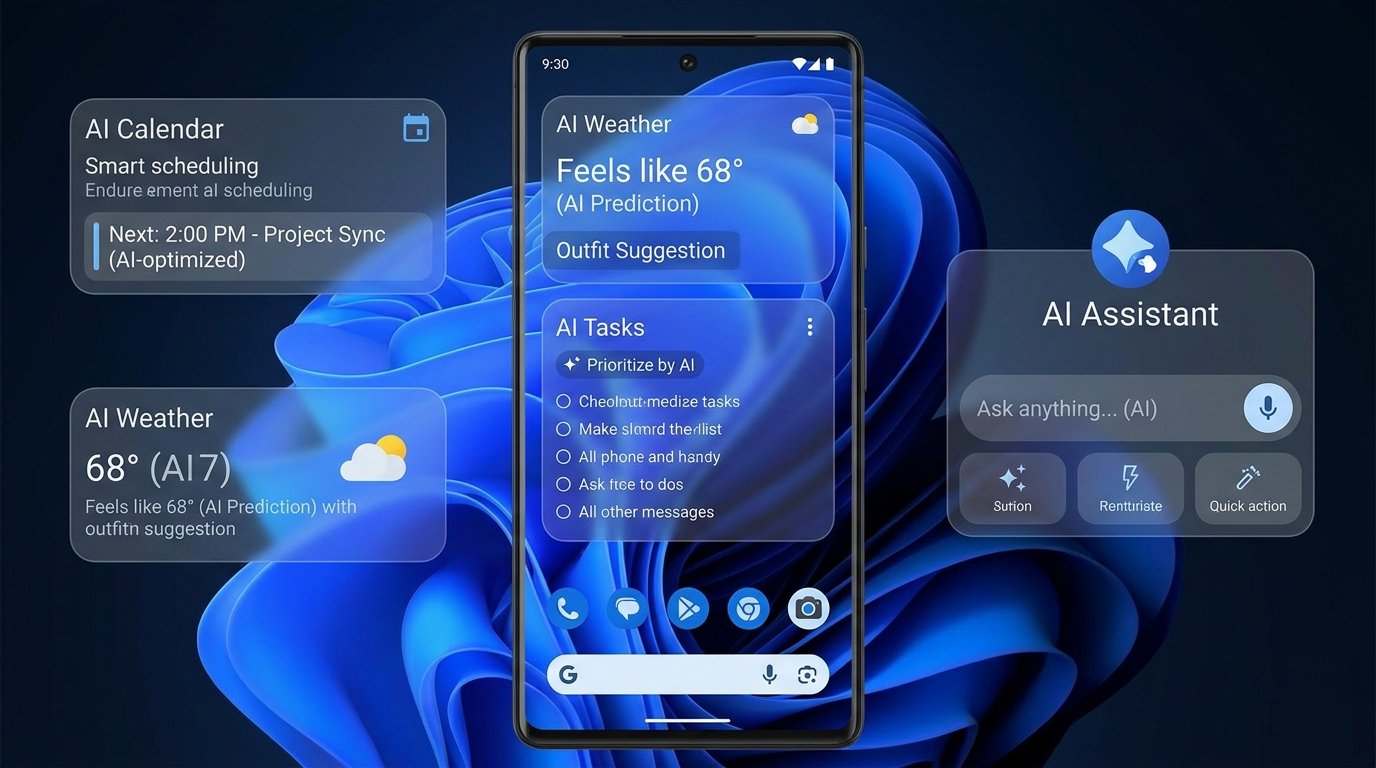
- Add the Gemini home-screen widget through Android’s widget picker on a supported setup with Android 10 or later and the Gemini app from Google Play. Changing the default assistant is a separate choice.
- The six shortcuts open Gemini, Live, microphone input, camera input, file upload, or photo upload. Verify the selected input and next step inside Gemini rather than treating a tap as a completed task.
- Diagnose app access, a missing picker entry, insufficient home-screen space, and failed input separately. Test the same feature inside Gemini before removing and re-adding a working widget.
- FoneClaw’s Quick Settings voice-note tile serves a different job: deliberately record, review the transcript, and verify a saved note or supported follow-up outside the Gemini widget flow.
Add the Gemini Widget to the Home Screen
To add the Gemini widget on Android, open your home-screen widget picker, find Gemini, and place it where there is enough space. Google’s Gemini widget help for Android lists Android 10 or later and the Gemini app from Google Play as requirements. Check that Gemini opens directly before troubleshooting its home-screen entry.
- Open Gemini once. Confirm that your signed-in account can access the app on this phone.
- Choose a home-screen page. Leave enough empty space for the widget without moving important shortcuts unnecessarily.
- Long-press an empty area. Open the home-screen controls, then choose Widgets.
- Find Gemini. Locate its entry in the widget list.
- Add the widget. Drag or place it on the chosen page using your launcher’s controls.
- Verify the entry. Tap the main Gemini shortcut and confirm that Gemini opens, then return home and check that the widget remains in place.
This setup does not require changing Gemini into the default mobile assistant. Google’s Gemini mobile setup guidance treats default assistant configuration as a separate choice. The widget, default assistant, Hey Google, touch activation, and microphone input are different entry methods.
The instructions here concern the home screen. Do not assume the same widget can be placed on every Android lock screen. Launcher controls also vary, so use the labels actually shown on your phone.
If you are checking eligibility more broadly, Gemini Intelligence Supported Devices: Phones, App, Chrome, Wear OS, and FoneClaw covers account, country, language, device, and app-access questions. A widget cannot resolve an unavailable account or app.
Choose the Shortcut for the Task
The Gemini widget is most useful when its shortcut matches your next step. Google documents six entries. Each opens a Gemini feature; you still supply the request, choose the input, or manage the conversation afterward.
| Shortcut | What it opens | Proposed next step and visible check |
|---|---|---|
| Gemini | The main Gemini entry point. | Type a short planning question and confirm the intended prompt appears before submitting. |
| Live | Gemini Live conversation. | Ask about a harmless topic, check two-way audio, and end the conversation through the app’s controls. |
| Microphone | Voice prompt input. | Speak a short request and check that Gemini received the intended words or meaning. |
| Camera | Gemini camera input. | Capture a non-sensitive object and confirm the intended image is supplied for your question. |
| File | File upload. | Select a non-sensitive file, inspect its name or attachment, and ask a focused question. |
| Photo | Photo upload. | Choose the intended image and verify the attachment before asking about a visible detail. |
These are suggested checks you can perform, not reported product tests. Begin with an input that is easy to verify. For example, selecting a photograph of a notebook and asking about its cover gives you a clearer check than requesting an elaborate interpretation of several documents at once.
Choose microphone input for a spoken prompt and Live for a continuing conversation. The widget microphone is not a saved voice-note recorder by itself. Similarly, camera entry and photo upload serve different starting points: one opens camera input, while the other lets you choose an existing image.
For a file question, first confirm the selected file is the one you meant to provide. A response cannot establish that the correct document was attached if you skipped that check. If you cancel the picker, the shortcut has opened successfully even though no file was supplied.
The widget is an entry surface rather than a live calendar, reminder list, or proactive task dashboard by default. For behavior after the first tap, Gemini Voice Control on Android: Actions, Fixes, Live Help, and Phone-Agent Limits explains voice entry, connected apps, and phone-action conditions.
Resize, Move, or Remove It
After adding the widget, long-press it to move it. If your launcher exposes resizing handles, drag an edge or handle until the widget fits your layout. Launcher grids, available space, and Android skin behavior can limit its dimensions.
Before changing the layout, note where the widget sits and which shortcuts you can comfortably select. Move it to an empty area first, then resize if supported. Afterward, check that the intended shortcuts are visible, labels or icons are not crowded, and a tap opens the feature you meant to choose. Do not assume every size presents the same controls in the same arrangement.
If resizing is unavailable, keep an offered size or try another page with more space. A missing handle does not establish that Gemini is broken; it may reflect the launcher’s supported layout. Avoid removing several unrelated home-screen items before checking whether an empty page works.
To remove the widget, long-press it and drag it to Remove, or use the launcher’s equivalent removal control. Removing the widget does not uninstall Gemini or change your Google account settings. Check that the home-screen surface is gone and that the app still opens directly.
You can add the widget again later. Record any layout change you want to reverse so a quick experiment does not become an unwanted home-screen reorganization.
Fix a Missing or Unresponsive Widget
First distinguish an unavailable app, a missing Gemini entry in Widgets, and a listed widget that will not fit. These problems have different stopping points. The following sequence is proposed troubleshooting guidance; it does not establish a tested fix for every launcher.
Gemini Is Absent or Cannot Open
Check Android version and whether the Gemini app from Google Play is installed. Then try opening it directly. Review the account, supported country and language, device, and app-access requirements in Google’s setup guidance. If direct access is unavailable, stop widget troubleshooting and resolve that eligibility or app-access issue first.
Changing default assistant settings is not a documented prerequisite for adding the widget. Granting microphone permission also cannot create account eligibility or an unavailable feature. Do not switch regions or clear all app data as a general missing-widget fix.
The App Works but Gemini Is Missing From Widgets
Check available Gemini updates, then reopen the home-screen widget picker and look for the app entry. If it remains absent, a normal phone restart is a reasonable next comparison. Check your launcher’s widget support and available updates without assuming a particular manufacturer menu.
The expected observation is a Gemini entry that can be selected. If direct app use works but the entry still does not appear, launcher or app-widget registration behavior is a possibility, not a proven diagnosis. Keep direct app access as the fallback and consult the relevant support guidance instead of repeatedly changing assistant defaults.
The Widget Is Listed but Will Not Fit
Try a home-screen page with more free space. Move one nearby icon if needed, remembering its original position, or use an offered widget size. After placement, confirm that the widget stays on the page. If the launcher still rejects it, check its grid and placement controls; microphone or camera permissions are unrelated to fitting a widget.
The Placed Widget Stops Responding
Open Gemini directly and compare the same entry there. If the app also fails, investigate app access or state. If direct use works, update the app, restart the phone or launcher through supported controls, and remove and re-add the widget. Change one thing at a time and retest the same shortcut so you can identify what changed.
Fix a Shortcut That Opens but Cannot Use an Input
If a tap opens Gemini but the intended input fails, the widget has already completed its launch step. Test that same input inside Gemini before removing the widget. This separates shortcut behavior from permissions, input selection, and feature availability.
| Symptom | Check inside Gemini | Expected result or fallback |
|---|---|---|
| Microphone opens but speech is not received. | Microphone access, available voice input, and the app’s active input state. | A short prompt is received; use typed input if voice remains unavailable. |
| Camera input cannot capture. | Camera permission and whether the camera input is available. | The intended view can be captured; use an existing photo where supported. |
| Photo is not attached. | The selected image and the picker’s actual access controls. | The chosen attachment appears; select it again if the picker was canceled. |
| File input does not complete. | The chosen file, selection result, and current app support. | The intended file is attached; use another supported input if needed. |
| Live opens but conversation cannot proceed. | Account availability, microphone access, and audio behavior in Live. | Two-way conversation works; use ordinary Gemini input as a fallback. |
If a permission was denied, review Gemini’s permissions through Android app settings using the labels on your device. Allow only the access appropriate to the input you want. Photo and file pickers may provide specific selection controls; do not assume every input requires broad storage access.
If the same feature fails inside Gemini, re-adding the widget does not address the blocked layer. If it works inside the app but repeatedly fails from the widget, return to the launcher comparison and re-add step. Note which shortcut failed rather than describing every Gemini entry as broken.
What Happens After Opening Gemini
A widget tap opens Gemini into a feature. What happens after that depends on availability, account settings, permissions, and supported connected apps. Google’s Gemini Android capabilities guide describes writing, voice, image and camera input, and supported app assistance.
For a proposed check, open microphone input and ask a harmless question. Confirm that the request was received and a relevant response appears. If you instead request a supported action, inspect its destination: an acknowledgment alone does not establish that an alarm, event, or other record was created correctly. Check the actual target before retrying an uncertain write.
Gemini supports more than answers, while its widget remains the entry surface. For a broader comparison, Gemini vs FoneClaw: Android Tasks, Screen Actions, and Setup explains the separate task routes.
A Separate Shortcut for Saving Voice Notes
In FoneClaw, you can use the Quick Settings tile to start or stop a voice-note recording from Android’s notification shade. After recording, review the transcript before saving the note or requesting a supported follow-up. Check that corrections were saved and that the intended note exists.
This suits deliberately capturing a spoken thought for later review. Gemini’s widget microphone opens prompt input; our tile serves a separate saved-note workflow rather than connecting to consumer Gemini shortcuts.
FoneClaw uses a selected compatible or default model and enabled Android tools for supported workflows. Android permissions and actual global and per-tool approval settings apply, and an online model may process selected task context. Our FoneClaw Features page describes the available capability areas.
Choose Gemini’s widget for quick Gemini input. Choose the FoneClaw voice-note tile when the result you want is a deliberately recorded, reviewed, and saved note.