
OS Agent vs App Traffic: How Phone AI Agents Change Mobile Discovery
OS agents may become the first intent layer on phones, but apps still win when they provide trusted data, services, content, and machine-callable actions.
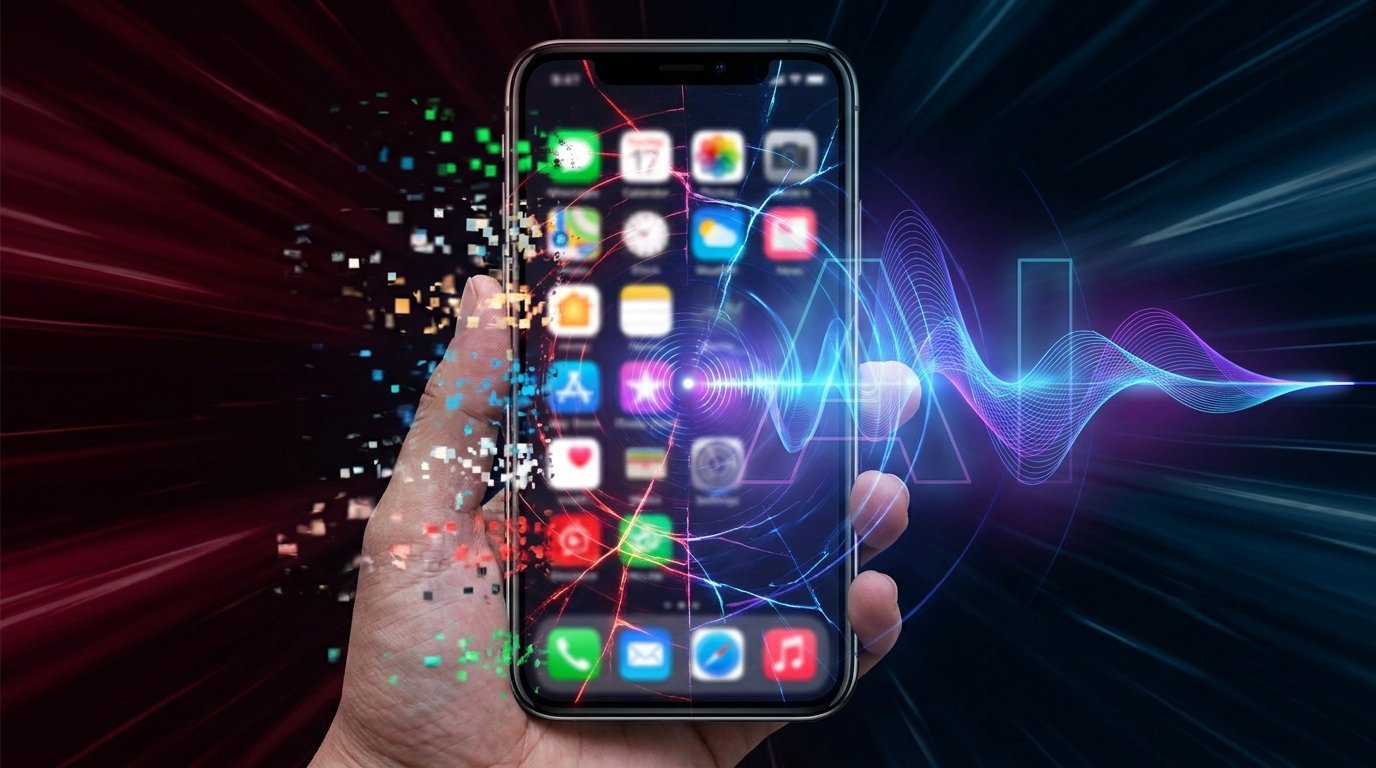
- The OS agent vs app traffic shift is not about apps disappearing; it is about the entry point moving from app icons and search boxes toward intent capture.
- Apps still matter when they own trusted data, services, content, commerce, and structured actions that agents can call with user permission.
- Phone AI agents can reduce app hopping, but users still need source clarity, consent, visible status, and control over final actions.
OS Agents Will Redirect Some Traffic, Not Kill Apps
The practical answer to OS agent vs app traffic is balanced: OS agents and phone AI agents will redirect some mobile traffic because they may sit before apps in the user journey, but apps are not dead. The entry point is shifting from “open an app and search inside it” toward “state an intent and let the phone route the next step.” That shift matters for discovery, messaging, maps, shopping, reminders, settings, and content search.
Apps still matter when they own trusted data, services, content, commerce, identity, and reliable execution. A restaurant app may still own loyalty rewards. A bank app still owns account access. A map app still owns route quality. A messaging app still owns the thread and delivery state. The phone AI agent may capture the user’s intent first, but it often needs the app to provide the result, permission boundary, or final action.
FoneClaw should be understood within that reality. It is an Android phone AI agent for supported phone operations, not an app-store replacement, not an operating system owner, and not a tool that bypasses app permissions. Its value is helping users complete supported Android tasks more directly while keeping sensitive steps confirmable and visible.
The Mobile Entry Point Moves From Apps to Intent
Today, many mobile sessions start with an app icon, a search box, or a notification. In an agent-mediated flow, the user may start with intent: “Find the fastest route and text Alex my ETA,” “compare these two products,” “turn off work notifications for an hour,” or “remind me about this receipt tomorrow.” The phone AI agent becomes the first layer that interprets the request, checks context, and decides which app or setting should be involved.
This creates a new traffic pattern. The user may never browse three apps manually if the agent can summarize options, ask for confirmation, and open only the needed surface. For maps, the agent may choose a route provider and show a preview. For messaging, it may draft but not send until the user approves. For shopping, it may compare product pages and then hand off to the trusted merchant or marketplace. For settings, it may explain what it wants to change before touching anything sensitive.
That is why the phone as the AI command center framing matters. A phone-agent flow should not mean silent automation. It should mean intent-first navigation with visible status, permission checks, and human confirmation when messages, payments, private data, location, or device settings are involved.
Platform Layers Decide How Much Traffic Agents Can Hold
The amount of traffic an OS agent can intermediate depends on platform layers, not only model quality. There is the agent runtime that understands intent and plans steps. There are app interfaces that expose supported actions. There are permission surfaces that decide what the agent can read, open, change, or send. There is also the trust UI: the visible place where users approve, cancel, inspect, or review what happened.
Those layers create leverage for platform owners, but the leverage is not unlimited. A platform can make the agent the first intent layer, but it still needs user trust, app participation, permission boundaries, and reliable execution. If the phone cannot show which source it used, why an app was selected, what data was shared, or what action was approved, the agent becomes a confusing gatekeeper rather than a better mobile experience.
The broader OS agent foundation helps explain the traffic shift: runtime, permissioned execution, and visible trust surfaces are separate responsibilities. When those layers are clear, an agent can reduce friction without hiding the app ecosystem. When they are vague, mobile traffic may be redirected in ways users and app developers cannot understand.
How Apps and Brands Stay Useful in Agent-Mediated Discovery
For app developers and brands, the answer is not to fight every agent interface. The better strategy is to become easier for agents and users to trust. Apps need clear content, structured data, reliable deep links, understandable permission requests, and action surfaces that let software call a supported function without guessing from a screen. App Intents and App Functions-style patterns support the idea of structured app actions, even though universal readiness should not be assumed.
Machine-callable actions can keep apps relevant when users stop browsing manually. A travel app that exposes booking status, check-in actions, and itinerary changes is more useful to an agent than a closed app that only works through visual navigation. A shopping app with clear product metadata, return policies, and cart actions is easier to route into than one with ambiguous pages. A productivity app that exposes reminders, tasks, and search can remain central even if the user starts from a phone agent.
This is where machine-callable apps become a brand and product strategy, not only a developer feature. Brands should optimize for answer surfaces and action surfaces: clear facts the agent can cite, trusted destinations the user recognizes, and permissioned actions the phone can present for approval. That does not guarantee traffic, rankings, or conversions. It simply makes the app easier to use in an agentic mobile flow.
What Users Gain and What They Need to Watch
Users may gain fewer taps, less app hopping, and faster completion. Instead of opening maps, messages, calendar, and settings separately, a phone AI agent can coordinate the sequence: check location, draft a message, create a reminder, and show what needs approval. That is the appeal of agentic AI on the phone: the user describes an outcome, and the phone helps turn it into a sequence of supported actions.
The tradeoff is that fewer screens can also mean fewer obvious checkpoints. If the agent summarizes a restaurant, which source did it use? If it drafts a purchase action, which merchant is involved? If it changes a setting, what exactly changed? If it reads a notification, what data was exposed? Less app switching is helpful only when the user still has control over source clarity, consent, and final execution.
Good agentic search should make the route visible. It should tell the user when it is answering from general content, when it is opening a brand surface, when it is calling an app action, and when it is requesting sensitive permission. The risk is not that apps vanish. The risk is that users lose the ability to inspect how a result was chosen and what happened after approval.
Where FoneClaw Fits in an App-Heavy Phone World
FoneClaw’s role is not to replace apps. It is an Android phone AI agent for supported phone operations in an app-heavy world. A useful phone agent should cooperate with apps and permissions, not bypass them. It can reduce repeated app hopping by coordinating supported tasks, but it still has to respect Android boundaries, user approval, and app-specific execution limits.
A local-first or hybrid design can help when phone context matters. Some supported tasks may be better handled close to the device because they depend on recent notifications, settings, or app state. Other tasks may still benefit from cloud reasoning. The important point is clarity: a local AI agent boundary should be explained honestly, without claiming zero cloud use, universal privacy, or control over every app.
For FoneClaw prospects, the evaluation question is practical: can the agent understand an Android task, show the action path, ask before sensitive steps, and leave a reviewable trail? If yes, it can become a useful control layer above daily app workflows. If not, it is just another assistant competing for attention.
Sources used: this article draws on app-action interface context from Apple Developer Documentation, Android permission and app platform concepts from Android Developers, and discoverability principles from Google Search Central. These sources support design and discoverability principles, not guaranteed traffic, rankings, revenue, or platform roadmap claims.