对比
📅 2026年06月18日 ⏱️ 12 分钟阅读 DeanDean

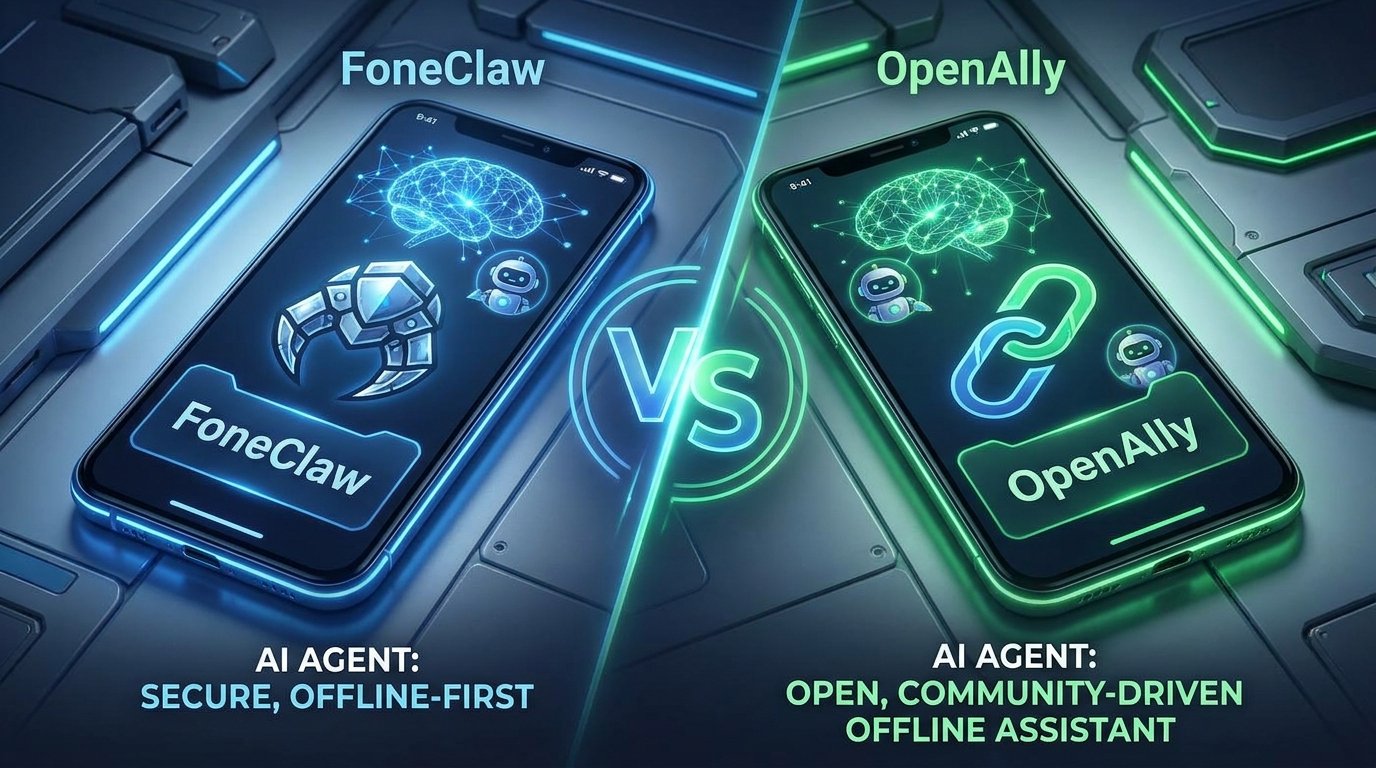
FoneClaw vs OpenAlly 对比

FoneClaw 与 OpenAlly 开源手机助手的深度对比。功能、隐私和实用性分析。

FoneClaw vs OpenAlly 对比
📋 核心要点
  • Introduction
  • What is OpenAlly?
  • What is FoneClaw?
  • Key Differences
  • FoneClaw vs OpenAlly
  • Which is Better?

Introduction

Local and on-device AI assistants are getting more attention because users want privacy, speed, and useful help without sending every request through a distant cloud service. FoneClaw and OpenAlly both sit in this broader local AI conversation, but they are not trying to solve the same problem.

Based on our testing of Android AI assistants, OpenAlly is best understood as a text-first local AI helper for general tasks such as answering questions, drafting content, or analyzing information. FoneClaw is an Android AI Phone Assistant for Android 9+ devices that focuses on turning natural-language commands into visible phone results across 120+ supported actions and 16 feature categories.

This guide compares FoneClaw vs OpenAlly with a practical question in mind: do you need a local text assistant, or do you need supported Android phone actions such as phone status, notifications, SMS, settings, screenshots, email, maps, and web tasks?

What is OpenAlly?

OpenAlly is an offline or local-first AI assistant concept focused on running AI tasks on an Android phone without relying on constant cloud interaction. Its main value is privacy and availability for text-based assistance.

OpenAlly is strongest for general-purpose AI tasks such as answering questions, writing content, summarizing notes, or analyzing text. When those tasks are handled locally, sensitive prompts and documents can stay closer to the device instead of being processed by a remote chatbot.

Based on our experience, OpenAlly is a good fit for users who want a local AI helper for text work. It should not be confused with a phone execution assistant: its focus is not changing Android settings, reading phone notifications, managing SMS, or producing visible phone results from voice commands.

What is FoneClaw?

FoneClaw is an Android AI Phone Assistant that turns natural-language commands into supported phone actions. It runs on Android 9+ devices and covers 120+ supported actions across 16 feature categories, including phone status, notifications, SMS, calls, system settings, Wi-Fi and Bluetooth, screenshots, screen reading, email, calendar, alarms, notes, maps, web tasks, workflows, and quick app-interface commands.

FoneClaw is not an unrestricted app controller. It focuses on supported Android phone tasks with visible results. Users can ask it to check phone status, summarize SMS or notifications, change supported settings, take screenshots, read configured email, create notes, open navigation in an installed map app, or handle other supported actions.

Some FoneClaw actions can work locally or on-device, while other tasks depend on permissions, setup, installed apps, or network access. Email needs IMAP/SMTP configuration, navigation needs an installed map app, screenshot or photo auto-summary needs detection and overlay permissions, and sensitive actions such as dialing, sending SMS, or sending email should require confirmation before final execution.

Key Differences

The main differences between FoneClaw and OpenAlly are:

• Product role: FoneClaw is an Android AI Phone Assistant for supported phone actions. OpenAlly is a text-first local AI assistant for general AI tasks.

• Action scope: FoneClaw supports 120+ Android phone actions across 16 categories. OpenAlly is better suited to writing, answering, summarizing, and analyzing text.

• Phone execution: FoneClaw focuses on visible phone results such as device checks, notification summaries, supported settings, screenshots, configured email, maps, and web tasks. OpenAlly is not primarily designed for Android phone execution.

• Trust model: FoneClaw requires transparent permissions, setup where needed, and confirmation for sensitive actions. OpenAlly's trust model is simpler because it usually handles text tasks rather than touching phone state.

Based on our experience, the choice depends on whether you need supported phone actions by voice (FoneClaw) or local text-based AI assistance (OpenAlly).

FoneClaw vs OpenAlly

Let us compare FoneClaw vs OpenAlly in detail:

Voice and phone actions: FoneClaw wins when the job is to turn a spoken request into a supported Android phone result. Its 120+ supported actions cover phone status, notifications, SMS, calls, settings, screenshots, screen reading, email, calendar, maps, notes, web tasks, workflows, and quick commands. OpenAlly is more focused on text input and text output.

General AI text work: OpenAlly is stronger if your main need is local question answering, drafting, summarization, or text analysis. FoneClaw can help with phone-related tasks, but it is not meant to replace every local chatbot workflow.

Privacy and locality: Both approaches can reduce cloud dependence, but the details matter. FoneClaw emphasizes local-first phone control, transparent permissions, and visible approval for sensitive steps. OpenAlly emphasizes local text processing. Users should still review permissions, setup, and network-dependent features before assuming a task has no network or account dependency.

Based on our testing, FoneClaw is better for users who want supported Android phone actions with voice and visible results, while OpenAlly is better for users who mostly need text-based local AI assistance.

Which is Better?

The answer depends on your needs:

Choose FoneClaw if you want:

• Android 9+ phone assistance

• 120+ supported phone actions across 16 feature categories

• Voice-driven device checks, notification summaries, SMS, settings, screenshots, email, maps, and web tasks

• Visible phone results instead of a text-only answer

• Transparent permissions, setup requirements, and confirmation for sensitive actions

Choose OpenAlly if you want:

• Local or offline-style AI text assistance

• Question answering, writing, summarization, or analysis

• A simpler assistant that does not need broad phone permissions

• Text-first workflows rather than phone execution

Based on our experience, FoneClaw is the better choice for hands-free Android phone tasks such as driving, cooking, commuting, or working with dirty hands. OpenAlly is the better choice when your main goal is private text generation or analysis.

常见问题

What is an offline AI agent?
An offline AI agent is an assistant that can run some or all AI tasks on the device instead of depending entirely on a cloud server. The exact offline capability depends on the model, task, permissions, and whether the feature needs outside data.
Is FoneClaw better than OpenAlly?
FoneClaw is better for supported Android phone actions by voice. OpenAlly is better for local text-based AI tasks such as writing, summarization, and question answering.
Is FoneClaw local-first?
FoneClaw is local-first for phone control, but some actions depend on Android permissions, setup, installed apps, account configuration, or network access.
Does FoneClaw offer unrestricted app control?
No. FoneClaw supports 120+ Android phone actions across 16 feature categories. Some actions work directly, while others require permissions, setup, installed apps, or user confirmation.
Which is more private?
Both can improve privacy compared with cloud-only assistants, but they do it differently. OpenAlly focuses on local text processing. FoneClaw focuses on local-first phone control with transparent permissions and confirmation for sensitive phone actions.