
AI Phone vs Smartphone: Dedicated Devices, NaviX Ultra, and Android Agents
Compare AI devices, smartphones, Meydo C1, Nubia NaviX Ultra, and Android phone agents by hardware fit, app reach, permissions, cost, and recovery.
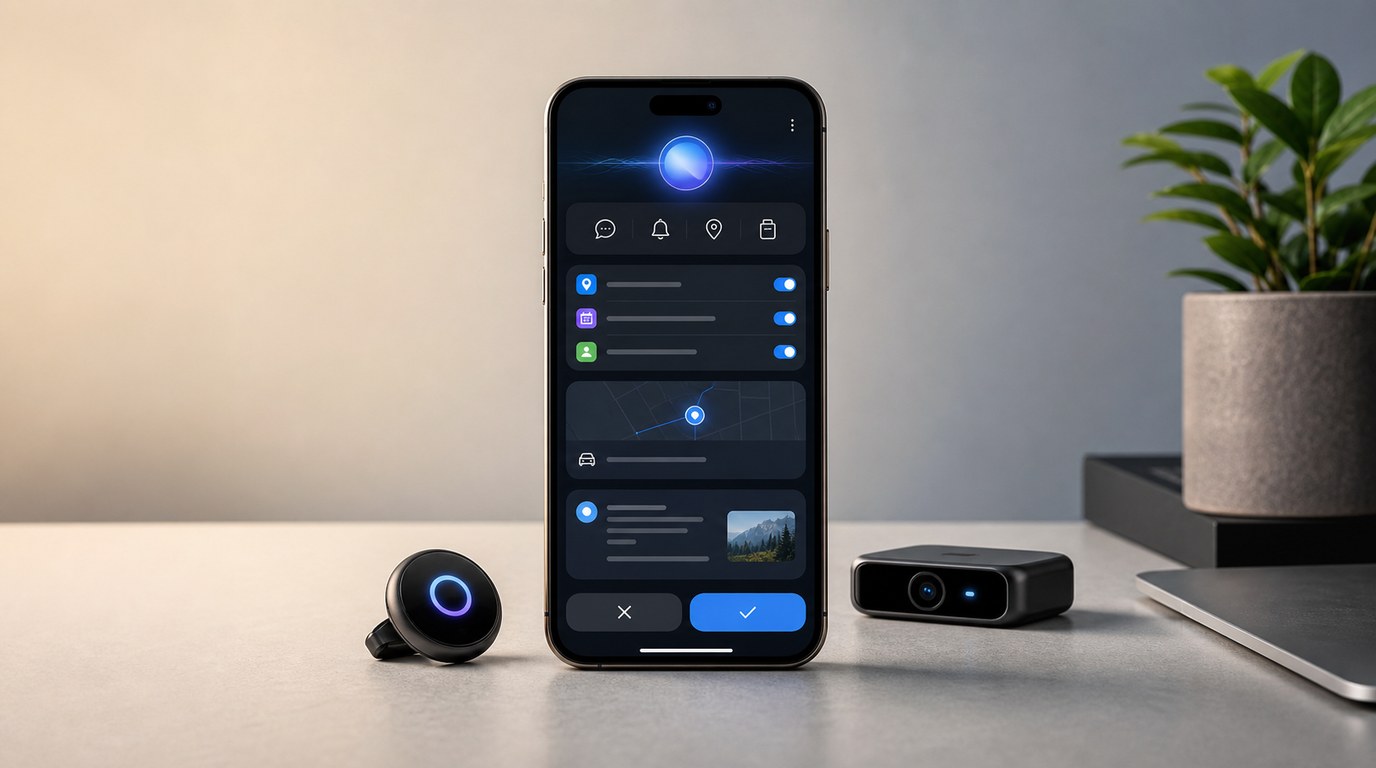
- A dedicated AI device can be useful as a complement, while smartphone replacement still depends on identity, calls, messaging, payments, apps, sensors, permissions, recovery, and daily trust.
- Meydo C1 adds a compact dedicated-phone path: Meydo C1 is Meydo hardware, DroiClaw is the main system, and FoneClaw is preinstalled as a system application.
- Nubia NaviX Ultra provides a current OEM-integrated phone-agent path through the Doubao Phone Assistant consumer edition, with device, application, authorization, and security dependencies.
- FoneClaw gives users a current Android phone-agent path on supported phones, with 100+ built-in tools for supported workflows and a dedicated-hardware route to evaluate through Meydo C1 preorder checks.
Separate Dedicated Devices, Wearables, Smartphones, and Agent Apps
The useful buyer question is not whether a product has AI. The useful question is what role it can carry in daily phone life. Dedicated AI devices, AI wearables, smartphones, compact AI phones, and Android phone agents solve different purchase problems. A wearable may be excellent for capture. A pocket AI device may be easy to reach. A full smartphone already carries identity, calls, messages, apps, payments, sensors, settings, permissions, and recovery paths. An Android phone agent works inside that existing phone environment to help turn intent into supported actions.
We separate three layers before comparing anything: hardware form, main system, and agent application. Hardware decides size, battery, camera position, buttons, display, SIM support, and how often a user will actually carry the product. The main system decides device behavior, platform services, updates, connectivity, and system surfaces. The agent application decides how requests become plans, previews, supported actions, confirmations, and results.
That separation keeps the comparison practical. A dedicated device can be valuable without replacing the smartphone. A smartphone can remain the best daily anchor while an agent app reduces manual steps. A compact AI phone can create a more focused device experience while still depending on live services, accounts, permissions, and shipped workflows. For the category definition behind context, planning, actions, and controls, Agentic AI Phone Meaning: Context, Actions, Controls, and FoneClaw gives the broader agentic-phone framework; this page stays focused on buyer and deployment decisions.
Place Meydo C1 Accurately in the Comparison
Meydo C1 now gives buyers a real compact dedicated-phone path to consider. The architecture is precise: Meydo C1 is compact Meydo hardware, DroiClaw is the main system, and FoneClaw is preinstalled as a system application. In this comparison, C1 belongs between a general-purpose smartphone and a small AI gadget. It is a phone-shaped, pocketable AI device with dedicated hardware choices, while its software stack still has distinct layers.
That matters for purchase expectations. A buyer should evaluate Meydo's hardware and preorder terms through Meydo's live product information, evaluate DroiClaw as the C1 main system, and evaluate FoneClaw as the preinstalled Android phone-agent application surface. FoneClaw's role is to provide supported agent workflows on the device. The device itself, system behavior, purchase status, shipping, and included items come from the Meydo product route.
C1 is currently presented as a preorder product, so it belongs in a buying decision differently from an in-hand phone or an app that can be installed immediately on a supported Android device. A preorder can be attractive when the hardware role is clear: compact body, dedicated AI access, small review screen, visual context, and a separate device identity. It also asks the buyer to verify live price, destination, duties, accessories, delivery timing, and service availability before treating it as the right path.
For the detailed C1 architecture, specifications, preorder checks, and purchase caveats, use Meydo C1 AI Agent Phone: Hardware, DroiClaw, FoneClaw App, Specs, and Preorder Checks. This buyer comparison uses C1 as one deployment option rather than turning the page into a product review.
The official Nubia NaviX Ultra launch announcement adds a different category: a commercially launched OEM-integrated phone agent. NaviX Ultra launched in China with the Doubao Phone Assistant consumer edition, combining dedicated device controls with system context, task queues, and supported cross-app actions.
NaviX Ultra occupies a separate position from Meydo C1. It is a general smartphone with an integrated phone-agent experience in which device controls, authentication, system services, and participating applications can cooperate. Hardware integration can tighten that connection, but successful actions still depend on the device, account state, available app path, system security, user authorization, and verification of the result. Doubao Phone Assistant Consumer Edition on Nubia NaviX Ultra explains its interaction model, memory, cross-app execution, automation, and post-launch checks.
Compare Screen, Input, Camera, Connectivity, App Reach, and Battery
Hardware facts help buyers understand fit, but they do not prove agent behavior by themselves. Meydo C1 publishes a 3.95-inch square display, dedicated AI key, 180-degree flip camera, nano-SIM support, and a 2450 mAh battery. Those choices point toward a compact, voice-first, visual-context device. The screen can support summaries, choices, confirmations, and short corrections. The AI key can make invocation faster. The flip camera can support visual questions and capture from more than one orientation.
An existing smartphone offers a different strength profile. It usually has a larger display, mature camera pipeline, established app setup, familiar notifications, existing accounts, payment flows, carrier identity, and daily battery habits the user already understands. That makes it harder for any new device to replace the phone outright, even when the new device feels more focused for AI interaction.
| Path | Best purchase fit | What to verify |
|---|---|---|
| Dedicated AI wearable | Hands-free capture, quick notes, lightweight context, or a narrow assistant role. | Service continuity, privacy signals, account model, battery, export, and recovery. |
| Compact AI phone such as Meydo C1 | A pocket device built around fast AI access, small-screen review, camera context, and separate device use. | Preorder status, live shipping, SIM support, accessories, DroiClaw behavior, FoneClaw workflows, and setup. |
| OEM-integrated phone agent such as NaviX Ultra | A full smartphone with built-in agent entry, system context, and supported cross-app action paths. | China availability, account requirements, participating apps, application declarations, confirmations, and result evidence. |
| Existing smartphone | The user's primary identity, app, payment, communication, camera, and recovery hub. | Current AI features, platform rollout, account support, permissions, and region availability. |
| Android phone agent | Using AI to operate supported tasks on the phone the user already relies on. | Supported tools, model setup, permissions, approvals, app paths, and result evidence. |
The buyer decision becomes clearer when every device is judged by jobs rather than novelty. A small device can be better for quick capture and quick agent access. A smartphone can be better for detailed review and existing services. An OEM-integrated agent can connect more directly with its specific device and cooperating apps. An installable phone agent can be better when the real value is making a supported existing phone easier to operate.
Compare Permissions, Approvals, Accounts, and Recovery
The strongest AI device comparison is often about control, not raw hardware. A useful agent needs access to the right context, but context alone does not authorize action. The product has to know the task, choose a supported capability, request permissions when needed, show the target and payload for consequential steps, and recover when the phone state blocks the plan. Those are buyer criteria because they decide whether the device feels dependable after the first week.
Cloud-connected AI hardware makes service continuity visible. The Humane consumer Ai Pin support notice says consumer sales ended and core consumer service access ended after its cutoff time. That case shows why buyers should ask how much of a device depends on a continuing cloud service, account portal, and vendor roadmap. Rabbit R1 gives a different lesson: Rabbit's current features page and official updates show an AI device that continues evolving through software and cloud updates. Both examples make lifecycle part of the purchase decision.
On Android, permissions and default roles also shape what can happen. Android's permissions overview explains how restricted data and actions are protected, while default handler documentation shows why calls and SMS require explicit system roles and user consent. That is why preinstallation, dedicated hardware, or a polished demo should still be evaluated through actual permission behavior.
The Doubao case adds an application-policy layer. Its official SAEP protocol says system security, agent identity, application policy, and user authorization jointly determine allowed operations. BLOCK stops automation, while CALL_USER pauses for a displayed confirmation or user handover. A user granting Android permission does not override a higher-priority system or application restriction.
Current app reach should be judged by exact workflow. In a September 16 NBD hands-on report, reporters said they could not then complete some posting, shopping, and food-ordering automation in the named apps they tested. That dated observation does not create a permanent compatibility list; it shows why buyers should verify the specific action rather than assume that hardware integration unlocks every app.
FoneClaw's Android phone-agent path works inside Android's permission and app boundaries. A configured model reasons through the request, and FoneClaw handles supported Android execution with visible progress, applicable approvals, stopping, permission recovery, and result checks. AI Agent Phone Control on Android: Intent, Confirmation, Action explains this execution path in more detail for buyers who want to test it on their own device.
Check Total Ownership and Preorder Conditions
Total ownership is more than the sticker price. A buyer should count hardware cost, subscription or model-service cost, shipping, duties, accessories, replacement risk, battery management, device charging, account setup, and the time required to maintain another device. A dedicated AI product earns that extra burden when it carries a daily job better than the phone: faster capture, easier access, safer glanceable review, or a role that stays available when the smartphone is inconvenient.
Meydo C1 should be evaluated through live preorder information. Price, promotions, delivery destinations, taxes, duties, included items, accessory availability, and timing can change. Planned accessories are part of the product direction, while included accessories should be checked at the point of purchase. A preorder buyer also needs to confirm region fit, SIM requirements, service availability, account setup, return terms, and how the device will coexist with the smartphone already in use.
NaviX Ultra has a different ownership profile because it is a commercially launched smartphone in China rather than a compact preorder device. Buyers should verify current regional availability, supported accounts, participating applications, service continuity, and whether its integrated assistant covers the jobs that justify choosing that phone. Hardware integration reduces neither app dependency nor the need to review consequential actions.
Smartphones and Android phone agents have another ownership profile. The user already owns the hardware, already manages the battery, and already has accounts, app permissions, contacts, and notifications in place. FoneClaw can be evaluated on supported Android phones through the current app path. That makes the software route useful for buyers who want to test agent value before adding a new device to daily carry.
Voice-first hardware can still be the better choice for a specific role. A compact AI phone may be more reachable than a large smartphone during walking, travel, field work, or fast capture. The decision should follow the job and the operating burden. For more on how interaction changes when voice, buttons, and screens work together, Voice-First AI Phone Interaction: Intent, AI Keys, Screens, and FoneClaw explains the design tradeoffs behind compact AI hardware.
Use a Job-Based Buyer Checklist
Use one real job to decide, not a category label. If the job is quick capture, a wearable or compact AI device may fit. If the job involves existing app accounts, contacts, payment, files, messaging, or detailed review, a smartphone or Android phone agent may be the better evaluation path. If the job calls for a full smartphone with a built-in agent, NaviX Ultra provides a current OEM-integrated case to assess through device availability, supported apps, authorization, and recovery. If the job requires a separate compact device, Meydo C1 becomes worth checking through preorder status, hardware fit, and live service behavior.
Start with a reversible workflow before expanding scope. Ask the product to summarize visible information, prepare a memo, draft a message without sending, check a setting state, or create a reminder preview. Watch whether it understands the request, uses the right context, chooses a supported route, asks for permission when needed, shows what will change, lets the user stop, and recovers when the task is blocked. That test works across dedicated devices, smartphones, OEM-integrated assistants, and Android phone agents.
- Define the daily job. Decide whether the product is for capture, communication, reminders, navigation, meetings, camera questions, phone control, or reduced phone pickup.
- Identify the deployment layer. Separate hardware, main system, and agent application before comparing claims.
- Verify live availability. Check preorder or launch status, supported regions, shipping, duties, accessories, app availability, and service setup.
- Test app reach. Confirm the exact source app, destination app, application policy, handover point, and final result.
- Test control. Look for visible permissions, approvals, stopping, result evidence, and recovery.
- Count ownership cost. Include charging, subscriptions, duplicate accounts, support path, and service-continuity risk.
At FoneClaw, our current path is practical: users can run FoneClaw on supported Android phones and evaluate 100+ built-in tools for supported Android workflows through the existing phone environment. Meydo C1 adds a compact dedicated-phone path with FoneClaw preinstalled as a system application and DroiClaw as the main system. NaviX Ultra represents a separate OEM-integrated Doubao route with its own device, application, and authorization dependencies. For buyers who want simpler voice and Android workflows for older family members, AI Phone for Seniors: A Practical Android Voice Guide gives a more specific use-case view.