
Gemini Form Filling on Android: What to Expect Before You Trust AI Autofill
Learn what Gemini form filling can mean on Android, how it differs from saved autofill and phone agents, and how to review AI-assisted forms safely.
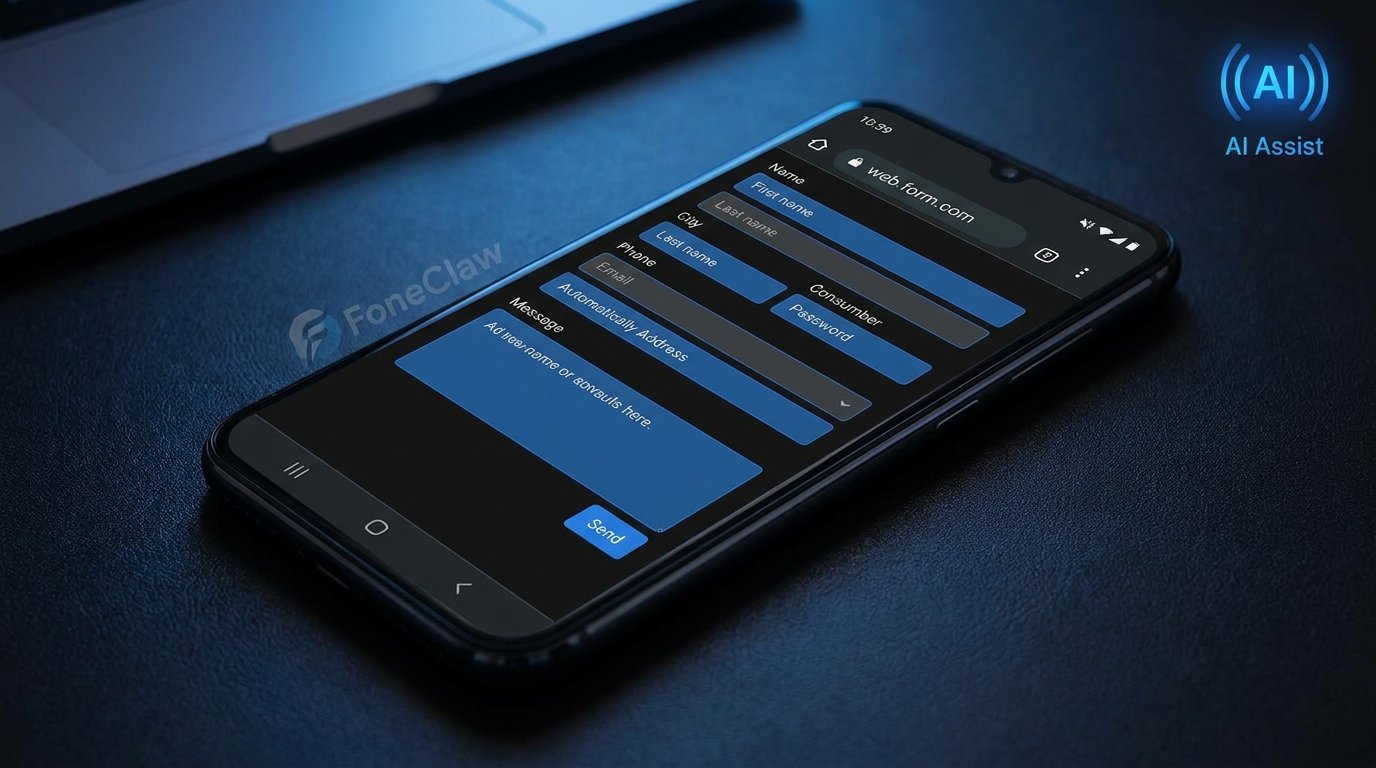
- Gemini form filling can refer to several different experiences, from ordinary saved autofill to AI suggestions and possible browser automation, so users should verify what is available on their own Android setup.
- The safer workflow is to let AI help with low-risk fields, keep sensitive information under manual review, and never submit important forms without checking every field first.
- FoneClaw fits as an independent Android phone agent for supported phone actions with visible permissions and confirmation boundaries, not as a Google or Gemini replacement.
Quick answer: what Gemini form filling means
Gemini form filling is best understood as a practical question, not a single guaranteed Android feature: can AI help you complete a form on your phone, and how much of that help should you trust? On Android, the answer depends on the device, browser, account, app version, region, and whether a feature has actually rolled out to your setup. Gemini is Google's AI assistant surface, but that does not automatically make every Chrome form, app signup screen, checkout page, travel booking flow, or account recovery page can be filled by Gemini on every phone.
The important distinction is between three layers. Saved autofill can reuse information you already stored, such as addresses, names, passwords, or payment details. AI form filling Android experiences may suggest how to answer a field, summarize what a page is asking, or help draft text for a longer response. A phone agent, by contrast, may perform supported phone actions after visible permission and confirmation. FoneClaw focuses on supported Android phone actions with visible results, permission-aware flows, user confirmation, and practical fallback.
For a low-risk example, AI help may be useful when a checkout form asks for a shipping address you recognize, or when a signup form needs a short profile description you can edit. For sensitive fields such as bank details, government IDs, medical information, legal forms, or job applications, the right next action is slower: review every field, confirm the source page, and submit only when you understand what will be sent.
Autofill, AI suggestions, and agent actions are different
The first decision is to identify what is actually happening on the screen. Traditional autofill is usually deterministic: your browser or password manager recognizes a field and offers saved data. Gemini autofill Android discussions often point to something more flexible, such as AI understanding the form context, helping with ambiguous fields, or assisting inside a browser. Phone agent form filling goes another step further by involving an assistant that can carry out supported actions on the phone, within clear permission boundaries.
Consider a travel booking form. Saved autofill may place your name, email address, and billing address into matching fields. AI assistance might help interpret a special request box and draft a concise note about seat preference or accessibility needs. A phone agent might help move between apps, collect relevant trip information, or prepare a supported action for your confirmation. If those layers blur together, users can overestimate what the tool can safely do.
This distinction also matters when something fails. A field may not be recognized because the website labels it oddly, the browser blocks automation, the form is inside an app rather than Chrome, or the feature is not enabled for your account. When that happens, the safest response is not to force the AI through repeated attempts. Use normal autofill where it is accurate, use AI suggestions where the text is easy to review, and keep final submission under your control.
Device and browser checks before expecting AI form filling
Before you rely on Gemini autofill Android behavior, check the basics on the exact phone you plan to use. Availability can depend on Android version, Gemini app access, Chrome or browser version, Google account settings, language and region, experimental rollout status, and the type of form. Public reporting has discussed Gemini Intelligence concepts such as smarter autofill and browser automation, but those reports should be treated as dated industry signals, not proof that every user has the feature today.
A practical compatibility check starts with the form environment. Is the page in Chrome, another browser, or a native app? Are you signed into the account that has Gemini access? Is the Gemini app or Google app updated? Are autofill services enabled in Android settings? If the form is a payment page, healthcare portal, school application, or government site, the page may intentionally limit scripts, extensions, or automated completion.
If you are trying to understand Gemini entry points more broadly, read Gemini Intelligence Widgets on Android: What They Can Do and Where They Stop before assuming that a widget, assistant surface, and browser form feature will behave the same way. For a narrower availability check, Gemini Intelligence Supported Devices: Phone Compatibility Guide is the better next step because device support and rollout boundaries often decide whether AI form filling appears at all.
How to set up a safer mobile form-filling workflow
A safer workflow begins before the AI touches the form. Keep your browser, Android system, Gemini app, password manager, and autofill service updated. Then decide which categories of information you are comfortable letting software suggest. Names, email addresses, shipping addresses, and routine profile fields are usually easier to verify. Payment details, tax identifiers, medical history, employment history, and legal declarations deserve a manual pause.
Use a simple three-step review habit. First, let saved autofill handle fields where the stored data is exact and familiar. Second, use AI help only for fields where a suggestion is useful but not final, such as a short answer, support message, or delivery instruction. Third, scroll back through the whole page before tapping submit. On mobile, it is easy to miss a hidden checkbox, optional marketing consent, outdated address line, or prefilled billing field because the form is broken across multiple screens.
For account recovery, job applications, insurance claims, or travel bookings, treat AI text as a draft. Read it aloud if the wording matters, remove claims you cannot support, and check whether the form is asking for current information or historical information. The goal is not to block AI assistance. The goal is to make sure Chrome form autofill AI and any broader assistant feature improve accuracy instead of turning a fast mistake into an official submission.
Where AI form filling helps and where it should pause
AI form filling helps most when the form is repetitive, low-risk, and easy to inspect. A shopping checkout, newsletter signup, event registration, restaurant booking, or delivery instruction form may contain familiar fields and reversible outcomes. In those cases, Gemini form filling or another AI-assisted workflow can reduce typing on a small screen while still leaving the user enough time to verify the result.
The value changes when the form asks for judgment. A job application question, school appeal, customer support complaint, apartment rental profile, or insurance explanation may benefit from AI drafting, but the content still represents you. The assistant can help structure a response, shorten a paragraph, or make wording clearer. It should not invent credentials, hide uncertainty, or submit text you have not read. Good AI assistance makes review easier; it does not remove responsibility for the answer.
There are also forms where pausing is the correct choice. Banking transfers, government benefits, tax documents, medical intake forms, legal authorizations, and identity verification screens can carry real consequences. For those, use autofill only where you can confirm the source and the field labels, and avoid giving a tool permission to complete or submit anything silently. If the page looks unusual, the URL is suspicious, or the form asks for more data than expected, stop and verify the site before continuing.
Why forms still need permission, review, and user control
Form filling sits close to personal data, so permission and review are not minor details. A useful assistant should make it clear what it can see, what it is changing, and what action will happen next. Users should be able to approve sensitive steps rather than discover afterward that a form was completed, a checkbox was selected, or a message was sent. This is especially important on phones because small screens compress context and make accidental taps more likely.
Privacy also depends on where the information goes. Saved autofill may draw from locally stored or account-synced data. AI suggestions may depend on the page context, account state, app permissions, and the provider's product rules. Gemini support resources are the right place to confirm current settings and availability for Google's own assistant behavior, while third-party reporting should be treated as background rather than a settings manual.
A useful personal rule is to separate filling from submitting. Let tools help fill what you can verify, but keep the submit action human for anything meaningful. Review names, dates, quantities, addresses, consents, attachments, and payment totals. If an assistant cannot explain what changed, or if a form blocks automation, accept that boundary. Reliable phone automation should respect permissions, not work around them invisibly.
How FoneClaw fits beside Gemini form filling
FoneClaw belongs in the phone agent part of the conversation, not as a claim that it replaces Gemini or controls every Android form. It is independent from Google and Gemini. The useful comparison is about workflow: Gemini may help users understand, draft, or interact with AI surfaces depending on availability, while FoneClaw is positioned around supported Android phone actions that remain visible and permission-aware.
For example, a user preparing a service appointment form might need to gather details from messages, check a calendar, confirm contact information, and then complete a web page. Gemini form filling, saved autofill, and AI suggestions may help with the web fields. A phone agent can be useful around the edges of the task, such as helping with supported phone steps, keeping the user oriented, and making sure actions remain confirmable rather than hidden.
If you are deciding between assistant layers, compare them by control, compatibility, and the exact action you need. For a fuller side-by-side framing, use Gemini Intelligence vs FoneClaw: Android Phone Agent Comparison. The practical takeaway is simple: use Gemini-related features where your device and browser support them, use FoneClaw where a supported Android phone-agent workflow fits, and keep high-stakes form submission under deliberate human review.