
AI Agent Phone Control: How Android Phone Agents Turn Intent Into Action
A practical guide to AI agent phone control, Android phone agents, visible permissions, reliability, and how FoneClaw approaches supported phone automation.
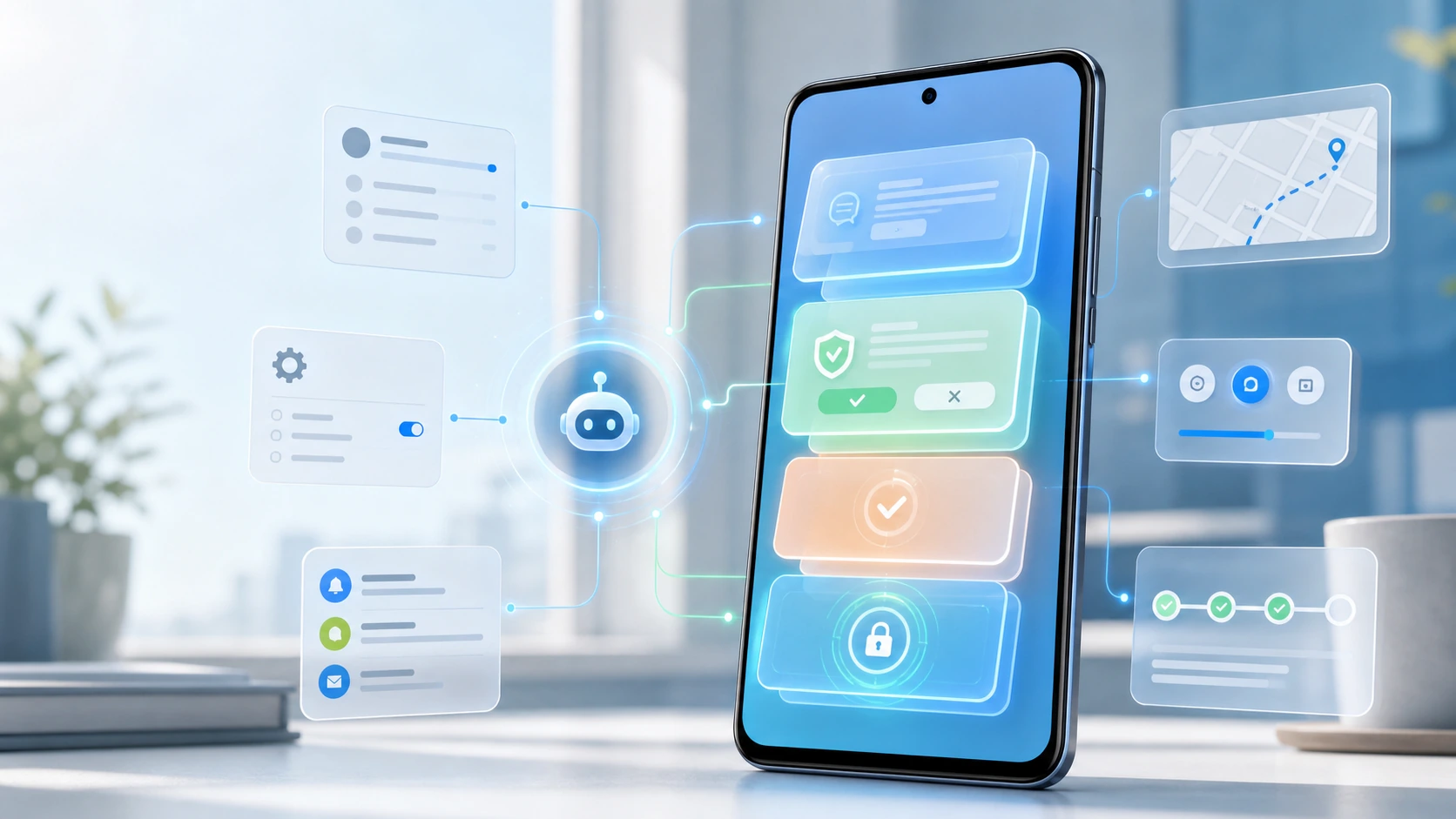
- AI agent phone control means turning a user goal into supported, visible Android actions with confirmation and a record of what happened.
- A reliable Android phone agent needs more than a chat interface: it needs app state, permission handling, interruption recovery, measurement, and clear user control.
- FoneClaw is independent from major platform and AI vendors, and our approach focuses on supported Android workflows rather than universal hidden autonomy.
- The safest way to evaluate any phone AI agent is to check what it can do, when it asks permission, how it confirms sensitive actions, and how it reports results.
- What AI Agent Phone Control Really Means
- The Phone Harness Is Where Control Becomes Real
- Protocols Should Help the Agent, Not Burden the User
- Phone Agent Reliability Has to Be Measured
- The Market Signal Is Bigger Than Any One Brand
- Our FoneClaw Approach to Android Phone Control
- Where AI Phone Automation Actually Helps
- A Trust Checklist Before You Give an Agent Phone Access
What AI Agent Phone Control Really Means
You notice the difference when a phone task crosses three apps. A voice assistant can answer a question, but AI agent phone control should help complete the job: read the relevant context, decide the next supported step, act through visible phone controls, ask before sensitive actions, and show what happened afterward. The goal is not a magic phone that secretly does everything. The goal is a phone AI agent that can turn intent into controlled Android action.
For example, “summarize my missed notifications, draft a reply to Jordan, and remind me if I do not send it by 4” is not just a voice command. It touches notifications, messaging, draft review, timing, and confirmation. A useful Android phone agent has to understand the request, work within granted permissions, and stop at the point where the user should approve.
That is the practical category we mean when we talk about phone control. If you want the broader concept, Agentic AI on Phone: What an Agentic Phone Can Do explains why agent behavior is different from a normal chatbot. For FoneClaw, the boundary is clear: we design for supported Android phone workflows, visible actions, and user control, not unlimited hidden autonomy.
The Phone Harness Is Where Control Becomes Real
The hard part of phone control is not producing a confident sentence. It is working with the phone as it actually exists: screens change, apps interrupt each other, permissions expire, notifications arrive, and the user may switch tasks halfway through. A phone harness is the practical layer that lets an agent observe allowed phone state, choose supported routes, request permission, handle interruptions, and report progress.
Think about opening a file sent in a chat, saving it, and sharing a clean version to a work contact. A cloud model may understand the instruction. The phone harness determines whether the agent can see the relevant screen, open the right app route, avoid the wrong recipient, and pause before sending. Without that layer, “control Android phone with AI” becomes a plan instead of an action.
Permissions are part of the harness, not an afterthought. Parents, teams, and privacy-conscious users need to know which actions are allowed and which ones require review. The same principle appears in AI Agent Parental Controls Need More Than Topic Summaries: oversight depends on action records, not just high-level summaries. A phone agent should make its control path visible enough that a user can trust the result and recover from mistakes.
Protocols Should Help the Agent, Not Burden the User
Most users should never have to think about model protocols, tool wiring, or agent plumbing. They should say what they want done and see a clear path to completion. Behind the scenes, an AI agent may rely on structured ways to call tools, pass context, or coordinate tasks. In the phone experience, that technical layer should feel invisible until the user needs to approve a sensitive step.
This distinction matters because a phone is not a developer console. If someone says, “Get me ready for the 2 p.m. call,” the agent may need calendar context, notification management, navigation, a message draft, and a reminder. The user should not configure every connection manually. The system should expose only the decisions that matter: which calendar, which contact, which app, and whether to send or save.
The phone becomes the place where agent activity is checked, corrected, and approved. That is why Mobile Agent Control: Why the Phone Is Becoming the AI Agent Command Center is a useful lens. The phone is always near the user, already handles notifications, and is where many approvals naturally happen. Still, protocols do not override permissions. A well-designed agent should use technical connections to reduce friction, not to hide control from the user.
Phone Agent Reliability Has to Be Measured
A phone AI agent cannot be judged only by whether one demo looks impressive. Real reliability means it can complete supported tasks repeatedly, ask for correction when needed, avoid unsafe steps, and stop cleanly when the phone state does not match the request. If a user has to inspect every tap nervously, the agent has not earned control.
Useful measurement starts with task completion, but it should not stop there. How often does the agent choose the wrong contact? How often does it need a clarification? Does it recover when a notification appears over the screen? Can it explain why a permission is needed? Does it leave a record of the action? Does it have a safe fallback when an app blocks the path?
Latency also matters. A slow agent can be technically correct and still lose the user. If asking the agent takes longer than tapping through the phone, the habit will not form. But speed without review is dangerous. The right measurement balances completion rate, correction rate, confirmation quality, rollback options, and time-to-result.
Our product view is that reliability must be tied to supported actions. We would rather define a phone workflow clearly than imply every app and screen can be controlled the same way. A trustworthy Android phone agent should make its limits measurable, not bury them under a polished answer.
The Market Signal Is Bigger Than Any One Brand
The industry is clearly moving toward phone-level agents. Xiaomi, Gemini, OpenClaw, Cursor, and other AI projects point in different ways toward a future where users expect software to act across tools, not just answer questions inside one box. These examples are signals about the category, not proof that every product will solve phone control the same way.
That distinction matters for readers comparing options. A model company may be strong at reasoning. A device maker may control more of the hardware experience. A developer tool may be excellent for coding tasks. A phone AI agent has a different burden: it must operate in the messy, permission-heavy space of daily mobile life. Messages, settings, screenshots, maps, notifications, and app handoffs all have different risk levels.
Market excitement can make phone control sound inevitable, but users should look for evidence of bounded execution. Can the agent show the action before it happens? Does it respect Android permission prompts? Does it make clear which apps or actions are supported? Does it avoid implying affiliation with platforms or vendors it does not belong to?
FoneClaw is independent. We do not present ourselves as a Xiaomi, Google, Apple, OpenAI, Cursor, OpenClaw, Gemini, or MCP product. Our role is narrower and more practical: build an Android phone agent experience around supported workflows, visible user control, and careful boundaries.
Our FoneClaw Approach to Android Phone Control
We design FoneClaw around a simple product belief: the phone agent should reduce manual app switching without taking authority away from the user. That means the first input can be natural language, but the important steps still need visible state, clear permission, and confirmation when the action matters.
In practice, our approach separates intent from approval. A user can ask FoneClaw to prepare an action, gather context, open a supported route, or draft a response. When the task touches a sensitive area, the user should see what is about to happen. Sending a message, changing a setting, sharing location, deleting data, or touching account-level actions should not happen silently because an agent guessed the user’s preference.
We also avoid pretending every Android app behaves the same way. Some workflows are good candidates for agent assistance because the steps are visible and repeatable. Others depend on app-specific screens, permissions, or user choices that make full automation inappropriate. A responsible phone AI agent should say when it cannot complete a task safely.
That is why we describe FoneClaw as an independent Android phone AI agent for supported phone actions. The phrase “supported” is doing real work. It protects users from vague promises and keeps our design focused on practical mobile workflows that can be checked, confirmed, and improved over time.
Where AI Phone Automation Actually Helps
The best use cases are not science fiction. They are the small, repeated phone routines that waste attention. Summarize missed notifications before a meeting. Draft a polite reply without sending it yet. Open the right map route. Capture a screenshot and prepare it for sharing. Adjust a phone setting for a limited period. Pull together context from recent alerts so the user can decide what to do next.
Multi-step routines are especially useful because they are easy to describe but annoying to tap through. “When I leave work, open navigation home, send my partner an ETA draft, and remind me to buy milk if I pass the store” is a phone-shaped request. It includes location context, navigation, messaging, and a reminder. The agent should break it into supported pieces and ask before actions that need approval.
For readers who want a deeper practical guide, Automate Android Tasks With One Voice Command explains how command design affects multi-step phone automation. The key point is that a strong instruction includes the outcome, target, constraint, and confirmation preference.
Use cases also reveal limits. A phone agent may prepare a message but should not send it to a sensitive contact without review. It may open a checkout screen but should not silently purchase. It may help find a setting but should not override Android permission controls. Useful automation keeps the user faster and still in charge.
A Trust Checklist Before You Give an Agent Phone Access
Before trusting any Android phone agent, ask practical questions. The best Android phone agent for one user may not be the right one for another if the permission model, supported actions, or review flow does not fit the user’s risk tolerance.
- Supported actions: Does the product clearly explain what it can and cannot do?
- Visible permissions: Does it ask for phone access in a way a normal user can understand?
- Human approval: Does it stop before sending, deleting, buying, sharing location, or changing sensitive settings?
- Action records: Can the user see what the agent did and why?
- Failure handling: Does it ask for clarification or admit a limitation instead of improvising?
- App boundaries: Does it avoid claiming universal control across every Android app?
- Independence: Does it avoid implying partnerships or platform access it does not actually have?
Security is not only about blocking bad actions. It is about shaping normal actions so the user understands them. AI Agent Skill Security Needs Phone Permission Checks goes deeper on why phone-agent skills need explicit checks before they touch sensitive surfaces.
Our own checklist for FoneClaw is the same one we recommend to users: supported phone actions, visible permissions, practical confirmation, and clear results. AI agent phone automation should feel helpful because it removes repetitive effort, not because it hides the phone from the person who owns it.