
Xiaomi MiClaw Explained: Closed Beta, HyperOS 4, and Super XiaoAI Expert Mode
A current-status guide to Xiaomi MiClaw, the closed-beta transition, Super XiaoAI 2.0 Expert Mode on HyperOS 4, APK access, and FoneClaw as an independent Android phone-agent route.
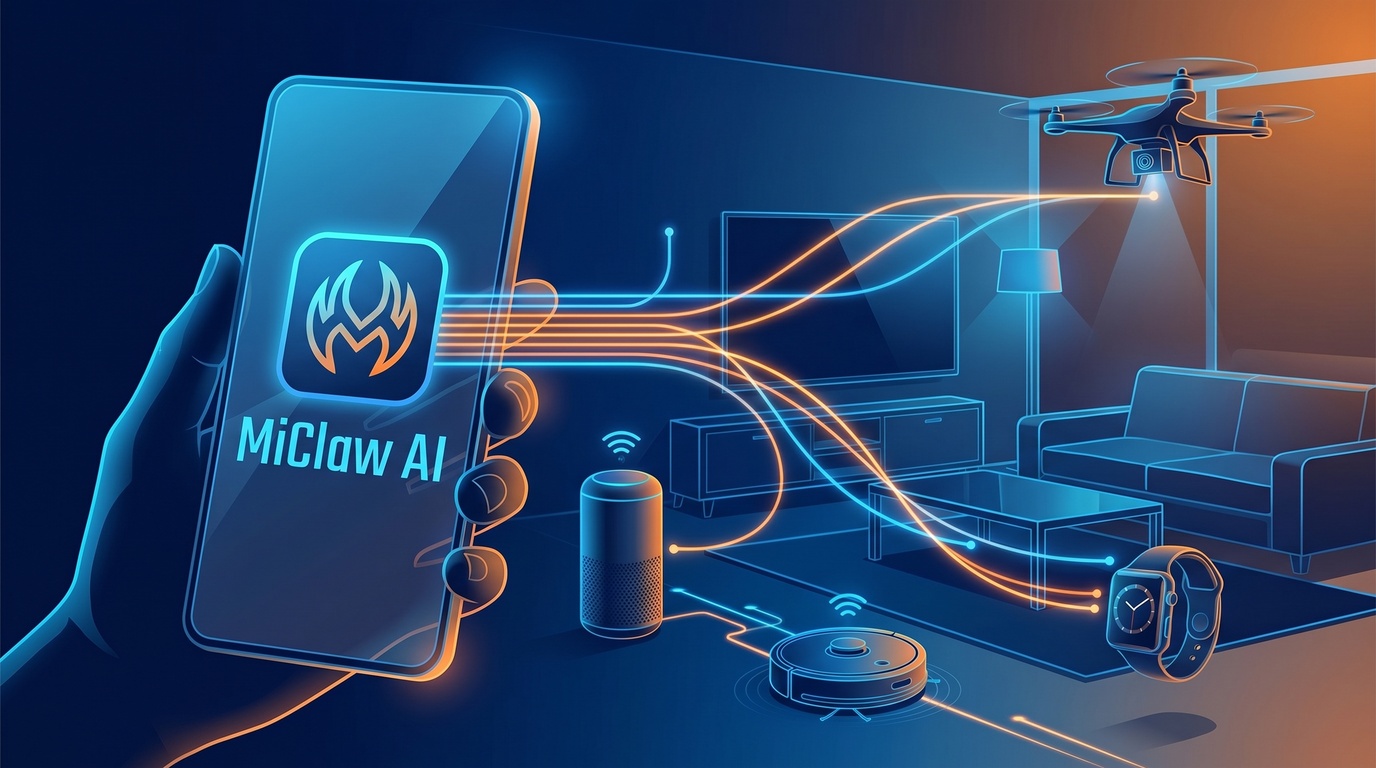
- Xiaomi MiClaw was a real MiMo-based system-level AI Agent closed beta, not only a rumor or generic APK name.
- The independent MiClaw closed beta is scheduled to stop on September 21, 2026, while eligible testers are directed toward the HyperOS 4 beta route.
- Xiaomi is carrying the phone-agent direction into Super XiaoAI 2.0 Expert Mode on HyperOS 4, with product-line continuity rather than a standalone APK path.
- FoneClaw gives readers an Android phone-agent route across brands for supported tasks with visible progress, approvals, stopping, permission recovery, and reviewable results.
What Xiaomi MiClaw Means Now
The current answer is clearer than it was when people first began searching for Xiaomi MiClaw. MiClaw was a real Xiaomi closed beta: Xiaomi described it through its HyperOS developer platform Agent ecosystem announcement as a MiMo-based system-level AI Agent, with a limited closed beta that began on March 6, 2026. The independent test is now moving toward its end, and Xiaomi is carrying the product direction into Super XiaoAI 2.0 Expert Mode on HyperOS 4.
That means Xiaomi MiClaw Explained is now a status question, not only a download question. The useful distinction is between three product surfaces. MiClaw refers to the independent closed-beta system-agent test. MiMo is Xiaomi's model foundation behind its agent work. Super XiaoAI 2.0 is the assistant experience Xiaomi presents in HyperOS 4. Expert Mode is the new phone-agent style mode inside that HyperOS 4 route, where Xiaomi says system and application tasks can be performed within granted access and where confirmation is required before modification, deletion, or external sending.
The practical consequence is simple: readers should look to Xiaomi's current HyperOS 4 and Super XiaoAI route for Xiaomi phones, while treating standalone MiClaw APK claims as a separate access issue. Availability still depends on official device, version, region, rollout, and product conditions. If your immediate question is installation safety, How to Install Xiaomi MiClaw Safely: Current Access, Beta Transition, and HyperOS 4 keeps that download-focused path separate from this current-status explainer.
The MiClaw Beta and Transition Timeline
The MiClaw timeline has three stages readers need to keep straight. First, Xiaomi opened a limited MiClaw closed beta through its developer ecosystem. That positioned MiClaw as a system-level AI Agent connected to Xiaomi's MiMo direction and to an Agent, Skill, and MCP development and review ecosystem. It was a real test surface, but developer recruitment and closed beta participation were never the same as a public consumer release.
Second, Xiaomi's community transition notice states that the independent MiClaw closed beta is scheduled to end and the service to stop on September 21, 2026. That date is useful for people who were testing the independent beta because it tells them when the old route changes. The same notice says existing testers can move into the HyperOS 4 beta route without applying again, and that eligible transitioned testers receive a time-limited enhanced Super XiaoAI Expert Mode benefit.
Third, HyperOS 4 becomes the forward-looking Xiaomi route. The official Xiaomi HyperOS 4 product page presents Super XiaoAI 2.0 as based on Xiaomi MiMo and describes Expert Mode as able to perform system and application tasks within granted access. Xiaomi also states that functions vary by device and rollout, and the published product information applies to mainland China. Those availability qualifiers are not footnotes; they determine whether a reader can actually try the feature on a specific Xiaomi phone.
A secondary IT之家 report on the MiClaw transition corroborates the September 21 independent-beta end date and distinguishes continued HyperOS 3 beta use through the end date from upgrading to HyperOS 4. We treat Xiaomi-controlled notices as the main product evidence and use reporting as supporting context when client-rendered community pages are harder for some readers to access.
Capability Continuity Is Not an App Merger
The important phrase is capability continuity. Xiaomi tested a system-agent idea through MiClaw, and Xiaomi is now presenting a related direction through Super XiaoAI 2.0 Expert Mode on HyperOS 4. That tells readers where the product idea is going. It does not prove that the standalone MiClaw APK, its exact codebase, or an identical app package has been merged into Super XiaoAI.
This distinction keeps the article internally consistent with how phone agents should be evaluated. A phone AI agent is different from a chatbot because it can move from language into device-side action. It may inspect state, plan steps, open a screen, invoke a supported system or app capability, and stop for confirmation before consequential changes. A chatbot can explain how to change a setting; a phone agent may help carry out part of that path inside a governed phone environment.
For Xiaomi, the continuity is the task direction: model-based reasoning, system context, application tasks, permission boundaries, and confirmation before higher-impact actions. The surfaces are different: MiClaw was the independent closed-beta test product, while Super XiaoAI 2.0 Expert Mode is presented as part of HyperOS 4. Readers should compare official product surfaces, not assume that every MiClaw-branded file online represents Xiaomi's current route.
This is also why we keep MiClaw, MiMo, MiMo Claw references, Super XiaoAI 2.0, and Expert Mode separate in wording. MiMo is the model foundation. MiClaw is the closed-beta agent surface Xiaomi described. Super XiaoAI 2.0 is the HyperOS 4 assistant direction. Expert Mode is the action-oriented mode where task execution and confirmation behavior become the reader's practical concern. If you want the broader system feature context, HyperOS 4 Features Preview: Super XiaoAI 2.0, Cross-Device AI Tasks, and Privacy Controls goes deeper into Xiaomi's new assistant and cross-device direction.
Super XiaoAI Expert Mode on HyperOS 4
Super XiaoAI 2.0 Expert Mode is the current Xiaomi route readers should understand after MiClaw. On the HyperOS 4 product page, Xiaomi presents Super XiaoAI 2.0 as based on Xiaomi MiMo and describes Expert Mode as a way to perform system and application tasks within the access granted by the user. Xiaomi also says Expert Mode asks for confirmation before modification, deletion, or external sending. That matters because it puts the new mode closer to a phone-agent workflow than to a simple Q&A assistant.
The verified behavior should be read with the published availability conditions. Xiaomi says support depends on device, Super XiaoAI version, feature delivery, and current product conditions. The product information applies to mainland China, and functions vary by device and rollout. A reader outside the supported conditions should not assume that seeing HyperOS 4 news means immediate access to the same Expert Mode behavior on their device.
From a product-design perspective, Expert Mode is interesting because it places confirmation at the point where device action becomes consequential. That is exactly where phone-agent trust is won or lost. If an assistant is summarizing a page, the risk is mainly interpretation. If it is modifying a setting, deleting content, or sending something externally, the user needs a clear proposal and a chance to approve the specific action. Xiaomi's stated confirmation behavior lines up with that broader phone-agent principle.
Expert Mode also changes how readers should search. The better current query is not only "MiClaw APK". It is whether your Xiaomi phone, HyperOS version, Super XiaoAI version, region, account, and beta path support the current Expert Mode route. That shift from APK hunting to official feature eligibility is the safest way to follow Xiaomi's product direction.
APK Access, Devices, and Region Questions
If the question is whether Xiaomi MiClaw is available to download, the safest current answer is to follow Xiaomi's official paths rather than an unofficial APK mirror. The independent MiClaw test was closed beta, and the transition notice points testers toward HyperOS 4 rather than a public standalone MiClaw package. A random file carrying the MiClaw name does not establish device compatibility, update support, permission behavior, or Xiaomi-controlled delivery.
This matters more for a phone agent than for a normal utility app. A system-agent style tool may request access to screens, apps, settings, messages, files, or other sensitive surfaces. The source of the software is part of the security model. A credible path should be tied to Xiaomi's own channels, the HyperOS updater, an official beta route, a trusted app distribution surface, or documented device eligibility. Claims about universal compatibility, leaked invite codes, or one-click access deserve extra scrutiny.
Device and region checks should be concrete. Ask which phone model is supported, which HyperOS build is required, which Super XiaoAI version is involved, whether the feature is enabled server-side, which region and language are covered, and whether the user belongs to a transitioned tester group. The IT之家 report and Xiaomi community transition notice both help explain the old beta's end and transition arrangement, but the operational question remains device-specific.
For users deciding whether an APK claim is safe, the dedicated How to Install Xiaomi MiClaw Safely: Current Access, Beta Transition, and HyperOS 4 gives the practical checklist. This page's job is to explain the product status: the closed beta existed, the independent test is ending, and Xiaomi's forward route is Super XiaoAI 2.0 Expert Mode on HyperOS 4.
Choose Xiaomi's Route or FoneClaw
The right choice depends on what you are trying to do. If you want Xiaomi's native system-agent direction, follow HyperOS 4, Super XiaoAI 2.0, and Xiaomi's official beta or rollout channels. That path is the natural choice for users whose Xiaomi phones, regions, accounts, and software versions match Xiaomi's current conditions, especially when the task depends on Xiaomi-specific system integration.
If you want an Android phone-agent runtime across brands for supported tasks, evaluate FoneClaw on its own product scope. We build FoneClaw so a user can start with the free default model or configure a compatible model endpoint, ask for an Android task in natural language, see progress while the task runs, approve consequential steps, stop or retry when needed, recover from permission blocks, and review the result. The current FoneClaw Features page describes our supported capability surface, including 100+ built-in tools for Android workflows.
We place FoneClaw after the Xiaomi answer because the reader deserves a clean decision. Xiaomi's route is an OEM-integrated path tied to HyperOS and Super XiaoAI conditions for Xiaomi phones. FoneClaw's route is an Android path across brands focused on governed supported actions, visible results, and practical recovery. Both choices should be judged by real availability, the specific task, the permission model, and how clearly the product handles confirmation before actions that matter.
For a direct product comparison, Xiaomi MiClaw vs FoneClaw: Super XiaoAI Expert Mode or Android Phone Actions? separates Xiaomi access questions from FoneClaw's supported Android workflow model. The bottom line is practical: follow Xiaomi's official HyperOS 4 route if you want the successor direction to MiClaw on Xiaomi phones, and choose FoneClaw when you want an Android phone-agent workflow across brands with visible control and reviewable action results.