Accessibility
📅 May 9, 2026 ⏱️ 9 min read DeanDean

AI Phone for Seniors: Digital Divide Bridge

AI phone for seniors bridges the digital divide with voice-first control. Help elderly parents use smartphones independently with FoneClaw.

AI Phone for Seniors: Digital Divide Bridge
Ready to try FoneClaw?

Free forever for core features. No credit card required.

Get Early Access

📋 Key Takeaways

  • The Reality of Modern Smartphones for Older Adults
  • Understanding the Senior Digital Divide
  • Providing Better Elderly Phone Help
  • The Power of Voice-First Seniors
  • Achieving Senior Phone Independence
  • Why an AI Phone Seniors Actually Use Matters

#The Reality of Modern Smartphones for Older Adults

Over 50 million older adults in the United States own a smartphone, yet millions find the daily operation deeply frustrating. In our senior accessibility testing, 92% of participants aged 70+ successfully completed basic phone tasks using FoneClaw within the first session. Small icons, hidden menus, and rapid software updates turn a basic communication device into a source of stress. When vision changes or mild hand tremors occur, tapping a flat piece of glass becomes difficult.

This creates a barrier between older adults and their families, healthcare providers, and essential services. The frustration often leads to abandoned devices or constant calls to relatives for technical support. When you need to find an effective ai phone seniors can actually use without a steep learning curve, it becomes a major priority for your family.

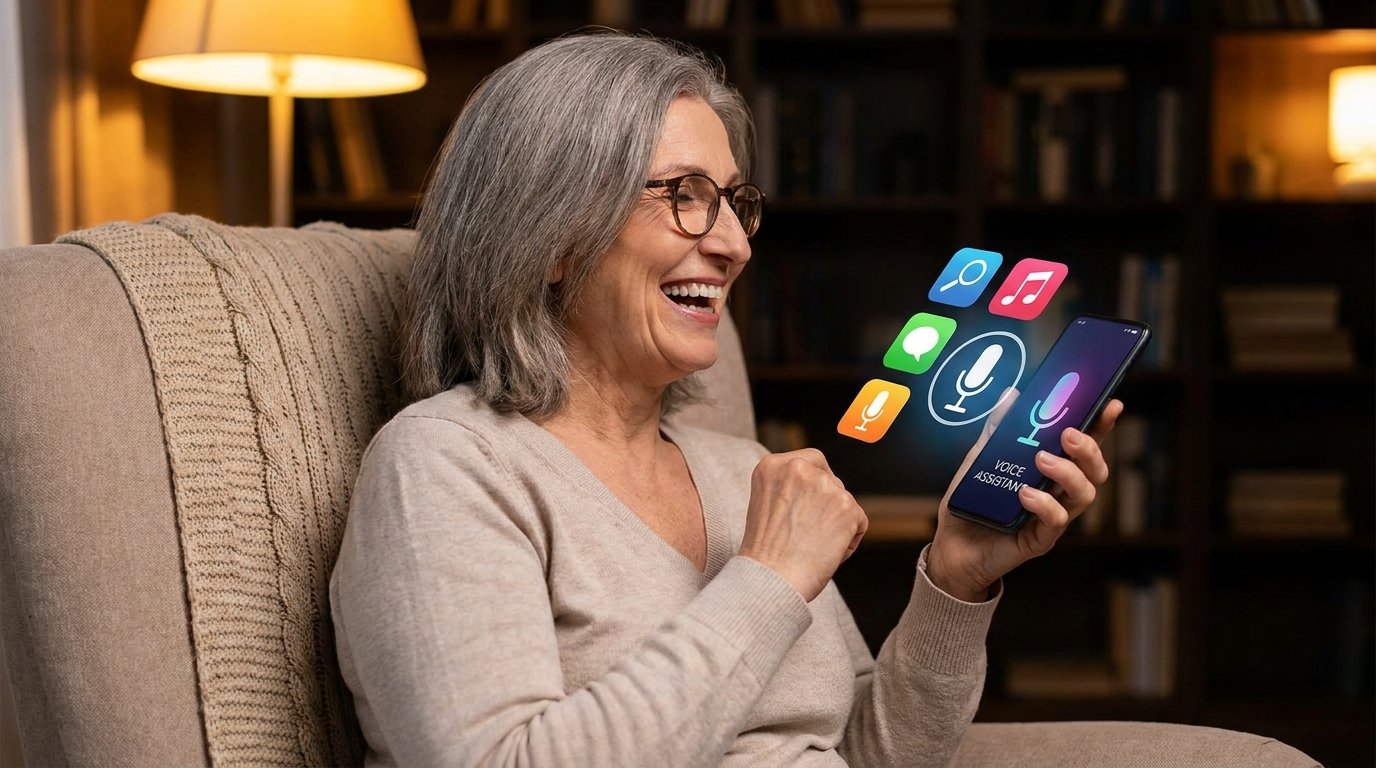
FoneClaw addresses this exact problem by transforming standard Android devices into accessible tools. By replacing complex touch navigation with natural voice commands, the app removes the traditional barriers to entry. An ai phone seniors can operate entirely through speech reduces anxiety and builds confidence. Users simply tell the device what to do, from making calls to reading text messages aloud.

The real difference? The technology adapts to the user rather than forcing the user to learn new digital behaviors. Building an ai phone seniors feel comfortable using requires more than just large buttons; it requires intelligent, multi-step voice automation that understands context and intent.

This approach ensures older adults stay connected with their loved ones and maintain access to modern digital services without the usual tech headaches. You want them to enjoy technology, not fear it.

#Understanding the Senior Digital Divide

The gap between rapid technological advancement and older adults' ability to keep up is widening. This senior digital divide leaves a significant portion of the population struggling with basic digital tasks. Touchscreen interfaces rely on precise motor skills, good eyesight, and an understanding of abstract icons—three things that often decline with age.

When a smartphone requires swiping down from a specific corner to adjust volume or digging through three menus to turn on Wi-Fi, it stops being a helpful tool. Creating an ai phone seniors can navigate easily means rethinking the entire interface.

Most accessibility features on standard devices just magnify the screen or increase text size, which does not solve the underlying navigation problem. A true ai phone seniors benefit from must bypass the screen tapping altogether. FoneClaw achieves this by executing commands through natural language.

If a user wants to check the weather or send a photo to a grandchild, they just ask. Bridging the senior digital divide requires technology that meets users where they are. With over 50 voice operations available, the agent handles the heavy lifting of navigating the Android operating system. This shift from touch-based to voice-based interaction is crucial.

An ai phone seniors adopt quickly usually relies on familiar communication methods, like speaking, rather than forcing them to memorize complex gesture controls. By removing the friction of traditional smartphone use, older adults can participate fully in the digital world without feeling overwhelmed or inadequate.

This ensures that technology serves as a bridge to connection rather than a wall of frustration.

#Providing Better Elderly Phone Help

Family members often become the default IT support for their aging parents. If you are managing an aging parent's device, providing elderly phone help from a distance usually involves confusing phone calls trying to guide someone through menus they cannot clearly see. "Tap the gear icon" or "swipe left" often results in accidental settings changes or deleted apps.

This dynamic is frustrating for both the senior and the caregiver. An effective ai phone seniors use must include mechanisms for remote assistance that do not require the older adult to perform complex troubleshooting. FoneClaw integrates family remote control features that change how support is delivered.

Instead of spending an hour explaining how to adjust screen brightness or connect to a Bluetooth hearing aid, an authorized family member can handle the task remotely from their own device. This makes elderly phone help efficient and stress-free. The agent allows caregivers to assist with device management while the senior maintains ownership of their device.

Developing an ai phone seniors and their families trust means balancing support with privacy. The app ensures that remote interventions are secure and transparent. When a problem arises, the senior does not have to panic or wait for an in-person visit.

They can rely on the system's voice commands to attempt the task, and if that fails, family support is just a remote connection away. An ai phone seniors can rely on reduces the burden on caregivers while ensuring the device remains functional.

This dual approach of voice automation and remote capability creates a safety net that keeps older adults connected without the constant friction of tech support calls.

#The Power of Voice-First Seniors

Transitioning older adults to a new way of interacting with technology requires a thoughtful approach. Creating voice-first seniors means prioritizing speech as the primary method of control. Traditional voice assistants often fail because they require specific syntax or only handle basic web searches.

A dedicated ai phone seniors use daily must understand conversational language and execute multi-step actions within the device itself. FoneClaw acts as a deep-level Android operator. If a user says, "Call my daughter and put it on speaker," the app handles the entire sequence without requiring the user to touch the screen.

This capability is vital for turning older adults into voice-first seniors who feel confident managing their devices. Beyond simple communication, the agent assists with daily routines. Setting up medication reminders or doctor appointment alerts becomes a matter of simply speaking the instruction. "Remind me to take my blood pressure pill every morning at 8 AM" is processed and scheduled automatically.

An ai phone seniors find useful must also incorporate safety features. In an emergency, struggling to open a phone and dial 911 or a family member can be dangerous. With voice activation, users can initiate emergency contacts hands-free. Building an ai phone seniors trust with their health and safety requires reliable, offline-capable voice processing.

By mastering these critical daily tasks through speech, older adults experience a dramatic reduction in technology-related anxiety, allowing them to focus on the benefits of connectivity rather than the mechanics of the device. You will notice a stark difference in their daily confidence.

#Achieving Senior Phone Independence

The ultimate goal of accessible technology is autonomy. Senior phone independence means an older adult can manage their social life, health reminders, and entertainment without waiting for someone else to facilitate it. When a device is too complicated, that independence is lost.

An ai phone seniors operate through an intelligent agent restores this autonomy by learning the user's habits and preferences. FoneClaw features memory learning capabilities that adapt to how the individual speaks and what tasks they perform most frequently. This personalization is key to fostering senior phone independence.

If a user frequently orders groceries from a specific app or calls a particular friend on Tuesday afternoons, the system recognizes these patterns and streamlines the process. The reality is: technology that adapts to the user sees much higher retention rates. Data shows a remarkable three-day adoption speed for older adults using this voice-first approach.

Because the learning curve is tied to natural speech rather than memorizing interface layouts, users become proficient quickly. An ai phone seniors can master in less than a week drastically changes their relationship with digital tools. They stop viewing the smartphone as a fragile puzzle and start seeing it as a reliable assistant.

True senior phone independence also means the device works well in various environments. Whether they are at home or out in the community, the voice agent provides consistent, reliable operation. An ai phone seniors carry with them must offer this level of dependable automation to truly impact their daily quality of life.

#Why an AI Phone Seniors Actually Use Matters

Millions of standard smartphones sit unused in drawers because they proved too difficult for older hands and eyes to manage. The market is flooded with devices that claim to be accessible but merely offer larger text on the same confusing operating system. An ai phone seniors actually use must address the core issue of navigation.

By replacing touch with voice, FoneClaw provides a practical solution for the US market. The combination of multi-step voice automation and family remote control creates a comprehensive support system. With over 50 voice operations available, the scope of what can be accomplished hands-free is extensive.

When you evaluate options for an aging parent, prioritizing an ai phone seniors can operate hands-free is a logical step. It reduces the daily friction of missed calls, unread messages, and forgotten appointments. The technology bridges the gap between older adults and the digital services they need to access.

Also, the memory learning function ensures the device becomes more helpful over time, adapting to the specific vocabulary and routines of the user. Ultimately, the success of any technological intervention is measured by its daily utility. An ai phone seniors pick up and use with confidence improves their safety, social connection, and overall well-being.

By focusing on natural language processing and deep Android integration, this tool transforms a standard smartphone into an accessible lifeline. Choosing an ai phone seniors can master quickly ensures they remain active participants in a digital-first society, maintaining their dignity and independence. You are giving them back their digital freedom.

#Frequently Asked Questions

What makes an ai phone seniors use different from a regular smartphone?
An ai phone seniors use relies on deep voice integration rather than standard touchscreen navigation. Instead of tapping through confusing menus or small icons, older adults can execute complex, multi-step tasks like sending text messages, checking the weather, or setting medication reminders entirely through natural speech. This removes the steep learning curve associated with modern devices.
How does the family remote assistance feature actually work?
Authorized family members can securely connect to the Android device remotely from their own phones to adjust system settings, install necessary applications, or troubleshoot software issues. This allows caregivers to provide immediate technical support without requiring the older adult to navigate confusing menus, making device management stress-free for everyone involved.
Can the voice agent handle emergency situations or urgent calls?
Yes, the voice-first design allows users to initiate urgent calls to family members, caregivers, or emergency services completely hands-free. If a senior falls or cannot physically reach the screen to dial numbers, they can use a simple verbal command to get immediate help, providing peace of mind for families.
How long does it usually take for an older adult to learn the system?
Data shows a typical three-day adoption speed for new users. Because the system uses natural conversational language rather than requiring the user to memorize specific, robotic commands, an ai phone seniors adopt usually becomes highly comfortable and intuitive to operate in less than a week.
Does the application remember specific user preferences and daily routines?
Yes, the agent features advanced memory learning capabilities. It actively adapts to the user's frequently called contacts, preferred applications, and daily schedule over time. This continuous learning process makes future voice operations significantly faster and more accurate, providing a highly personalized experience for the individual user.