
Voice Commands While Driving: Safer Android Hands-Free Guide
A practical safety guide to voice commands while driving on Android, with setup tips, command examples, distraction limits, and FoneClaw-supported actions.
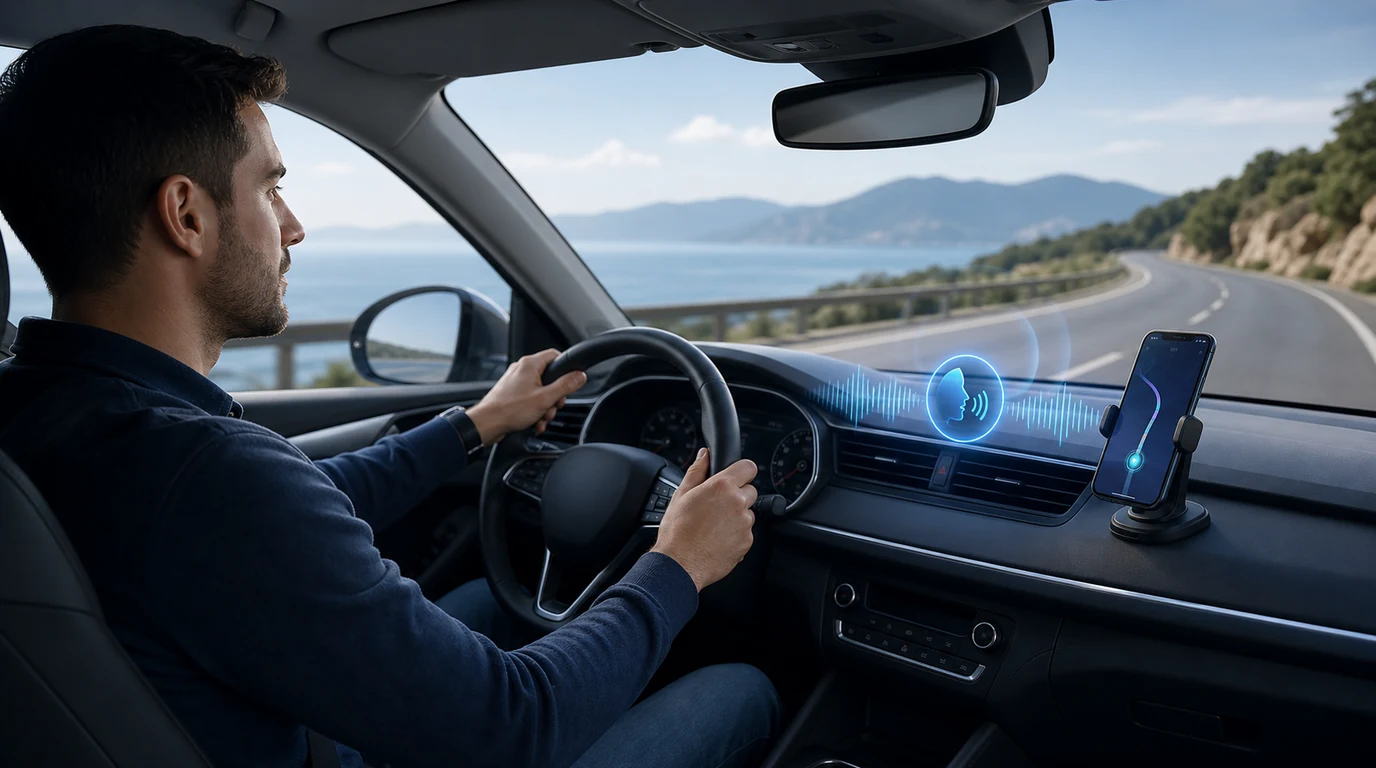
- Voice commands while driving work best when they reduce touch, reduce glances, and keep the driver focused on the road.
- FoneClaw supports driving-friendly Android phone actions such as navigation handoff, ETA drafting, calls, music, reminders, and notification triage within supported app and permission limits.
- The safest routine is set up before driving, use short commands on the road, confirm only when it is safe, and stop voice interaction whenever it becomes distracting.
The Safe Rule for Voice Commands While Driving
If you are already moving, the safest voice command is the one that keeps your eyes up, your hands settled, and your mind on the road. Voice commands while driving should be used for short, necessary phone actions: start navigation, place a call, send a brief ETA, control music, or silence a non-urgent notification. Anything that turns into editing, searching, choosing between many options, or reading a long message belongs before the drive or after you park.
The reason is simple. NHTSA distracted-driving guidance says reading or sending a text can take a driver’s eyes off the road for about five seconds, and NHTSA reported that 3,208 people were killed in crashes involving distracted drivers in 2024. A hands-free command can reduce touch, but it does not make every task safe. Your driving attention is still the first system.
IIHS distracted-driving research makes the useful distinction: voice systems can reduce visual and manual interaction compared with hand use, yet system design and task complexity matter. A short command like ‘navigate home’ is different from dictating a complicated customer reply while merging onto a freeway.
At FoneClaw, we design Android phone actions around that boundary. Our role is to help supported tasks move faster through voice, visible steps, and confirmation where it helps. While driving, that means the best task is brief, predictable, and easy to stop. If a command takes more thought than the road conditions allow, let it wait.
Phone Actions That Belong in a Driving Voice Routine
A good driving voice routine starts with a narrow list. The phone should help with actions that reduce friction around the drive, not turn the car into a mobile desk. Navigation, ETA updates, calls, music, reminders, and simple notification handling usually fit. Long-form writing, app browsing, account changes, shopping, and anything with sensitive details usually do not.
Navigation is the clearest example. A driver may need to start directions, add a stop, find a nearby gas station, or switch from a general destination to a saved address. A spoken navigation command can keep the driver from typing on a small screen. The same idea applies to a short ETA message: ‘Tell Maya I am about 15 minutes away’ is a driving-friendly request when the phone can draft it and wait for a simple confirmation.
Calls are also natural. Calling a family member, client, office, or roadside support contact by voice is usually safer than searching a contact list by hand. Music and podcast controls belong in the same category when the command is short: pause, resume, skip, lower volume, or play a saved playlist. Notification triage should be even tighter. A safe system summarizes only what matters and lets the driver ignore the rest.
The practical test is whether the task helps the drive itself. If the answer is yes, voice may fit. If the task asks you to compare options, correct text, read details, or think through a decision, it is better handled when the car is stopped.
Set Up Hands-Free Controls Before the Car Moves
The best hands-free driving setup happens in a driveway, parking lot, or office before the trip begins. Pair the phone with the car, test the microphone, check speaker volume, confirm the default navigation app, and make sure the contacts you use most often have clear names. If you rely on Android Auto, review Android Auto support for your car and phone, then test basic directions, calls, and music before you need them on the road.
Start with the basics. Enable the voice assistant or hands-free trigger you use, confirm Bluetooth or USB connection, set the phone mount where it does not block the windshield, and avoid placing the screen where it invites constant glances. If your car display supports Android Auto, keep the interface simple: navigation, phone, messages, and media are enough for most trips.
Then prepare the actions that will matter. Save home, work, school, frequent job sites, and important customer addresses. Clean up contact names that sound similar. Create a few message templates in your own words: ‘I am driving and will reply when I stop,’ ‘I am on the way,’ or ‘I am running about 10 minutes late.’ A short prepared phrase is easier to confirm than a freshly dictated paragraph.
For broader phone setup, our Android voice control setup guide covers everyday Android voice permissions and safe limits. This driving guide stays narrower: the goal is a road-ready setup that avoids screen handling while the car is moving.
How FoneClaw Supports Safer Android Phone Actions in the Car
Driving creates a specific phone problem: the user may know exactly what they need, but touching the phone is the wrong way to do it. At FoneClaw, we focus on turning that spoken intent into supported Android phone actions with visible execution and confirmation where the action affects another person or app state.
For example, a driver might say, ‘Start directions to the next appointment,’ ‘Draft an ETA to Jordan,’ or ‘Remind me to send the invoice when I arrive.’ Our product direction is to keep those actions bounded. A navigation request can hand off to a supported map flow. A message can be prepared in a short draft. A reminder can be created from the driver’s spoken intent. A notification can be summarized or deferred when that is supported and useful.
Confirmation matters in the car, but it has to be simple. A driving-friendly confirmation is not a long editing session. It is a short pause before sending an ETA, placing a call, or saving a reminder. If a task needs more review, the better fallback is to save it for later, open the relevant app when the car is stopped, or keep the draft unsent.
We also keep the phone action separate from the driving decision. FoneClaw can help with supported Android steps around navigation, calls, messages, reminders, music, and notifications. The driver still chooses when the road is calm enough to speak, confirm, or stop using voice commands. That is the right division of labor: the phone reduces friction, and the driver protects attention.
Short Command Patterns for Driving
Short commands work better because they leave less room for correction. Instead of dictating a long instruction, use a pattern that the phone can handle quickly. For navigation, try: ‘Navigate to home,’ ‘Find the nearest gas station on my route,’ ‘Start directions to my next calendar location,’ or ‘Share my ETA with Alex.’ The command should point to a known action, not require several rounds of browsing.
For messages, keep the content brief. Useful examples include: ‘Text Sam: I am driving and will call when I arrive,’ ‘Send my ETA to the job-site group,’ or ‘Draft a message to Lee saying I am ten minutes behind.’ For deeper hands-free texting habits, use our hands-free texting details guide; on the road, the safer pattern is a short prepared message with a simple confirmation.
For calls, make the contact and purpose clear: ‘Call dispatch,’ ‘Call Mom on speaker,’ or ‘Call the next appointment.’ For music, avoid browsing by voice while driving. Use saved playlists or simple playback controls: ‘Play my driving playlist,’ ‘Pause music,’ ‘Skip this,’ or ‘Lower volume.’ For notifications, the safest patterns are selective: ‘Read urgent messages only,’ ‘Silence notifications until I arrive,’ or ‘Remind me to check this after parking.’
Android Auto and Google’s assistant experience are built around hands-free directions, calls, messages, and media. If you use that stack, Google Help for Android Auto voice commands is useful for the platform-specific trigger phrases. FoneClaw fits beside that by helping Android users structure supported phone-side actions and follow-through steps without turning the drive into a screen session.
When Voice Commands Still Distract
A voice command can still be the wrong choice. Heavy traffic, bad weather, construction zones, unfamiliar exits, children in the car, or an active parking maneuver can make even a simple command too much. If the road already needs full attention, skip the command and drive.
Another warning sign is repeated correction. If the assistant misunderstands a name, picks the wrong address, asks follow-up questions, or starts reading too much, stop the interaction. A safe driving routine needs graceful exits: ‘Cancel,’ ‘Stop,’ ‘Never mind,’ ‘Save this for later,’ or ‘Remind me when I arrive.’ Those commands are just as important as the action commands.
Message dictation is the most common trap. A driver starts with a quick reply, then hears a mistake, then tries to fix it, then checks whether the final wording sounds right. That becomes a writing task. Use a short template, send only when safe, or let the phone store a draft. If the content is sensitive, emotional, financial, or detailed, treat it as a parked task.
Commuters often benefit from routine, not improvisation. Our commuter voice-control scenarios guide covers recurring drives, reminders, and route habits. In a moving car, repetition is safer than novelty: familiar commands, familiar apps, familiar destinations, and fewer choices.
Safe Hands-Free Driving Checklist
Before you drive, prepare the phone so voice commands are boring in the best way. Pair the car, test the microphone, set the volume, open the navigation app, check the route, and make sure urgent contacts are easy to call by name. Save common places and message templates before the trip.
- Use voice commands for short driving-related actions: directions, ETA, calls, music, reminders, and notification triage.
- Keep message replies short, prepared, and easy to confirm.
- Use Android Auto or your car display when it reduces phone handling.
- Stop the voice interaction when the road gets complicated.
- Cancel any command that triggers browsing, editing, account changes, or repeated corrections.
- Let FoneClaw help with supported Android phone actions that reduce friction, then keep the driver’s attention on the road.
The best hands-free driving routine is not about doing more in the car. It is about needing the screen less. Use voice commands while driving for the few actions that genuinely support the trip, prepare those actions before the car moves, and keep every interaction short enough that driving remains the main task.