
Doubao Phone Assistant Consumer Edition on Nubia NaviX Ultra
See how the Doubao Phone Assistant consumer edition works on Nubia NaviX Ultra, including China pricing, cross-app actions, memory, permissions, and SAEP limits.
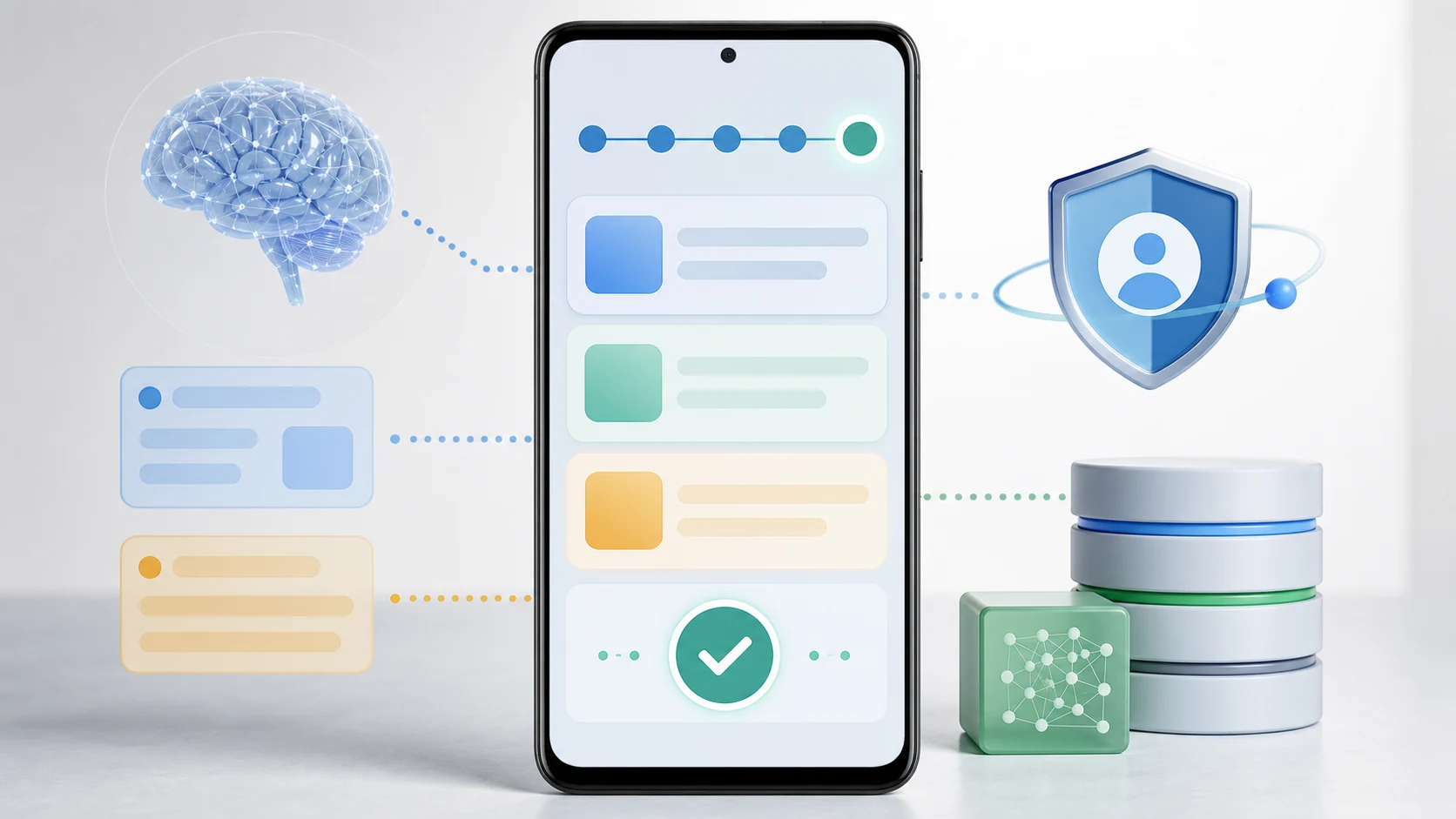
- The Nubia NaviX Ultra launched commercially in China on September 16, 2026, with the Doubao Phone Assistant consumer edition and three memory and storage configurations.
- The interaction model combines an authenticated AI button, voice and screen-based requests, user-authorized memory, local content retrieval, recordings, shortcuts, and queued tasks.
- Cross-app actions use supported service or API routes and a GUI phone-operation Beta, while SAEP declarations, Android permissions, user authorization, and business-risk controls determine what each workflow can do.
- NaviX Ultra offers an OEM-integrated phone-agent route, while FoneClaw provides an installable Android agent route with governed tools, approvals, visible progress, and result checks.
What the Consumer Edition Changes
The Doubao Phone Assistant consumer edition turns an earlier technical preview into a commercial consumer-device release. According to the official ZTE launch announcement, the Nubia NaviX Ultra launched in China on September 16, 2026, with the consumer edition built into the device. An update for the earlier M153 device was also announced. The launch establishes current China availability for NaviX Ultra rather than worldwide support across other Android phones.
| Configuration | China launch price |
|---|---|
| 12GB+512GB | RMB 5,999, or RMB 5,499 after an eligible China national subsidy |
| 16GB+512GB | RMB 6,499 |
| 16GB+1TB | RMB 7,499 |
The Doubao Phone Assistant consumer edition announcement presents a broader phone-agent experience than a conventional chat window. Its examples cover acting on visible screen content, retrieving local material, recording information, handling queued tasks, launching shortcuts, and running commands from time, place, or event conditions. The goal is to let a user state an outcome while the phone handles supported intermediate steps.
For a real task, imagine seeing an address in a message and asking the assistant to use it. A useful phone agent must identify the address, choose a supported action, show where it is going, and let the user verify the result. Each stage depends on the device, the app involved, available permissions, and the action path exposed to the assistant.
The commercial launch provides a defined product and initial device, but it does not establish identical behavior across other phones or every installed app. Readers who need the broader category before evaluating this release can use Agentic AI Phone Meaning: Context, Actions, Controls, and FoneClaw to understand how context, execution, and control fit together.
How You Start and Direct the Assistant
The interaction model gives users several ways to reach the phone agent. NaviX Ultra includes an AI button with fingerprint authentication, alongside voice wake-up and interaction based on content already visible on the screen. These routes serve different moments: the button provides deliberate physical entry, voice supports hands-free requests, and screen-based interaction reduces the need to describe content that is already in view.
Fingerprint authentication on the AI button can connect invocation with identity confirmation. Its practical value depends on the action. Opening the assistant, asking for public information, and preparing a sensitive account action do not require the same level of authorization. Users should check when the fingerprint is requested, what it authorizes, and whether another confirmation appears before a consequential step.
Screen-to-action behavior is especially useful when the request depends on current context. A user could open an itinerary, select the AI route, and ask for the next useful step. The assistant might identify a destination or extract a relevant detail, then offer an action supported by that screen and app. The visible destination remains the best evidence that the request was interpreted correctly.
ZTE also announced full-duplex conversation based on Seed, allowing the user to interrupt and redirect the conversation, plus supported Feishu tasks involving messages, meetings, office requests, and service workflows. These are vendor-announced capabilities; successful completion still depends on the available service route, account state, authorization, and final action.
Voice wake-up adds convenience, but the spoken command still needs a clear target. Requests such as “send this,” “save that,” or “book it” require the assistant to resolve the referenced content and intended destination. Before approval, check the selected item, recipient, account, date, price, or location. Our guide to AI Agent Phone Control on Android: Intent, Confirmation, Action explains that progression in more detail.
How Local Retrieval and Memory Work
The consumer edition includes retrieval from local photos, messages, notes, and recordings. That can shorten searches that normally require opening several apps or remembering where an item was stored. A request such as “find the photo of the whiteboard from last Friday” is useful when the assistant can search an authorized source, present likely matches, and let the user select the correct result.
Local retrieval and personal memory are related but distinct. Retrieval finds content that already exists in an accessible source. The announced personal-memory feature works with user authorization, while deliberate screen saving can begin with a spoken request to remember the current content or a three-finger upward swipe. These actions give the user a clear point at which current-screen information is selected for later use.
The phrase local content does not by itself establish where every processing step occurs. Photos, messages, notes, recordings, models, and app services can follow different data paths. The useful consumer controls are source selection, permission scope, memory inspection, deletion, and a clear explanation when an action needs another service.
A practical first test is narrow: ask for one known photo, note, message, or recording and inspect the returned item. Check whether the date, sender, title, thumbnail, or transcript fragment identifies the right source. Then save one non-sensitive screen deliberately, confirm that it can be retrieved, and review the controls for removing it.
For a fuller framework around source access and retained information, Personal Context AI Agent for Phone Actions: Context, Memory, Control explains how selected context, durable memory, and action permission affect different parts of a phone workflow.
What Cross-App Actions Can Do
Cross-app execution is the feature that most clearly separates a phone agent from a conversational assistant. The announced examples suggest that Doubao Phone Assistant can interpret a request, move through supported phone interfaces, and complete multiple steps. A travel request might involve reading an address, opening a route, gathering relevant information, and preparing the next action.
There are two important execution paths to recognize. Supported services can cooperate through APIs or structured integration routes, giving the assistant defined fields and results. The consumer edition also introduced phone operation through a GUI Beta, which works with visible interface controls where permitted. GUI execution depends more heavily on the current layout, login state, pop-ups, permissions, labels, and boundaries declared by the app.
The official SAEP developer protocol explains that the system baseline, application policy, agent identity, user authorization, and business-risk controls jointly determine whether an operation proceeds. Applications can declare boundaries for an entire app, a particular Activity, or a business intent. A BLOCK decision stops automation, while CALL_USER pauses for the specified confirmation or user handover. Granting an Android permission does not override an application refusal or the system-level controls.
The GUI Beta was announced with a 30-day rules notice beginning September 14. In a September 16 NBD hands-on report, reporters testing the retail launch device said they could not then automate in-app posting, shopping, or food ordering in WeChat, Xiaohongshu, Meituan, and Taobao. That dated observation describes the tested workflows during the notice period; it is not a permanent blacklist or evidence that those apps cannot be opened.
Support therefore needs to be checked at the task level. An agent might search in an app but lack a supported path to purchase, post, delete, or send. It might prepare an order and stop at confirmation. Another app may expose no workable route for the same request. An installed app is not automatically a supported app-agent integration.
Use one low-risk example on the released device. Ask the assistant to find information in one source and prepare an action in a second app. Watch which apps open, whether the selected data is correct, where execution pauses, and what result appears. If the assistant says a task is complete, inspect the destination directly: the saved note, drafted message, route, reservation page, or changed setting.
The consumer-edition release coverage provides additional launch context, while current app coverage and workflow stability should be judged from device documentation, SAEP boundaries, and observable results on the released product.
How Queues, Shortcuts, and Automatic Commands Work
Task queues allow a phone agent to retain several requests and work through them without treating every instruction as a new conversation. The consumer edition includes queued tasks and interruption support, which can help when one request takes time or the user needs to add a higher-priority action. The practical test is whether each task has a visible state and can be stopped or corrected independently.
Shortcuts serve repeated, user-chosen workflows. A routine such as gathering commute information or opening a familiar set of work resources becomes easier when the inputs and expected result remain consistent. Before reusing a shortcut, inspect any variable details such as the recipient, destination, account, date, or source. A saved command should reduce repetition while keeping current values visible.
Automatic commands introduce another layer. The consumer edition includes triggers based on time, place, or events. A time trigger could start a morning routine; a place trigger could surface information after arrival; an event trigger could respond to a supported change. The trigger authorizes the start condition, while sensitive outcomes can still require a separate review.
ZTE says an authorized task can continue while the phone is locked, subject to lock-screen security controls. That can keep longer work moving without requiring the display to remain active, but it does not mean every sensitive step proceeds without confirmation. App policy, authorization scope, account checks, and business-risk controls can still pause the task or return it to the user.
To evaluate an automatic command, identify four elements: the trigger, the data source, the proposed action, and the final effect. Then confirm how to pause future triggers and how to stop a run already in progress. Those controls solve different problems. Pausing a routine affects later starts; cancelling a current task affects work that has already begun.
Start with an observable routine that carries little consequence. Check whether it starts under the intended condition, whether an interruption preserves the queue correctly, and whether the final state appears in the destination. This gives stronger evidence than relying on a completion message alone.
Where Permissions and Confirmations Apply
A phone agent needs access that matches the requested task. Photo retrieval requires an available photo source. Message search requires the relevant account or app path. Recording, location, contacts, and notifications each introduce their own permissions. The consumer edition should be evaluated by how clearly it names these sources and how easily the user can review or revoke access.
App-declared boundaries also shape execution. SAEP gives participating applications a way to declare which operations are allowed, blocked, or handed back to the user. Android permissions determine what the device permits, but they do not cancel these application rules. Login state, regional availability, app updates, changed interfaces, and business-risk controls can also alter the result.
Confirmation should reflect the consequence of the next action. Reading a selected item, drafting a response, sending that response, and completing a payment are separate decisions. Fingerprint authentication can confirm identity at an entry point, while the final app may still require review of the recipient, amount, address, or account before completion.
Stability is equally important. Cross-app GUI automation can encounter a redesigned screen, an unexpected dialog, a network interruption, or a session timeout. A useful recovery path shows the blocked step, preserves the user’s request, and offers a clear choice to retry, revise, or stop. After an uncertain outcome, inspect the destination before retrying so the action is not duplicated.
The strongest privacy check is concrete: choose one source, request one limited task, observe every permission prompt, and inspect the resulting record. Then review the relevant access and memory settings. This shows what the assistant actually used and what remains available for future requests.
NaviX Ultra and FoneClaw Take Different Android Routes
NaviX Ultra represents an OEM-integrated phone-agent route. Its dedicated AI button, fingerprint hardware, system integration, and consumer-edition software are designed as one device experience. That can provide direct access to hardware and operating-system surfaces that depend on the phone maker’s implementation.
FoneClaw provides an installable, governed Android agent route for supported devices and actions. We help users bring selected phone context into a task, use permission-aware tools, review approvals, follow progress, and verify the result. Our current Android capabilities cover practical areas such as screen and app interaction, device controls, communication, calendars, personal ToDos, mail, location, web tasks, workflows, and optional extensions.
The choice begins with the device you intend to use. A buyer considering NaviX Ultra should assess its built-in controls, supported apps, account requirements, memory settings, and recovery behavior. An Android user evaluating FoneClaw can review more than 100 built-in tools and the current supported areas on FoneClaw Features and use the installable route on a compatible phone.
Both approaches should be judged by the same observable questions. Can the agent understand the request? Does it use the intended context? Are permissions and confirmations clear? Can the user see progress, interrupt work, and inspect the final result? Hardware integration and installable software create different starting points, but useful delegation still depends on those controls.
FoneClaw’s role is concrete: we provide supported Android actions with visible state, user approval, and result checks. NaviX Ultra’s capabilities should be assessed through its released device behavior and current product documentation.
What to Verify After Launch
Post-launch verification should begin with the exact model, region, account, installed software, and app versions available to you. The China launch establishes the consumer edition on NaviX Ultra, while current documentation and visible device behavior establish what a particular phone and workflow can do.
| Check | What to verify | Useful evidence |
|---|---|---|
| Device support | The consumer edition is active on the intended NaviX Ultra or supported M153 configuration | The feature appears in current device settings and official documentation |
| Entry controls | The AI button, fingerprint authentication, voice wake-up, and screen route behave as documented | Each entry path opens the intended assistant state |
| App coverage | The specific source and destination apps support the requested service, API, or GUI steps | The agent reaches the correct content and action screen without crossing a declared boundary |
| Context and memory | Selected photos, messages, notes, recordings, or deliberately saved screens are accurate and reviewable | The source and saved memory can be inspected or removed |
| Cross-app execution | Preparation, user handover, confirmation, and completion remain distinguishable | The destination contains the expected result |
| Locked execution | An authorized task continues only within the stated lock-screen and app controls | Sensitive steps still pause when additional confirmation is required |
| Automation | Queues, shortcuts, and triggers can be viewed, interrupted, paused, or cancelled | The current task and future trigger have separate controls |
| Recovery | A failed or blocked action identifies the affected step | The user can retry, revise, or stop without duplicating the outcome |
Use a low-risk workflow first, such as finding a known note and preparing a new note from it. Then test one cross-app action, one sensitive confirmation, one interruption, and one authorized task while the phone is locked. Add automatic triggers only after the manual route produces a result you can verify.
This sequence answers the practical buying question. The value of the Doubao Phone Assistant consumer edition comes from the tasks it completes reliably on supported devices and apps, the clarity of its permissions and memory controls, and the quality of its recovery path when a phone screen or service changes.