
FoneClaw vs Apple Intelligence: Android Agent or Siri AI?
Compare FoneClaw vs Apple Intelligence for Android phone actions, Siri AI, voice control, app support, permissions, data processing, and verified results.
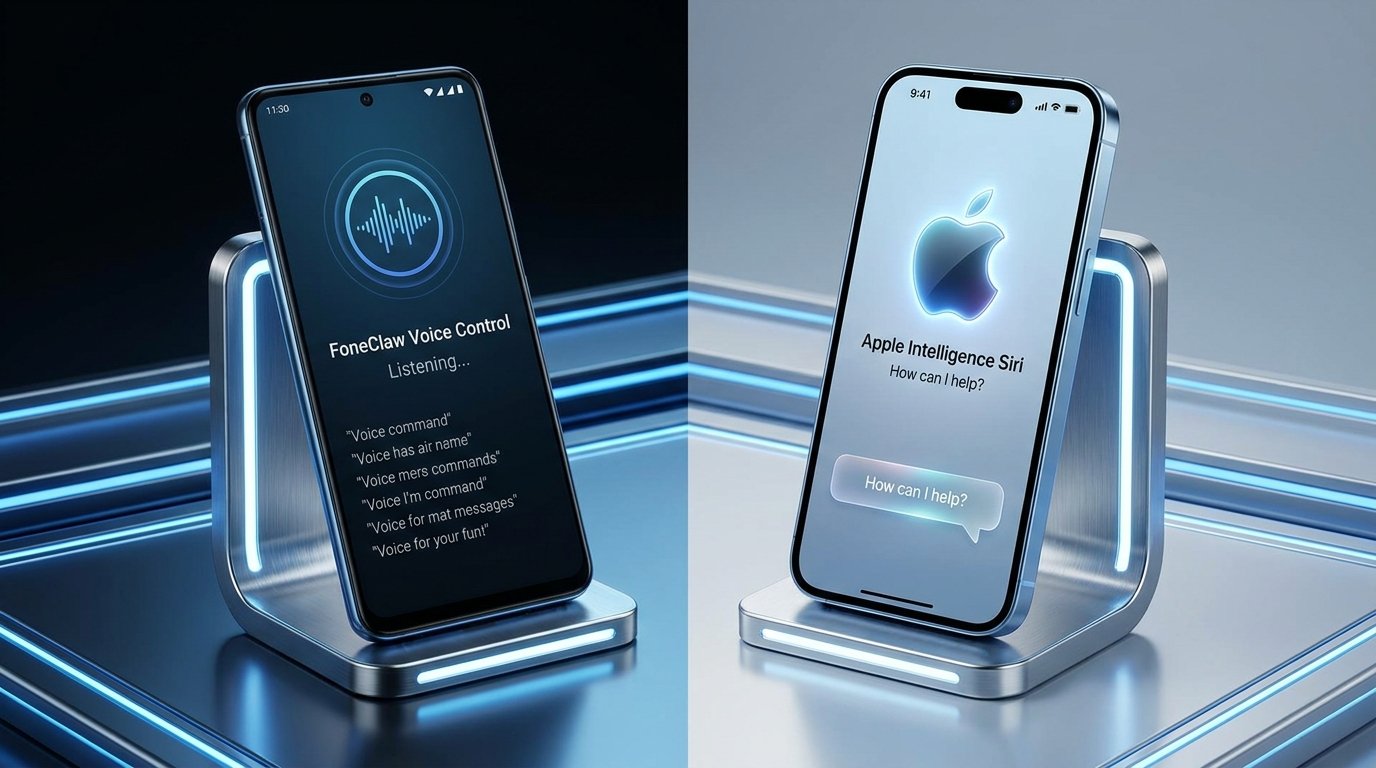
- Apple Intelligence is Apple’s wider system AI layer, while Siri AI adds personal context, onscreen awareness, conversations, and developer-supported app actions.
- Apple has scheduled the free iOS 27 update and English Siri AI beta for September 14, 2026, followed by five additional Siri AI languages planned for October.
- FoneClaw combines configured-model reasoning with 100+ built-in tools for supported Android tasks, including current-screen, communication, calendar, memo, navigation, and system workflows.
- Choose according to your current device, required app action, data-processing preference, permissions, approval settings, and the result you can verify on the phone.
Choose by Platform and Task
The practical FoneClaw vs Apple Intelligence decision begins with the phone you use and the action you need. Apple Intelligence is Apple’s broader system intelligence layer for creation, summarization, visual features, contextual assistance, and other experiences across supported Apple devices. Siri AI is the assistant within that direction, bringing personal context, onscreen awareness, longer conversations, and app-provided actions to supported iPhone workflows.
FoneClaw is our Android phone agent. It combines reasoning from a configured model with governed Android tools that can perform supported phone tasks. Voice control is an important input route, while text, screenshots, current-screen context, and selected information sources can also begin a workflow. The useful comparison is therefore not chatbot versus automation. Both Siri AI and FoneClaw can connect understanding to actions when the required platform, app integration, account, permission, and execution route are available.
An iPhone owner will evaluate Apple Intelligence and Siri AI inside Apple’s ecosystem. An Android owner can use FoneClaw for supported phone actions such as checking device status, reviewing selected messages, working with configured email, creating calendar events and memos, navigating, or adjusting supported system settings. Our current product includes 100+ built-in tools, with availability governed by Android capabilities and the user’s setup.
Voice also covers several distinct activities: issuing a command, dictating text, recording speech, or asking a model to analyze a transcript. Android Voice Input vs Dictation vs AI Transcription explains those differences for readers choosing an Android workflow.
What the September Siri Update Changes
As of September 10, Apple has scheduled the free iOS 27 update and English Siri AI beta for September 14, 2026. The date is a planned beta starting point rather than completed public availability today. Apple announced the schedule with its new iPhone lineup, and the iPhone 18 Pro and iOS 27 announcement provides the current release context.
Apple plans French, Japanese, Korean, Portuguese, and Spanish Siri AI support in October. That five-language expansion belongs to the Siri AI schedule; the wider Apple Intelligence feature and language list is separate. Hardware compatibility, software availability, the individual feature, Siri language, account, and region all need to align before a user can rely on a particular action.
The new iPhone launch does not require every existing eligible owner to buy new hardware. Readers should check their exact model against Apple’s current compatibility information and then verify the feature state on the device. Apple’s Apple Intelligence overview and availability information is the appropriate source for current device, language, and regional conditions.
Apple’s June announcement also described personal context, onscreen awareness, dedicated Siri conversations, and app actions. Those capabilities form the relevant comparison with an Android phone agent, but they should be evaluated individually as the beta rolls out. iOS 27 Siri AI: Release Date, Eligibility, and App Actions provides the detailed launch and eligibility guide without turning this comparison into another setup walkthrough.
FoneClaw and Apple Intelligence Compared
This compact matrix identifies the practical decision points. It does not declare one universal winner because the available device and target action determine which route can complete the work.
| Decision point | Apple Intelligence and Siri AI | FoneClaw |
|---|---|---|
| Platform | Designed for supported Apple devices and Apple ecosystem services. | Built for supported Android phone workflows. |
| Primary scope | System-wide intelligence features plus Siri’s contextual and action-oriented assistant experience. | Configured-model reasoning connected to governed tools for supported Android actions. |
| Context | Personal context, onscreen awareness, conversations, and information available through Apple’s supported paths. | Current-screen and image context, configured information sources, and visible delegated-task progress. |
| Action route | Apple system capabilities and actions that apps expose through frameworks such as App Intents. | Enabled Android tools, connected accounts, device permissions, and supported app or system routes. |
| Voice control | Siri provides the native voice entry point on supported Apple devices. | Voice input can start an Android task, with text and visual context available for follow-up. |
| Approval | Confirmation behavior depends on Apple’s workflow and the action being performed. | Global approval mode and per-tool settings govern how supported actions proceed. |
| Data processing | Apple describes on-device processing and Private Cloud Compute for applicable Apple Intelligence requests. | Processing follows the selected model configuration, while supported Android tools perform the phone-side steps. |
Use the table by starting with a concrete verb: find, summarize, draft, create, update, navigate, or change. Then identify the app or system destination. An assistant can understand the request yet still need a supported action, the correct account, and permission to produce a phone result. The saved or changed state on the device is the final evidence.
Follow One Task to a Saved Result
Consider a hypothetical appointment change received in a message. The original appointment is at 2:00 p.m., but the selected message says it has moved to 4:30 p.m. The user wants to confirm the change, update the calendar, and prepare a short acknowledgment. This single workflow tests context, action support, review, and recovery without introducing a purchase or payment.
On an eligible iPhone, Siri AI could use personal context or onscreen awareness to identify the selected message, provided the relevant capability is available. The user should first ask for a summary and verify the sender, date, new time, and location. Updating the event or preparing the reply then depends on supported Apple system paths and app-provided actions. Apple’s Siri AI capability announcement describes this movement from contextual understanding toward supported actions.
On Android, the user can provide FoneClaw with the selected screen, screenshot, message result, or configured mail context. FoneClaw can extract the proposed time, ask which matching calendar event is intended, and prepare the update. Calendar access, the correct connected account, and the applicable approval setting govern execution. A reply remains a separate communication action, allowing the user to review the wording and recipient according to the configured tool policy.
Verification happens in the destination. Open the calendar event and confirm that the date, start time, end time, location, and calendar are correct. If a message was only drafted, inspect the draft rather than assuming it was sent. If the calendar update succeeds but the communication step lacks permission, retain the updated event and recover only the blocked step by granting the required access or completing the reply manually.
If the first result is unclear, search for the existing calendar event before trying the update again. That avoids creating a second event after an interrupted action. A successful workflow preserves completed steps, identifies the precise blocker, and returns the user to the remaining decision.
Check App and Tool Support
Model fluency and action availability are different. Siri AI may understand an appointment request while the source or destination app determines which actions can run. Apple’s App Intents documentation explains how developers expose structured entities and actions to Apple system experiences. An app might expose searching and viewing while reserving edits for its own interface, or it might support creating and updating selected records.
FoneClaw connects configured-model reasoning to its supported Android tool layer. Current-screen context can help identify what the user is viewing, while calendar, memo, communication, navigation, device-status, and system-control tools provide defined execution paths. Visible delegated-task progress helps the user follow multi-step work and see when the agent needs an account selection, target clarification, permission, or approval.
Before starting an important workflow, identify four prerequisites: the information source, the destination app or system feature, the connected account, and the required permission. For the appointment example, that means the selected message, the intended calendar, the correct calendar account, and calendar access. Sending an acknowledgment also needs the recipient and the relevant communication route.
Configured global and per-tool approval settings determine how FoneClaw handles supported actions. Users can choose a policy that fits the task and apply stricter review to consequential tools. Selecting the actual event, recipient, calendar, or destination keeps the phone action tied to the intended record rather than a guessed target.
Compare Data Processing and Permissions
Privacy has two separate questions: where the model processes supplied content and what the assistant is allowed to change on the phone. Combining them into a single label can hide an important difference. A request may use local phone permissions while model processing follows another configured route, or it may use privacy-focused model infrastructure while an app action still requires access to personal data.
Apple describes Apple Intelligence as using on-device processing where applicable and Private Cloud Compute for larger requests. Its privacy features overview explains Apple’s broader approach. Readers should still review the particular feature, information source, and app permission involved in a Siri AI task, especially when messages, photos, files, or personal context are part of the request.
With FoneClaw, the configured model determines the reasoning route, and selected content may be processed by that model provider. Users should review the provider configuration and its data-handling terms before supplying sensitive messages, screenshots, images, or account information.
Android permissions govern execution separately. Calendar access enables calendar operations; location supports relevant navigation tasks; screen or image access supplies visual context; configured mail and communication routes use their own account and permission requirements. FoneClaw requests or guides access when the task needs it, and the user’s global approval mode and per-tool settings govern supported actions.
For a consequential step, review the target and payload before execution according to the chosen policy. Check the recipient before sending, the calendar and time before updating, the destination before navigating, and the specific setting before changing phone state. This gives the user a concrete control point without applying one identical confirmation pattern to every operation.
Choose a Practical Starting Point
Existing iPhone owners can begin with the device already in hand. Check Apple’s compatibility, language, region, and feature status when the scheduled English beta becomes available, then choose a reversible task such as summarizing a selected message or preparing a reminder. Readers waiting for French, Japanese, Korean, Portuguese, or Spanish can recheck the planned October expansion for their specific feature and region.
Android owners can begin with FoneClaw by choosing a configured model, enabling the tools needed for one task, connecting the relevant account, and setting the preferred approval policy. A useful first workflow is to inspect a selected message, prepare a calendar entry, review the target and time, execute the supported action, and open the saved event to verify the result.
The choice becomes clearer when framed around completion. Apple Intelligence offers a broad native intelligence layer for supported Apple devices, with Siri AI adding context and app-supported actions. FoneClaw gives Android users a governed path from model reasoning to supported phone actions, including voice-led requests, current-screen context, visible progress, permissions, and configurable approval.
For a narrower assistant comparison, read FoneClaw vs Siri: Which Phone Assistant Fits Your Workflow?. Questions about possible Apple Intelligence plans and family access are covered in Apple Intelligence Pricing 2026: iCloud+, Family Sharing, and Daily Limits. Our FoneClaw Features page lists current Android capability areas, and FoneClaw Download provides the supported installation options.