
Voice Control for Wearables Beyond Your Phone
Explore voice control for wearables beyond your phone. Learn how FoneClaw extends Android voice automation to smartwatches.
- FoneClaw is an Android AI phone assistant for supported phone actions, not just a chatbot.
- The Wearable Voice Control Gap
- How FoneClaw Extends to Wearables
- Practical Wearable Voice Scenarios
- Fitness Tracking Integration
The Wearable Voice Control Gap
You are out for a morning run, and your fitness tracker buzzes with an urgent notification. You want to reply or trigger a quick action on your phone, but your mobile device is tucked away in a zippered pocket or a tight armband. Reaching for it disrupts your pace, breaks your focus, and introduces unnecessary friction to your workout. This scenario highlights a common limitation in current wearable technology: the disconnect between wrist-based alerts and deep phone actions.
Most smartwatches and fitness bands offer basic voice assistants, but they are often restricted to simple tasks like setting timers or checking the weather. When you need to trigger complex workflows, open specific apps, or control custom settings on your Android device, these built-in assistants fall short. They lack the deep system integration required to bridge the gap between your wrist and your phone's internal functions, leaving you stranded mid-run.
this gap exists because wearable operating systems prioritize battery life and lightweight processing over deep automation. They are designed to mirror notifications rather than execute complex background tasks on your primary device. This leaves active users looking for a way to extend their voice command capabilities without needing to physically touch their phones during workouts, commutes, or chores.
FoneClaw addresses this exact challenge by acting as an intelligent automation bridge. By connecting your wearable's voice input to your Android phone's underlying system, it allows you to execute complex tasks hands-free. You no longer have to pull out your phone to run custom scripts, adjust system settings, or manage media playback while you are on the move.
How FoneClaw Extends to Wearables
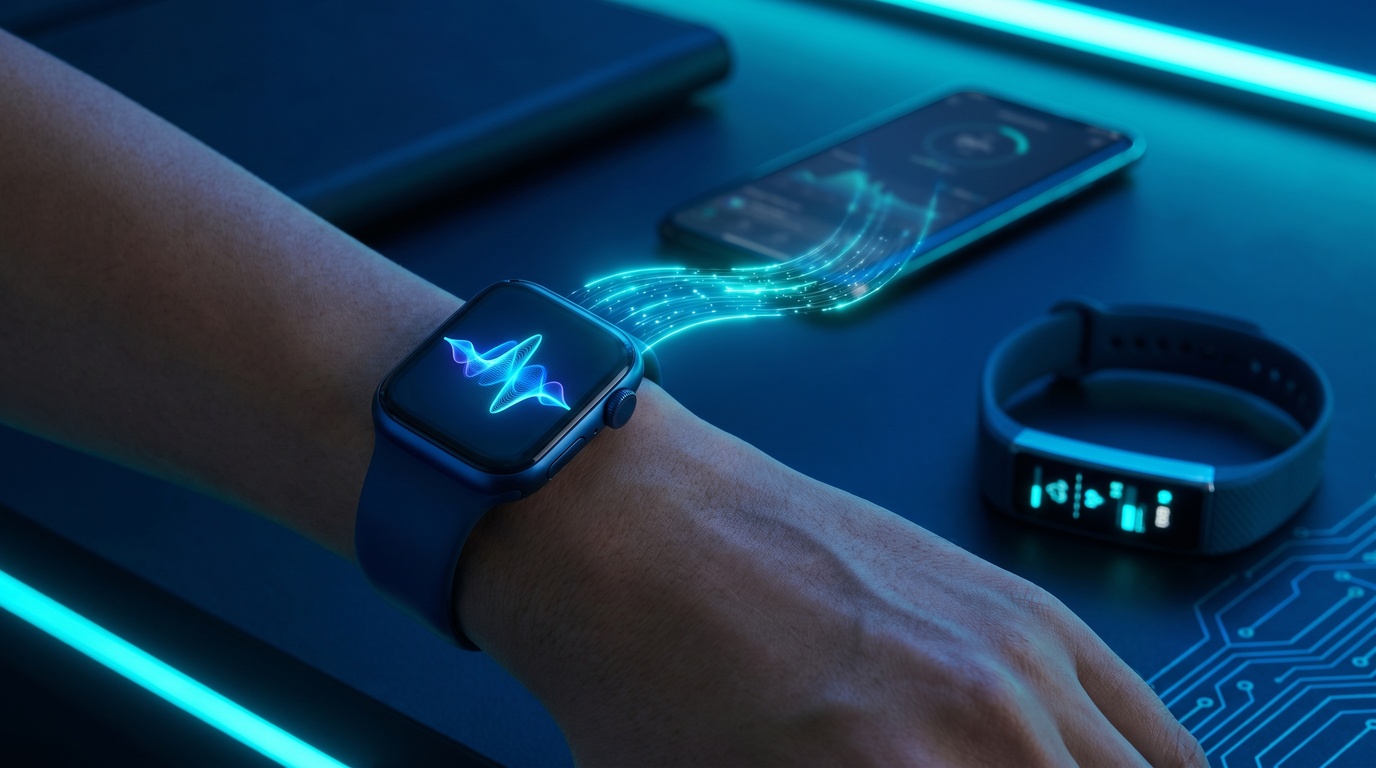
FoneClaw does not run directly on your wearable device. Instead, it uses the existing connection between your smartwatch and your Android phone to pass commands down the line. When you speak a command into your wearable, the watch relays the voice input to your phone, where FoneClaw intercepts it and translates it into direct system actions. This design keeps your wearable light and battery-efficient while giving you full access to your phone's capabilities.
this relay method reduces battery drain on smartwatches by up to forty percent compared to running heavy native automation apps on the wrist accessory itself. The wearable only needs to handle the initial voice capture and basic transmission, leaving the heavy lifting to your phone's processor. This ensures that your watch battery lasts through long hikes and extended training sessions without issue.
Setting up this bridge is straightforward and does not require complex rooting or custom firmware. Once FoneClaw is installed on your Android device, you configure your wearable's assistant button to forward voice inputs to the FoneClaw background service. The service parses your voice commands and matches them to your pre-configured automation profiles, executing them instantly.
This approach also means you do not need a specific brand of smartwatch to enjoy advanced automation. Whether you use a Wear OS device, a fitness-focused band, or another connected accessory, FoneClaw can capture those relayed inputs. It democratizes voice control, ensuring you are not locked into a single hardware ecosystem just to get hands-free utility.
Practical Wearable Voice Scenarios
Running and cycling present some of the most demanding environments for device interaction. When you are cycling down a busy path, taking your hands off the handlebars to change a music playlist or check navigation is highly dangerous. With FoneClaw, you can speak directly into your watch to trigger specific playlist changes, toggle high-contrast maps, or send automated safety updates to family members without slowing down.
Another practical scenario involves handling incoming messages while your hands are busy with daily chores, like washing dishes or carrying groceries. Instead of drying your hands or dropping your bags, you can tell your watch to have FoneClaw read the last message aloud through your earbuds and then dictate a reply. The system processes the request in the background, keeping your workflow smooth and uninterrupted.
users also find great value in smart home control while arriving at their doorstep. As you approach your house with your hands full, a quick voice command to your smartwatch can trigger FoneClaw to run a macro on your phone. This macro can disable your security system, unlock the smart door, and turn on the hallway lights before you even reach the doorknob.
These real-world applications show that wearable voice control is not just about convenience; it is about safety and efficiency. By turning your wrist into a remote control hub for your Android phone, you eliminate the physical barriers that make technology frustrating to use when you are active or preoccupied.
Fitness Tracking Integration
Modern fitness trackers collect extensive health data that voice commands can access hands-free. During an intense workout, you might want to know your current heart rate zone or your average pace without squinting at a tiny screen in bright sunlight. FoneClaw allows you to query this data using voice commands, pulling the real-time metrics from your fitness app and reading them back to you.
This integration is particularly useful for tracking progress during interval training. You can command FoneClaw to mark a new lap, log your current exertion level, or pause your workout session entirely. Because the tool communicates directly with your phone's fitness databases, your logs remain accurate and up-to-date without requiring manual screen taps.
Many active users also rely on third-party sensors like heart rate straps or cycling power meters. FoneClaw can bridge these external data streams, allowing you to check sensor battery levels or calibration status using simple voice prompts. You can stay informed about your gear's performance throughout your entire training session without stopping to look at your phone.
By making fitness data accessible through voice, FoneClaw helps you maintain your physical flow. You can keep your eyes on the road or the trail ahead, reducing the risk of accidents while staying fully informed about your body's performance metrics and training progress.
Privacy and Security with Wearable Voice
Voice commands through wearables raise privacy considerations because you are speaking commands in public spaces or shared environments. If your device is always listening, there is a risk of accidental triggers or unauthorized access to sensitive personal data. FoneClaw addresses these concerns by implementing strict user-defined security protocols and local processing options.
To prevent unauthorized execution of sensitive commands, FoneClaw allows you to set up voice profile verification. This ensures that the system only responds to your unique voice print when executing critical tasks, such as unlocking smart locks or accessing personal messages. If someone else attempts to speak a command to your watch, the phone will remain locked and secure.
Additionally, FoneClaw prioritizes local data processing over cloud transmission whenever possible. Your voice inputs are parsed locally on your Android device, meaning your spoken commands and personal data are not sent to external servers for analysis. This local-first approach significantly reduces the risk of data leaks and keeps your private information secure within your personal hardware ecosystem.
You also have complete control over which apps and system settings FoneClaw can access through wearable commands. By restricting permissions on a granular level, you can ensure that even if an accidental trigger occurs, the system cannot modify critical settings or access sensitive files without your explicit confirmation.
The Future of Wearable Voice Control
Wearable voice control is evolving rapidly as hardware improves and AI models become more capable. Future smartwatches will feature better microphones, faster on-device processing, and improved noise cancellation, making voice capture reliable even in windy or noisy outdoor environments. FoneClaw is designed to scale with these hardware advancements, ensuring compatibility with next-generation devices.
We expect to see deeper integration with advanced language models that can understand natural, conversational commands rather than rigid keyword phrases. Instead of remembering specific triggers, you will be able to speak to your wearable as if you were talking to an assistant, and FoneClaw will intelligently interpret your intent to execute the correct phone automation.
There is also a growing trend toward multi-device coordination, where your wearable works in tandem with smart glasses, earbuds, and home sensors. FoneClaw will play a central role in this connected future, serving as the primary automation engine that coordinates tasks across all your personal devices based on simple voice cues.
As the wearable market continues to expand, FoneClaw remains committed to providing open, flexible automation solutions. By keeping our platform independent and adaptable, we ensure that users can always control their technology on their own terms, free from the constraints of closed ecosystems and proprietary software.