
AI Agent Trust: Local Android Phone Control vs Cloud Security
A practical guide to AI agent trust, cloud security limits, and why local Android phone control can make approvals, records, and privacy easier to understand.
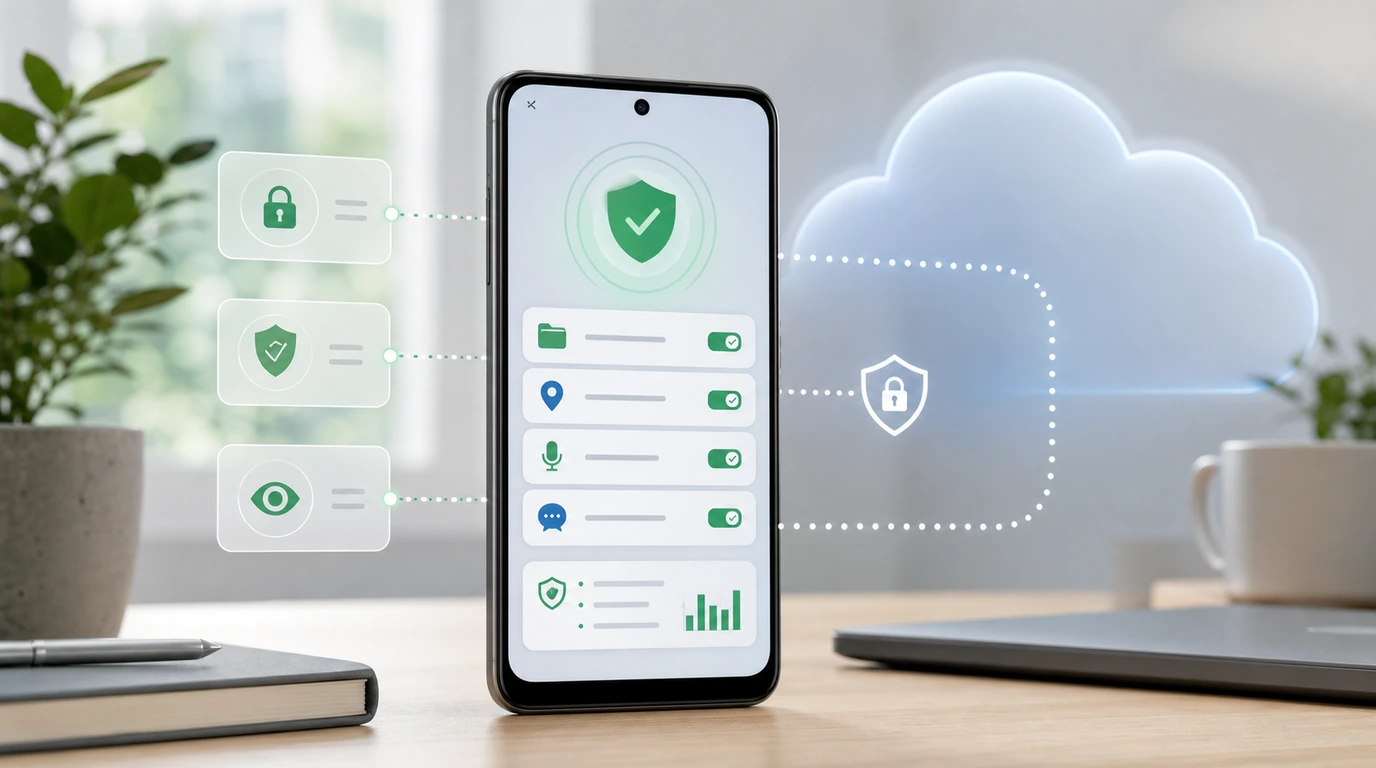
- AI agent trust is not one feature; it depends on where data goes, what the agent can do, when the user approves actions, and whether completed work can be reviewed.
- Cloud AI assistants can be useful for reasoning and connected services, but they can add uncertainty around data routing, retention, account access, and who has authority to act.
- Our FoneClaw approach focuses on Android phone actions that stay visible to the user, with permission checks and confirmation before sensitive steps.
- A local AI agent is not automatically risk-free, but local phone control can make the task, the data, and the result easier to inspect.
Trust Means Knowing What the Agent Can Do
AI agent trust starts with a simple phone question: what can this assistant actually do after I ask? If it only answers a question, the risk is mostly about accuracy and data use. If it can open apps, read notifications, prepare messages, change settings, or act on files, the trust problem becomes more concrete. The user needs to know what the agent can touch, what it can change, and where it must stop.
For us at FoneClaw, trust is practical rather than abstract. We build around supported Android phone actions, not open-ended control over every app. The user should be able to ask for help with a task, see what the phone agent is trying to do, and approve sensitive steps before they happen. If a product cannot explain those limits, it is hard to trust even if the model sounds intelligent.
Good governance uses the same idea at a broader level. The NIST AI Risk Management Framework frames trust around risk management, transparency, and governance. On a phone, that becomes very practical: show the user what is happening, keep authority narrow, and leave enough information for the user to understand the result.
Cloud AI Adds Questions About Data and Authority
Cloud AI can be powerful because it may connect to documents, services, search, enterprise accounts, and large reasoning systems. That is useful for writing, research, analysis, and planning. The uncertainty appears when the task moves from help to action: what context was sent, how long it may be retained, which third-party service handled it, and whether the assistant is allowed to do anything beyond suggesting a next step.
Cloud AI security is not a claim that cloud is bad. It is a reminder that users should know where sensitive phone context goes. A request such as summarize my private notifications and send a reply has different risk than explain this public article. If a cloud assistant touches messages, contacts, location, or account data, the user deserves clear disclosure and meaningful approval.
Security guidance for LLM apps reinforces the same caution. The OWASP Top 10 for LLM Applications highlights issues around prompts, data, tool use, and authorization. For phone agents, that means the model is only one part of the trust question. The harder question is what tools the assistant can call and how tightly those actions are controlled.
Local Phone Control Makes Some Risks Easier to See
A local AI agent can reduce ambiguity when the task is already on the phone. If the user wants to review missed alerts, prepare a reply, open a setting, or act on a calendar notification, the phone is the relevant device. Keeping more of that work close to the phone can make the context easier to explain and the result easier to review.
That does not automatically make every local task is automatically safe. A phone can hold messages, photos, contacts, payment apps, work accounts, and location history. Local control still needs limits. What it can improve is clarity: the user can see the app, the permission request, the proposed action, and the final state. In our design thinking, that visibility is a major part of Android phone agent privacy.
Our deeper security view is close to the reasoning in Enterprise AI Agent Security: A Local-First Model for Phone-Level Automation. Enterprise controls are broader than personal phone controls, but the product principle is similar: keep sensitive actions understandable, keep authority limited, and make sure the user or admin can review what happened.
Our Approval Model: Supported Actions, Not Silent Control
FoneClaw does not promise silent purchases, full-app control, or permission bypass. We build for supported actions because Android phone control has to respect app behavior, device settings, and user-granted permissions. If an action affects messages, settings, files, accounts, purchases, or privacy, the user should see what is about to happen and approve it.
Android’s own privacy model supports that cautious approach. The Android privacy and permissions documentation makes clear that apps operate inside permission and privacy controls. A phone AI agent should not pretend those controls are optional. It should explain when a permission is needed, why it matters, and what the user can decline.
This is where skill and plugin risk also matters. A capable assistant is only trustworthy if the tools it uses are constrained. AI Agent Skill Security Needs Phone Permission Checks expands that point: a tool that seems useful still needs runtime checks before it can touch sensitive phone data or trigger meaningful changes.
Trust Also Depends on What You Can Review Later
A user may approve an action quickly and still need to understand it later. Did the agent open the right app? Did it send a draft or only prepare one? Did it change a setting, fail, or stop because permission was missing? Trust depends on recoverability after the moment has passed.
We think phone agents need visible outcomes. That does not automatically make storing every private detail forever. It means giving the user enough information to answer practical questions: what task ran, which app or permission was involved, what the user approved, and whether the result completed. Without that record, a helpful assistant can become confusing after the fact.
Family and personal oversight use the same logic. AI Agent Parental Controls Need More Than Topic Summaries discusses why broad summaries are not enough when real actions are involved. For any phone agent, a reviewable record is not only a safety feature; it is how users learn to trust repeated automation without feeling blind.
A Checklist for Choosing Cloud or Local Phone Help
When comparing a cloud AI assistant with a local phone agent, start with the task. If you need broad reasoning over documents, web content, or connected cloud services, a cloud assistant may be the right tool. If the task touches messages, settings, notifications, contacts, or phone state, local phone control may give you clearer approval and review.
Next, ask what could go wrong. Could private context be sent to another service? Could the assistant act without a clear prompt? Could it change something sensitive? Could the result be hard to undo? If the answer is yes, the system should provide stronger confirmation and a visible record.
- Data location: where does the relevant context go?
- Action scope: can the agent only suggest, or can it change something?
- User approval: where does the system stop and ask?
- App support: is this a supported action or a guess?
- Records: can the user review what happened?
- Fallback: what happens when a permission, app, or network condition blocks the task?
- Claims: does the product avoid promises of universal app control or silent sensitive actions?
Our answer is deliberately bounded. FoneClaw is our Android phone AI agent for supported actions. We want to make daily phone tasks easier, but not at the cost of user control. AI agent trust is strongest when the user can see the task, understand the permission, approve the sensitive step, and review the result.