
Teach a Phone Agent by Showing It: Screen Recording, Reusable Skills, and Android Safety
Learn how a demonstrated Android workflow can become a reusable phone-agent skill through clean capture, rule extraction, testing, permissions, and confirmation.
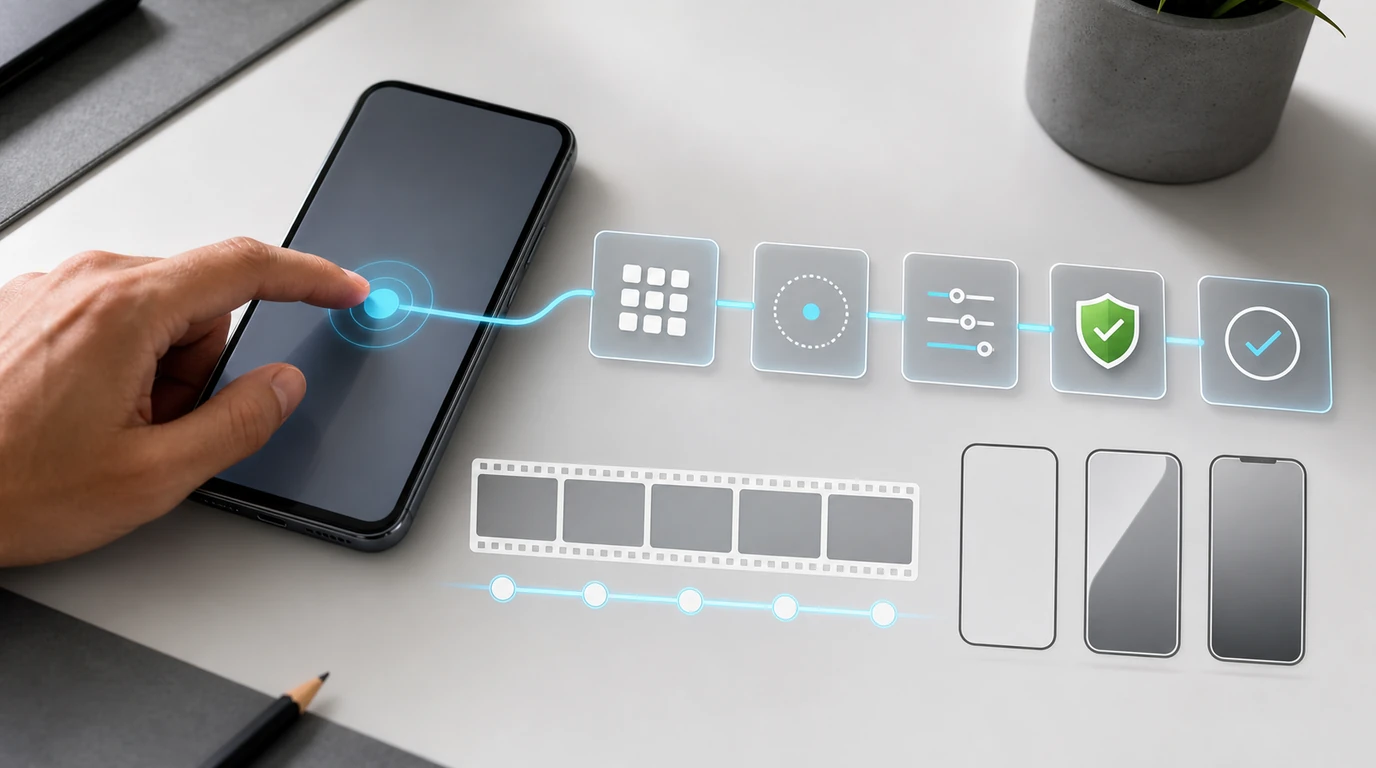
- Learning by demonstration turns a recorded example and spoken explanation into a candidate workflow, not a literal sequence of taps to replay forever.
- A reusable phone skill must separate the user's goal, decision rules, variables, expected results, exceptions, and consequential actions from incidental screen coordinates.
- Android workflows need testing across changed layouts, account states, languages, permission dialogs, and app versions before they can be treated as dependable.
- Clean demonstrations should use prepared sample data and exclude passwords, payment credentials, private conversations, health information, and authentication codes.
- FoneClaw combines configured-model understanding and planning with supported Android actions, visible results, permission-aware execution, user confirmation, and practical fallback.
Showing the Work Is Not the Same as Replaying Every Tap
Can you teach a phone agent by demonstration instead of writing a long prompt? The useful idea is straightforward: perform the task once, explain why each meaningful choice is being made, and let an agent derive a reusable procedure. The difficult part is turning one example into a workflow that still works when the screen, data, or conditions change.
A fresh signal arrived in July 2026 from Claude Cowork on desktop. An ITmedia report on Record a Skill says the feature records a task together with the user's spoken explanation and converts the demonstration into a reusable skill. Android Authority's hands-on report similarly describes screen recording and narration as a way to reduce repeated prompting for recurring work. The significance for phone agents is the interaction pattern, not a claim that the desktop feature controls Android.
Learning by demonstration differs from four related techniques. A prompt states instructions in words without showing the interface. A deterministic macro records fixed inputs and timing. Screen replay reproduces captured gestures or coordinates. Model training changes a model through a broader learning process. A demonstration-derived skill instead aims to infer the goal, identify reusable rules, and apply those rules to a new instance of the task.
For example, a literal macro may encode “tap at these coordinates, wait two seconds, then swipe.” A reusable phone skill should express “open the selected project, find the latest unsubmitted report, verify its date, and prepare it for review.” The taps are observations from one run; the goal and decision rules are the durable parts.
This distinction also prevents a recording from becoming accidental blanket authority. A demonstrated send, purchase, deletion, permission grant, or account change should become an explicit confirmation point in the skill. Our analysis of Claude Cowork on Phone: Why Mobile Control Is the New AI Agent Interface covers the wider interface shift. Here, the focus is how a shown workflow becomes a governed Android procedure.
How a Recording Becomes a Reusable Skill
What must happen between pressing Record and invoking the skill next week? A dependable demonstration-to-skill pipeline has six stages: capture, narration, rule extraction, parameterization, packaging, and invocation. Skipping the middle stages produces a recording that looks convincing but cannot adapt.
Capture: The system records the selected app or screen while the user performs a clean example. The recording provides visual context, action order, timing clues, and visible results. It can reveal that a menu was opened, a list was searched, a form was completed, or a status changed.
Voice explanation: Narration supplies meaning that pixels cannot. The user can say, “I choose this account because it is marked Work,” “I leave this field blank unless a reference number exists,” or “I stop here so the final submission can be reviewed.” Good narration explains decisions and exceptions rather than reading button labels aloud.
Rule extraction: The agent separates the purpose of each step from incidental details. It identifies preconditions, selection rules, completion criteria, and branches. A tap on the third list item should become “select the matching customer,” not “always tap item three.” A two-second pause should become “wait until the result appears,” not a fixed delay.
Parameterization: Values that change between runs become inputs. These might include a contact, project name, date range, destination folder, message body, amount, or app account. Defaults can be stored where appropriate, while consequential values remain visible for review.
Skill packaging: The resulting skill needs a clear name, purpose, required apps, input schema, permissions, expected output, confirmation points, failure states, and version. Packaging transforms an inferred procedure into something that can be tested and governed.
Reusable invocation: The user calls the skill with current inputs, such as “Prepare this week's field report for Project North.” The configured model interprets the request and fills the plan; the phone agent checks current state before carrying out supported actions. This is the path from a demonstrated example to the kind of multi-step experience described in Automate Android Tasks With One Voice Command.
Why Android Workflows Change Between Runs
Why not simply replay the original touches? Android is a dynamic environment. The same app can present different screens depending on device size, orientation, responsive layout, account state, feature rollout, language, accessibility settings, keyboard, notifications, and whether a permission has already been granted.
Screen coordinates are especially fragile. A button may move after a banner appears, a list may contain more items, or the software keyboard may resize the viewport. Split-screen and foldable layouts introduce further variation. Even a visually identical button can represent a different record if the list order changes.
The accessibility tree offers more semantic information than pixels alone. Android's accessibility service guide explains that interface elements can be represented through accessibility nodes containing properties such as text, descriptions, state, and available actions. A robust workflow can use meaningful labels and current state where supported, while retaining visual interpretation and fallback for interfaces that expose incomplete structure.
Account state creates another branch. A recorded demonstration may begin with the user already signed in, the correct workspace selected, and required permissions enabled. A future run may encounter an account picker, expired session, consent screen, or permission dialog. The skill needs precondition checks and a defined response for each state instead of treating the new screen as an obstacle to click through.
Localization changes visible labels, date formats, number formats, reading direction, and sorting. A reusable skill should prefer semantic intent and stable identifiers where available. It should not assume that a button called “Submit” in one recording will have the same text or location for every user.
These variations explain why demonstration and agent training answer different questions. Demonstration captures one user's procedure; broader training and evaluation develop general phone-operation ability. PhoneBuddy-4B and Phone Agent Training: Why Mock-App RL Matters for Android Agents explores that training problem without treating a personal recording as model training.
How to Record a Clean, Useful Demonstration
What should a user show, and what should remain outside the recording? Begin with a prepared environment. Use a test account or sample workspace, remove unrelated notifications, close private applications, and create representative records that do not contain sensitive personal information.
Android's MediaProjection documentation requires user consent for each media-projection session. It also supports sharing a selected app window on recent Android versions, which can exclude notifications and other system interface elements from the captured display. A narrow capture area is preferable when one app contains everything needed for the demonstration.
Passwords, payment-card details, banking information, private chats, health records, government identifiers, recovery keys, and one-time authentication codes should never appear in an AI workflow recording. Pause or stop capture before entering a credential, completing authentication, opening a sensitive message, or switching to an unrelated app. Replace real names, phone numbers, addresses, and account identifiers with clearly marked sample data.
A strong narration starts by stating the outcome: “This workflow prepares a draft expense report but does not submit it.” Then explain inputs, choices, and stop conditions. Say why an item is selected, what makes a result valid, how duplicates are handled, and which changes require the user to decide. Mention expected outputs, such as a saved draft, a visible status label, or a confirmation screen.
Show at least one ordinary exception when it can be demonstrated safely. If a required field is missing, explain whether the skill should ask for it, skip the record, or stop. If two accounts have similar names, describe the attribute that distinguishes the correct one. Exceptions often reveal the actual business rule more clearly than the ideal path.
| Capture | Include | Keep outside the recording |
|---|---|---|
| Goal | Expected outcome and stopping point | Unrelated background activity |
| Inputs | Prepared sample values and variable names | Passwords and authentication codes |
| Decisions | Selection rules and reasons | Private conversations and health data |
| Exceptions | Safe examples of missing or changed state | Payment and banking credentials |
| Result | Visible success condition | Personal identifiers not needed for the skill |
Finally, review the recording before it is processed or shared. Confirm that every visible screen contributes to the intended workflow and that the narration contains no secrets. Clean capture is the first permission boundary because the generated skill can only be as focused as the example it receives.
Test the Skill, Map Permissions, and Plan Recovery
How do you know the generated procedure is reusable rather than a polished replay? Run it against controlled variations before trusting it with live work. Change one condition at a time: list order, item name, screen orientation, account, language, missing field, denied permission, delayed response, or app version.
Begin with a dry run that plans and highlights intended actions without committing changes. Compare the interpreted goal, inputs, selected records, branches, and expected result with the original demonstration. A useful test asks not only whether the skill reaches the final screen, but whether it chose the correct path for the right reason.
Permission mapping should be action-specific. Screen capture, microphone access, contacts, files, notifications, and accessibility-related capabilities serve different purposes and should be connected only when the skill requires them. Android's privacy model treats these as scoped platform capabilities. The skill package should therefore name each required permission, the step that uses it, and the result available when it is absent.
Consequential actions need visible confirmation. Sending a message, sharing a file, deleting a record, publishing content, changing an account, granting a new permission, or reaching a financial step should pause with the target and effect shown clearly. The demonstration can identify these moments, but the packaged skill must preserve them as rules.
Logs should capture the skill version, invocation, resolved inputs, major actions, confirmation events, outcome, and failure point. Versioning matters because apps and workflows evolve. A revised skill should be tested independently, and the previous working version should remain available for rollback until the update proves reliable.
Recovery is part of the design, not an afterthought. Define what happens when the app closes, connectivity fails, an element cannot be found, the user rejects confirmation, or the result remains uncertain. The safest response may be retrying an idempotent read, returning to a known checkpoint, saving a draft, or handing control back with the current state visible. AI Agent Identity, Permissions, and Audit Trails: The Safety Stack Phone Agents Need provides the wider governance model for these records and controls.
FoneClaw's Product View of Reusable Phone Workflows
Where does learning by demonstration fit in FoneClaw's Android phone-agent model? We see demonstrations as a promising way to express personal workflow knowledge: show the intended outcome, narrate the decision rules, identify variables, and mark the steps that require approval. The resulting procedure still needs to be translated into supported Android actions and tested against real device states.
FoneClaw currently focuses on configurable-model phone execution rather than generating a skill directly from a screen recording. The configured model provides language understanding, reasoning, and planning. FoneClaw performs supported Android phone actions, displays visible results, works through permission-aware flows, requests confirmation for consequential steps, and provides a practical fallback when an app or state needs direct user handling.
This division keeps the workflow understandable. The model can interpret “prepare the usual update for this week's project,” resolve parameters, and adapt the plan when the current screen differs from the example. FoneClaw then connects that plan to supported phone actions while checking visible state instead of blindly replaying coordinates.
A future demonstration-derived workflow should enter this same execution path. Before activation, it would need a stated purpose, input schema, required apps, permission map, confirmation rules, expected result, test set, version, and recovery behavior. Recording would make the initial description easier; it would not remove the need for those controls.
Our approach also preserves useful fallback. When the interface has changed, the required permission is unavailable, or the workflow reaches an unsupported action, FoneClaw can stop at a clear checkpoint and return control with the relevant context visible. The user can complete the step, revise the plan, or update the reusable procedure.
Skill reuse should make Android work easier without making authority vague. A well-designed demonstrated workflow captures the user's method, adapts to current state, asks before consequential actions, and leaves a result that can be inspected. For a deeper treatment of permission checks around reusable capabilities, read AI Agent Skill Security Needs Phone Permission Checks.