
Smart Home Voice Control on Android: Phone Setup and FoneClaw Workflow
Set up smart home voice control on Android with Google Home, Matter, app controls, practical commands, FoneClaw workflows, and safe fallback steps.
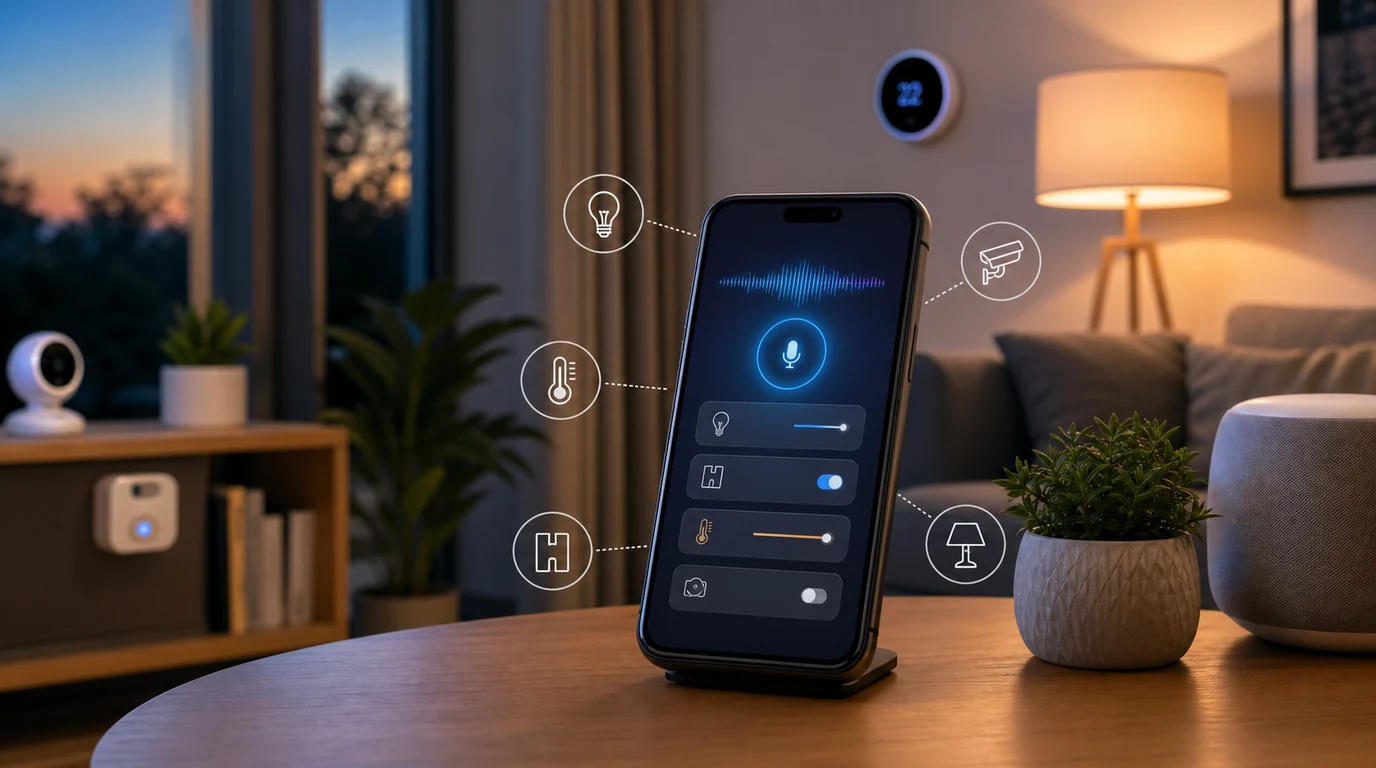
- Smart home voice control on Android works best when each command has a clear room, device, action, and fallback path.
- Google Home, Matter, device apps, hubs, permissions, network state, and automations all shape how reliable a phone-based smart-home command feels.
- FoneClaw helps Android users prepare supported smart-home phone workflows by opening the right app, organizing a command, checking visible state, setting reminders, and keeping confirmation around sensitive actions.
What Belongs in Phone-Based Smart Home Voice Control
You walk in with groceries, the hallway is dark, and your hands are full. That is a good moment for smart home voice control Android users can actually trust: ‘Turn on the entry lights.’ The command is short, the device is clear, and the result is visible. Phone-based smart-home voice control works best when the phone helps you reach a known home action without forcing you to unlock apps, scroll rooms, or tap tiny controls.
The useful scope is narrower than many people expect. Lights, plugs, thermostat changes, scenes, music, basic appliance states, and routine reminders usually fit voice control well. Locks, cameras, alarms, garage doors, purchases, and anything involving access to the home deserve an extra confirmation step or manual review. A smart-home command should feel easy, but it should also respect the physical world it affects.
Phone-based control is different from shouting across the room to a smart speaker. Your Android phone can carry context: location, calendar, reminders, messages, and the app you were already using. That helps when the command is part of a larger household flow, such as ‘turn off the kitchen lights, remind me to buy filters, and open the camera app when I get home.’ The home device may still be managed by Google Home, SmartThings, Alexa, or a brand app, but the phone becomes the place where the task is organized.
At FoneClaw, we focus on supported Android phone-side workflows around the smart home. That means helping the user open the right app, prepare a scene command, check visible state when available, create a reminder, or choose a fallback when a device does not respond clearly. The phone action should support the household moment, not turn every command into a complicated automation project.
Prepare Android, Google Home, Matter, and Home Apps
A voice command fails most often because setup is messy before anyone speaks. Start by making sure the devices are named clearly, assigned to rooms, connected to the right Wi-Fi or hub, and visible in the app you use most. ‘Lamp one’ and ‘plug three’ are hard to remember. ‘Sofa lamp,’ ‘coffee maker plug,’ and ‘bedroom fan’ are easier to say and easier for the system to match.
Google Home and Matter matter here because compatibility and setup paths shape reliability. Google describes Matter for Google Home as a standard that helps with compatibility, setup, responsiveness, reliability, and cross-platform control. The Matter overview for developers also shows how device models and ecosystems are becoming more consistent, which is good news for households with mixed brands.
On Android, the connected-home path may include Google Home, the device maker’s app, SmartThings, a hub, Matter setup, cloud-to-cloud integrations, Bluetooth, local network state, and permissions. The Home APIs for Android and Google’s developer discussion of building for the home on Android show why Android is becoming a stronger place for home controls, app experiences, and device coordination.
Before building voice habits, review the basics: update the home app, confirm account access, group devices by room, test each device from the app, then test one voice command per room. For broad phone voice setup, hand off to our voice control android guide. This article stays focused on the smart-home layer: devices, rooms, apps, scenes, confirmation, and fallback.
Build Reliable Commands for Lights, Plugs, Thermostat, and Scenes
A reliable command has four parts: device or room, action, optional level, and context. ‘Turn on the kitchen lights’ is stronger than ‘lights.’ ‘Set the living room lamp to 40 percent’ is stronger than ‘make it dimmer.’ The more household devices you add, the more naming discipline matters.
Lights are the easiest starting point. Use room names and simple scenes: ‘Turn off the downstairs lights,’ ‘Set bedroom lights to warm,’ or ‘Start movie mode.’ Plugs need extra care because the system may know the plug, but the human remembers the appliance. Name the plug by what it controls: ‘coffee maker plug,’ ‘desk fan,’ ‘humidifier,’ or ‘holiday lights.’
Thermostat commands should be short and intentional. ‘Set hallway thermostat to 70’ is clear. ‘Make it comfortable’ may work in some systems but can also create uncertainty. When the result affects comfort, energy use, or other people at home, use a visible check: confirm the thermostat screen or the app state after the command.
Scenes are where smart-home voice control becomes powerful. A good scene wraps several safe actions into one phrase: ‘Good morning’ turns on kitchen lights and starts a news speaker; ‘Bedtime’ dims the bedroom, turns off the living room, and sets a reminder for tomorrow. For multi-step household patterns, our automate multi step tasks guide is a useful next read, while this page keeps the command design practical for everyday home control.
How FoneClaw Supports Smart-Home Workflows on Android
Imagine leaving for work and realizing you want one last check: lights off, thermostat adjusted, door status reviewed, and a reminder to replace the porch camera battery. Some of that happens in a home app, some may happen through a voice assistant, and some is simply a phone task. FoneClaw helps bring those phone-side steps into a supported Android workflow.
Our approach is practical. We help Android users open the right home app, prepare a scene request, organize a short command, check visible state where the app presents it, create a reminder, and keep confirmation around sensitive actions. Locks, cameras, alarms, purchases, and access-related actions deserve an explicit moment of user review. That confirmation is part of a good household experience because the smart home affects real rooms, people, pets, and routines.
FoneClaw is strongest when a smart-home task crosses into normal phone behavior. A user may ask to open Google Home, prepare a bedtime checklist, save a reminder to test smoke detector batteries, or draft a message to a family member that the garage door is being checked. For message follow-up connected to home routines, our send texts hands free guide covers the texting side in more depth.
We also treat fallback as a product feature. If a device is offline, a home app needs sign-in, or the visible state is unclear, a useful phone agent should help the user pause, open the app, set a reminder, or choose a safer manual step. A smart home is only smart when the action is understandable.
Scenario Playbook: Morning, Cooking, Bedtime, Caregiving, and Travel
Morning routines should be predictable. A useful voice pattern might be: ‘Turn on kitchen lights, start coffee plug, and set the thermostat to 70.’ If the coffee maker is connected through a plug, confirm that the appliance itself is prepared safely before relying on a command. Pair smart-home control with phone reminders: ‘Remind me to take out the trash when I leave.’
Cooking is one of the best smart-home voice scenarios because hands are often wet, covered in flour, or holding a pan. Useful commands include ‘Turn on kitchen lights,’ ‘Set a timer for 12 minutes,’ ‘Turn on the range light,’ or ‘Play the dinner playlist.’ Keep appliance control cautious. If a device involves heat, sharp movement, water, or safety risk, use the device’s own controls and confirmation habits.
Bedtime scenes benefit from grouping. A scene can turn off living-room lights, dim the bedroom, lower the thermostat, and start a white-noise device. Add a phone-side reminder if the routine includes a human task: ‘Remind me tomorrow to charge the camera battery.’ FoneClaw can help keep those home-adjacent phone tasks visible instead of buried in memory.
Caregiving scenarios need clarity. A caregiver may want to turn on hallway lights, check a camera app, call a family member, or set a medication reminder. These tasks should be simple, visible, and reviewable. Travel routines are similar: run a leaving-home checklist, open the home app, check camera state, adjust thermostat, and save a reminder for arrival. For TV-specific voice control, use our focused guide to control samsung smart tv voice instead of treating the whole home as one device.
When to Use Google Home, Alexa, SmartThings, or App Controls
Different homes need different control points. Google Home is a natural choice for Android users who already manage rooms, routines, and compatible devices there. Alexa often fits households built around Echo speakers and ambient voice access. SmartThings fits many Samsung and mixed-device homes. Brand apps are useful when a device exposes its best controls only inside its own app.
The decision is less about choosing a winner and more about assigning jobs. Use a smart speaker for simple room commands when you are near it. Use Google Home or SmartThings for room groups and scenes. Use a device app for firmware, detailed settings, or device-specific controls. Use the Android phone when the smart-home action is part of a wider personal workflow: message someone, check a calendar, create a reminder, open a camera app, or prepare a travel checklist.
Market interest in Alexa+, Siri, Gemini, and agentic assistants points toward a broader shift: users expect assistants to handle more than single commands. In a home, that shift needs restraint. A good assistant should know when to help with the phone-side flow and when the home app, hub, or device control is the better place to finish the task.
At FoneClaw, we build for that practical Android layer. We help with supported phone actions around the smart home, visible results, confirmation for sensitive steps, and fallback choices when the device path is unclear. The household remains in control because every room command has a real-world consequence.
FAQ: Smart Home Voice Control on Android
The short version: set up the home correctly, name devices clearly, keep commands specific, and use FoneClaw for supported Android phone-side steps around the workflow. Smart-home voice control feels reliable when the phone, home app, devices, and fallback behavior all have clear jobs.