
Best AI Avatar Assistants for Android: Replika, Kindroid or FoneClaw?
Compare Replika, Kindroid and FoneClaw for character appearance, voice, editable preferences and supported phone tasks. Check access before subscribing.
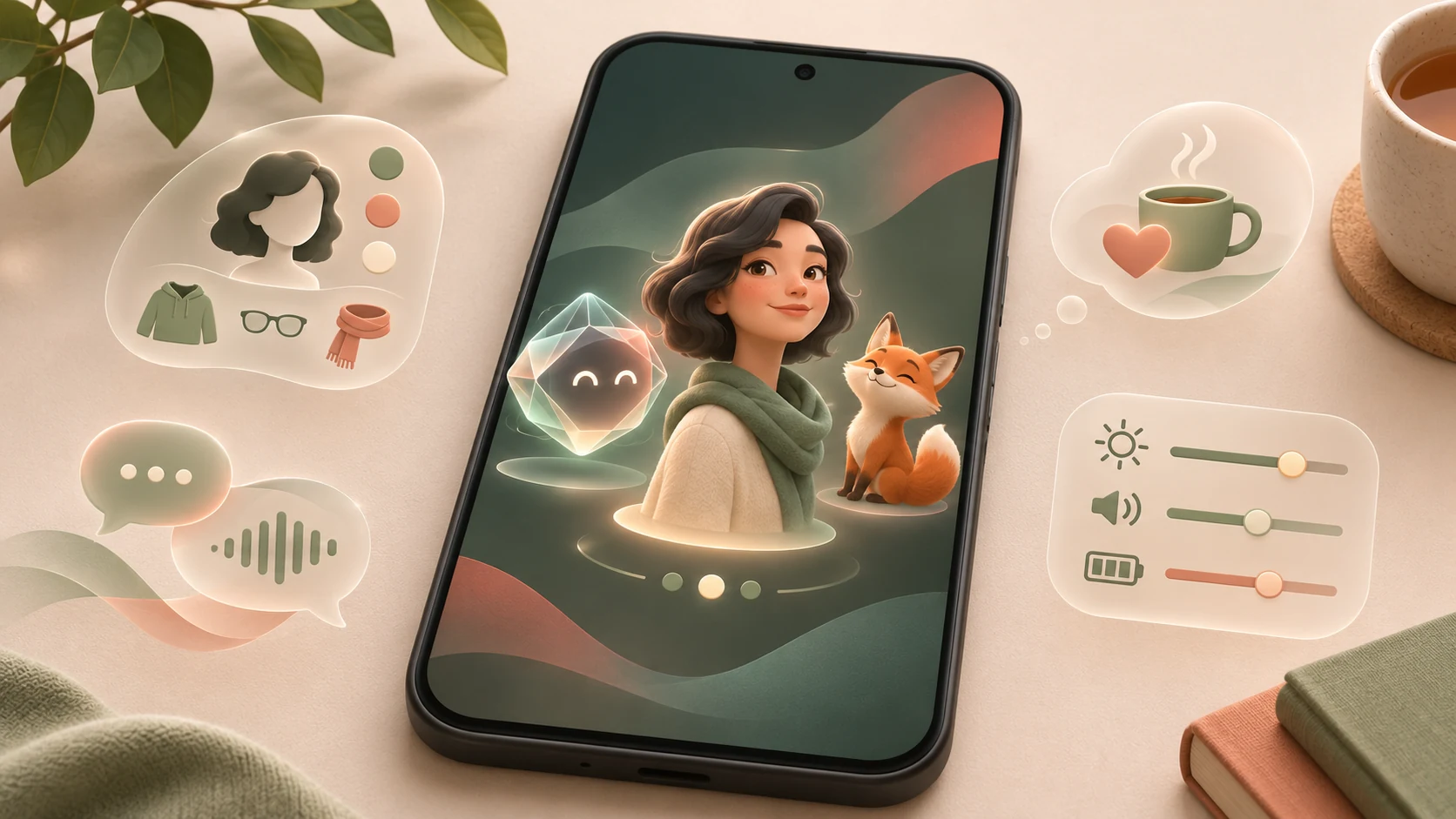
- Choose Replika or Kindroid when configurable character conversation is the main goal. Choose FoneClaw when you want an animated pet interface alongside supported Android tasks; appearance alone does not establish task capability.
- Replika offers a customizable avatar, conversation, voice calls and inspectable remembered facts. Kindroid offers configurable appearance, personality, backstory and voice, with text, voice and video interaction; it is for adults 18 and older.
- FoneClaw offers five animated pet companions and Assistant settings for identity, reply style, voice, selected model and visible memory groups. Changing the pet in the startup guide resets reply style to that pet's default, so inspect your settings afterward.
- FoneClaw's pet animations work offline, but conversations and services retain their actual connectivity, account and permission requirements. Try a harmless style-and-memory exercise, and verify any phone action separately from the character's reply.
Choose the Character Experience You Want
The best AI avatar assistants for Android serve different purposes. Start with Replika or Kindroid if you mainly want a configurable character to talk with. Consider FoneClaw if you want an animated pet interface alongside supported Android tasks. The useful choice depends on what should happen after the character responds, not simply which appearance you prefer.
Separate three expectations before installing: what you see, how the assistant speaks, and what it can actually do. A character may look expressive while offering conversation only. A spoken acknowledgement may sound helpful without changing a phone setting. A remembered preference may influence wording without authorizing an external action.
For example, wanting short, gentle replies is a conversation preference. Wanting the assistant to inspect media volume is a phone-task requirement. You can evaluate the first by reading a response; the second needs a supported action path and a check of the actual phone state.
These are three Android candidates with documented capabilities, not winners from a measured trial. An expressive avatar does not demonstrate consciousness or human feelings, and none of these choices comes with a guaranteed emotional, relationship or mental-health outcome. Choose an interface you find comfortable, then check the capabilities and controls you intend to use.
Compare the Three Android Options
Appearance, voice access and retained information deserve separate checks. Installing an Android app does not establish that every feature is included in your account or subscription. Use the comparison to identify what you need to inspect before paying or sharing personal details.
| Option | Character and interaction | Memory and preferences | Access and phone-task boundary |
|---|---|---|---|
| Replika | Customizable avatar, conversation and voice calls | Remembered facts can be inspected and edited through documented memory controls. | Available on Android and iOS. Check current feature tiers and regional access; voice calls are not universally free. Companion features do not establish system-wide Android control. |
| Kindroid | Configurable name, personality, backstory, appearance and voice; text, voice and video calls | Memory is part of the character experience. Inspect the controls available in your account rather than assuming perfect recall. | Adults 18 and older. Android through Google Play, plus iOS and web with the same account. Subscription service with a new-account trial; no fixed universal free entitlement. Native Android settings execution is not established by these features. |
| FoneClaw | Five animated pet companions; configurable name, reply style and Assistant settings, including voice | Visible memory groups with add, edit and on/off controls | Supported Android work depends on enabled tools, permissions and approval policy. Global Full APK and eligible PlayLite capabilities differ; account, service and usage conditions apply. |
For Replika, distinguish avatar customization from the conversational behavior you expect. For Kindroid, decide whether configuring a backstory and personality is central to your use or unnecessary setup. For FoneClaw, decide whether you want the pet as the presentation layer for conversation and supported phone work.
Keep voice style separate from speech availability. A selectable voice does not prove that every language, calling mode or usage allowance is available to your account. Likewise, the fact that an assistant mentions a preference does not show where it is stored or whether you can correct it.
If inspectable retention is your deciding factor, Best AI Assistants With Editable Memory on Android examines that specific choice. Here, memory is one part of selecting a visual character experience, not a substitute for checking the rest of the app.
Replika and Kindroid for Character Conversation
Replika combines a customizable avatar with conversation, voice calls and memory. It is a candidate when seeing a consistent character is part of why you want to chat. Start by checking whether the appearance options and interaction mode you want are available in your Android account.
Do not assume that access to text conversation includes unlimited voice use. Inspect the current tier conditions for the specific feature before subscribing. Also check the service's account and age requirements rather than borrowing Kindroid's conditions or inferring them from the app's visual style.
Replika's remembered-facts guidance describes memory controls you can inspect and edit. If a remembered fact is inaccurate, use those controls rather than repeatedly correcting the conversation and assuming the stored information changed. A plausible answer alone is not evidence of accurate long-term memory.
Kindroid offers more explicit character configuration through name, personality, backstory, appearance and voice. It supports text, voice and video calls, with Android, iOS and web access through the same account. It is for adults 18 and older, and its subscription includes a new-account trial under the applicable terms.
A useful starting point is a short personality description rather than an elaborate history: for example, ask for concise, patient responses and a clear distinction between suggestions and actions. Then inspect how the character responds. This is a suggested setup approach, not a claim that any particular configuration produces a guaranteed result.
Neither a voice call nor a detailed backstory establishes permission to operate Android settings. If conversation is satisfying but a phone request produces only instructions, separate that limitation from the quality of the character experience. You may need a different tool for the action rather than a different personality.
FoneClaw Pets and Supported Phone Tasks
FoneClaw offers five animated pet companions. You can configure the assistant's name and reply style, with Assistant settings covering avatar, personality, voice and selected model. These controls let you choose how the assistant is presented without changing which phone operations it is authorized to perform.
One setup detail matters when comparing styles: changing the pet in the startup guide resets reply style to that pet's default. After choosing another pet there, inspect the settings and reapply your preferred style if necessary. A change in tone after that step is a reason to check configuration before troubleshooting memory or connectivity.
The pet animations work offline. That describes the animation, not the entire assistant. AI conversations, online services and tool requests retain their real network, account and permission dependencies. Seeing the pet move while disconnected is not evidence that a new conversation or remote request can complete offline.
For supported Android work, the selected model handles reasoning and planning while enabled tools perform the permitted actions. You can use the default free model or a compatible configured model, subject to actual service and usage conditions. A different pet, name or personality does not add tools, grant permissions or connect a separate consumer app.
Begin with a harmless request such as Check the current media volume without changing it. If that tool is available on your installation, inspect its result and compare it with the phone's volume controls. If it is unavailable or blocked, check the enabled capability and required access instead of changing the avatar.
Permissions and approval policy are distinct: an action is governed by the actual configuration, not a promise that every tool always displays a confirmation popup. Our FoneClaw Features page describes supported capability areas. Treat the pet as the interface to those capabilities, not their source of authority.
Try a Harmless Character-and-Task Exercise
Imagine an adult reader, Robin, who wants a visible character, gentle answers of no more than three sentences, and occasional help checking phone volume. The following exercise is for a reader to perform; it is not an account of tests we conducted.
- Record access. Note the app, Android device, account tier and interaction mode you can actually open. For Kindroid, confirm the adults-only requirement and applicable trial or subscription terms.
- Set one preference. Use the available configuration to request gentle, concise replies. Avoid adding sensitive personal history just to evaluate the interface.
- Ask one neutral question. Try “Suggest two ways to organize tomorrow's reading time. Do not save reminders or change anything.” Record the actual answer rather than an expected response.
- Inspect retention. Where memory controls are available, look for the preference and check whether its wording is accurate. Mark it unverified if no retained entry is visible.
- Separate the phone task. In FoneClaw, request the supported read-only media-volume check. Do not treat a companion's description of how to open settings as an executed check.
| Field | Record | Pass or recovery check |
|---|---|---|
| Account and feature access | Tier, trial status and available text or voice mode | The intended mode opens; otherwise inspect eligibility before paying. |
| Character and style | Chosen appearance, name and requested response style | The visible configuration matches your choice; correct it if not. |
| Actual response | Reply length and wording | It fits the requested style in this exchange; one answer does not establish lasting consistency. |
| Retained preference | Visible entry, available correction controls or unverified status | The saved wording is accurate where inspectable. |
| Phone-task result | Available tool, reported state or blocked step | The result can be checked against Android, not merely inferred from dialogue. |
If Robin likes the character but not its verbosity, adjust one style setting and repeat the neutral question. If the volume request fails, investigate the action path separately. This keeps visual preference, conversation quality, memory and task execution from collapsing into one misleading score.
Check Access, Memory and Poor-Fit Recovery
Before subscribing, inspect the actual Android distribution, account requirements, regional availability, renewal terms and feature limits. Kindroid's new-account trial is not a perpetual free allowance. Replika's voice support does not establish universal free access. FoneClaw's default free model does not remove all service or quota conditions.
FoneClaw's domestic APK and account service in mainland China are independent of its Global distribution, and the domestic service has no Google Play channel. Foreign companion services still have their own regional and account conditions. An English article is not evidence that every product or spoken language is available everywhere.
For poor-fit recovery, correct the layer that is wrong. Adjust reply style when tone is unsuitable. Inspect and edit a remembered preference when its saved wording is inaccurate. In FoneClaw, visible memory groups offer add, edit and on/off controls; turning a group off is not a claim that all related history or service data has been deleted.
For voice problems, check microphone access and the available calling mode. For FoneClaw task problems, inspect edition, enabled tools and permissions. An online service may process supplied conversation context even while the avatar animation remains local. Use non-sensitive material while evaluating fit, and consult each service's data controls rather than assuming a universal deletion behavior.
Choose Your Next Step
Choose Replika if its customizable avatar, conversation and inspectable remembered facts fit the experience you want. Choose Kindroid if configurable personality, backstory, appearance and voice are central, and its adult subscription terms suit you. Choose FoneClaw if you want an animated pet alongside supported Android work and are prepared to verify the action separately from the reply.
You do not need to make one app cover every role. A companion can remain a conversation choice while another app handles visible navigation or settings. Best Voice Control Apps for Android: Choose by Phone Task helps compare those action routes without ranking them by avatar appeal.
If your next goal is controlling visible Android elements, Android Voice Control: Voice Access Setup and Fixes covers that setup and its language and access conditions. For this decision, keep the first step small: configure a character, inspect a harmless exchange and confirm the controls you can actually use before committing more money, information or permissions.