
DeepSeek AI Agent and Android Phone Control: What It Can and Cannot Do
Can DeepSeek directly control an Android phone? Learn where DeepSeek reasoning ends, what an Android execution layer needs, and how FoneClaw approaches safe supported phone actions.
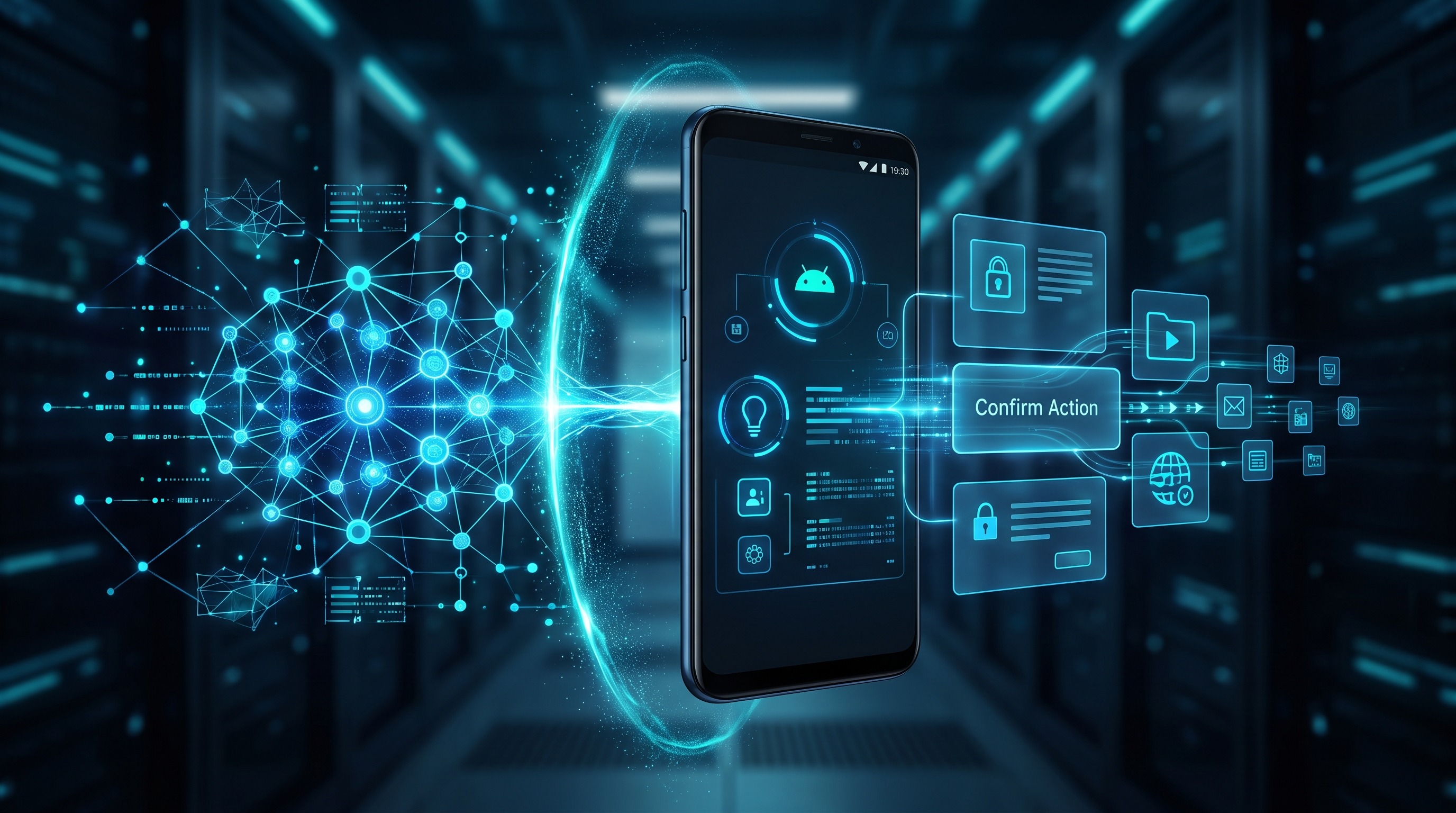
- DeepSeek is best understood as a reasoning and chat model, not a complete Android phone-control product by itself.
- Real phone control needs an execution layer: Android permissions, screen context, app-state handling, confirmations, and rollback-aware safety design.
- FoneClaw is an independent Android AI agent focused on supported Android actions, with core features free and safety boundaries around what the agent can do.
DeepSeek Android assistant: quick answer
If you are searching for DeepSeek AI agent Android phone control FoneClaw focuses on supported Android phone actions with visible results, permission-aware flows, user confirmation, and practical fallback. A chat model can suggest what to do. A phone agent must also see enough context, request the right Android permissions, decide when to ask for confirmation, and execute supported actions safely on the device.
That distinction matters because an agentic AI phone is not just a smarter chatbot. It is a system that connects intent, context, decision-making, and action. Without the action layer, DeepSeek remains a reasoning assistant. With a properly designed action layer, an AI system can help operate parts of the phone, but only within the permissions, app states, and product boundaries it supports.
FoneClaw is independent of Xiaomi and DeepSeek. It is an Android AI agent built around supported phone actions, not unlimited control of every app. Core features are free, and the product direction is about practical, permission-aware phone assistance rather than pretending one model can safely click through anything on demand.
What people mean by DeepSeek phone control
When people ask about DeepSeek phone control, they usually mean one of four things. First, they may want to use DeepSeek as a voice or chat assistant on Android. Second, they may want DeepSeek to summarize messages, write replies, or explain what is on screen. Third, they may want DeepSeek to operate apps directly, such as opening settings, sending a message, changing a reminder, or organizing notifications. Fourth, they may be comparing DeepSeek with an Android AI agent that can actually perform actions.
Those are very different jobs. A model can answer, "How do I change this setting?" without touching the phone. It can draft a reply without sending it. It can explain a workflow without running it. But AI agent phone control begins when the assistant crosses from advice into execution: tapping, typing, navigating, submitting, or changing device state.
The search intent is not only "Is DeepSeek smart?" DeepSeek may be useful for reasoning tasks, and the DeepSeek API documentation describes model access and developer usage boundaries. The more precise question is whether the user has a complete Android execution system around that model. If not, the model can guide you, but it cannot reliably and safely operate the phone by itself.
Reasoning assistant vs Android execution layer
An AI reasoning assistant turns language and context into a plan. It can classify intent, draft text, compare options, explain settings, and identify likely next steps. DeepSeek belongs primarily in this layer when used through chat or an API: the model receives input and produces output.
A phone action execution layer does a different job. It connects the plan to the Android device. That layer needs to know what screen is currently visible, which controls are available, whether a tap will send a message or merely open a preview, whether the app state has changed, and whether the user must confirm before the action continues.
This is why "can DeepSeek control Android apps" is not a yes-or-no model question. A model can be part of an app-control system, but app control also requires Android integration, permissions, accessibility or automation capabilities where appropriate, error handling, and safety rules. A powerful model without those pieces is still a brain without hands. A phone-control product without careful reasoning can become a fast way to make mistakes.
The best architecture separates these responsibilities. The model interprets intent and proposes steps. The execution layer checks device context and permitted actions. The safety layer decides what needs explicit user approval. The user remains in control, especially for actions that send information, spend money, delete data, change security settings, or affect other people.
Permissions, screen context, and confirmations
Real Android phone control depends on permission boundaries. Android does not let an assistant freely operate every app just because a user typed a command. For many interaction patterns, the system must rely on standard Android permissions, app-specific integrations, notification access, accessibility-related capabilities, or explicit user confirmation flows. Android's AccessibilityService documentation is a useful reference point because it shows that powerful device-interaction capabilities are permissioned, user-granted, and sensitive by design.
Android accessibility permission is not a magic bypass. It is a high-trust permission category intended for accessibility use cases and related assistive experiences, and users should understand what they are enabling. A responsible Android AI agent should explain why a permission is needed, limit what it does with that permission, and avoid pretending that consent once means consent forever for every action.
Screen context is equally important. The assistant may need to understand visible text, selected fields, buttons, modal dialogs, and current app state before acting. If the screen changes unexpectedly, the agent should pause or re-check rather than blindly continue. This is where local AI agent trust becomes a practical design issue: users need to know what context is processed locally, what may be sent to a cloud model, and which actions require review.
Confirmations should be proportional to risk. Opening an app or drafting a note can be low risk. Sending a message, approving a payment, deleting a file, changing privacy settings, or sharing location is higher risk. The safety layer should distinguish between "prepare this" and "execute this now."
Where DeepSeek fits in an Android workflow
DeepSeek can be useful inside an Android workflow when the task is primarily language or reasoning. It can help rewrite a message, summarize a long note, explain an unfamiliar setting, generate a checklist, or transform messy instructions into a clearer plan. In those cases, the output is information, and the user can decide what to do next.
DeepSeek can also be part of a developer-built assistant if the developer connects the model to an Android app, an action engine, permission prompts, and logging. But that custom system is doing the phone-control work. The model is not automatically granted the ability to tap buttons, read every screen, or complete transactions. The distinction protects both the user and the developer from overclaiming what an AI model actually provides.
For users, the practical test is simple: if the assistant only returns text, it is a reasoning assistant. If it can complete supported actions on the Android device after permission and confirmation checks, it is closer to a phone agent. If it claims universal app control with no clear permission or safety model, treat that claim with skepticism.
Safe use cases: when to use DeepSeek and when to use FoneClaw
Use DeepSeek when the task is mainly thinking, writing, summarizing, coding help, translation, explanation, or planning. For example, you might ask it to draft a professional reply, summarize a support article, compare Android settings, or break a complicated task into steps. In these cases, the model's value is reasoning and language output.
Use FoneClaw when you want an Android AI agent that can move from intent toward supported device actions. That may include practical workflows such as preparing phone health checks, helping with daily brief tasks, or assisting with multi-step Android tasks where the product has a defined action path. FoneClaw sets a narrower boundary than promising unlimited control of every app. The safer claim is narrower and more useful: supported Android actions, with boundaries.
The key difference in the DeepSeek assistant vs phone agent comparison is not model quality alone. It is responsibility. A phone agent must handle permissions, visible context, device state, confirmations, and failure cases. A reasoning assistant can be excellent at explaining what should happen, while still leaving the user to perform the action manually.
| Need | Better fit | Why |
|---|---|---|
| Explain an Android setting | DeepSeek-style reasoning assistant | The output is guidance, not device execution. |
| Draft a reply but let me review it | DeepSeek or FoneClaw, depending on workflow | The risk stays low if the user sends manually. |
| Operate supported Android actions | FoneClaw | The task requires an execution layer, permissions, and confirmations. |
| Control every third-party app without limits | Neither should promise this | Android permissions, app design, and safety boundaries matter. |
Decision checklist for Android users
Before choosing an AI agent for phone control, use this checklist. It helps separate a capable chatbot from a practical Android agent.
- What exactly can it do? Look for a list of supported actions, not vague promises of total control.
- What permissions does it request? A serious product should explain why each permission is needed.
- What context does it read? Screen text, notifications, app state, and user data should be handled transparently.
- When does it ask for confirmation? Sending, deleting, purchasing, sharing, and changing security settings should not be treated like harmless navigation.
- What happens when the screen changes? The agent should re-check state instead of continuing blindly.
- Is processing local, cloud-based, or hybrid? The cloud vs local AI agent tradeoff affects privacy, latency, capability, and cost.
- Does it make realistic claims? Be cautious of any assistant that promises to control every app with no setup, no boundaries, and no safety layer.
This checklist also helps answer "DeepSeek Android accessibility permission" questions. DeepSeek itself is a model or assistant experience depending on how you access it. Accessibility permission belongs to the Android app or service implementing device interaction. The permission question is therefore about the phone-control layer, not only about the model name.
Bottom line for DeepSeek AI agent Android phone control
DeepSeek can be a strong reasoning assistant, but the phrase DeepSeek AI agent Android phone control can be misleading if it suggests that a model alone can safely operate an Android phone. Real control requires an execution layer, Android permissions, screen context, confirmations, and a product boundary that says what is supported and what is not.
If you want advice, drafting, explanation, or planning, a reasoning assistant can be enough. If you want an AI agent that actually controls Android phone actions, look for a system designed for supported phone execution rather than a chat model alone. FoneClaw's role is in that second category: an independent Android AI agent focused on practical, permission-aware supported actions, with core features free and clear limits around what a phone agent should do.
The safest way to think about the category is simple: models reason; agents act; responsible phone agents ask for permission before they act in ways that matter.