
Emergency Voice Commands on Android: Safety Playbook
How to use Android voice commands safely in emergencies: call the local emergency number, keep audio clear, share location, and follow dispatch instructions.
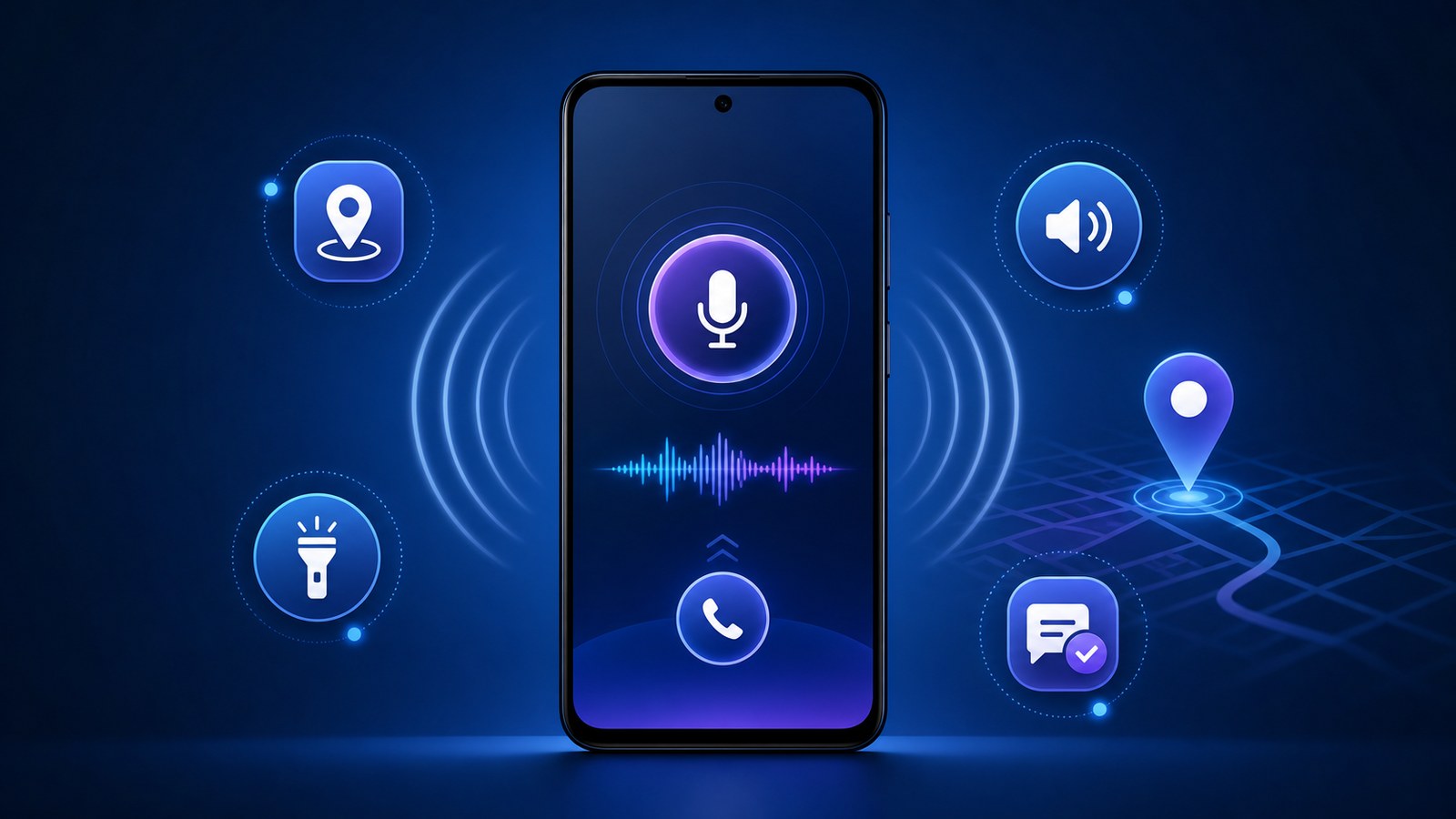
- In an emergency, call the local emergency number first; in the United States, that means dialing 911 immediately.
- Be ready to give the dispatcher your location, callback number, the nature of the emergency, and relevant details, then follow instructions and do not hang up until told to do so.
- FoneClaw focuses on supported Android phone-side actions with visible permissions, user confirmation, and clear fallback.
Call First: 911 in the U.S., or the Local Emergency Number Where You Are
If there is an immediate threat to life, safety, fire, violence, serious injury, or another urgent danger, call the local emergency number first. In the United States, dial 911. If you are traveling, use the official emergency number for the place you are in, not the number from your home country. Do not spend time configuring an app, looking for the perfect command, or asking an assistant to decide whether the situation qualifies. Make the call.
Emergency voice commands on Android can help when they reduce friction, especially if your hands are occupied or the phone is nearby but hard to hold. A simple command such as calling the emergency number or calling a trusted contact may help, but if the voice command fails, dial manually. The priority is a live connection to emergency services, not a perfect hands-free workflow.
For medical, rescue, legal, or emergency decisions, follow the local dispatcher and emergency professionals on the call. FoneClaw’s boundary is supported Android phone-side actions: opening tools, preparing messages, adjusting settings, organizing visible information, and handing control back whenever the task leaves that supported scope.
At FoneClaw, we design supported Android phone actions to reduce phone-side friction. We may help with prepared actions such as opening tools, adjusting supported settings, preparing messages, organizing visible phone information, or navigating supported Android workflows.
Set Up Your Phone Before an Emergency
The safest time to prepare emergency voice commands on Android is before anything urgent happens. Start with the basics: know your local emergency number, confirm that emergency contacts are saved with clear names, and make sure household members know which contact to call if emergency services are already connected.
Review location settings and emergency information on your Android phone. If your device supports emergency medical information on the lock screen, keep it current and easy to understand. Check whether location sharing, emergency contact shortcuts, and emergency SOS features are enabled in a way that fits your household. Do not assume every Android model has the same menus or behavior.
Prepare the audio path. In an emergency call, the dispatcher needs to hear you. Know how to raise call volume, turn speakerphone on or off, and switch away from headphones if they make your voice unclear. Speakerphone can help a group hear instructions, but it can also add noise. Practice the control, not during an emergency call, so you know where it is.
Battery and connectivity also matter. Keep the phone charged enough for calls, know where a charger or power bank is, and avoid relying on Wi-Fi-only assumptions for emergency communication. No assistant can guarantee carrier coverage, location accuracy, or a successful call if the phone has no service or power. Preparation makes hands-free emergency calling more realistic.
What to Say and Do During the Call
When the call connects, speak plainly. Start with the location if you know it: street address, apartment number, floor, entrance, nearby landmark, road direction, trail marker, or business name. If you are moving, say that. If you do not know the exact address, describe what you can see and follow the dispatcher's questions.
Give the callback number you are calling from. If the call disconnects, responders may need a way to reach you. Then explain the nature of the emergency in one clear sentence: fire, crash, medical emergency, crime in progress, missing person, injury, danger, or another urgent situation. Add relevant details when asked: how many people, whether there are hazards, whether anyone is trapped, whether the scene is changing.
Keep the audio environment controlled. Ask people nearby to stay quiet unless the dispatcher asks them to speak. If you use speakerphone, keep the phone close enough for your voice to be heard and far enough from loud equipment, traffic, wind, alarms, or shouting. Use speaker only when it is safe and useful. If privacy or safety requires the phone to stay near your ear, do that instead.
Do not hang up until instructed. The call-taker may need to ask follow-up questions, give safety instructions, or keep the line open until responders are on the way. If the dispatcher gives instructions, follow them. If you are unsure, ask. Do not use this guide as medical, legal, or rescue advice during the call; the dispatcher and local emergency professionals are the authority in the moment.
Android Voice Command Playbook for Emergencies
Voice commands are most useful for phone-side actions that support the emergency call rather than distract from it. The first pattern is direct calling: call the local emergency number, or call a trusted emergency contact when emergency services are already being handled by someone else. Test ordinary contact names ahead of time so the phone does not confuse similar names.
The second pattern is audio and visibility: turn up the volume, turn on speaker, open the flashlight, or open Maps. Use these only when they help and do not delay the emergency call. A flashlight may help in a power outage or roadside situation. Maps may help you identify your location, but do not depend on it as the only source of location information. Say what you know to the dispatcher.
The third pattern is information sharing: send a prepared message to a family member, share location with a trusted contact, read recent notifications, or open an emergency information screen. These can be helpful after the emergency call is underway or when another person is making the call. For broader setup and non-emergency command training, Android voice control safety basics is the better general guide; the emergency workflow here stays narrower and focused on urgent phone-side actions.
Supported-action boundaries matter. Some commands may require unlock, confirmation, app permission, network service, or manual completion. Do not assume every Android voice assistant or app behaves the same way. Readers comparing broader tool options can use Android safety voice commands for general context, while keeping emergency behavior simple: call first, keep audio clear, follow the dispatcher.
Our FoneClaw Safety Boundary
At FoneClaw, we build an Android supported phone-action assistant.
For medical, rescue, legal, or emergency decisions, follow the local dispatcher and emergency professionals on the call. FoneClaw’s boundary is supported Android phone-side actions: opening tools, preparing messages, adjusting settings, organizing visible information, and handing control back whenever the task leaves that supported scope.
We also avoid designing around silent high-stakes automation. If an action may affect safety, privacy, or emergency response, visible confirmation and user control matter. The right behavior may be to stop, ask the user, or hand off to the phone's native emergency feature or the local dispatcher. A tool should not get between the caller and emergency professionals.
That boundary is part of our safety design, not a weakness. During a real emergency, the shortest safe path is usually the best path: call the local emergency number, keep the line clear, state the location and callback number, describe the emergency, and follow call-taker instructions.
Practice Before You Need It
Build a non-emergency rehearsal plan. Do not place test calls to 911 or your local emergency number unless your local authority specifically provides a permitted testing process. Instead, practice the words and phone motions without connecting the call. Say the phrase you would use: 'Call 911' in the US, or the appropriate local emergency number where you live. Practice how to cancel if the phone starts an unintended call.
Write a short family or team script. The first speaker gives location. The second person keeps the area quiet. Another person can unlock a door, flag responders, secure pets, or meet help outside if safe. For children, older adults, or people with accessibility needs, rehearse simple phrases and contact names. Make sure the device hears the user's voice reliably.
Adjust the plan by situation. At home, the address may be simple but entry instructions matter. Outdoors, landmarks and GPS maps may help, but signal can be weak. In a car, stopping safely may matter before using the phone. In a workplace or school, someone may need to guide responders to the correct entrance. Keep the plan practical and easy to remember.
Decide what not to automate. Do not automate medical treatment decisions, payment, account access, or complex emergency judgment. Do not rely on a chain of app actions when one call is needed. Use Android and FoneClaw-supported actions only when they make the call clearer, the phone easier to use, or trusted contacts easier to inform. In the emergency itself, dispatcher instructions come first.