
MediaTek Dimensity Phone Agents: What the Chip Enables and How to Test
Explore Dimensity 9500 and NPU 990 capabilities, then check model compatibility and measure a real Android phone task before judging performance.
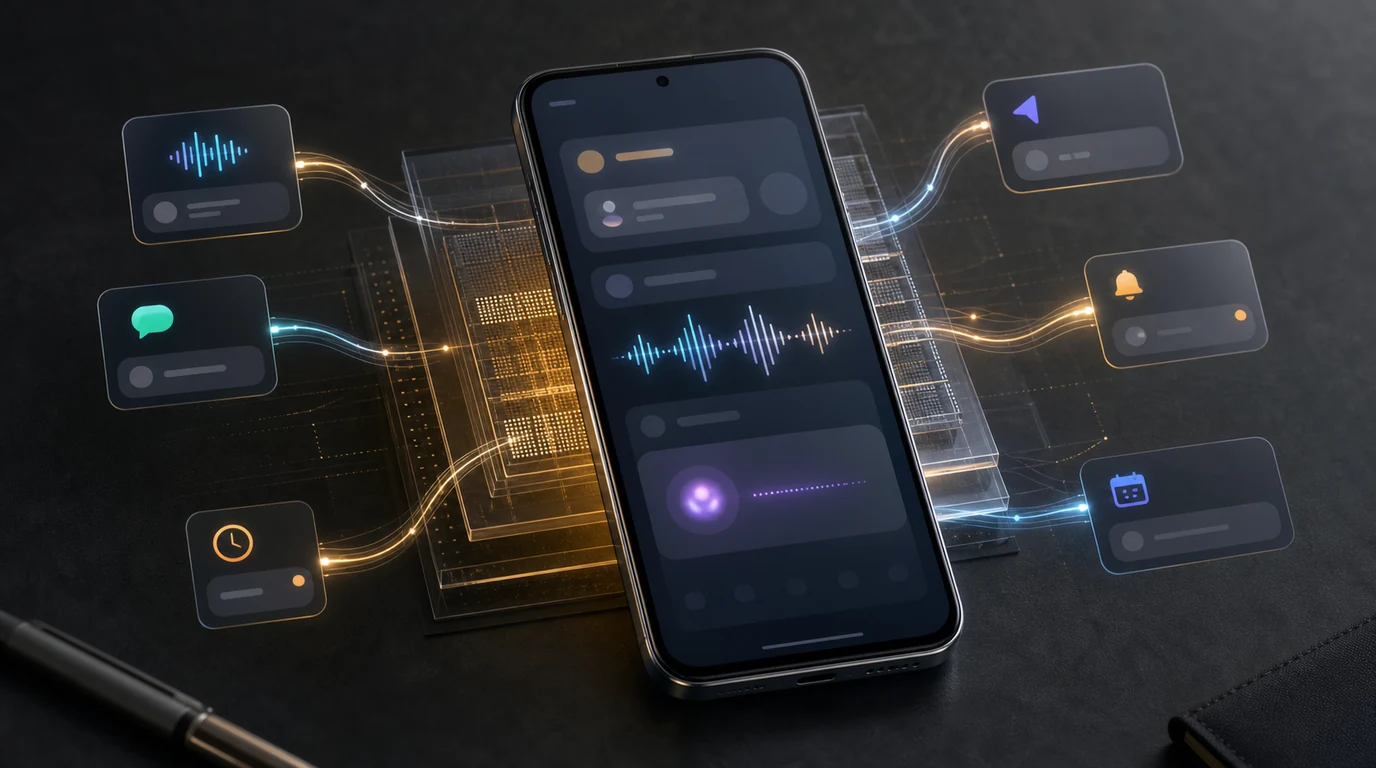
- Dimensity 9500 includes MediaTek's NPU 990 and support for specific edge AI processing, but chip capability alone does not establish app or model compatibility.
- Check the exact phone, installed memory, model format, runtime, and manufacturer software before expecting local inference.
- Measure first response, verified task completion, memory, and power under repeatable conditions; keep cold and warm runs separate.
- FoneClaw can provide a concrete app-opening task and device-status snapshots without implying that it uses NPU 990 acceleration.
What the Chip Actually Provides
A MediaTek Dimensity phone agent depends on more than its processor. The chip can provide compute for local AI, but the phone maker, model runtime, Android build, and application determine whether a particular request uses it. A fast model response also leaves the phone action itself to complete.
MediaTek's Dimensity 9500 specifications identify the NPU 990 and second-generation Gen-AI Engine. The platform supports LPDDR5X 10667 memory and four-lane UFS 4.1 storage. Those are platform capabilities: memory speed is not the amount of RAM installed in a particular phone, and a supported storage interface does not establish the speed of every device built with the chip.
MediaTek's Dimensity 9500 edge AI overview describes BitNet 1.58-bit large-model processing and output from a 3B-parameter language model as NPU capabilities. That is meaningful support for edge-model work. Running a specific model still requires a compatible model file, tokenizer, quantization, runtime, and phone software. MediaTek also advertises gains in token generation and peak NPU power against its previous flagship; those vendor comparisons do not measure a complete Android agent task.
The useful question is whether the phone and app you will use expose that compute path. A model may answer locally while app opening remains a separate Android operation, or an app may use a cloud model despite running on a Dimensity phone. Neither case can be inferred from the chipset name alone.
Check the Phone, Model, and Application
Start with the exact handset model and Android version, then check its installed RAM, available memory, free storage, and the manufacturer's AI software support. A chip's memory specification does not tell you how much working memory that handset has for a model alongside ordinary apps. Sustained use can also change performance as the phone warms or power-saving settings take effect.
For local inference, identify the exact model and its size, format, quantization, and tokenizer. Check whether the selected app's runtime supports that combination on the handset, whether it can use the NPU through the available device integration, and whether all model assets are present. Check app permissions separately for the phone action you want to test. When any of those details is missing, local compatibility is still unknown.
Keep the model route visible in the comparison. A custom online endpoint sends the request over a network; receiving its answer on the phone is not offline inference. FoneClaw supports custom online model configuration and has an on-device engine foundation, but those facts do not establish a Dimensity-specific accelerated model list. Default model requests can route through the backend. For the practical endpoint choices, Connect an AI Model API to an Android Phone Agent in FoneClaw explains configuration. If the model you are considering is DeepSeek, DeepSeek AI Agent and Android Phone Control: What It Can and Cannot Do separates model availability from Android action support.
For a bounded phone-side check, FoneClaw can return battery and memory status without changing settings. Those readings describe the current device state; they are not measurements of peak memory use or electrical power. Our FoneClaw Features page describes the supported Android actions used in the example below.
Measure a Repeatable Task
The following is a proposed worksheet, not a reported benchmark. Use one short task such as asking FoneClaw to open a known, installed app. Provide its exact package name when possible; if a display name matches several apps, choose the intended one before timing the run. The observable result is the app actually reaching the foreground, not merely the model saying it will open.
Record the phone model, Android build, app version, model identifier and route, network state, battery saver setting, charge level, screen brightness, and room temperature. Keep those conditions as similar as practical across runs. If testing local inference, record the runtime and whether it reports CPU, GPU, or NPU execution. If testing an online route, record the connection type. These details help explain variation without assigning every delay to the chip.
Run a cold start separately after the app and model have been closed or unloaded. Then perform several warm repetitions of the same request. For each run, measure the time from submission to the first visible response and the time from submission to the verified foreground app. Note wrong-app selections, errors, approvals, and retries. Where a profiler is available, record memory before, during, and after the run. A battery percentage change over sustained repeated work offers only a rough energy signal; an instrumented power measurement is needed for watts.
| Worksheet item | What to record | Result |
|---|---|---|
| Device and route | Phone, Android build, model, runtime, local or online route, network. | ____ |
| Conditions | Battery saver, starting charge, brightness, room temperature. | ____ |
| Cold run | First-response time, verified app-open time, result or error. | ____ |
| Warm runs | Times and verified outcomes for the same request. | ____ |
| Memory | Before, during, and after readings where measurable. | ____ |
| Power and heat | Sustained-run battery change or instrumented power; temperature observations. | ____ |
FoneClaw can return battery or memory status before and after the app-opening task, then open the requested launchable app. Record the actual returned status and verify the app on screen. Leave the cells blank until you have measurements from the device being evaluated.
Decide What the Result Means
Read the timings alongside the outcome. A slow first response may reflect model loading, a network round trip, or the selected model route. A quick answer followed by the wrong app points toward target selection or action handling. Longer runs that slow as the phone warms call for temperature and power-setting checks. Memory pressure needs measured device evidence rather than a conclusion drawn from the chip's bandwidth specification.
Compare phones or routes using the same task and conditions, and count a run as complete only when the intended app is visibly open. Record recovery time when an app name is ambiguous or an action fails. Those results tell you more about daily usefulness than an isolated token-rate figure.
Local inference may reduce network dependence when the exact model and runtime work on that handset; an online route has different latency and data-use conditions. Either route can be suitable for a supported phone action once you verify its actual result. For model spending alongside task completion, AI Agent Token Cost per Task: Measure the Result, Not Just the Prompt provides a separate cost method.