
Baidu Dazi Phone Agent and Trust Radius: What Delegation Means on Android
Baidu Dazi shows how enterprise agents define task delegation, permissions, and governance. Here is what that means for Android phone agents and FoneClaw workflows.
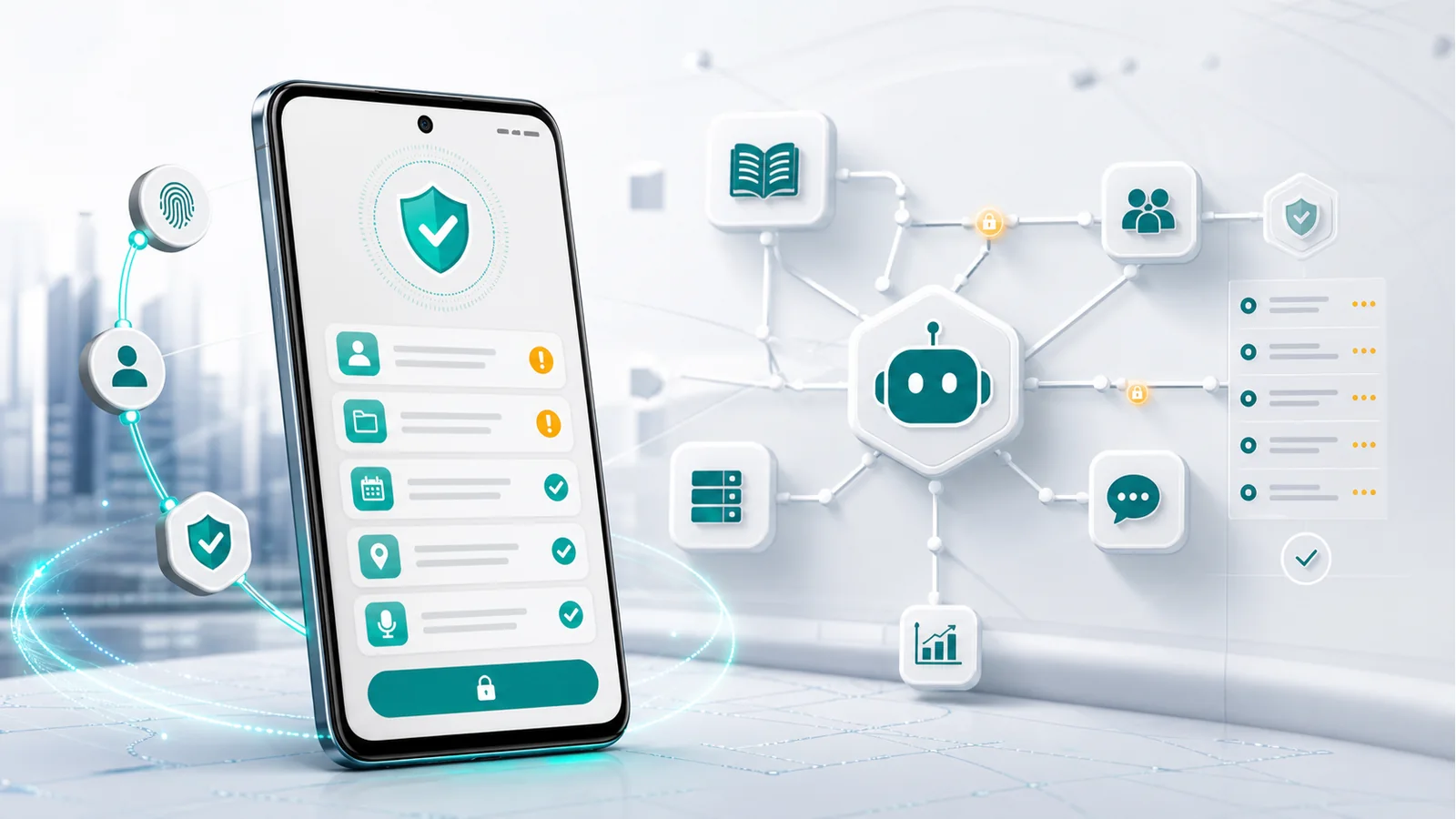
- Baidu Dazi is a fresh enterprise-agent signal because it frames AI as a work team that connects knowledge, business systems, workflows, collaboration, management, and compliance.
- Trust radius is the practical question of how far an agent should be allowed to act across tasks, data, users, systems, and consequences.
- Enterprise integrations such as OA, CRM, ERP, IM, identity passthrough, and row-level data permissions translate into Android questions about messages, calls, reminders, documents, notifications, and app state.
- FoneClaw applies the same delegation thinking to Android by using configurable model reasoning while FoneClaw handles supported phone actions with visible results, permissions, user confirmation, and practical recovery paths.
Why Baidu Dazi Matters for Phone-Agent Readers
Baidu Dazi phone agent trust radius is not only an enterprise software topic. It is a useful way to think about every AI agent that wants to act for a user. The practical question is simple: how much work can the agent safely handle before the user needs to see, approve, or narrow the task?
The Baidu Cloud DuMate product page positions enterprise Dazi as an AI work team for business workflows. Baidu describes knowledge integration, system integration, workflow closure, reusable team assets, shared collaboration, member management, resource allocation, audit, compliance, and stable enterprise use. In other words, Dazi is presented as more than a chatbot; it is a coordinated enterprise work environment.
The July 10, 2026 Sina Tech and Jiemian report on Baidu Dazi adds the market signal: Baidu pushed Dazi into the enterprise market with enterprise knowledge assets, multi-person collaboration, business-system integration, security governance, OA/CRM/ERP/IM connections, employee identity passthrough, row-level data permissions, and a first enterprise skill access standard. Phone-agent readers should care because the same delegation problem appears on Android. A model can understand and plan, but phone actions need supported app paths, visible state, permissions, and user confirmation.
Trust Radius Means Deciding How Far an Agent Can Act
Trust radius is a practical delegation question. What task can the agent handle? Which data can it use? Which user is it acting for? Which systems may it touch? What happens if the action affects another person, account, record, payment, or customer-facing message? A small trust radius might allow drafting and summarizing. A wider one might allow searching knowledge bases, filling internal forms, routing approvals, or preparing system updates.
Baidu’s enterprise story makes that visible. The DuMate page talks about turning team output into reusable assets, building knowledge bases, sharing skills, synchronizing context, and creating an enterprise AI environment with management and audit. The Qianfan documentation also matters here. Baidu Qianfan documentation describes Qianfan as an agent-centered enterprise model and app-development platform built around agent engines, tools and MCP, model services, and enterprise services.
For Android, trust radius has to be more personal and immediate. A phone agent may handle a draft message, reminder, map lookup, call preparation, or notification task. The agent’s reach should match the consequence. Reading a visible reminder is different from sending a message to a client. Preparing a route is different from sharing live location. FoneClaw’s product scope follows that logic: configurable models can reason and plan, while FoneClaw performs supported Android actions with visible results, permissions, confirmation, and a practical recovery path when a requested action is outside the supported set.
From Enterprise Workflows to Android Phone Tasks
Enterprise agents and phone agents live in different environments, but the workflow pattern is related. In the enterprise setting, Dazi connects knowledge, business systems, workflow closure, collaboration, skills, management, audit, and compliance. On the phone, the same pattern becomes messages, calls, reminders, maps, notifications, documents, browser content, and customer-facing drafts. The names change; the delegation problem stays.
The Sina Tech and Jiemian report says enterprise Dazi connects OA, CRM, ERP, and IM, with employee identity passthrough and row-level data permissions. That is enterprise language for identity-aware work. On Android, the equivalent questions are smaller but more personal: Which contact is selected? Which account is active? Which app owns the data? Which permission is granted? Which message or file will be sent? Which step should be confirmed by the user?
This is why broad phone-control foundations need more than a model. If you want the general path from intent to Android work, AI Agent Phone Control: How Android Phone Agents Turn Intent Into Action gives the adjacent FoneClaw context. If you want the broader device category, Agentic Phone Explained: What an Agentic AI Phone Means in 2026 frames why phones are becoming agent platforms. This Dazi article adds the trust-radius lens: a useful agent needs a clear delegation range, not just a clever answer.
Android Actions Need Visible Permissions and Confirmation
The enterprise Dazi signal puts governance in the center: identity, data permissions, system access, skill standards, audit, and compliance. The phone version is just as concrete. Android actions need permissions, app state, visible results, and confirmation. If an agent prepares a call, the user should know which contact is involved. If it drafts a message, the recipient and text should be visible. If it works with a document, the source and destination should be understandable before the final action.
Baidu’s enterprise materials show how serious agent platforms treat management and traceability. DuMate’s product page describes organization management, role permissions, resource allocation, usage statistics, and records for AI calls, data access, and key operations. The Sina report also highlights security governance and skill access standards. These ideas map cleanly to phone-agent design: the user should know what the agent did, which permission mattered, and where the action stopped for approval.
For a deeper phone-agent safety companion, AI Agent Identity, Permissions, and Audit Trails: The Safety Stack Phone Agents Need covers identity and action records, while AI Agent Sandbox vs Phone Permissions: Why Secure Agents Still Need Boundaries explains why a secure runtime and phone-side authority are separate decisions. FoneClaw’s Android workflow follows the same practical standard: visible results, permission-aware steps, confirmation for sensitive actions, and a clear next step when the action cannot be completed in the current phone state.
FoneClaw’s View: Model Reasoning, Supported Android Actions
FoneClaw is a phone agent for supported Android actions. Models can provide language understanding, reasoning, and planning. FoneClaw handles the Android action flow: what opens, what is prepared, what permission is used, what the user sees, and where confirmation belongs. That product split is essential when reading enterprise-agent news like Baidu Dazi.
Enterprise Dazi and Qianfan point to a future where agents coordinate knowledge, tools, skills, model services, and business systems. FoneClaw applies that same delegation discipline to the phone. A user might ask for a message draft, a reminder, a map lookup, a call preparation step, or a document-related action. The configured model helps the agent understand and plan. FoneClaw keeps the supported Android action visible and reviewable.
This is also how we separate adjacent agent categories. WorkBuddy and enterprise copilots focus on office or enterprise work environments; phone agents focus on user-device actions. For the Tencent comparison, WorkBuddy vs FoneClaw: Tencent AI Agent vs Android Phone Control covers that separate topic. In this article, the key point is trust radius. FoneClaw keeps the action range tied to supported Android workflows, visible results, Android permissions, user confirmation, and practical recovery paths.
Checklist: Is an Agent’s Trust Radius Ready for Android?
Use this checklist when judging any enterprise agent, phone agent, or model-driven assistant that wants to act for you.
| Question | Enterprise-agent version | Android phone-agent version |
|---|---|---|
| Who is the agent acting for? | Employee identity, role, department, and system access | Current phone user, active account, contact, and app context |
| What data can it use? | Knowledge bases, OA/CRM/ERP/IM records, row-level permissions | Visible app state, contacts, messages, reminders, maps, documents, notifications |
| What can it change? | Business workflows, approvals, records, documents, collaboration tasks | Supported Android actions such as drafts, reminders, calls, app openings, and settings paths |
| Where does approval happen? | Policy, role permissions, audit, compliance, workflow review | Visible result checks, Android permissions, and user confirmation before sensitive steps |
| How does it recover? | Skill standards, governance checks, system status, workflow management | A practical next step when permission, app state, or support is missing |
The best trust radius is neither tiny nor unlimited. It is tuned to the task. Drafting can be broad; sending should be confirmable. Searching can be flexible; changing account data should be tightly reviewed. FoneClaw’s Android product scope is built around that balance: configurable model reasoning, supported phone actions, visible results, permissions, confirmation, and practical workflows that make delegation understandable before the phone completes the task.