
FoneClaw vs LikeClaw: Cloud Workspace or Android Phone Actions?
Compare these AI agents by choosing LikeClaw for cloud workspace work or FoneClaw for supported Android actions, with permissions, setup, costs, and verifiable results.
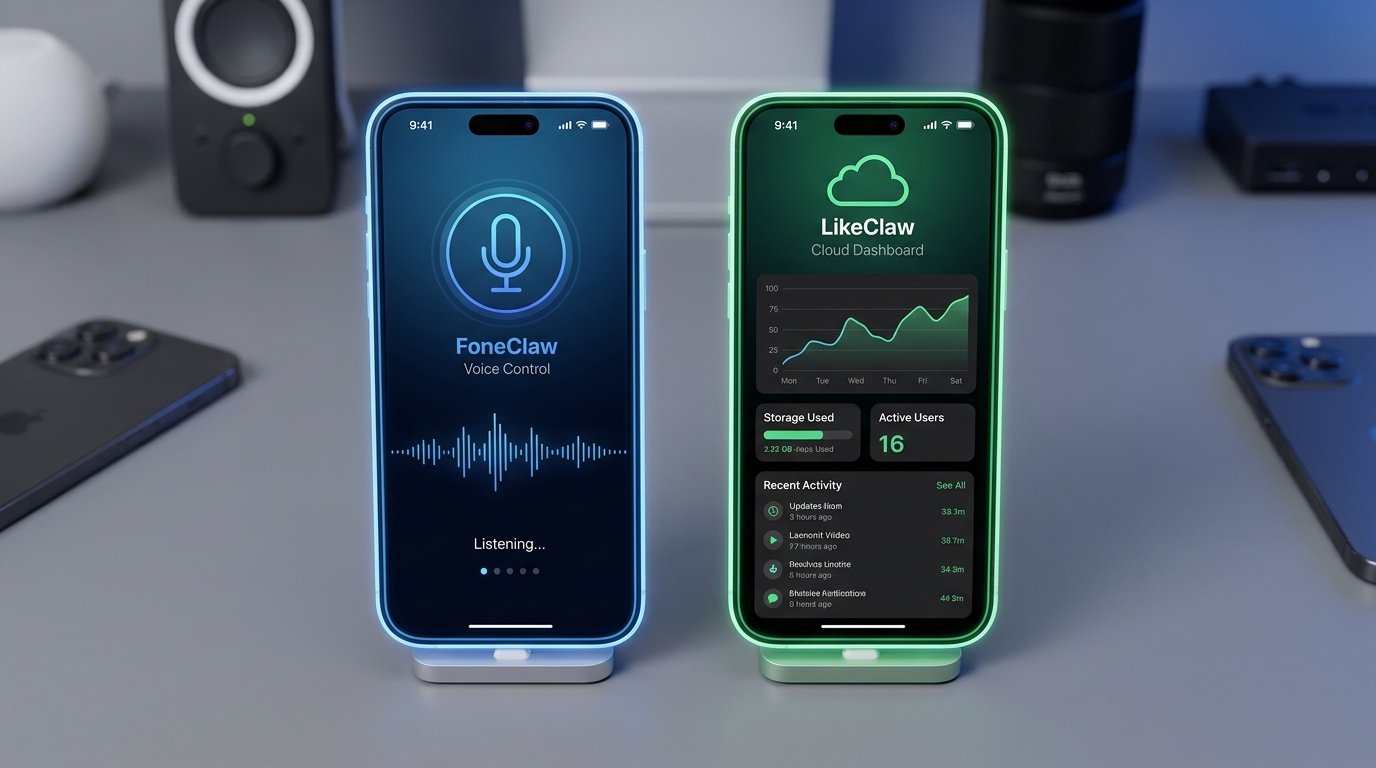
- LikeClaw is AIWIZE's consumer and small-team cloud-native agent product for code execution, files, browser work, background tasks, and OAuth-connected integrations.
- FoneClaw is the better fit when the task belongs on the Android phone itself, such as reading visible app UI, opening apps, scrolling, selecting supported targets, or filling one editable field.
- LikeClaw permissions mainly authorize cloud workspace, browser, file, and connected-service actions; FoneClaw permissions authorize supported Android-side actions on the user's device.
- Choose by the artifact you need: a cloud-generated file, report, or connected-service result from LikeClaw, or a visible Android phone result from FoneClaw.
Choose the Workspace That Owns the Task
The cleanest FoneClaw vs LikeClaw choice starts with where the task lives. LikeClaw, AIWIZE's consumer and small-team cloud-native agent product described on the official LikeClaw website, supports tasks such as code execution, file work, browser activity, background runs, and connected-service actions. It uses account and prepaid credits, and its official materials say users do not need their own API keys.
FoneClaw is different. We focus on supported Android actions on the user's phone: opening apps, reading accessible visible UI, scrolling, selecting a target identified in the latest screen reading, and replacing text in one current editable field. That makes FoneClaw useful when the result needs to appear on the phone itself rather than in a cloud workspace.
Use LikeClaw when the job is a cloud workspace task: research, code, files, reports, browser work, or OAuth-connected web services. Use FoneClaw when the job is an Android phone task with a visible state, permissions, and a result the user can review. For the phone-control side, AI Agent Phone Control on Android: Intent, Confirmation, Action explains why device actions need a stricter path than ordinary assistant chat.
What LikeClaw Actually Provides
LikeClaw's product framing is cloud-first. Its official materials describe isolated per-task sandboxes, persistent files, code execution, data and file work, browser tasks, background execution, and OAuth-connected integrations. That is a useful workspace model: the task can run away from the phone, produce a file or report, and connect to approved services when the user authorizes that access.
The distinction matters. A cloud browser or OAuth-connected integration can act inside a web service, process files, or generate an output artifact without controlling the Android screen. That does not make it weaker; it means the operating environment is different. If you ask for a report, spreadsheet, browser research task, code output, or connected-service update, LikeClaw's workspace may be the natural place for that work.
LikeClaw's own materials also describe marketplace skills as reviewed before publishing. Because official descriptions differ on import readiness, treat marketplace availability as something to confirm in the current LikeClaw product screen before planning a workflow around a specific skill.
LikeClaw also links to an Android client, and the LikeClaw Google Play listing confirms a mobile app package. A mobile client is useful for access to the service, but it does not by itself prove phone-wide control of arbitrary Android apps. Treat it as a client for the cloud product unless the current product screen and permission flow show otherwise.
FoneClaw's role is not to copy that cloud workspace. We handle supported Android-side actions where phone state, visible UI, permissions, and final review matter.
Compare Concrete Tasks and Outputs
A fair comparison is task-specific. The question is not which product sounds more agentic; it is which product can produce the result in the right place, with the right permission boundary.
| Task | LikeClaw fit | FoneClaw fit | Result to verify |
|---|---|---|---|
| Research or report | Good fit when the work can run in a cloud browser or file workspace. | Useful only if the result must be used on the Android phone afterward. | Returned file, report, notes, or visible phone destination. |
| Code or data file work | Good fit for code execution, data processing, and persistent files in the cloud workspace. | Phone file operations require supported paths and Android permissions. | Generated file, saved location, and whether it opens correctly. |
| Connected web service | Good fit when OAuth integration authorizes the cloud workspace to act in that service. | Only relevant if the service is being operated through an Android app or phone-visible flow. | Connected account, requested action, and final service state. |
| Android app text draft | Can prepare text externally, then the user may copy it manually. | Can replace text in one current visible editable field; text input does not submit the form or tap Send. | Exact inserted text and separate final action. |
| Visible phone navigation | Not implied by the cloud product or mobile listing alone. | Can open supported apps, read accessible visible UI, scroll, and select supported visible targets when the current screen allows it. | Correct app, current screen, and visible outcome. |
The same task may involve both products, but there is no automatic bridge between their workspaces. A LikeClaw file does not automatically become accessible to FoneClaw unless the user places it somewhere the Android device and permissions support. FoneClaw also does not automatically access another product's sandbox.
Check Setup and Cost Categories
LikeClaw setup belongs to the cloud workspace category: account access, browser or mobile client access, file workspace use, integrations, and a credit-based charging model. Its official page lists starter and purchase information, but exact promotions should be treated as current account details rather than permanent product facts. Users should check the live LikeClaw account and billing screen before assuming a task is included.
FoneClaw setup belongs to the Android phone category. We provide a default model route and support compatible configured API routes. Those model routes are separate from LikeClaw account access and prepaid credits. A LikeClaw purchase does not authorize FoneClaw model usage, and a FoneClaw setup does not provide LikeClaw workspace credits.
The practical setup question is simple: where will the task run? If it runs in a cloud browser, code environment, or file workspace, start with LikeClaw. If it needs the user's Android screen, app state, or local phone permission, start with FoneClaw. The current FoneClaw Features page describes our supported Android capability surface.
Check What Each Permission Authorizes
LikeClaw permissions authorize work in its cloud environment: sandbox tasks, browser sessions, files, and connected services approved through OAuth or similar integration flows. The vendor describes isolated per-task sandboxes that are destroyed after tasks while files persist. That is useful architecture, but sandbox removal should not be read as a guarantee that every user file or connected-service record disappears everywhere.
FoneClaw permissions authorize supported Android actions on the user's phone. A request might involve opening an app, reading accessible visible UI, scrolling, selecting a visible target, or filling an editable field. Phone file operations depend on supported paths and Android permissions. Approval follows global and per-tool policy, so the action path reflects the task type and current settings.
Data paths differ as well. LikeClaw cloud work can involve uploaded files, browser content, generated outputs, and connected-service data. FoneClaw Android work can involve visible phone context, app state, and selected model processing. If the user configures an online model route in FoneClaw, relevant screen context may be processed through that selected model route. For broader boundaries, AI Agent Sandbox vs Phone Permissions: Why Secure Agents Still Need Boundaries explains why sandbox authority and device permissions are different kinds of trust.
Choose with a Small Verifiable Task
Before choosing, try one low-risk task in the environment where you expect the real work to happen. This is a practical check, not a benchmark. For LikeClaw, use a non-sensitive browser or file task: ask for a small report, a simple transformed file, or a connected-service action you can easily inspect. Verify the returned artifact and the account it affected.
For FoneClaw, use a reversible Android task: open a non-sensitive app screen, inspect the visible state, prepare a short unsent text draft, or scroll a supported screen and confirm the result. Verify the exact screen, text, and action state before moving to a more sensitive workflow.
- Decide whether the task belongs in a cloud workspace or on the Android phone.
- Check the account, permission, file, or app state before starting.
- Run a small non-sensitive task and inspect the visible output.
- Stop if the target, account, destination, or text is unclear.
- Use manual transfer when moving information between LikeClaw and FoneClaw.
Choose LikeClaw for cloud workspaces, code, files, browser tasks, background runs, and connected-service outputs. Choose FoneClaw for supported Android phone actions where the result must be visible on the device. For a wider execution-location comparison, Cloud vs Local AI Agent in 2026: Which Route Is Better for Your Phone? helps frame when cloud work and phone-side control solve different parts of the same workflow.