
Samsung Galaxy AI vs FoneClaw: One UI 9 Intelligence or Cross-Brand Android Actions?
Compare Samsung Galaxy AI and FoneClaw across One UI 9 context, Now Brief, Now Nudge, Gemini tasks, device coverage, Android actions, approvals, and recovery.
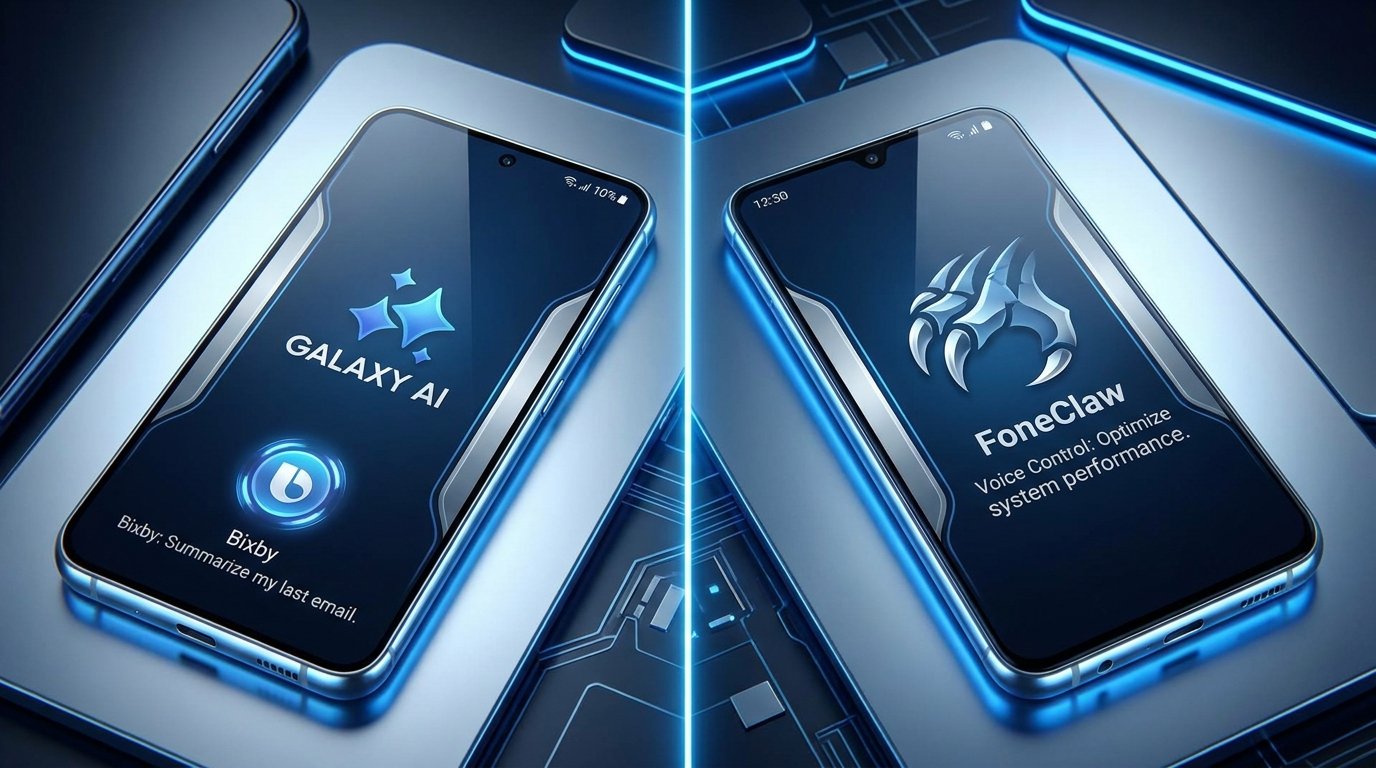
- Galaxy AI is Samsung's integrated intelligence layer for compatible Galaxy devices, while FoneClaw is an independent phone agent for supported actions across compatible Android brands.
- One UI 9 introduces updated Now Brief cards, broader Now Nudge suggestions, and Gemini-assisted multistep tasks, with availability determined by the device, region, software, carrier, service, and account.
- Samsung emphasizes context and timely assistance inside the Galaxy experience; FoneClaw connects a configured model to 100+ built-in tools, extensions, and plugins for visible Android execution.
- Galaxy AI and FoneClaw can serve complementary roles on a compatible Samsung phone when users want both Samsung-integrated assistance and configurable, governed Android workflows.
The Samsung Galaxy AI vs FoneClaw decision starts with architecture rather than a long feature count. Galaxy AI is integrated into Samsung's compatible devices, One UI surfaces, services, and account experience. FoneClaw runs as an independent Android phone agent across compatible brands, including Samsung phones, and turns configured-model reasoning into supported actions through governed tools. Matching that distinction to the task produces a more useful answer than asking which product is universally better.
Understand the Two AI Control Planes Before Comparing Features
Galaxy AI and FoneClaw operate at different layers of an Android experience. Samsung can place intelligence close to its hardware, system interface, first-party apps, notifications, and account services. That integration supports contextual cards, suggestions, communication assistance, creative features, device-specific experiences, and voice interaction through Samsung's ecosystem. Bixby remains Samsung's voice and device-assistance layer, while Galaxy AI describes the broader collection of AI-enabled experiences.
FoneClaw approaches the phone from an independent agent layer. A model configured inside FoneClaw interprets the request and plans the next step. Our Android runtime then selects from 100+ built-in tools, extensions, and plugins to perform supported actions, show progress, request approval at relevant risk levels, verify the result, and recover when device state differs from the plan. This design lets the workflow run across compatible Android brands rather than following one manufacturer's system layer.
Consider a message about a delayed appointment. A Samsung-integrated feature may surface the notification, summarize relevant context, or suggest a timely response. In FoneClaw, the user can explicitly request a supported workflow such as finding related information, preparing a memo, opening the relevant app, or creating a calendar action after review. The useful distinction is suggestion versus execution: one surface helps the user notice and understand; the other carries an explicit request through visible Android steps.
Readers who want the underlying intent-to-execution model can continue with AI Agent Phone Control on Android: Intent, Confirmation, Action.
Read the One UI 9 Update Without Overgeneralizing Availability
Samsung announced the Galaxy S26 FE on August 27, 2026 as the first Galaxy S26 model shipping with One UI 9. Samsung's Galaxy S26 FE and One UI 9 announcement establishes a real shipping reference for the new software generation, replacing the earlier need to discuss the S26 family through speculative signals.
In that experience, the updated Now Brief supports configurable briefing cards, giving users more control over the information assembled into their brief. Now Nudge expands timely suggestions to selected third-party applications and notifications. Samsung also describes Gemini-assisted multistep task automation on the Galaxy S26 FE. Together, these features show Samsung moving from passive information display toward context-aware assistance and selected task sequences.
The evidence remains device-specific. Samsung states that AI feature availability can vary by country, region, operating system, One UI version, device model, carrier, service, and account requirements. The official Galaxy S26 FE product announcement is therefore a starting point for current capabilities, while the software shown on a particular phone is the practical verification point. An eligible model may receive a feature later, expose a different feature set, or require a supported Samsung or Google account.
For buyers and existing owners, the right check is concrete: identify the Galaxy model, installed One UI release, region, carrier build, active accounts, supported language, and selected application. Seeing Now Nudge or a Gemini task on the S26 FE does not establish identical behavior across the wider Galaxy catalog.
Compare Device, Account, Region, and Service Requirements
Galaxy AI follows Samsung's device and service scope. Its strongest advantage appears when the phone, One UI release, Samsung applications, connected services, and account settings all support the intended feature. This can produce a cohesive experience because Samsung controls multiple layers of the device. The same integration also means that eligibility must be checked against the exact Galaxy model and software environment.
FoneClaw follows the compatible Android device on which the application is installed. It works across brands, including supported Samsung phones, and keeps its model configuration and agent tools inside the FoneClaw workflow. Users can begin with the available default model or configure a compatible model connection. Android compatibility, enabled tools, device permissions, installed applications, and provider access then determine the practical route for each task.
| Requirement | Galaxy AI and One UI 9 | FoneClaw |
|---|---|---|
| Hardware scope | Compatible Galaxy devices with feature-specific eligibility | Compatible Android phones across supported brands |
| Software layer | Samsung's One UI, system features, and supported applications | Independent Android agent runtime with governed tools |
| Accounts | Samsung, Google, carrier, or service accounts as required by the feature | FoneClaw setup plus any account or model provider required by the chosen workflow |
| Availability | Varies by device, One UI release, region, language, carrier, service, and account | Varies by Android compatibility, enabled capability, permissions, app state, and configured service |
| Model choice | Determined by Samsung's supported product experience | User-configurable through compatible model routes |
Samsung's Galaxy AI feature and availability guidance helps owners confirm the requirements attached to Samsung's current experience. For FoneClaw, the FoneClaw Download page provides current Android installation and compatibility information.
Compare How Each Approach Gathers and Presents Useful Context
Samsung's contextual advantage comes from integration. Now Brief can assemble selected information into configurable cards, while Now Nudge can identify timely opportunities from supported notifications and selected third-party apps. A morning brief might bring together schedule-related information and other relevant cards; a nudge might surface a useful next step when a notification creates a timely reason to act.
That model is designed around presentation and anticipation. The user controls which available briefing cards appear, and Samsung determines the supported contextual surfaces. A nudge can be valuable before the user formulates a command because it brings attention to a relevant moment. The visible card or suggestion is the place to inspect what context Samsung used and whether the recommendation fits the current situation.
FoneClaw begins more often with explicit intent. The user asks for a task, the configured model interprets it, and our runtime gathers the context permitted by the selected tools. Depending on the supported workflow, that context can include visible screen information, device state, notifications, messages, calendar records, mail, memos, location, or another enabled source. Tool settings and Android permissions keep those routes visible and controllable.
We have learned that useful personalization needs a clear destination. Context may help answer a question, prepare a suggestion, or supply inputs to an action, but each outcome should remain distinguishable. FoneClaw shows the task and tool result so the user can see how context moved into execution. Samsung's cards and nudges surface ecosystem context through One UI. These approaches can complement each other on a Samsung phone: one can reveal a useful moment, while the user can direct a supported FoneClaw workflow when a separate action path fits the job.
Health and wellness context has additional sensitivity and product-specific rules. Samsung Health Assistant: Beta Status, Wellness Insights, and Android Actions covers that narrower Samsung scenario.
Compare Suggestions, Multistep Assistance, and Completed Android Actions
A suggestion becomes useful when the user can tell what happened next. Now Nudge may surface a timely recommendation from a supported notification or third-party app. Now Brief may organize information into a card. Gemini-assisted multistep automation can carry selected requests across supported steps on the Galaxy S26 FE. Each represents a different depth of assistance, so the completion test must match the feature.
For a nudge, verify the source and proposed next step. For a briefing card, confirm that its information is current and connected to the intended account. For a Gemini-assisted task, inspect the final destination and resulting state. A proposed route, drafted response, or opened application can be a valid result, but it differs from a sent message, saved event, changed setting, or completed transaction.
FoneClaw organizes execution around explicit stages. The model identifies the goal and selects a supported tool or sequence. The runtime shows whether the task is running, waiting for input, awaiting approval, completed, or unable to continue. Relevant actions expose their target and effect before commitment, and result checks confirm the state Android reports after execution.
Suppose a user wants to turn a notification into a follow-up. Samsung may surface the notification through a contextual experience and suggest an appropriate next step. With FoneClaw, the user can request a supported action such as creating a visible memo, preparing communication, or adding a calendar event. The workflow identifies the target, asks for missing details, applies the relevant approval policy, and displays the outcome. This is where a Galaxy AI vs Android phone agent comparison becomes practical: evaluate the full path from context to verified result rather than comparing feature names.
Compare Permissions, Approvals, Failure States, and Recovery
Both approaches operate within device, account, and service boundaries, but they expose control through different surfaces. Samsung features use One UI settings, Samsung and Google account controls, Android permissions, supported application connections, and feature-specific prompts. Users should review the permissions and personalization controls attached to the exact Galaxy AI feature they enable.
FoneClaw requests and guides Android permissions when a supported task needs them. Its tool controls let users manage enabled capabilities and approval behavior, while relevant risk levels keep consequential actions visible before execution. A read-only status check, a prepared draft, and an external communication carry different effects, so the workflow can apply different review points instead of treating every tool identically.
Failure handling deserves equal weight. A Samsung feature may be unavailable because the device, One UI release, account, service, carrier, language, or region does not meet its requirements. The most useful response is to inspect the current feature settings and the target app rather than repeatedly issuing the same request. A contextual suggestion can also become stale when the underlying notification, account session, or app state changes.
In FoneClaw, a task can pause when information, permission, approval, or direct interaction is required. Permission recovery guides the user toward the relevant Android control. Result verification checks whether the supported action reached the intended state. When an app changes or a workflow reaches a boundary, FoneClaw preserves a practical handoff so the user can continue from the visible point instead of reconstructing the entire request.
Privacy follows the same principle: inspect what context is enabled, which account supplies it, where the result appears, and what control removes or changes access. Samsung provides controls within its Galaxy ecosystem, while FoneClaw gives users tool, model, permission, and approval choices inside an independent Android agent workflow.
Choose Galaxy AI, FoneClaw, or a Complementary Setup
Choose by the job and device environment. Galaxy AI is the natural starting point for a supported Samsung feature that is already integrated into an eligible Galaxy phone. FoneClaw is the stronger match when the requirement is configurable model reasoning and governed Android execution across compatible brands. On a supported Samsung phone, the two layers can coexist because they solve different parts of the experience.
| Reader need | Best starting point | What to verify |
|---|---|---|
| Configurable briefs and timely One UI suggestions | Galaxy AI with Now Brief and Now Nudge | Device eligibility, enabled cards, supported apps, account, region, and current information |
| Samsung-integrated communication, creativity, or device intelligence | Galaxy AI or Bixby, according to the feature | Exact Galaxy model, One UI release, language, app, and service requirements |
| Gemini-assisted multistep work on the Galaxy S26 FE | Samsung's supported One UI 9 route | Available task scope, target account, intermediate state, and final result |
| Configured model choice across compatible Android brands | FoneClaw | Provider compatibility, enabled tools, latency, permissions, and result quality |
| Supported Android action with explicit approval and recovery | FoneClaw | Target, proposed effect, approval policy, tool result, and final device state |
| Samsung context followed by a separate Android workflow | Complementary setup | Which layer supplied the context and which one completed the action |
Run one low-risk test before adopting either route for important work. On an eligible Galaxy device, configure a Now Brief card or inspect a harmless Now Nudge suggestion and confirm the context source. In FoneClaw, request a reversible supported action such as checking and slightly adjusting media volume, then compare the reported result with Android's visible state and restore the original setting.
Our product direction is centered on making supported Android work inspectable from intent through recovery. Samsung's strength is intelligence integrated throughout its Galaxy environment. The right setup is the one that places context, execution, and user control where the task needs them. Readers comparing the same decision across ecosystems can use FoneClaw vs Apple Intelligence: Siri AI vs Android Agent.