
Hands-Free Texting on Android and Galaxy: Read, Draft, and Send SMS
Choose FoneClaw, Gemini, or Voice Access for hands-free texting on Android. Check SMS access, review the recipient and message, and confirm whether it sent.
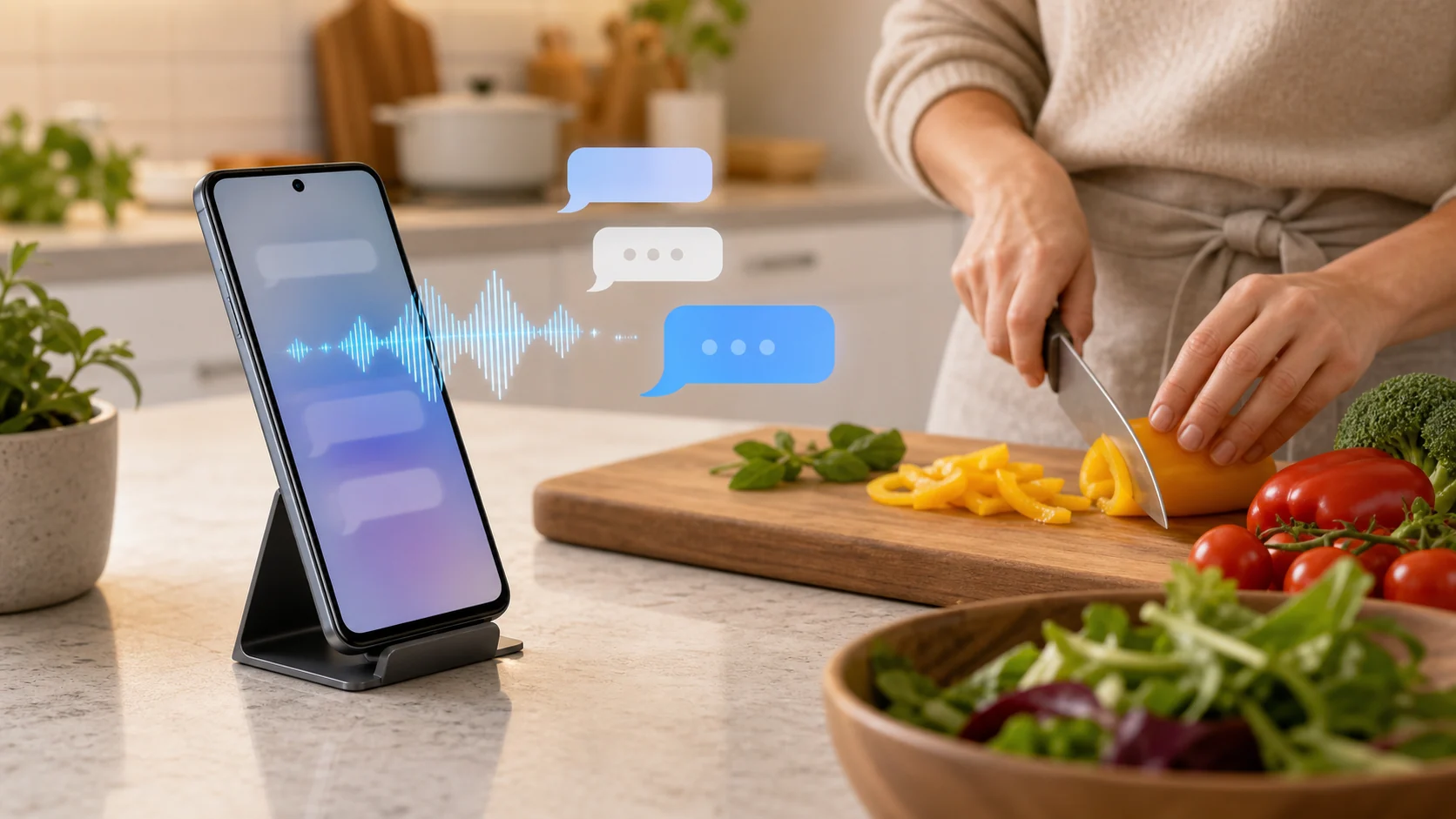
- For hands-free texting, name one recipient, speak a complete message, check the visible recipient and full text, then verify whether the result is a draft or a sent SMS.
- FoneClaw can read bounded SMS from the current device and prepare a reply; Gemini can compose and send through connected Messages, while Voice Access controls the visible app.
- An approved FoneClaw text SMS can send automatically only when its accessibility and on-screen checks succeed. Attachments, dual-SIM choices, or unclear controls require manual completion.
- Before retrying a failed send, inspect the conversation and returned state so you do not deliver the same message twice.
Start With One Clear Voice SMS Request
Hands-free texting on Android starts with a clear target and an observable result. Say whom you mean and what the message should say, then check the recipient and full text on the phone. Depending on the route and the state of the SMS app, the result may be an editable draft, a request for you to press Send, or a sent message. Do not treat a spoken acknowledgement as proof of delivery.
- Choose one contact, exact number, or existing conversation. Resolve duplicate names before composing.
- Speak one complete instruction, such as “Text Jordan that I can call after 3.”
- Review the visible recipient, message body, and sending SIM if your phone offers a choice.
- Follow the send step shown by the chosen tool, then check the conversation or returned result.
Short updates such as “I am on my way” or “Please leave it at the door” suit this workflow. For a message involving payment, private information, an attachment, or a delicate tone, keep the draft open until you can inspect it carefully. A draft is useful in its own right; it is not evidence that the other person received a text.
FoneClaw handles supported voice-first Android requests with a configured compatible model for interpretation and governed phone tools for execution. The model route may involve online processing of selected context. Android permissions and the configured tool policy still determine which phone steps can run.
Choose the Right Voice Texting Route
FoneClaw, Gemini, and Voice Access solve different parts of a texting task. Choose by whether you need to inspect recent SMS, compose a new message, or operate a messaging screen that is already visible.
| Route | Useful for | Boundary to check |
|---|---|---|
| FoneClaw | Reading bounded SMS from the current device, preparing a contextual reply, and making a supported SMS send request. | SMS access, tool approval, the visible draft, and whether sending completed or needs your tap. |
| Gemini with connected Messages | Composing, editing, and sending a message through a supported messaging app. | Connected-app availability, the default SMS app, selected contact, and the app used for that contact. |
| Voice Access | Speaking navigation and text-editing commands in the messaging app on screen. | The focused field and visible controls; it is not an AI reader of the SMS inbox. |
Google's Gemini Messages guidance documents composition and sending through connected Messages. It does not make that connection a way to directly read or summarize the entire SMS app or create group conversations. Gemini's device-assistance route for reading or replying to a notification is separate, and a notification preview may omit part of the message. Google's Voice Access guide covers spoken screen navigation and text entry, not SMS summarization. Check the availability and command language of the voice route separately from the messaging app's language settings.
For a wider hands-free setup, Android Voice Control: Voice Access Setup and Fixes covers microphone and screen-control issues beyond SMS.
Prepare Your SMS App and Permissions
Start with the phone's default SMS app. On a Galaxy device, that might be Google Messages, Samsung Messages, or another app selected in Android's default-app settings. Verify the app actually used by the recipient's conversation before assuming a voice command will land in the right place. If you have more than one SIM, note which line should send the message.
First check which FoneClaw edition you have. The SMS inbox reading and accessibility-controlled conditional sending described here require the supported FoneClaw Full edition. Our privacy policy states that Google Play FoneClaw Lite does not read SMS or use an Accessibility Service; it hands text messages to an Android system screen for you to complete manually. Do not grant permissions expecting Lite to have Full's SMS tools.
Microphone access captures your voice; contacts access can help resolve names; SMS access is needed for tools that read device SMS. Accessibility access, where the chosen route requires it, helps operate visible controls. An unlocked phone may be necessary to view a conversation, choose a SIM, or finish a draft. Check each request when it appears rather than granting unrelated permissions in advance. FoneClaw can report its own permission status, but that does not audit every other messaging app on the phone.
For Gemini, also check a compatible mobile assistant, the connected Messages setting, the Google app's SMS permission, the relevant account and contacts, and an active phone plan. Google says the messaging app last used for a contact may be chosen. Its documented image-attachment path has additional requirements, including Google Messages as the default app, supported static image formats, and RCS outside the US; do not assume a plain-SMS setup covers images.
A contact name needs the same care as a permission. “Text Alex” is ambiguous if your phone has several people named Alex or a group with Alex in its title. Say the full name or use an exact number, then inspect the resolved recipient before providing sensitive wording.
Read Recent Texts and Review a Reply
Many hands-free SMS tasks begin with “What did I miss?” Keep that request bounded: “Show my recent texts from Jordan” or “Summarize SMS from this morning that need a reply.” FoneClaw's supported SMS-list route reads messages on the current device and can include message bodies for a scoped summary. It should not substitute a notification preview or a separate local information cache for the SMS source.
A useful summary preserves the sender, time, request, and uncertainty. “Are you still coming?” calls for a different reply from “See you there.” Codes, addresses, dates, and payment details deserve a look at the original thread before they shape a response. FoneClaw can use the bounded context to prepare an editable reply when its permissions and the phone state allow it. For deeper inbox triage rather than sending, see Summarize Text Messages on Android With AI: SMS Inbox Triage.
Give a short drafting instruction with an explicit purpose: “Reply to Jordan that I can meet at 4, in a friendly tone,” or “Draft a message saying I am running ten minutes late.” If the request is “tell him I agree,” clarify who “him” is and what agreement is meant before a recipient or message is selected. Review the complete body, especially names, times, numbers, and negations. “I can call after 3” and “I cannot call after 3” are not interchangeable.
Notifications are useful alerts, but they do not prove what the full SMS thread contains. AI Notification Summary on Android: Prioritize Alerts and Follow Up covers that separate cross-app alert workflow.
Know Whether the Message Actually Sent
FoneClaw's SMS send tool requires approval and prepares a visible SMS or MMS draft. Approval is a gate for this communication tool, not a promise that every FoneClaw action asks in the same way. For a plain-text SMS, the tool can complete the send when accessibility is connected and the default messaging app shows one verified recipient, the complete body, and a unique, stable Send control. Under those conditions, the approved flow can send automatically.
Other outcomes need your involvement. An attachment, a dual-SIM selection, an ambiguous Send button, or unavailable accessibility access can leave the draft for manual sending. Inspect the attachment and sending line in the messaging app before pressing Send. A prepared draft, a manual-send instruction, a completed send, and a reported failure are different results; respond to the one actually returned.
Once the SMS tool returns its final result, do not ask the assistant to add another screen-reading or tap step to the same send. An extra tap can duplicate a message or hit a control that changed after the first action. If the result is uncertain, check the destination conversation before retrying. Our FoneClaw Features page describes the supported phone actions and permission-aware controls; the visible message state remains the practical check.
Fix Common Hands-Free Texting Failures
Stop at the first unclear state. A wrong recipient or incomplete body is easier to correct in a draft than after delivery. When a send fails, change one condition at a time and inspect the conversation before repeating the command.
| What you see | What to check | Next step |
|---|---|---|
| No recent SMS appears | Current device, SMS permission, default app, and the requested time window. | Unlock the phone, verify access, and ask for a smaller SMS window; do not substitute notification text for the full message. |
| Several contacts match | Full names, numbers, and group threads. | Choose one recipient before drafting or approving a send. |
| Text is visible but unsent | The returned state, accessibility connection, complete body, and Send control. | Follow a manual-send instruction on screen; do not assume approval meant delivery. |
| A SIM chooser appears | The intended sending line. | Select the line manually and verify the conversation before retrying. |
| An image or file changes the flow | Default messaging app, attachment, and MMS or RCS requirements. | Review the item and finish manually if the tool cannot verify a safe send. |
| Voice text is wrong | Microphone route, spoken language, names, times, and negation. | Edit the affected phrase or type it before sending. |
A small check can establish your phone's route without involving a sensitive conversation: choose a willing recipient or your own number, dictate a harmless update, inspect the target and body, and observe whether the chosen tool sends it or leaves a draft. If a failure message names a missing permission or uncertain screen control, resolve that cause before another attempt. FoneClaw's clearer approval and failure states help show where a supported task stopped, but only the messaging app or returned send result can establish what happened to the text.