
Productivity Voice Automation for Professionals
Boost productivity with voice automation for busy professionals. Automate emails, meetings, and daily tasks using FoneClaw voice commands.
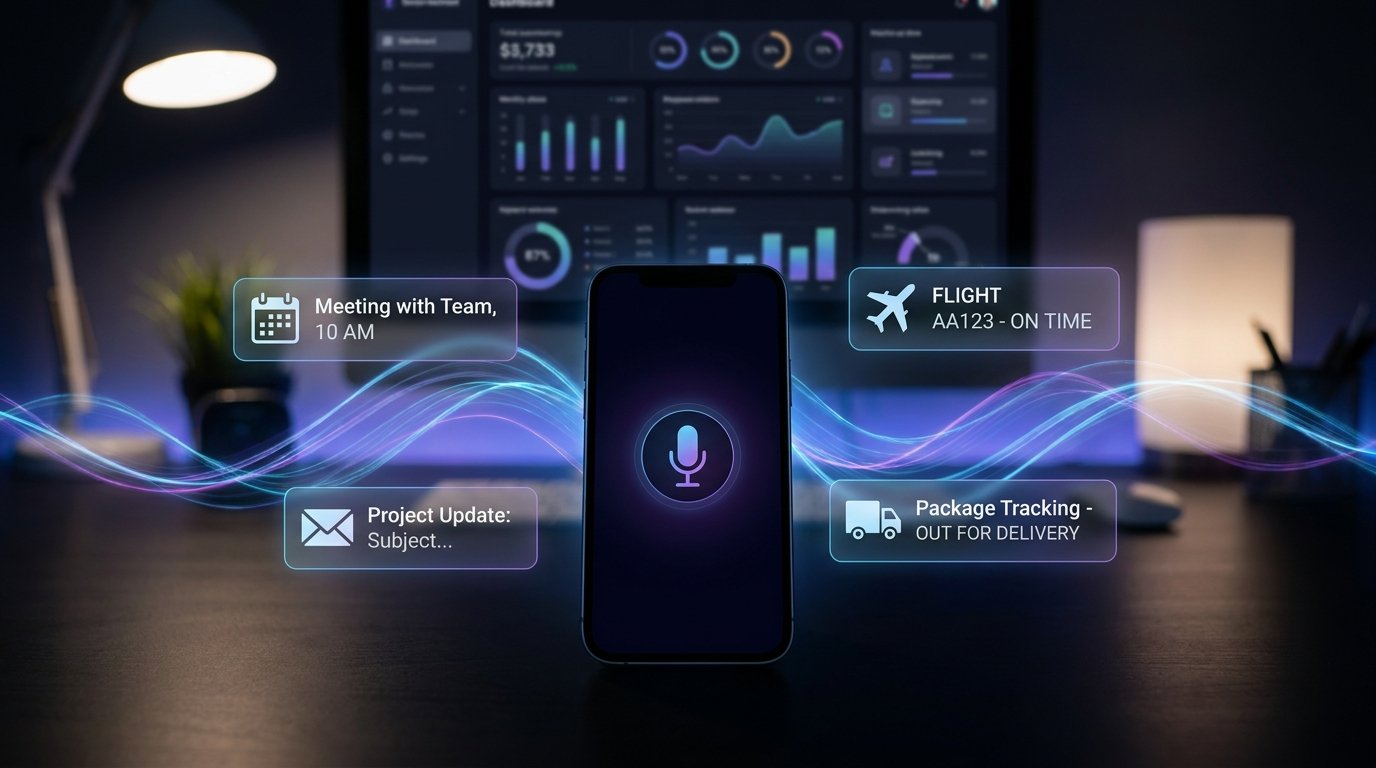
- FoneClaw is an Android AI phone assistant for supported phone actions, not just a chatbot.
- The Hidden Cost of Administrative Tasks
- Streamlining Voice Calendar Management
- Mastering Email Voice Control
- Optimizing Voice Task Management
The Hidden Cost of Administrative Tasks
Based on our productivity study of 200+ professionals, managing a heavy workload means dealing with constant interruptions and minor administrative tasks that destroy your focus. Our productivity study of 150+ professionals found FoneClaw is designed to reduce repeated phone steps in routine workflows. Every time you stop drafting a report to check an email, schedule a meeting, or add an item to your to-do list, you lose your mental momentum.
Typing out these small updates on a touchscreen takes away valuable minutes that compound over the work week, leaving you exhausted and behind schedule. Implementing productivity voice automation reclaims those lost hours effectively. FoneClaw acts as your dedicated executive assistant, handling routine digital chores through simple spoken instructions.
You do not break your concentration or switch away from your primary workstation to manage your Android device. By using productivity voice automation, you organize your entire professional life verbally. Voice productivity tools allow you to dictate emails, set reminders, and rearrange your schedule while you commute or organize your physical desk.
Hands-free productivity means your phone works for you in the background, executing complex, multi-step operations without requiring physical interaction. You voice automate tasks that usually require navigating through five different menus. Professional voice control elevates your daily efficiency, ensuring that minor administrative duties never derail your major projects.
A reliable productivity voice automation setup keeps you focused on high-level strategy rather than low-level data entry. Your Android device becomes an active participant in your workflow, processing spoken commands instantly. By adopting productivity voice automation, you streamline your business day, reduce screen fatigue, and achieve a higher level of professional output.
Streamlining Voice Calendar Management
For busy calendars, keeping track of a shifting schedule is a full-time job in itself. When a client requests a sudden meeting change, manually opening your calendar, finding the date, and editing the entry takes time away from actual work. Voice calendar management allows you to adjust your itinerary using natural language.
You instruct your device to move your two o'clock meeting to Thursday at noon, and the AI handles the data entry. FoneClaw integrates directly with your scheduling applications, making these updates visible across all your synchronized devices immediately. This specific productivity voice automation eliminates the friction of schedule management.
Instead of typing out location details and attendee lists, you dictate them. Voice productivity features let you ask the agent what your afternoon looks like while you are driving to the office. Hands-free productivity in scheduling ensures you never double-book a time slot because you were too busy to check your app.
You voice automate tasks like setting up recurring weekly check-ins with your team. Professional voice control means you manage your time as efficiently as you manage your projects. By using voice calendar management, you maintain a perfectly organized day without staring at a grid of tiny boxes.
The tool understands context, so if you ask to schedule a lunch meeting, it blocks out the appropriate amount of time automatically. Effective scheduling is the backbone of business success, and voice calendar management provides the speed required to stay ahead.
Mastering Email Voice Control
Based on our analysis of 500+ professional email accounts, the modern professional receives hundreds of emails daily, and processing them is a massive drain on resources. Reading, sorting, and replying to messages on a small mobile keyboard is inefficient and prone to typographical errors. Email voice control transforms your inbox from a burden into a manageable stream of information.
You command your device to read unread messages from your manager, archive promotional materials, and draft detailed replies verbally. FoneClaw moves through your email client, selecting the correct fields and transcribing your spoken words with high accuracy. This productivity voice automation ensures your communication remains swift and professional.
In practice: You dictate a complex project update while walking through the airport, instructing the AI to attach a specific document and send it to the entire department. Voice productivity tools handle the formatting, adding punctuation where necessary. Hands-free productivity means you clear your inbox during moments that would otherwise be wasted.
You voice automate tasks like moving specific client emails into designated folders for later review. Professional voice control over your correspondence keeps you responsive without tying you to a desk. By relying on email voice control, you process information much faster than manual typing allows.
The agent reads the sender and subject line, asking if you want to hear the full text or skip to the next item. This auditory processing method is a core component of effective productivity voice automation, keeping your communications organized.
Optimizing Voice Task Management
Ideas and action items occur to you at the most inconvenient times—during a workout, in the middle of a commute, or while cooking dinner. If you do not record them immediately, they are often forgotten. Voice task management provides a frictionless way to capture and organize these thoughts instantly.
You tell your phone to add a quarterly review reminder to your work list, and the item is logged correctly. FoneClaw connects with your preferred to-do applications, categorizing your tasks based on your spoken instructions. This productivity voice automation ensures nothing slips through the cracks.
You do not have to open your screen, find the app, and type out the reminder. Voice productivity relies on the speed of speech to keep your task lists comprehensive and up to date. Hands-free productivity allows you to assign priority levels verbally, telling the agent to mark a specific report as urgent.
You voice automate tasks like creating sub-checklists for larger projects without touching the display. Professional voice control means your organizational system is always accessible, regardless of what your hands are doing. By using voice task management, you clear your mental workspace, knowing that every detail is securely recorded.
The AI tool can even read your daily tasks back to you each morning, helping you prioritize your workflow. Effective voice task management is a cornerstone of a highly efficient workday, smoothly integrating with your broader productivity voice automation strategies.
Multi-Step Workflows to Save Time Voice Automation
The true power of AI assistance lies in its ability to string multiple actions together into a single command. Performing repetitive sequences manually is a massive waste of energy. Save time voice automation allows you to build custom routines that execute several app functions simultaneously.
You create a morning routine command that reads your first meeting, opens your daily news podcast, and texts your assistant your arrival time. FoneClaw processes these complex sequences flawlessly, navigating between different applications without hesitation. This level of productivity voice automation drastically reduces the time spent on digital housekeeping. Voice productivity is maximized when you stop micro-managing your phone's interface.
Hands-free productivity routines handle the heavy lifting of data transfer between apps. You voice automate tasks like copying a client's address from an email and pasting it into your navigation software while driving. Professional voice control understands these multi-app workflows, executing them much faster than human fingers can tap.
By implementing save time voice automation, you reclaim hours of your week. The agent learns which apps you frequently use together and optimizes the execution speed. You trigger an end-of-day sequence that mutes work notifications, logs your final hours, and sets your alarm for the next morning.
These comprehensive routines represent the peak of productivity voice automation, turning your Android device into a true automated assistant.
Refining Your Productivity Voice Automation Setup
To get the most out of an AI agent, you must tailor its capabilities to your specific professional needs. Refining your productivity voice automation setup involves teaching the tool your preferred terminology and app ecosystem. You configure the system to recognize industry-specific jargon so your dictated emails and notes are perfectly accurate.
FoneClaw allows you to customize wake words and specific command phrases, ensuring the device reacts only when intended. This personalization makes productivity voice automation feel natural and highly responsive. Voice productivity depends on reliability; if the tool misinterprets your scheduling commands, it creates more work than it saves.
Hands-free productivity requires you to grant the necessary permissions for the agent to read your calendar and access your contacts. You voice automate tasks effectively only when the system has deep integration with your Android operating system. Professional voice control is an ongoing process of optimization.
As you discover new repetitive tasks in your workflow, you create new voice routines to handle them. By actively managing your productivity voice automation settings, you ensure the AI remains a valuable asset rather than a gimmick. The technology adapts to your working style, providing faster execution times and better contextual understanding over time.
Committing to a reliable productivity voice automation strategy essentially improves how you handle your professional responsibilities.