
FoneClaw vs Alexa: Android Phone Tasks, Alexa+, and Smart Home Control
Compare FoneClaw vs Alexa by task: household reminders, Android appointments, reviewed phone messages, route checks, and compatible smart-home control.
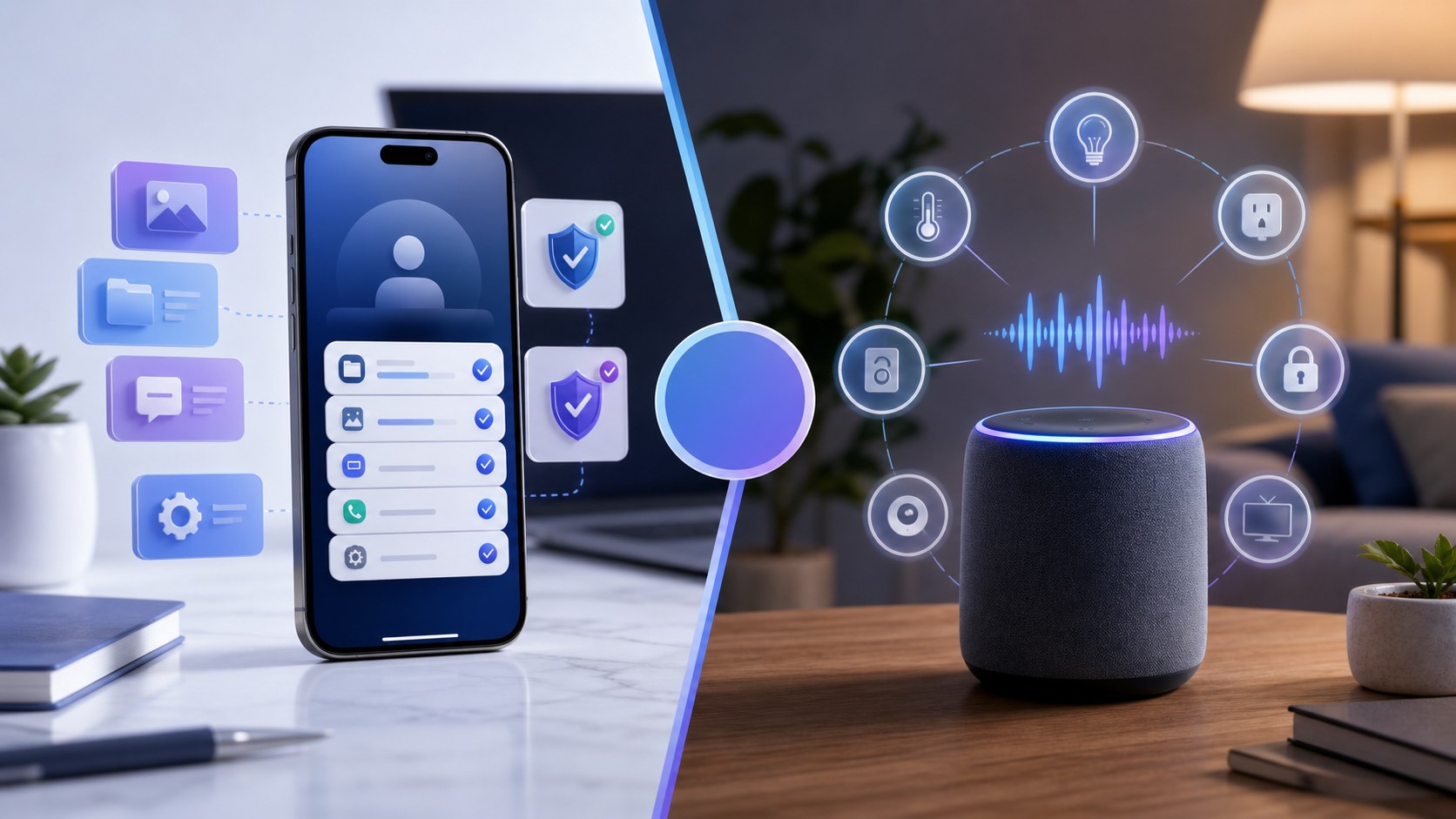
- Choose Alexa or Alexa+ when the task belongs to Amazon’s home, app, web, service, or compatible smart-home ecosystem.
- Choose FoneClaw when the relevant work is on Android and needs supported phone actions such as editable-field input, calendar creation, app navigation, or route opening.
- A household reminder, an Android appointment, a reviewed message, a route check, and smart-home control each need different account, device, and permission checks.
- Alexa reminders, shared calendar visibility, and FoneClaw-created Android events are separate setup questions; verify the saved result in the account that owns it.
Choose by the Task You Want Completed
FoneClaw vs Alexa is easiest to decide by task, not by asking which assistant is universally better. Alexa and Alexa+ fit Amazon account, Echo, app, web, service, and compatible smart-home workflows. FoneClaw fits supported Android phone tasks when the relevant work is on the phone: a visible app field, a calendar, a route, a message draft, or a phone workflow that needs review.
The split is practical. Alexa can act inside its ecosystem and supported services. FoneClaw can help with supported Android tasks such as filling a visible editable field, creating an Android calendar event, opening a route, or assisting an accessible app screen. Use the product that owns the account, device, and result you need to check.
| Task | Alexa or Alexa+ fit | FoneClaw fit | Result to check |
|---|---|---|---|
| Household reminder | Good for Amazon account and household reminder use. | Use when the reminder should become an Android calendar or phone workflow. | Correct account, date, time, and saved reminder or event. |
| Reviewed message and route | Useful for supported Alexa communication or service actions. | Useful for drafting text, filling a visible editable field, and opening a map route. | Recipient, message body, destination, travel mode, and send decision. |
| Smart-home device | Strong fit when the device is linked and compatible. | Can assist phone-app steps when the app screen is accessible and supported. | Correct device, room, routine, and physical result. |
Alexa+ Also Works Beyond a Speaker
Alexa and Alexa+ are not the same thing, and Alexa+ should not be described as only a smart speaker. Amazon’s Alexa+ getting started information describes US access through the Alexa app and Alexa.com, with different access levels for Prime benefits and free chat. Amazon also describes Alexa+ capabilities such as using shared documents and photos, managing family calendars and reminders, and controlling compatible smart-home devices.
Availability still depends on country, account, device, and rollout. Amazon’s Alexa+ international rollout update gives India Early Access as one current example, with invitations rolling out rather than universal instant activation, services differing by country, and browser access described as coming soon for India in that announcement. For a deeper region and cost breakdown, Alexa+ Availability, Skills, Cost, and Android Phone-Agent Differences is the better follow-up.
FoneClaw’s comparison point is narrower: when the task is on Android, we handle supported phone actions rather than Amazon ecosystem actions. The current FoneClaw Features page describes those supported Android tasks.
A Household Reminder or an Android Appointment
The first comparison is a reminder or appointment. If the task is “remind the household after dinner,” Alexa or Alexa+ may be the natural route when the Amazon account, household device, and reminder surface are already set up. If the task is “put a customer appointment on this Android calendar,” FoneClaw is the more relevant route because the result belongs to the phone calendar.
A complete Android appointment request needs explicit details: “Create a calendar event for Maya’s repair visit on October 3, 2026 from 10:30 AM to 11:30 AM in this phone’s local timezone, on my selected work calendar, with a 30-minute notification.” FoneClaw can list calendars and events, help use a writable calendar, create the event, and open it for review. The owner should verify the actual saved time, calendar, and notification after creation.
Alexa reminders, shared calendar events, and direct FoneClaw-to-Alexa handoff are different things. A shared calendar event may appear in both products when the relevant calendar accounts are independently linked, but that is account-level calendar visibility, not an automatic FoneClaw-Alexa integration. Amazon Staff guidance in an Alexa calendar support discussion points users to check the correct linked calendar, the saved event in the calendar account, calendar and device timezones, and iCloud sync when applicable. Check visibility before duplicating an appointment, and do not assume every calendar provider behaves the same way.
When you need a manual fallback, use the calendar app’s normal flow: choose a writable calendar, add the event details, adjust the notification, and save. If the calendar is read-only or belongs to another account, get owner permission or choose a different writable calendar.
Review a Message and the Route Before Leaving
The second comparison is a phone workflow before leaving. Suppose you need to tell a customer you are on the way and then open directions. FoneClaw can help draft the text, place reviewed text into one visible editable field when the current Android screen supports it, and open an external map route with an explicit destination and travel mode. Text input fills the field; it does not submit, send, or press Enter.
A useful request is: “Draft a short message to Sam saying I’m leaving now and expect to arrive around 2:45 PM. Put it in the visible message field and stop before sending.” The owner checks the recipient, message, and app state before deciding whether to send. If the task is mostly about recipient review and sending conditions, Hands-Free Texting on Android and Galaxy: Summarize, Draft, Review gives the safer message workflow.
For the route, the input should be just as concrete: “Open driving directions to the confirmed Oak Street clinic address.” FoneClaw can open the route in a map app, while the map provider owns route estimates and available modes. Before departure, check the correct destination, branch, travel mode, and route. Stop phone interaction while driving; make route and message decisions before the vehicle is moving.
Control a Compatible Home Device
The third comparison is smart-home control. Alexa is a strong fit when a compatible light, plug, thermostat, camera, speaker, or routine is linked correctly. Amazon’s Echo setup guide describes setup with an Amazon account, the Alexa app, and network access, and it points to Devices for smart-home management and Routines for triggers and actions. Clear device names and room grouping matter because they help avoid the wrong target.
FoneClaw’s role is phone-side assistance. We can help with supported Android steps in accessible apps, such as opening an app screen, reading visible context, or preparing text in a supported field. Smart-home device control still depends on the device ecosystem and the account or app that owns the device. If the right path is Alexa smart-home control, use Alexa and verify the physical result: the light changed, the thermostat updated, or the routine ran as expected.
If the task is phone setup around a smart-home app, Smart Home Voice Control on Android: Phone Setup and FoneClaw Workflow explains where phone setup, app navigation, and voice control fit together.
Check Access, Permissions, and the Result
Before choosing, check where the task lives. For Alexa+, confirm country, account, access level, device support, service availability, and compatible smart-home setup. For FoneClaw, confirm Android permissions, visible app state, writable calendar access, supported action type, and whether an online model may process the supplied context.
Use approval-required settings for consequential Android actions such as customer messages, calendar creation, route opening, or app changes. FoneClaw approvals follow global and per-tool settings, so choose settings that match the risk of the task. For the full Android action model, AI Agent Phone Control on Android: Intent, Confirmation, Action explains how supported phone actions are prepared, reviewed, and completed.
The final rule is simple: use Alexa or Alexa+ for Amazon ecosystem and compatible-home results, use FoneClaw for supported Android phone results, and verify the actual saved or visible outcome in the product that performed the action.