
Hands-Free Android Help for Parents: Tasks, Messages, and Family Calendar
Use hands-free Android help for parents to save personal tasks, review caregiver messages, create shared calendar events, and keep phone actions calm and verifiable.
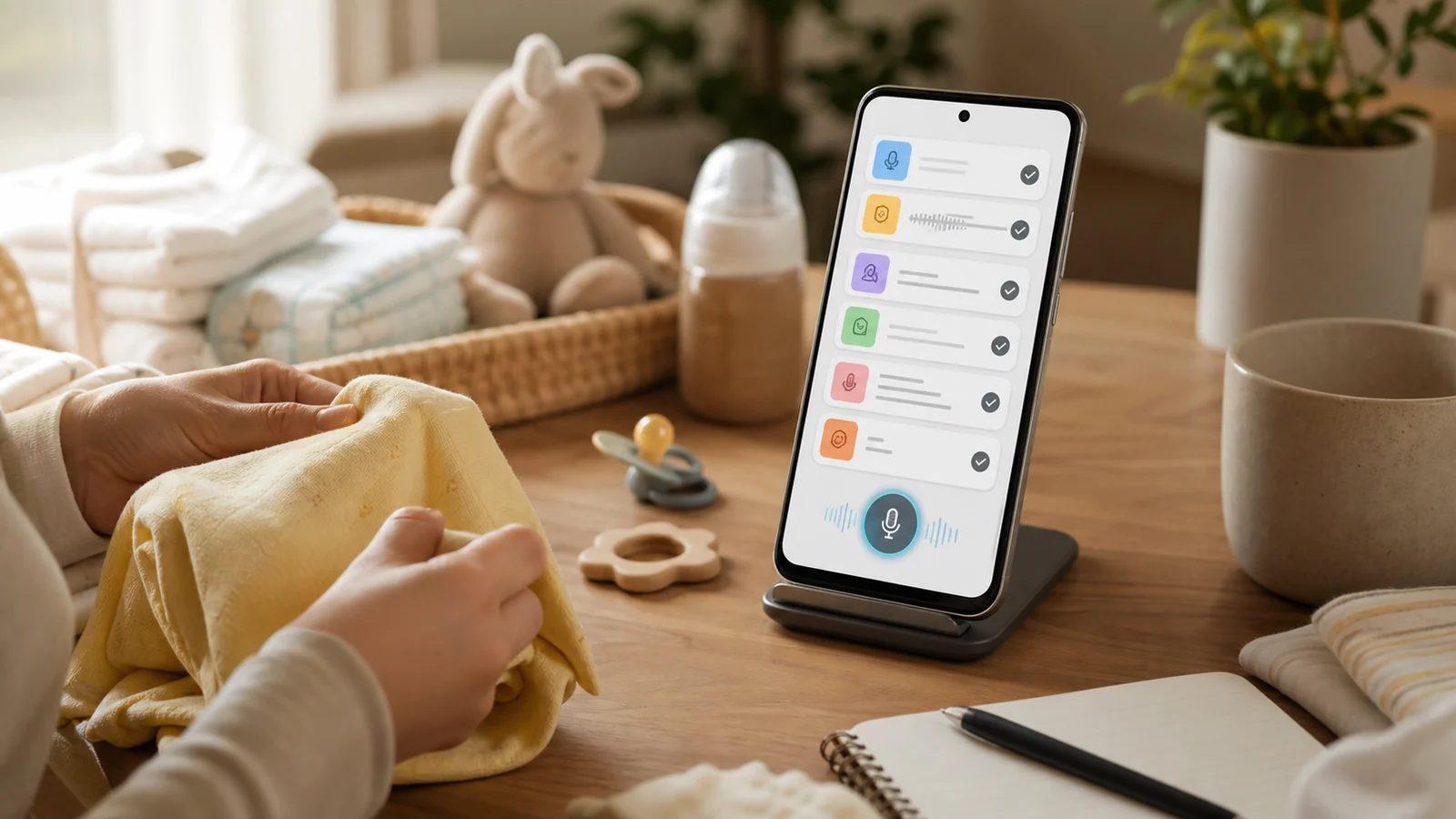
- Use hands-free Android help for parent logistics only during calm moments, after the child is safely settled and the surrounding environment does not need full attention.
- Keep three outcomes separate: a personal To-do Center item, an audible Clock alarm, and a shared Google Family calendar event.
- For caregiver messages, open the correct conversation first, dictate or place only the message text, review it, send separately, and verify the actual thread state.
- FoneClaw can help with supported Android phone actions such as personal tasks, visible message drafts, selected writable calendar events, and concrete-time alarms, with approvals and privacy settings applied by action.
Choose One Small Household Task
Hands-free Android help for parents works best when it captures one small household task at a calm moment. Settle the child first, step away from water, heat, stairs, street crossings, stroller traffic, or anything that needs both eyes, then use the phone for a simple result you can verify.
The practical choices are different. A personal task is good for “buy wipes” or “pack the daycare bag.” An audible Clock alarm is for a concrete time, such as “8:00 PM, check laundry.” A shared calendar event is for something another adult should see on the right calendar. Native Gemini device assistance can manage timers, alarms, and supported media on compatible Android setups, as described in Google’s Gemini device assistance help, but the active countdown or alarm still belongs in the actual Clock app. FoneClaw’s role is supported Android phone work around the routine, not child monitoring or clinical tracking.
| Need | Use | Verify |
|---|---|---|
| Shopping or handoff note | Personal To-do Center item. | Saved task and date or Unscheduled status. |
| Sound at a fixed time | Clock alarm. | Time, repeat, and label in Clock. |
| Family-visible plan | Google Family calendar event. | Calendar, account, date, time, and family visibility. |
| Adult caregiver update | Reviewed message draft. | Correct thread, text, and sent state if sent. |
Save a Shopping Item or Handoff Task
For quick parent logistics, keep the request plain: “Add wipes to my shopping task,” “Save a to-do to pack the spare clothes,” or “Remind me tomorrow to bring the permission form.” FoneClaw can store a personal To-do Center item and report whether it was saved with a date or left Unscheduled.
Timing words matter. “After nap” or “after bedtime” is useful context, but it is not an automatic trigger. Without a concrete date, that task remains Unscheduled. “Tomorrow,” even without an hour, is a specific date and can be saved for that date. Always verify the saved result so the task does not disappear into the wrong section.
A personal task is not a family-shared shopping list. If another adult needs the same information, use a separate reviewed message or put the plan on a real shared calendar. For kitchen-heavy family routines, Hands-Free Cooking on Android: Voice Tools for Meal Prep covers meal-prep timers, groceries, and cooking messages in more detail.
Review the Caregiver Message Before Sending
Caregiver messages should stay short and reviewed. Open the correct adult contact or conversation first, then dictate only the message content. For example, in Alex’s thread, say: “Please bring wipes and the blue bag.” Google’s Gboard voice typing help explains that voice typing enters text into the selected editable field. It does not choose the recipient or send the message.
FoneClaw can help where the Android screen supports it. We can open a supported app, read the accessible visible screen, and place text into an identified editable message field. Text entry alone does not press Send or Enter. If sending is separately requested and the current screen exposes a supported control, verify the actual conversation afterward.
Use minimal household detail. “Please bring the blue bag” is usually better than including unnecessary child names, medical details, school routes, or private identifiers. Global and per-tool approval settings govern consequential actions, so review behavior depends on the action and your settings. For a fuller recipient, draft, and send-review workflow, Hands-Free Texting on Android and Galaxy: Summarize, Draft, Review is the companion guide.
Put a Shared Event on the Right Calendar
Shared plans belong on a shared calendar, not only in a personal task. Google’s Family calendar help for Android explains that a Google family setup creates a Family calendar, and family membership and sharing permissions determine who can find it.
The native Android flow is straightforward: open Calendar, tap Create, choose Event, select the Family calendar, add the title and details, then Save. A complete example is “Dentist pickup, Friday 4:00 PM to 4:30 PM, Family calendar.” Before relying on it, verify the selected Google account, calendar name, date, start time, end time, timezone, and whether another family member can see the event.
Notifications need a careful expectation. Google’s help says default upcoming-event notifications match the primary calendar, but creating, editing, or deleting an event by a family member does not create change notifications by default. That means a saved shared event is not the same thing as a guaranteed push alert or read receipt.
FoneClaw can help create a calendar event when the required details are clear. For family use, the safer path is to list writable Android calendars, let the user choose the intended calendar, collect missing time and reminder details, and then verify the actual created start, end, and calendar in the Calendar app. If the Family calendar is not available in the writable calendar list, use Google Calendar’s own sharing and calendar controls rather than assuming automatic sync.
Keep Quiet Moments and Failed Commands Simple
When a parent command fails, do not troubleshoot during bathing, crossing, stair use, hot cooking, or any safety-critical care. Settle the child and environment first, then check the phone.
| Problem | Next step | Result to verify |
|---|---|---|
| Noisy microphone | Move to a calmer spot or shorten the request. | The captured text or task matches what you meant. |
| Phone is locked | Unlock normally and open the needed app. | The right field, calendar, or task screen is visible. |
| Contact name is ambiguous | Open the correct conversation before dictating. | The intended adult recipient is shown. |
| Family calendar is missing | Check the Google Calendar account, family access, and sharing settings. | The Family calendar is selectable and writable. |
| No change alert is received | Open Calendar and inspect the event directly. | The event exists with the right date, time, and calendar. |
The current FoneClaw Features page describes supported Android task handling. Configured online models may process supplied task context, so keep child and household details limited to what the task needs. For broader voice setup, Android Voice Control: Voice Access Setup and Fixes covers Android-level preparation. Emergency preparation is a separate category; Emergency Voice Commands on Android: Safety Playbook covers phone readiness for urgent situations rather than routine family logistics.