
Android Voice Control for Workouts: Timers, Music, Messages, and Follow-Ups
Choose Android voice controls for workout timers, music, supported fitness apps, and post-workout follow-ups, with clear permission and FoneClaw boundaries.
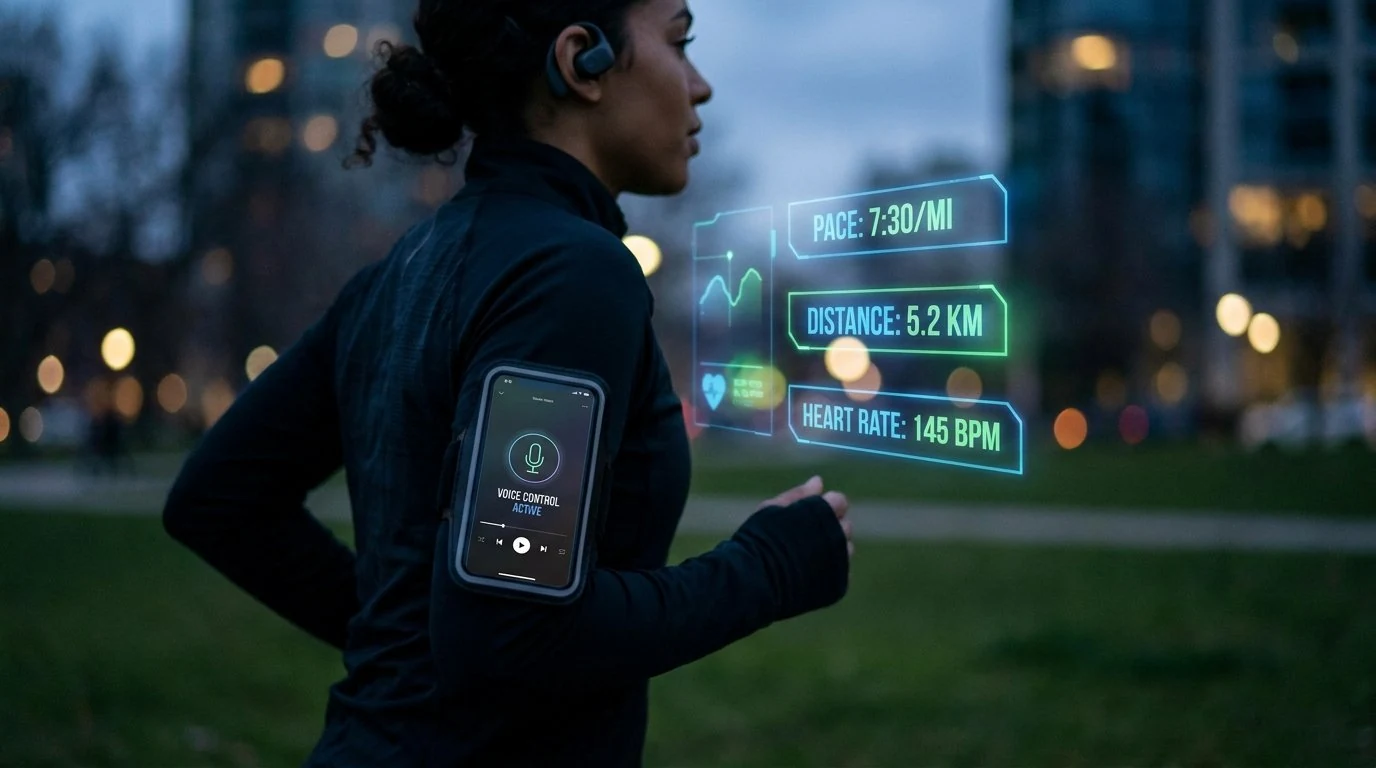
- Use native Gemini, Clock, media, and supported fitness-app routes first when you need workout timers, media controls, or app-owned fitness actions.
- FoneClaw can help with supported Android phone actions around a workout, such as preparing a message draft, opening an app, setting a Clock alarm, or saving a personal follow-up.
- A countdown timer is different from a FoneClaw Clock alarm; verify the actual timer, alarm, media output, or saved item in the destination app.
- Voice control is useful when your hands are busy, but screen checks, message review, health permissions, and complex actions should happen while stopped.
Choose the Right Voice Route Before You Exercise
Android voice control for workouts is most useful when your hands are busy, sweaty, gloved, or holding equipment. The right route depends on the task. Use native Gemini, Clock, media, or fitness-app controls when the action belongs to those apps. Use FoneClaw when the job is a supported Android phone action around the workout, such as preparing a post-workout text, opening an app, setting a Clock alarm, or saving a personal follow-up.
Google’s Gemini device assistance help describes native device assistance for timers, alarms, and media on supported Android setups. It also includes supported Fitbit and Samsung Health workout actions such as starting, stopping, pausing, and resuming workouts, plus heart-rate and step queries in supported watch contexts. Those are native Google and fitness-app routes, not FoneClaw integrations.
| Workout task | Best first route | Prerequisite | Result to verify |
|---|---|---|---|
| Rest or cooldown timer | Native Gemini or Clock timer route. | Supported Android setup, microphone, Clock/media availability. | Visible countdown running with the intended label or duration. |
| Music playback | Native media route. | Configured music app, account, audio output, network if needed. | Correct playlist, volume, and output device. |
| Fitness app workout action | Supported Fitbit or Samsung Health route. | Supported app, account, device, and watch context where required. | Workout state visible in the fitness app or watch. |
| Post-workout draft or reminder | FoneClaw supported Android action. | Accessible app screen or To-do Center route, approval settings. | Reviewed draft or saved personal follow-up. |
For general voice setup outside workout use, Android Voice Control: Voice Access Setup and Fixes covers the broader Android path. For choosing between voice tools by task, Best Android Voice Control Apps for Real Phone Tasks is the comparison guide.
Start a Timer and Check Music Controls
A concrete timer workflow is simple: before a set, say a native command such as “set a 60-second rest timer.” That is an illustrative workout command, not exercise advice. Verify that the Clock or assistant surface shows a 60-second countdown and that the sound or vibration route is useful for your environment. If the timer does not start, open the Clock app and set it manually before continuing.
Clock routing depends on the phone. Google’s device assistance help says HONOR, OnePlus, OPPO, Samsung, TECNO, and Xiaomi use the manufacturer Clock app. For other mobile devices, if the Clock app by Google is enabled on the device, the Gemini mobile app uses it in preference to any other clock app. Supported third-party Clock apps can set, check, update, and delete alarms and timers, but that does not mean every other Clock action is available.
FoneClaw’s Clock support should be treated differently. FoneClaw can set Android Clock alarms with explicit time, repeat, and label details, and it can open Clock for manual alarm editing. That is useful for “set an alarm for 7:00 AM labeled gym bag,” but it is not the same as a native countdown timer for a rest interval.
For music, keep the route predictable. Start from an already configured music source and use short commands such as “play my workout playlist,” “pause music,” or “volume down.” Then check the output at a low-distraction moment: earbuds, phone speaker, gym speaker, or watch route can differ by Bluetooth connection, app state, and lock-screen behavior. Do not assume every headset microphone, lock screen, or media app behaves the same way.
If a media command goes to the wrong device, stop and check Bluetooth output, the active music app, and account state. If the workout app owns the audio or coach prompts, use that app’s own controls first. FoneClaw can help with supported phone-side steps, but native media and fitness-app actions remain the right route when they own the playback or workout state.
Prepare a Message or Save One Follow-Up
After the workout, voice can help with ordinary logistics. When you are stopped, open the intended message thread first, then use Gboard or a supported phone route to enter the draft. For example, in Jamie’s open thread, dictate: “I finished class and will be home in 20 minutes.” Google’s Gboard voice typing help explains that voice typing fills the current editable text field. It does not choose the recipient or send the message for you.
FoneClaw can also help where the Android screen supports it. We can open a supported app, read the currently accessible visible screen, and prepare text in a clearly identified editable field. The input action alone does not press Send or Enter. The recipient, message text, and actual thread should be reviewed before any separate send decision. If you do send the message, verify the actual thread status afterward. For a deeper recipient-and-review workflow, Hands-Free Texting on Android and Galaxy: Summarize, Draft, Review covers message drafting in more detail.
A second route is a personal follow-up. For example: “Add a to-do to pack my gym towel.” FoneClaw can save that as a To-do Center item. If you do not provide a concrete date, it remains Unscheduled; verify the saved item after creation. That to-do is not a workout log, shared health database entry, or guaranteed alarm.
The current FoneClaw Features page describes our supported Android task route. Configured online models can process supplied task context, so keep personal health details minimal when a simple logistics note is enough.
Check Microphone, Lock Screen, and Health Permissions
When a workout voice command fails, use the symptom to choose the next check instead of repeating the same command.
| Symptom | Check | Result to verify |
|---|---|---|
| Voice command is not heard | Check microphone route, Bluetooth headset connection, app microphone access, and noise. | The phone hears a short test command. |
| Command fails on lock screen | Unlock normally and check whether the assistant or app supports that action while locked. | The intended app or control is visible before continuing. |
| Music plays on the wrong device | Check Bluetooth output, active media app, volume, and account state. | Correct playlist and output device are active. |
| Fitness app action is missing | Check app, watch, account, network, and supported-device conditions. | The workout state is visible in the app or watch. |
| Health data is unavailable | Review Health Connect and app-specific data permissions. | Only the intended app has the intended data access. |
Health Connect has its own boundaries. Android’s Health Connect availability documentation says it requires Android 9+ and Google Play services, is a system component on Android 14+, and is available as a separate app on supported Android 9-13 devices. It does not support work profiles. Google’s Health Connect help explains that users connect compatible apps and grant specific data permissions, and that connected apps may keep their own data copies.
Simple timer and music workflows usually do not need health-data permissions. Review Health Connect only when you are connecting compatible fitness apps or sharing fitness data. FoneClaw’s role here is supported phone actions around the workout, such as drafts, app opening, Clock alarms, and personal follow-ups; it is not a fitness tracker or Health Connect data layer.
Keep Phone Interaction Out of the Movement
Set up voice routes before the workout starts, then pause or stop before screen checks, message review, app permissions, or complex instructions. Voice control can reduce taps, but it is not attention-free while moving.
Keep commands short: start a timer, pause music, open the app, draft a message, save a to-do. Save decisions about health data, contacts, message sending, and account settings for moments when you can see the screen and review the result.
FoneClaw-supported phone actions are useful when the result can be checked: a visible draft, a saved personal follow-up, an opened app, or a Clock alarm. Global and per-tool approval settings govern consequential actions, so choose settings that match the risk. For the broader phone execution boundary, AI Agent Phone Control on Android: Intent, Confirmation, Action explains how supported actions, review, and confirmation fit together.